8 Best 3D Virtual Store Builder Platforms for Brands in 2026


Brands building an immersive, browsable 3D storefront rather than a standard product grid have 8 platforms worth evaluating in 2026: GlamAR, Banuba, MirrAR, DeepAR, KiXR, Onirix, echo3D, and Zappar. Below is a comparison of each on catalog ingestion method, customization depth, integration effort, and pricing, since those four factors determine whether a virtual store actually launches on schedule and performs well once live, not how polished a vendor's own showcase looks.
According to Coresight Research's study conducted with Obsess, 93 percent of retail companies plan to increase investment in immersive shopping experiences over the next three years, with immersive experiences ranking among their top three investment priorities alongside AI-powered personalization and virtual try-on. That level of planned investment is exactly why getting the platform choice right matters, since a virtual store project represents a genuine, multi-month commitment for most brands, not a quick marketing add-on.
This guide is written for the person actually scoping that decision, a brand's ecommerce lead, a marketing director, or a developer evaluating integration effort, not a general overview of why immersive shopping is trending. Most comparisons in this category describe the shopper experience in vague, aspirational terms, how it feels to walk through a digital boutique, without addressing the concrete questions that actually determine project cost, timeline, and whether a specific vendor can deliver against your real catalog.

What Is a 3D Virtual Store Builder, and How Does It Work?
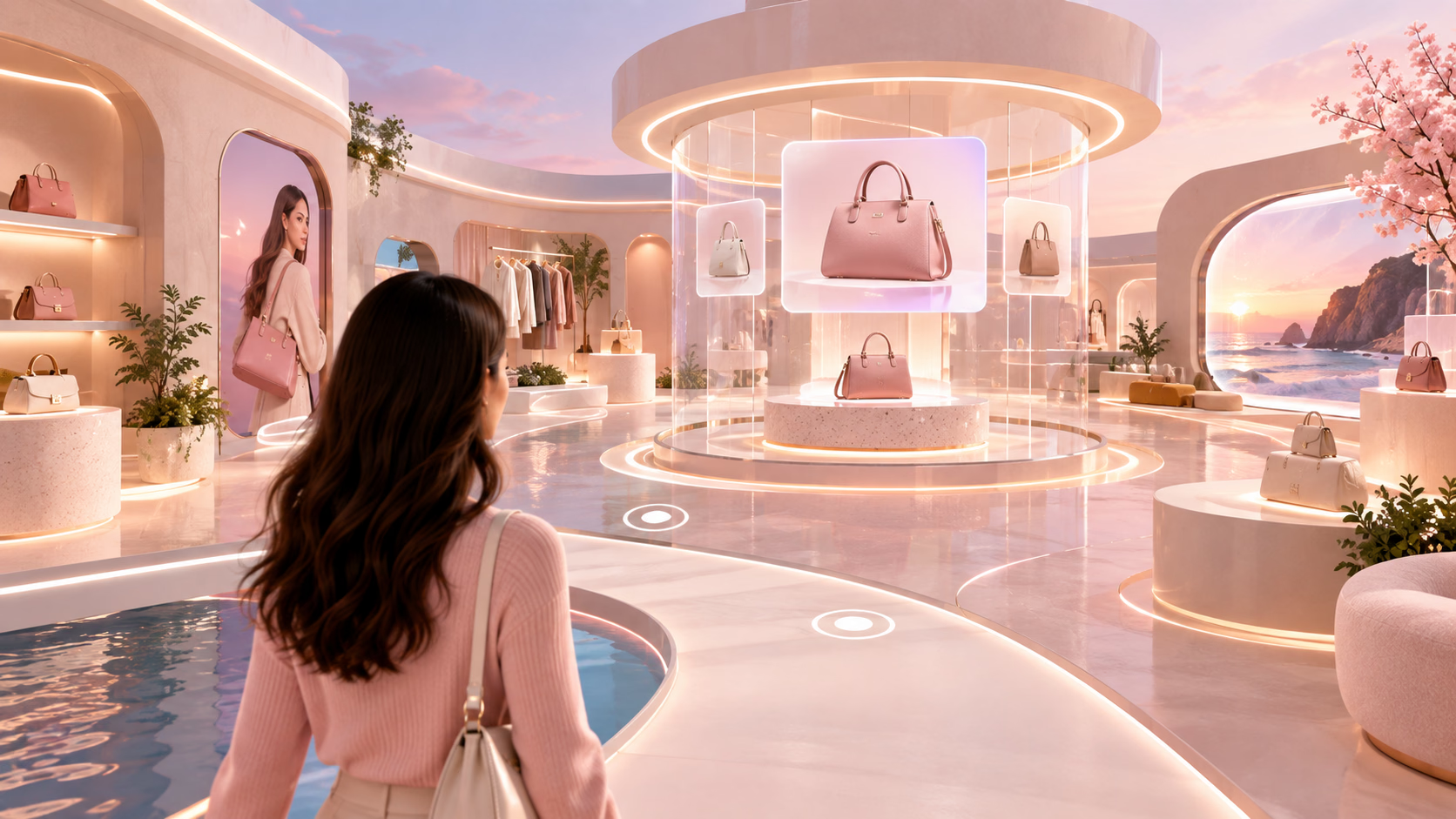
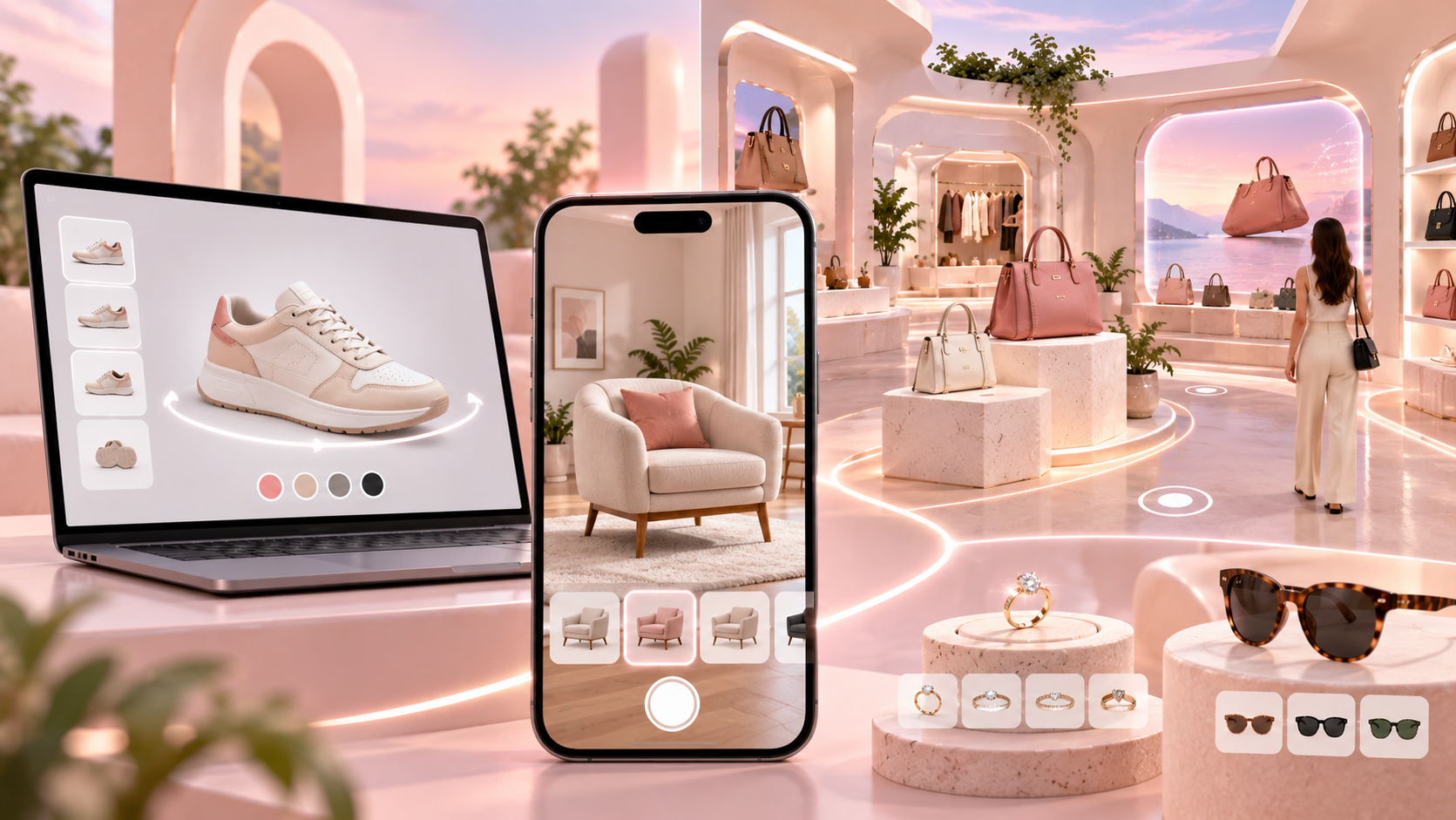
A 3D virtual store builder is a software platform that lets a brand construct a navigable, three-dimensional retail environment a shopper explores through a web browser or mobile device, placing products within that space rather than displaying them in a flat grid. Technically, this depends on three things working together: a method for bringing your actual product catalog into 3D form, a rendering engine that displays the environment smoothly across devices, and an interaction layer letting a shopper move through the space, examine products, and move toward checkout.
The distinction worth understanding before evaluating any platform is between a genuinely navigable environment, rooms, aisles, or themed spaces a shopper walks through, and a simpler AR overlay that places a single product in front of a camera without any surrounding environment. Several vendors in this category blur these two concepts in their marketing, so it's worth confirming directly which one a specific platform actually builds before assuming feature parity across this list.
A useful test for which category a specific vendor actually fits is to ask what happens when a shopper first lands on the experience. If the answer is a single product rendered against their own camera feed, that's an AR try-on tool, however polished the rendering looks. If the answer is a styled, explorable space with multiple products positioned within it that a shopper can move through, that's a genuine virtual store. Both are legitimate commerce tools, but they solve different problems, and a brand should be clear about which one it actually needs before comparing vendors on feature lists alone.
What to Evaluate Before Choosing a Platform
Catalog ingestion is the first practical question, since a virtual store is only as good as the products populating it. Ask any vendor directly how your existing product photography or 3D assets get converted into store-ready content, what format they need from you, and what happens to a product that doesn't have 3D-ready assets yet, since this is frequently the larger cost and timeline driver compared to the store-building software itself.
Customization depth varies significantly across this category, from a platform offering a handful of templated layouts to one giving full control over lighting, layout, and branding down to the smallest visual detail. A brand wanting its virtual store to feel genuinely distinctive should weigh this against platforms offering faster, more templated setup, since depth of customization and speed of launch generally trade off against each other.
Integration effort depends on whether a platform connects directly to your existing ecommerce backend for real-time inventory and pricing, or whether it functions as a more standalone experience requiring manual updates. Confirm this distinction directly, since a virtual store disconnected from your actual inventory creates a real risk of showing a shopper a product that's no longer available or priced correctly.
Ongoing maintenance is worth asking about as seriously as initial setup. A virtual store needs updates as your catalog changes, new seasonal products, discontinued items, and a brand should understand upfront what that ongoing production pipeline looks like and what it costs, not just the cost of the first build.
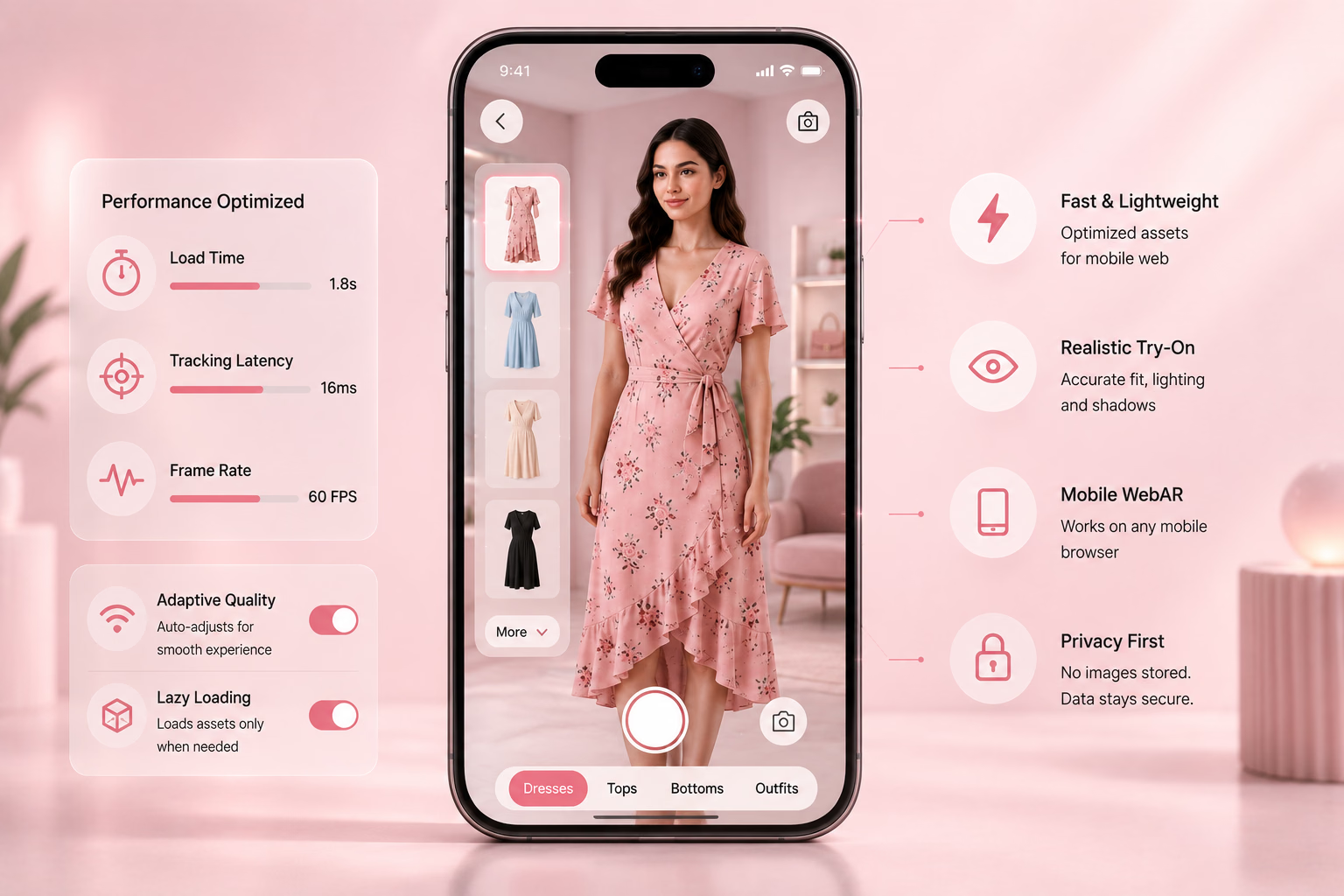
Performance under real-world conditions rounds out the evaluation list. A navigable 3D environment is a heavier load on a device and connection than a standard webpage, and a vendor's own demo, typically shown on a strong connection with current hardware, tells you little about how the same experience performs for a shopper on a mid-range phone with an average connection. Request a live test on your own representative devices before committing to any platform, rather than relying on a polished showcase video alone.
Best 8 virtual retail store maker SDKs
The table below groups each provider by its primary positioning, since this category spans genuinely different offerings, from full navigable environments to try-on-focused SDKs to backend asset infrastructure, that shouldn't be compared as though they solve the identical problem.
1. GlamAR
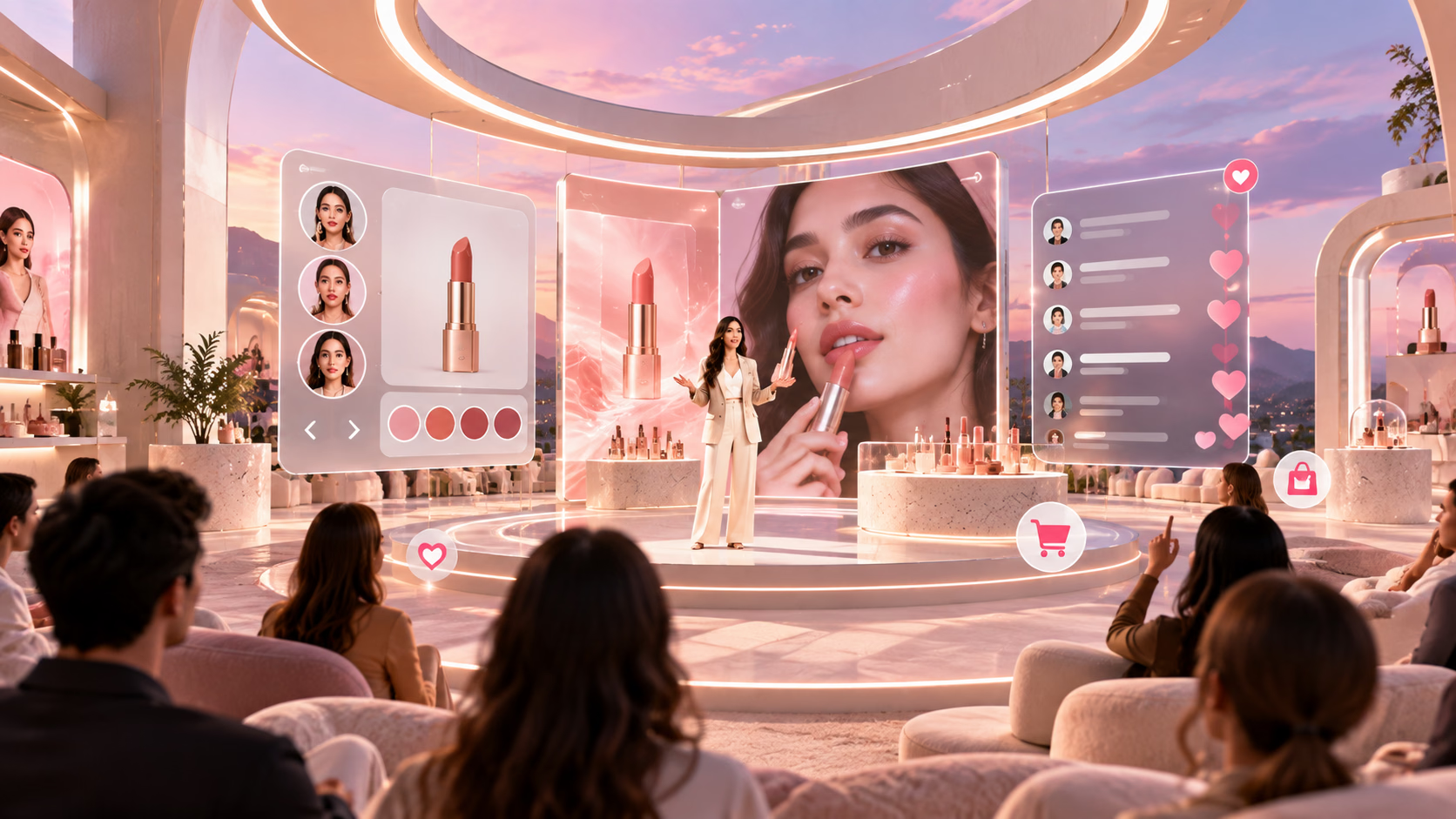
GlamAR's virtual store platform combines a navigable 3D retail environment with its broader virtual try-on capability, letting a shopper browse a styled space and try on makeup, jewelry, or eyewear within the same session rather than treating browsing and try-on as separate tools. The environment runs directly in a browser with no app download required, and integration connects to an existing ecommerce catalog so the store reflects actual inventory rather than a static, manually maintained display.
Customization covers layout, lighting, product placement, and color theming, and a brand should confirm catalog ingestion specifics directly, since combining a navigable store with real-time try-on is a more complex technical build than either capability alone. Review the virtual store solution directly for current customization and integration specifics.
For a brand already using or evaluating GlamAR for try-on specifically, extending into a full virtual store reuses the same underlying catalog connection and rendering foundation, which is a genuine advantage over introducing a second, separate vendor for the store environment alone.
Features:
- Virtual storefronts that feel real: GlamAR lets you design immersive 3D retail spaces. Elegant product shelves, walkable layouts, and lifestyle-inspired displays that mirror an in-store experience
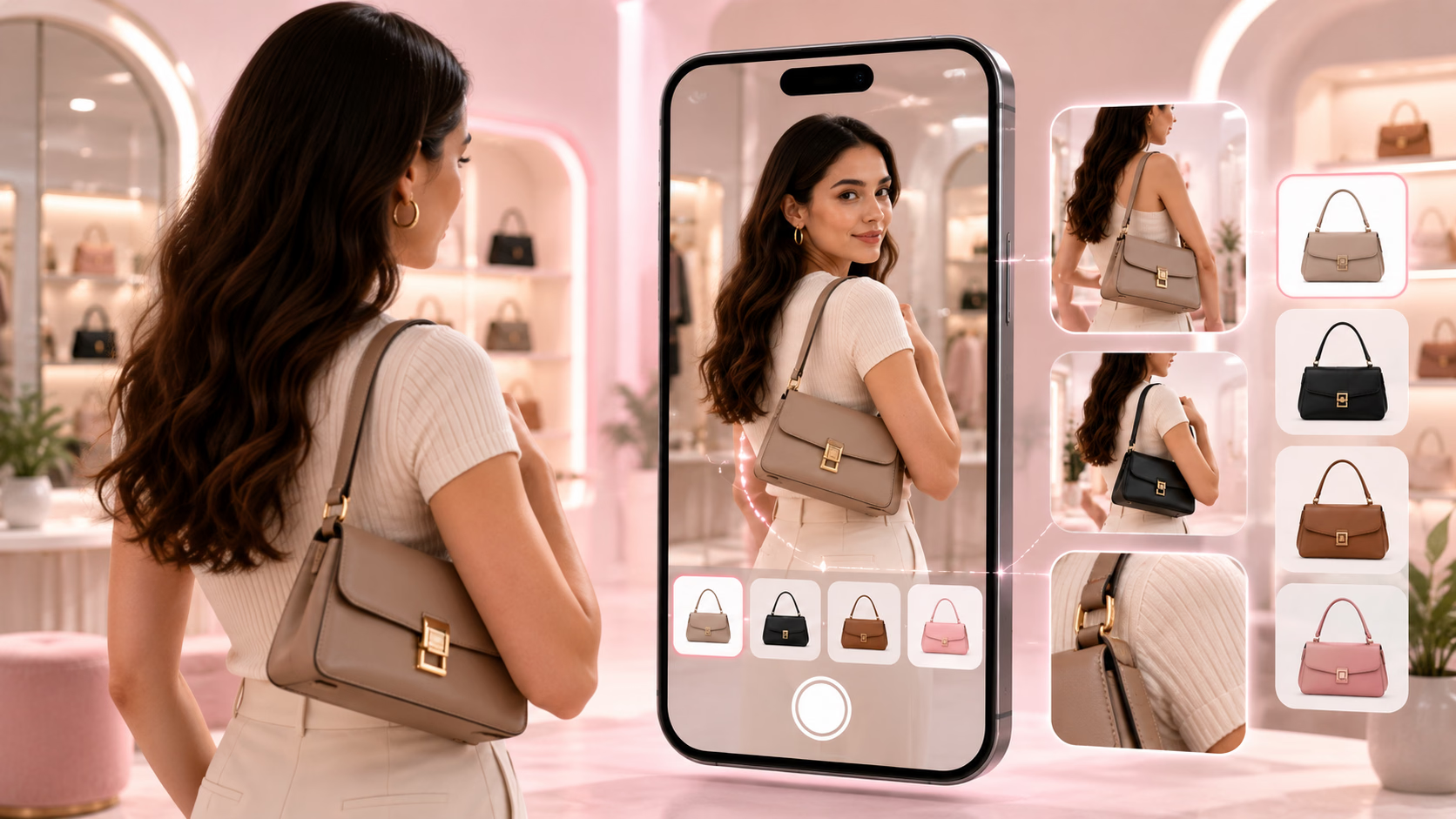
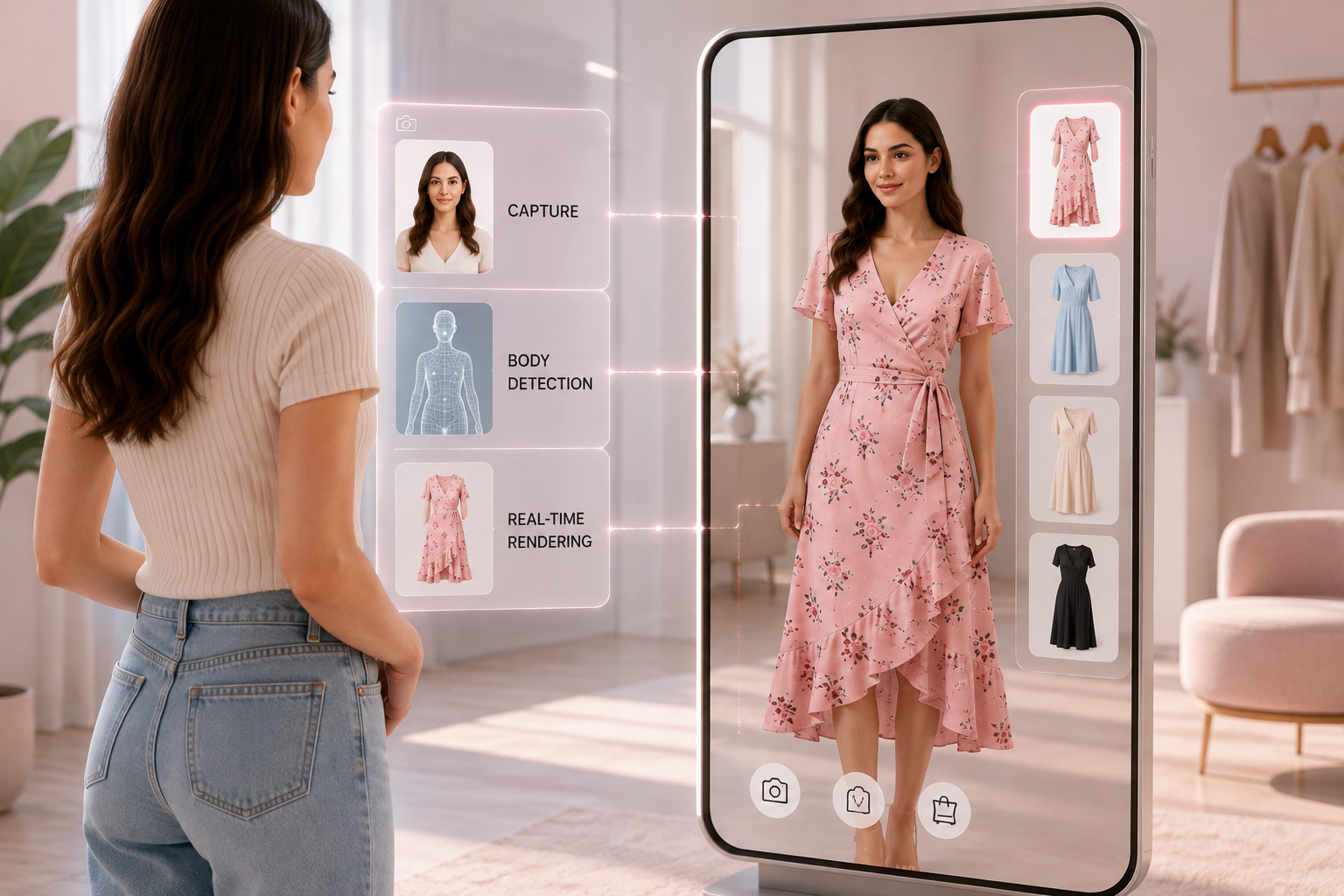
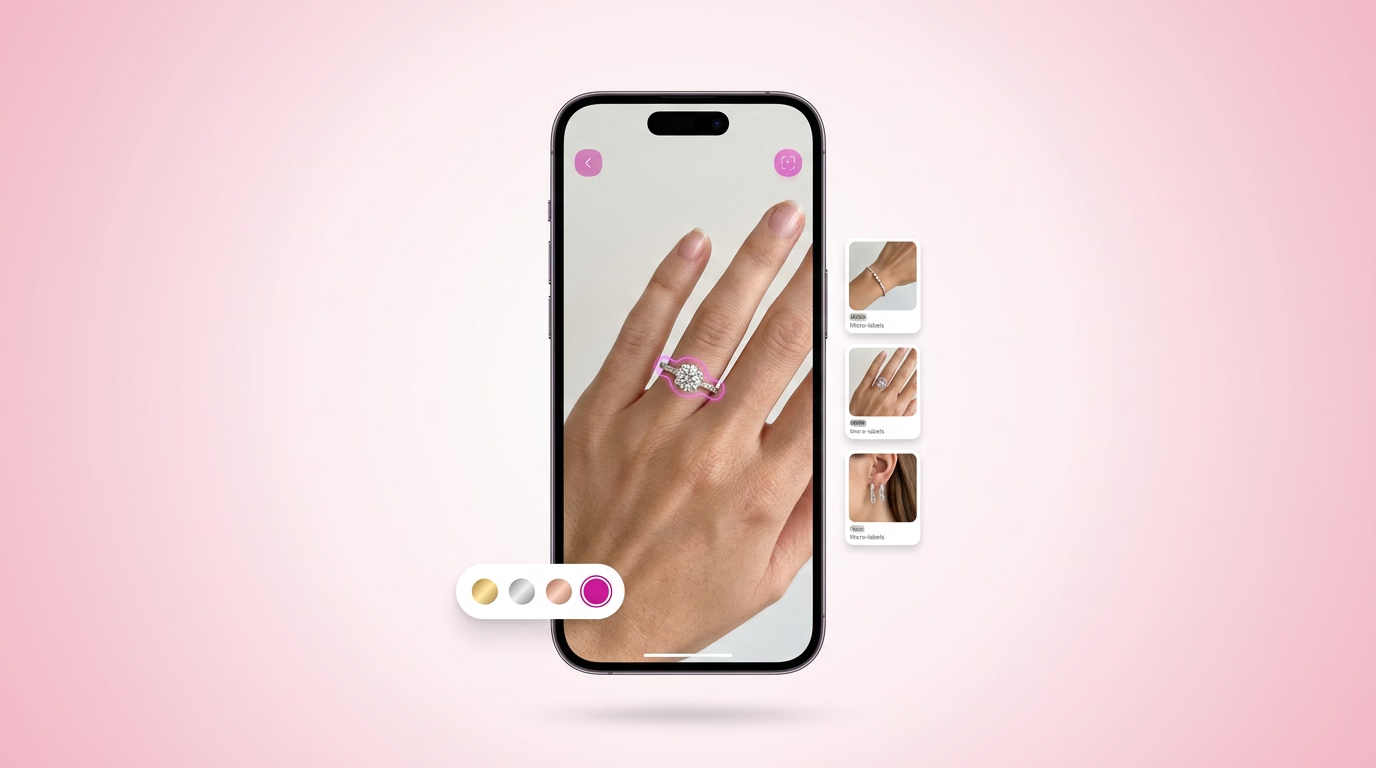
- Live AR try-on for multiple categories: From makeup and earrings to bracelets and sunglasses, users can try products directly on their face or body in real time with high accuracy and smooth motion tracking.
- WebAR support for instant access: No app download required—customers can launch the full virtual store and try-on flow right from a browser link on mobile or desktop.
- E-commerce and platform integrations: GlamAR connects easily and is easy to set up, so shoppers can move from product discovery to checkout without friction.
- Worldwide reach: With GlamAR, your shop is open to everyone, everywhere. A shopper who surfs from a metropolis or a small town can drop by your virtual space, browse collections, and buy.
- Custom store styling: Your store should reflect your brand, and GlamAR gives you the freedom to design it that way. From layout and lighting to product placement and color themes, you can shape the environment to match your aesthetic perfectly.


2. Banuba
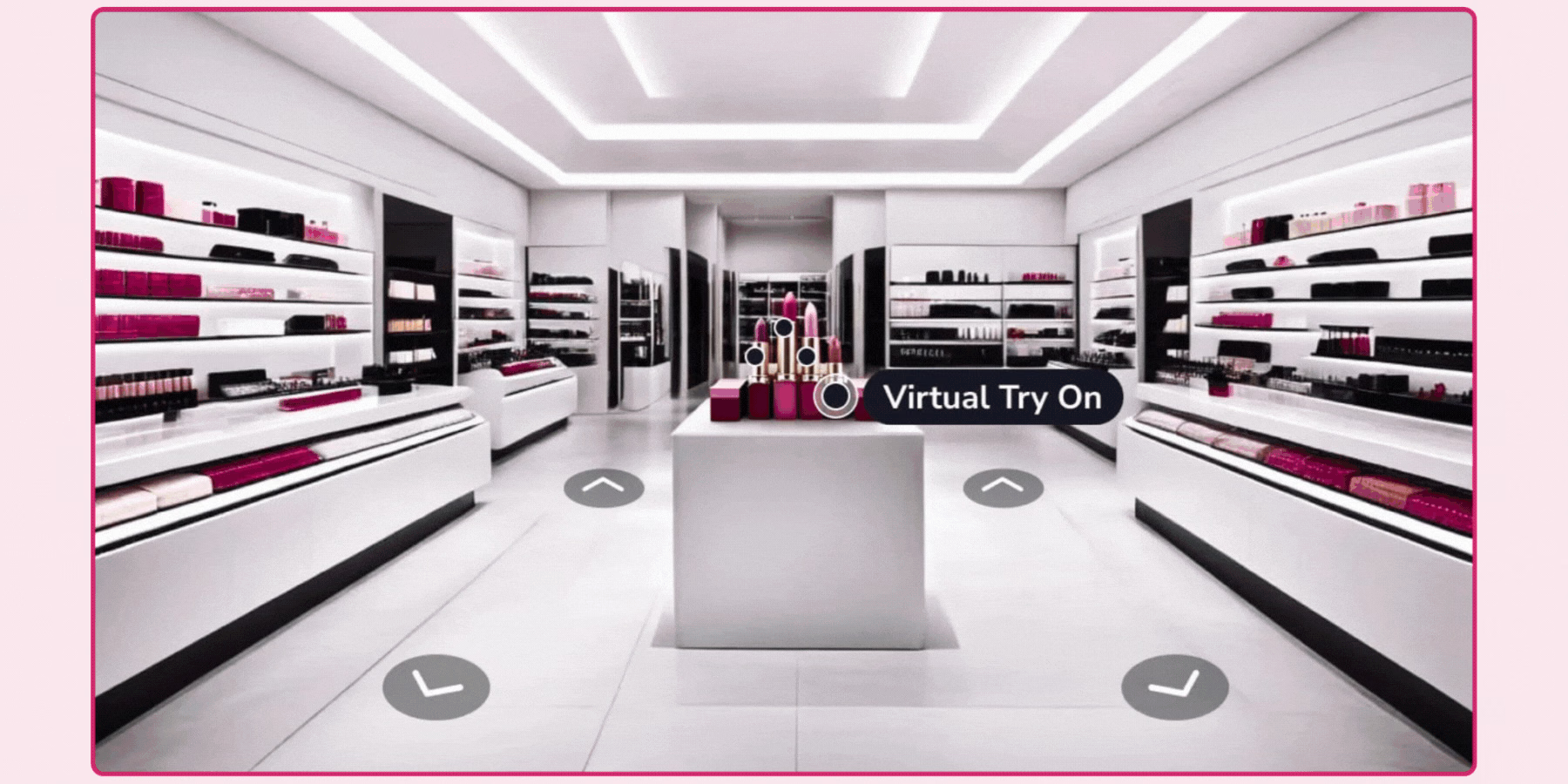
Banuba's strength in this category comes from its underlying face and object tracking technology, built to perform reliably across a wide range of devices, reported to run smoothly on roughly 97 percent of iOS devices and 80 percent of Android devices without requiring top-tier hardware. For a brand building a virtual store with embedded try-on specifically, this device compatibility matters more than it might first appear, since a try-on feature that lags or fails on mid-range phones undermines the whole experience regardless of how good the surrounding environment looks.
Integration runs through an SDK, and a brand should confirm directly how deeply Banuba's store-building capability extends beyond its core try-on strength, since its broader reputation is built primarily around beauty and accessory try-on rather than full navigable retail environments. A brand with a genuinely global, device-diverse customer base is the clearest candidate to weigh Banuba's device compatibility track record heavily during evaluation.
Features:
- You get live, responsive try-ons: One of the best things about Banuba is how smooth the try-ons feel. Whether someone’s checking out a pair of glasses or testing lipstick shades, everything adjusts in real time—even as the person moves.
- Face tracking is genuinely accurate: The SDK tracks expressions and head movements with precision. If someone smiles, tilts their face, or raises their eyebrows, the product still stays in place. That’s especially helpful when you’re dealing with fine details, like makeup or eyewear frames.
- It’s light enough for most phones: You don’t need the latest phone to make it work. Banuba is designed to run smoothly on a range of devices—without heating up the phone or causing long delays. That’s key if your audience is spread out across different regions or device types.
- You can tweak the look to match your brand: From the UI to how the product textures appear, there’s room to adjust things so it doesn’t feel like a generic AR layer. You’re not boxed into one design style—Banuba gives you control without making it complicated.
3. MirrAR

MirrAR's virtual showroom capability is built specifically around categories like jewelry and eyewear, where rendering material realism, how gold, gemstones, or metal frames actually catch light, is a meaningful differentiator from a generic 3D environment. The experience runs entirely in a browser, which reduces the drop-off risk that comes with asking a shopper to download a separate app before they can explore.
A brand in the luxury or lifestyle segment specifically should weigh MirrAR's category focus as an advantage over a more general-purpose platform, though it's worth confirming directly how its showroom capability compares to a platform built around broader, fully walkable store environments if that's a specific requirement. Its international deployment history across multiple regions is also worth confirming directly if your brand serves a genuinely global customer base.
Features:
- Accurate AR try-ons: MirrAR's tracking technology holds jewelry and accessories firmly in place, even as users turn their heads or move positions.
- Virtual discovery showrooms: The platform enables brands to build web-based interactive retail environments where customers can browse carefully curated collections, feel products, and try them on without ever having to exit the environment.
- Website access: MirrAR executes within a web browser, and therefore, users can access the try-on feature directly without any glitches.
- Global reach: MirrAR has been used by brands across regions. This makes it perfect if you’re targeting an international customer base.
4. DeepAR
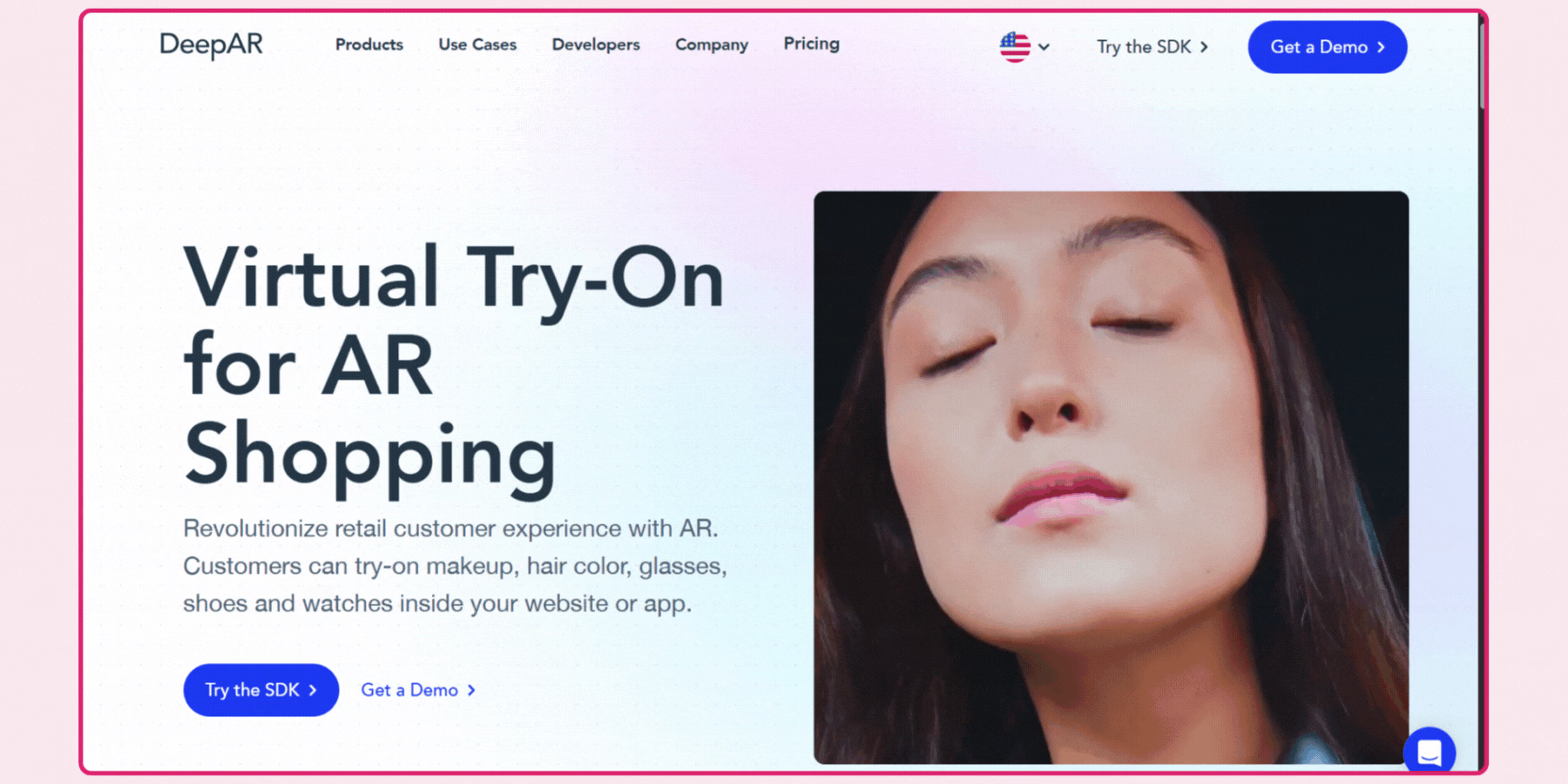
DeepAR takes a fully custom-build approach rather than offering pre-made templates, which means a brand gets a virtual store built specifically to its own vision rather than adapted from a generic starting layout. This requires real development input and a longer initial timeline than a templated competitor, in exchange for a result with no visible resemblance to another brand's deployment on the same platform.
Multi-platform support spans iOS, Android, Unity, and web from one underlying SDK, and DeepAR's broader AR toolkit extends into face and body tracking, which is worth evaluating directly if your virtual store needs to incorporate wearable try-on alongside the environment itself. A brand with real in-house development capacity, or a strong agency relationship, is the clearest candidate for this fully custom approach, since it assumes meaningful technical ownership on your side throughout the build.
Features:
- Accuracy: DeepAR is built for performance. It renders try-ons quickly and clearly, without the lag or pixelation you sometimes see in browser-based tools.
- Custom-built virtual environments: There are no templates here—you can design your own virtual store from scratch, down to the layout, lighting, and interaction flow.
- Multi-platform support: You can launch on iOS, Android, Unity, or the web, depending on what your team is building. Everything stays consistent across devices.
- Face and body tracking: If you’re working with wearables or full-look styling, DeepAR supports tracking beyond the face—great for fashion and fitness retail.
- Developer-ready tools: The SDK comes with full documentation, versioning, and analytics support, so your tech team can build, track, and optimize easily.
5. KiXR
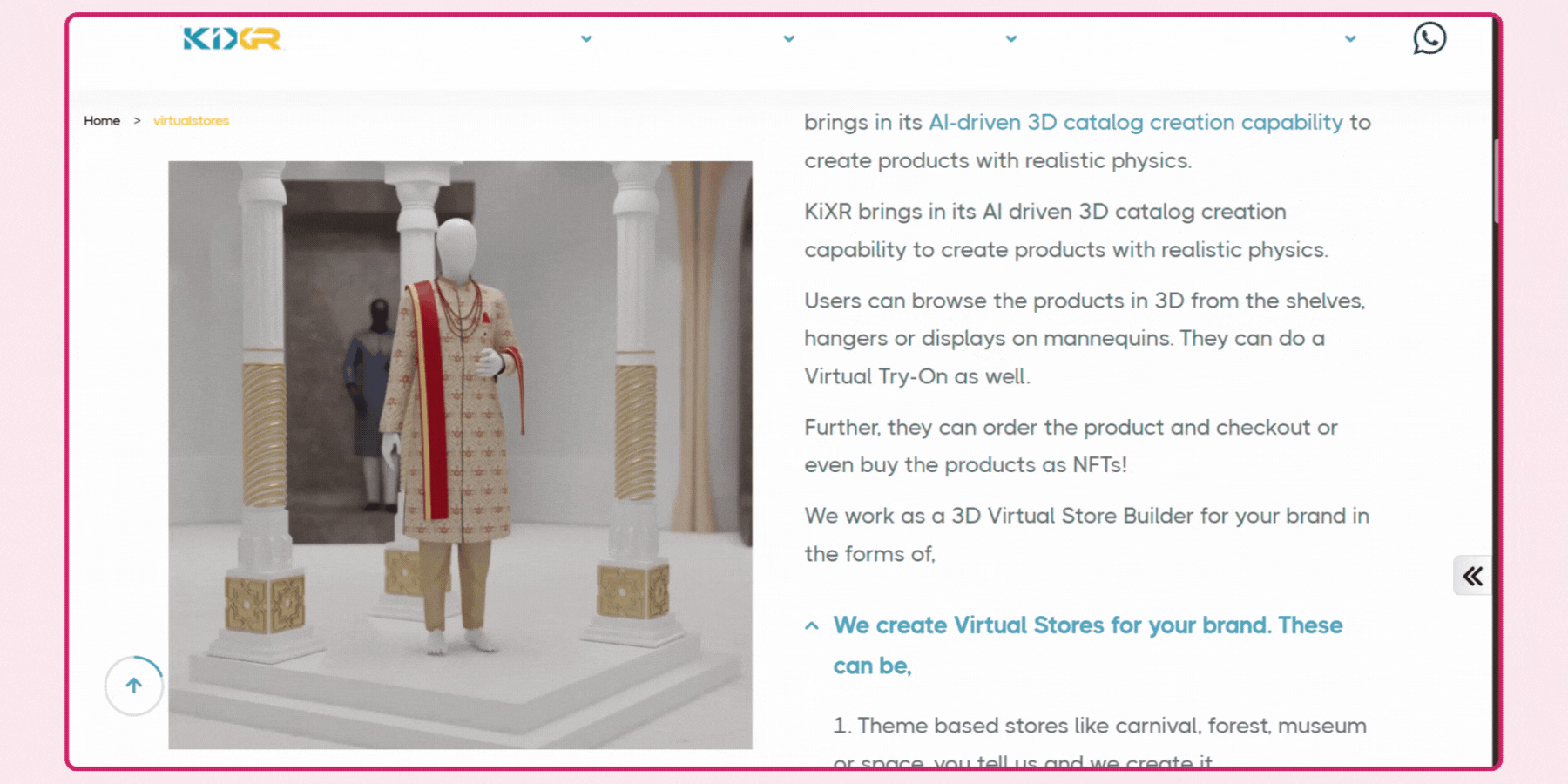
KiXR is built specifically around fully walkable, immersive environments rather than a product floating over a camera feed, positioning it toward fashion, furniture, and home goods brands wanting shoppers to picture a product within a styled, realistic context rather than viewed in isolation. The entire experience runs from a browser link with no app required, which matters for reducing friction in a campaign-driven launch.
A brand should confirm specific timeline and customization scope directly with KiXR, since fully custom environment design generally carries a longer build process than a templated alternative, and get a clear sense of what ongoing updates cost once the initial environment is live. Its positioning around brand storytelling specifically, treating the environment as an extension of brand identity rather than a purely functional product display, is worth weighing for a brand prioritizing that kind of narrative-driven shopping experience.
Features:
- Fully immersive virtual spaces: KiXR lets you build entire 3D store environments—designed to look and feel like your own physical space, not just a product grid in AR.
- Products placed in real-world context: Rather than showing an item floating on a white background, KiXR places it within a styled environment, helping customers picture it in everyday use.
- Full control over the look and feel: Nothing feels pre-set here. You decide how the space looks—where each product goes, how the lighting hits, even the tone the room gives off. It’s all built around your brand, not the other way around.
- Great for fashion and home brands: Some platforms feel generic, but KiXR gets the little things right. Clothes move naturally, and furniture actually looks like it fits the room. It just makes sense, especially when you want customers to imagine your product in their world.
- No app: The whole experience runs straight from a browser. Someone clicks a link, and they’re inside your store—no downloads, no setup, just instant access whether they’re on a phone or laptop.
6. Onirix
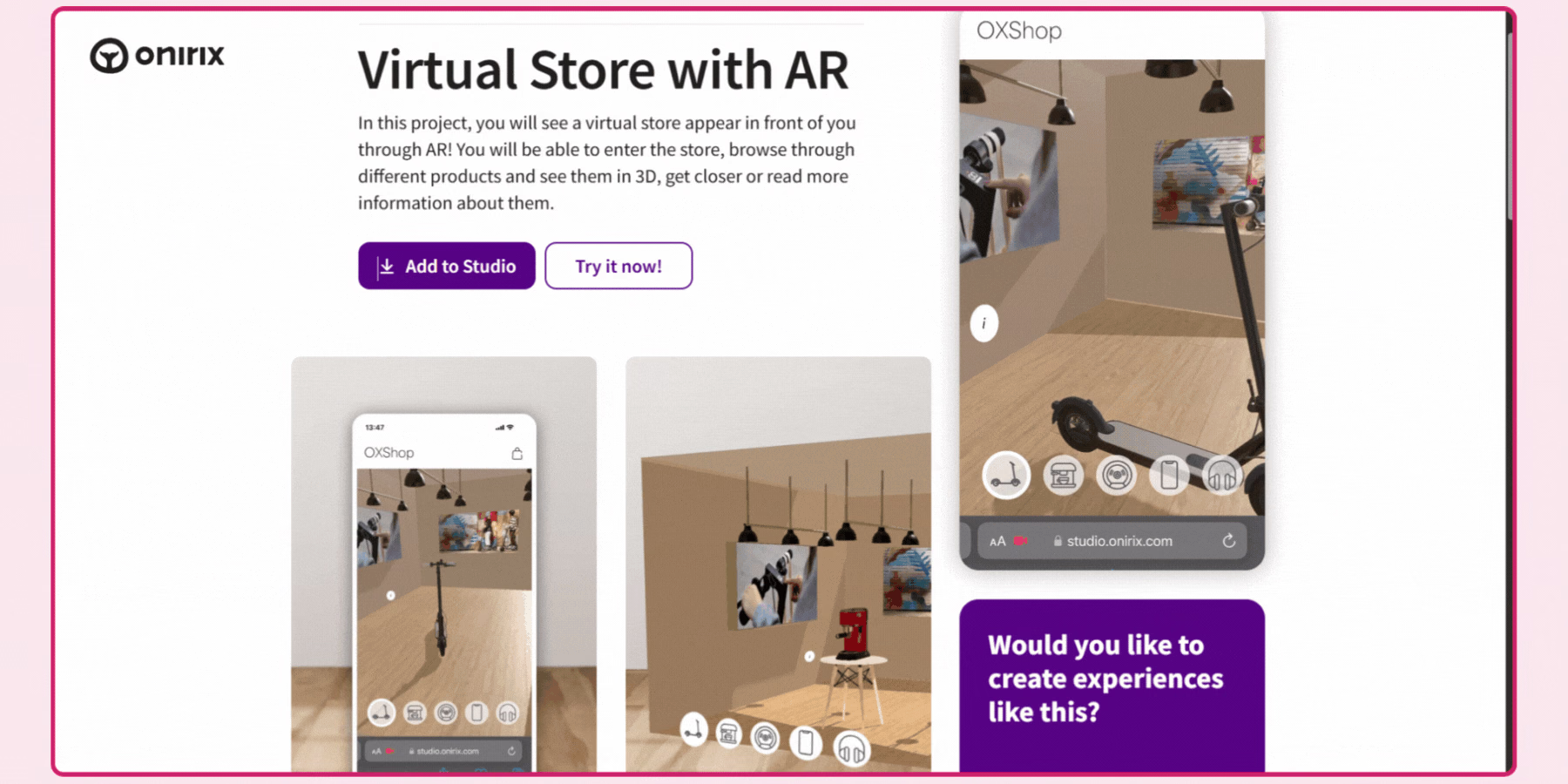
Onirix is built around a visual, low-code editor, letting a team without deep technical resources build and launch AR scenes and virtual store elements using pre-built components and a few starting layout templates. This positions it toward a smaller brand or a marketing team wanting to launch a seasonal or campaign-specific experience without a lengthy developer-led project.
A brand should confirm directly how far Onirix's template flexibility actually extends before assuming it matches a fully custom-built competitor's depth, since templated starting points generally trade some customization depth for a faster path to launch. A smaller team testing whether a virtual store genuinely drives engagement before committing to a larger investment is a reasonable fit for this lower-friction starting point.
Features:
- Website access: Everything runs directly in the browser. Shoppers can access your virtual store instantly through apps, with no extra steps.
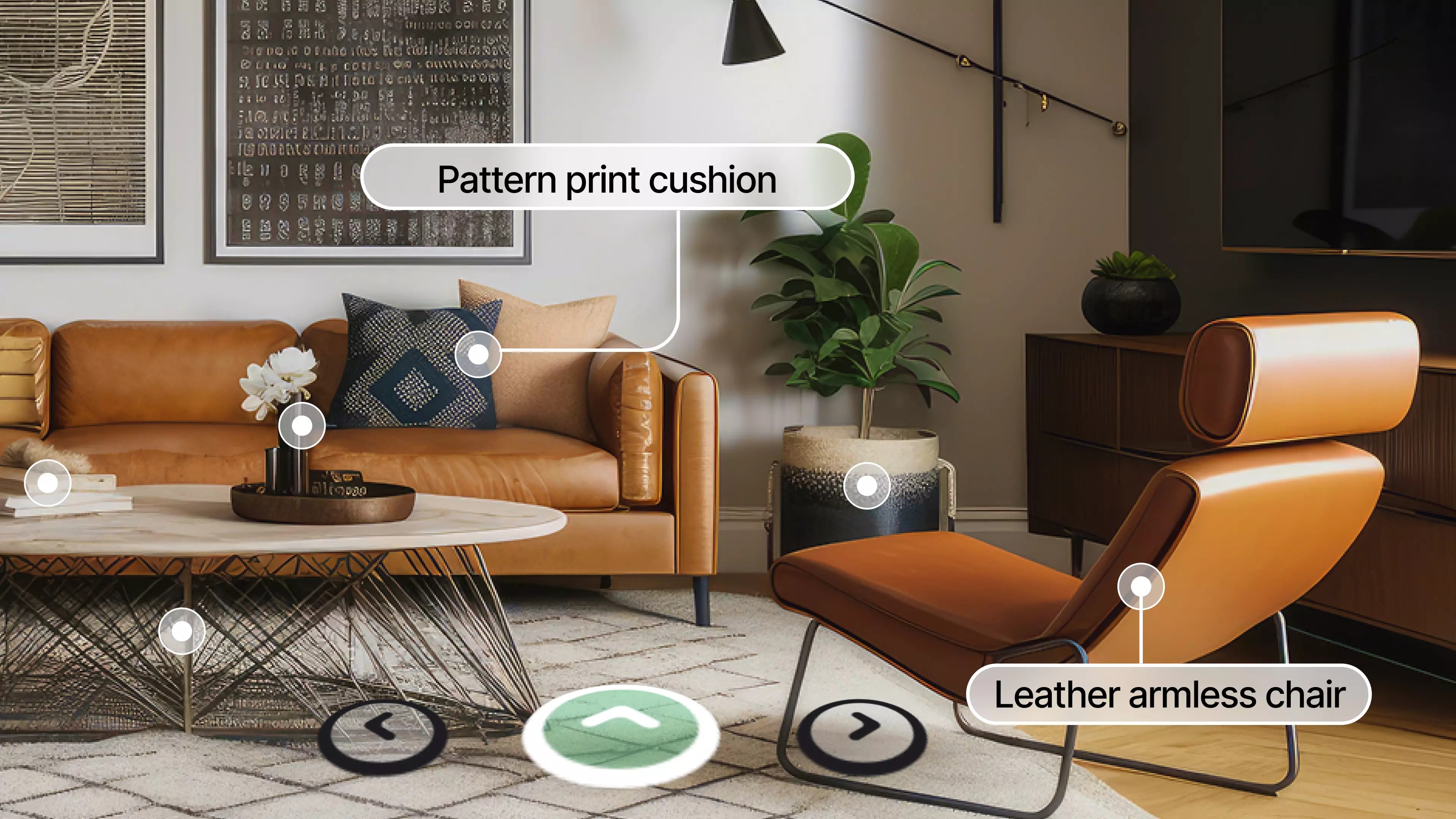
- 3D environments: You can design a full digital retail space with product hotspots, custom scenes, and AR overlays.
- Virtual try-on: I tried this out with a small product line, and it’s surprisingly straightforward. You can place items in your space or see how they’d look in real time—not super flashy, but it does the job when you want to help customers picture something before they commit.
- Templates that don’t feel limiting: Onirix comes with a few starting layouts, but they’re flexible. You can switch things around, add your branding, and make it feel like your own—even if you're not starting from scratch.
- Multi-device compatibility: Whether someone’s on their phone or desktop, the experience loads quickly and runs without lag, even on slower networks or older hardware.
- Simple setup: If you’re not working with a developer, that’s okay. Onirix lets you build and launch scenes using a visual editor.
7. echo3D
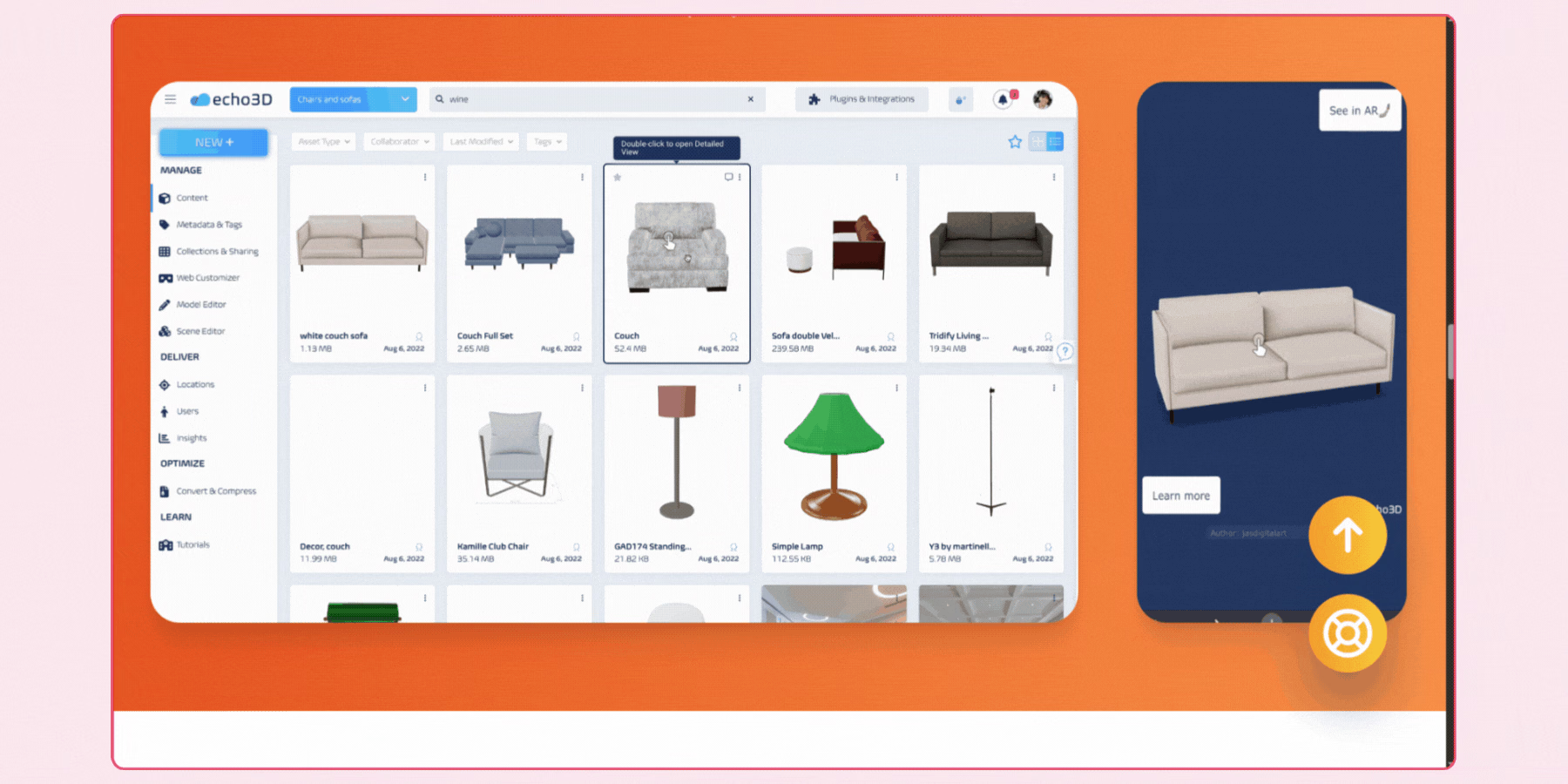
echo3D isn't a virtual store builder on its own, it's a cloud-based 3D asset management backend that pairs with an existing AR or virtual store platform, handling how 3D product models and scenes load and update across devices. This is a relevant option specifically for a brand or technical team already building a custom virtual store experience and needing a reliable way to manage and update 3D content without rebuilding the front-end experience every time.
A brand evaluating echo3D should be clear that it solves the asset delivery and management problem specifically, not the full store-building problem, and should plan to pair it with another platform or an in-house build for the actual customer-facing environment.
Features:
- Real-time 3D content delivery: echo3D hosts your product models and scenes in the cloud, so they can load instantly across devices—without bloating your site or app.
- Compatible with major AR SDKs: You can use echo3D alongside platforms like Unity, WebAR, or custom-built environments. It doesn’t replace your AR—just powers it better.
- Asset management: Instead of hardcoding everything, you can manage and update your 3D content from a single dashboard, even after launch.
- Cross-device: Whether it's on mobile, desktop, or AR glasses, echo3D optimizes your experience so visuals stay efficient everywhere.
- Scalable: If you're running seasonal collections or flash sales, echo3D makes it easy to update assets quickly.
- Built with developers in mind: echo3D gives technical teams the flexibility they need without adding overhead.
8. Zappar
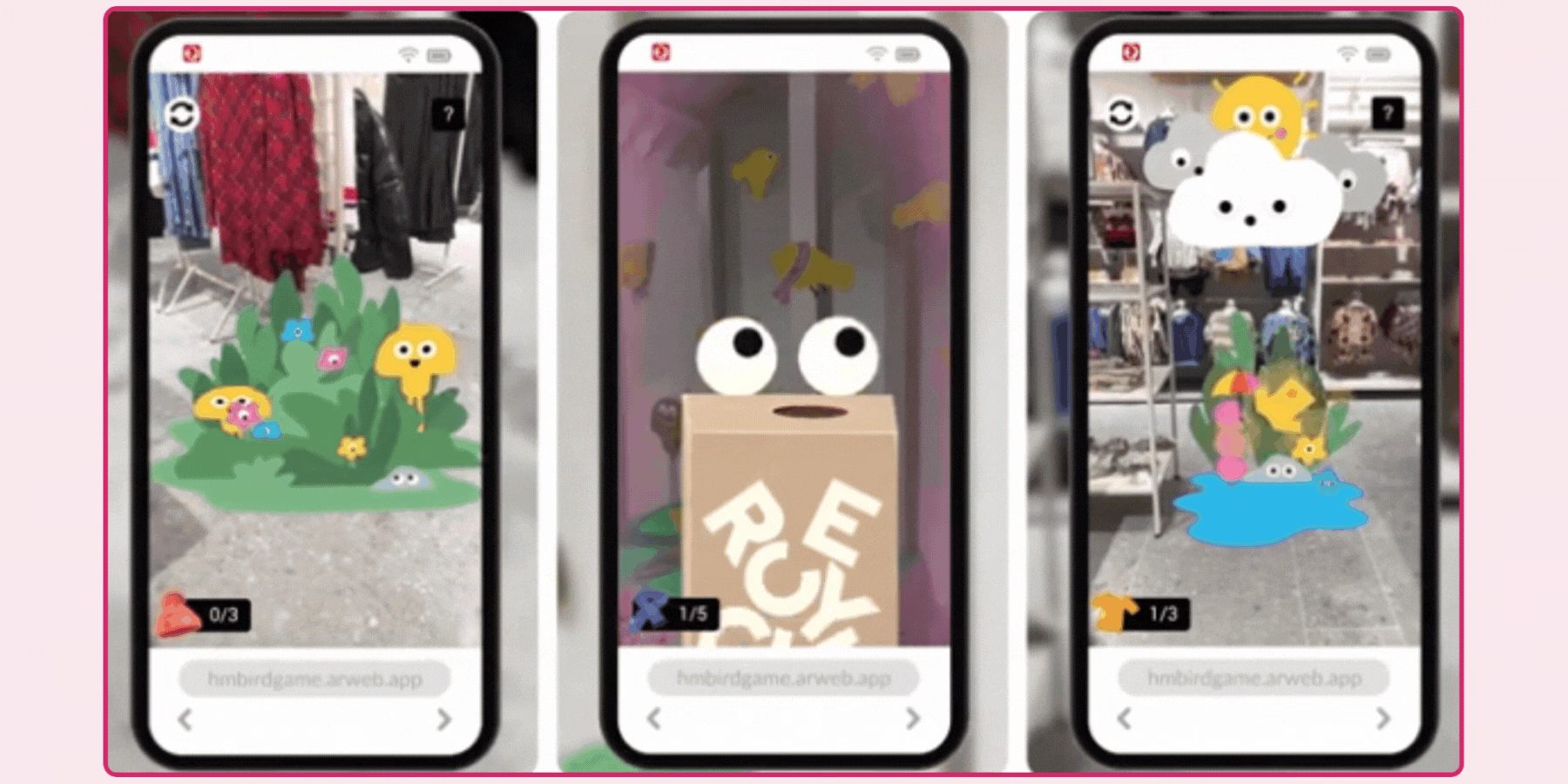
Zappar's core strength is speed and broad compatibility, running natively in-browser across a wide range of devices and browsers without requiring an app, which suits a brand needing to launch a time-sensitive campaign or limited product drop quickly. Its established track record, having run campaigns for large global brands, is a reasonable signal of production reliability at scale.
A brand evaluating Zappar for a long-term, deeply customized virtual store specifically should confirm how its quick-launch positioning compares to a platform built around fuller, more bespoke environment design, since speed and customization depth generally sit at different points on the same tradeoff.
Features:
- No app required: Zappar executes natively within any mobile or desktop browser, so users can access your experience directly.
- Optimized for quick launches: Whether it is a seasonal launch or a branded promotion, Zappar makes the process of creating AR stores within minutes.
- Cross-browser compatibility: From the latest smartphones to the oldest desktops, Zappar has been designed to perform at its best on a broad variety of devices and browsers.
- Multimedia support: You can simply embed videos, animations, and 3D objects directly into your virtual space, and this assists in bringing your products and your company story to life in a captivating way.
- Joining forces with the largest brands globally, Zappar has driven campaigns for the likes of Disney, Puma, Nestlé, Vodafone, etc.
Brands using virtual retail store makers
1. J.Crew
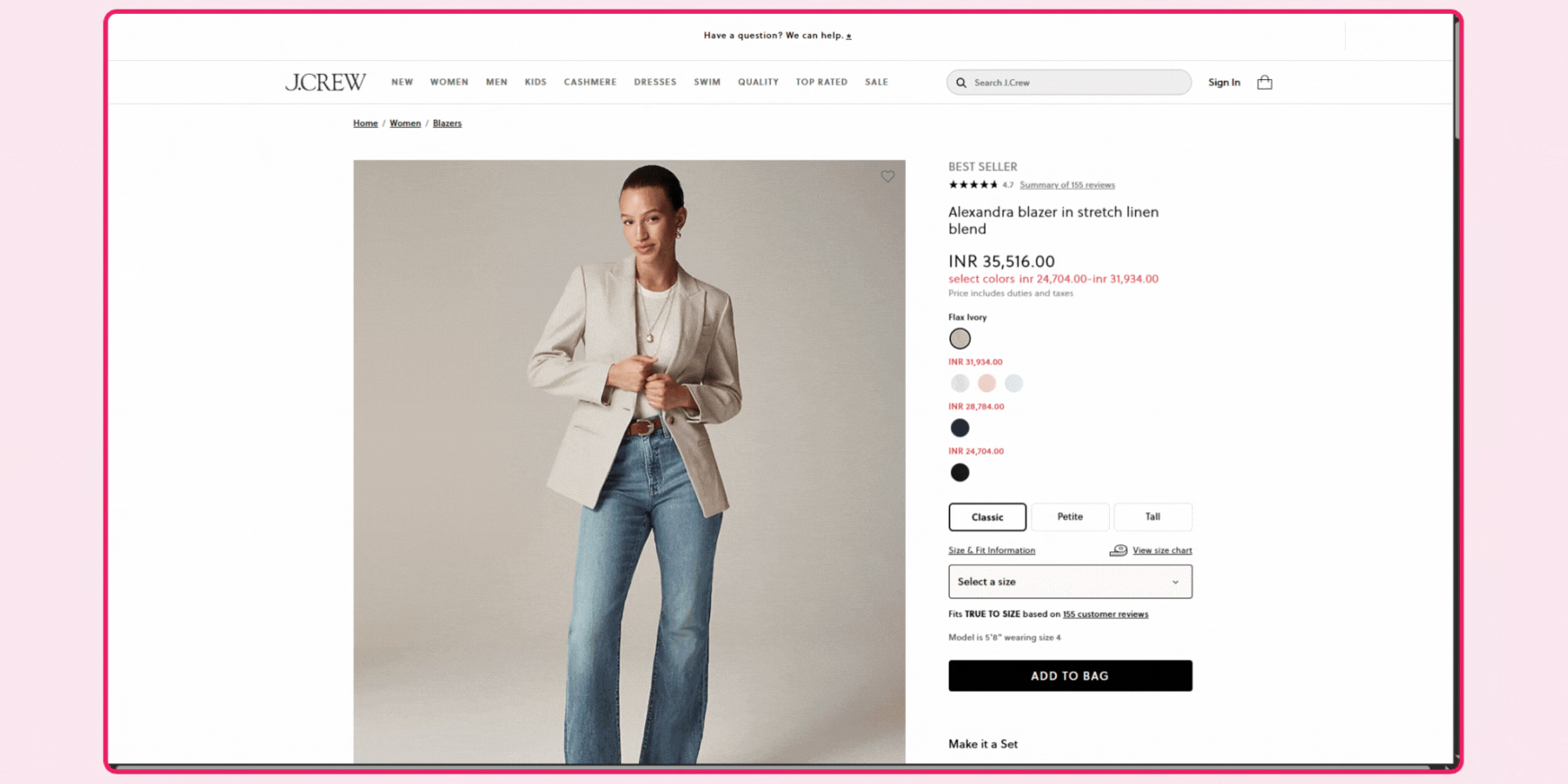
To celebrate its 40th anniversary, J.Crew introduced a virtual beach house that brought its summer collections into a more immersive setting. Each space was styled with intent—casual furniture, natural light, seasonal color palettes.
Rather than placing products front and center, the experience invited visitors to explore slowly. It felt familiar, calm, and entirely in line with how J.Crew has always expressed its style.
2. Puma
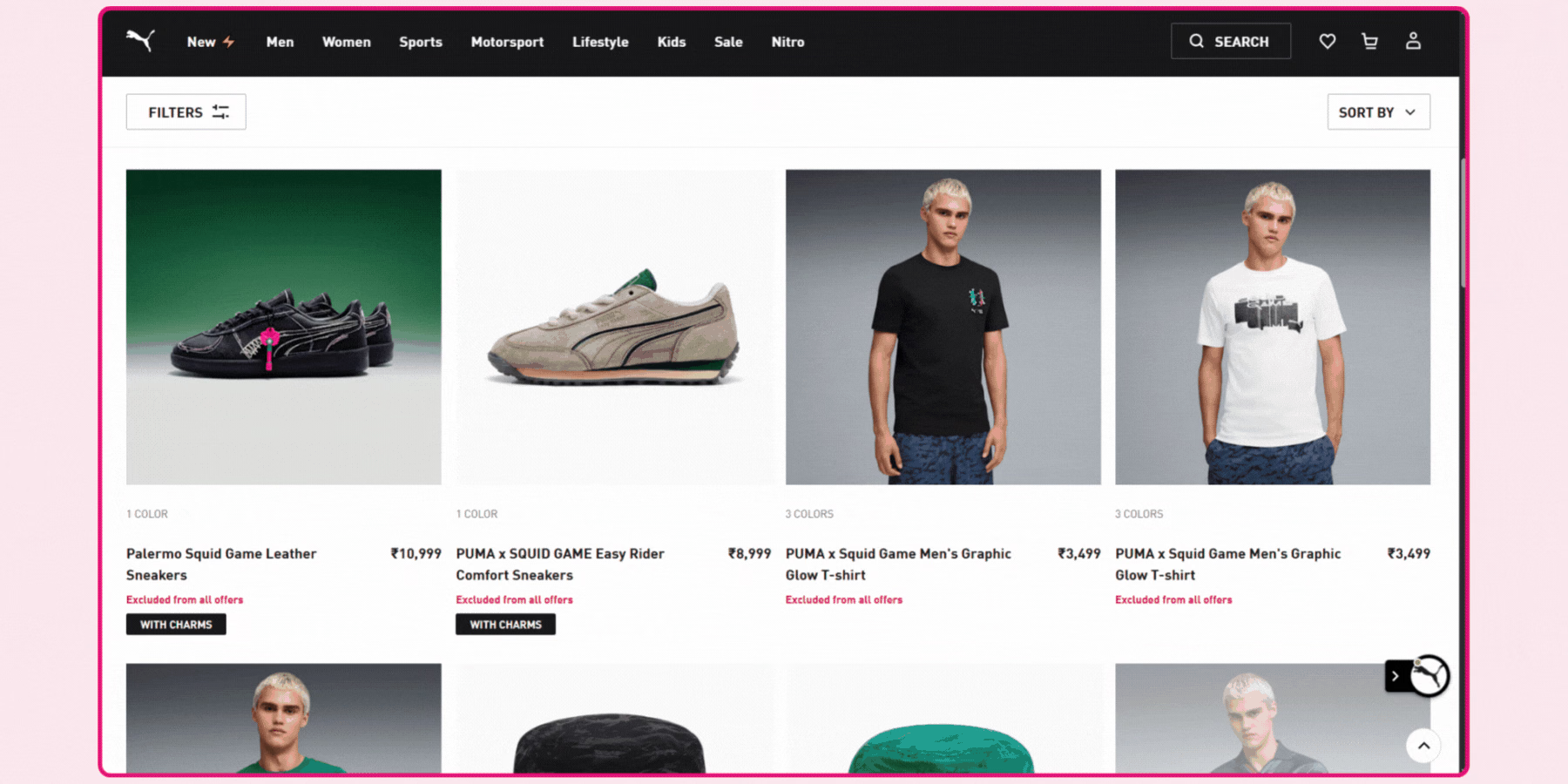
In its New York flagship, Puma added a digital layer to the in-store experience. Shoppers could scan QR codes placed around the space and view product details, campaign visuals, and limited releases directly on their phones. The setup didn’t change how the store looked—it added context. Everything stayed physical, but the information became interactive.
3. Nike
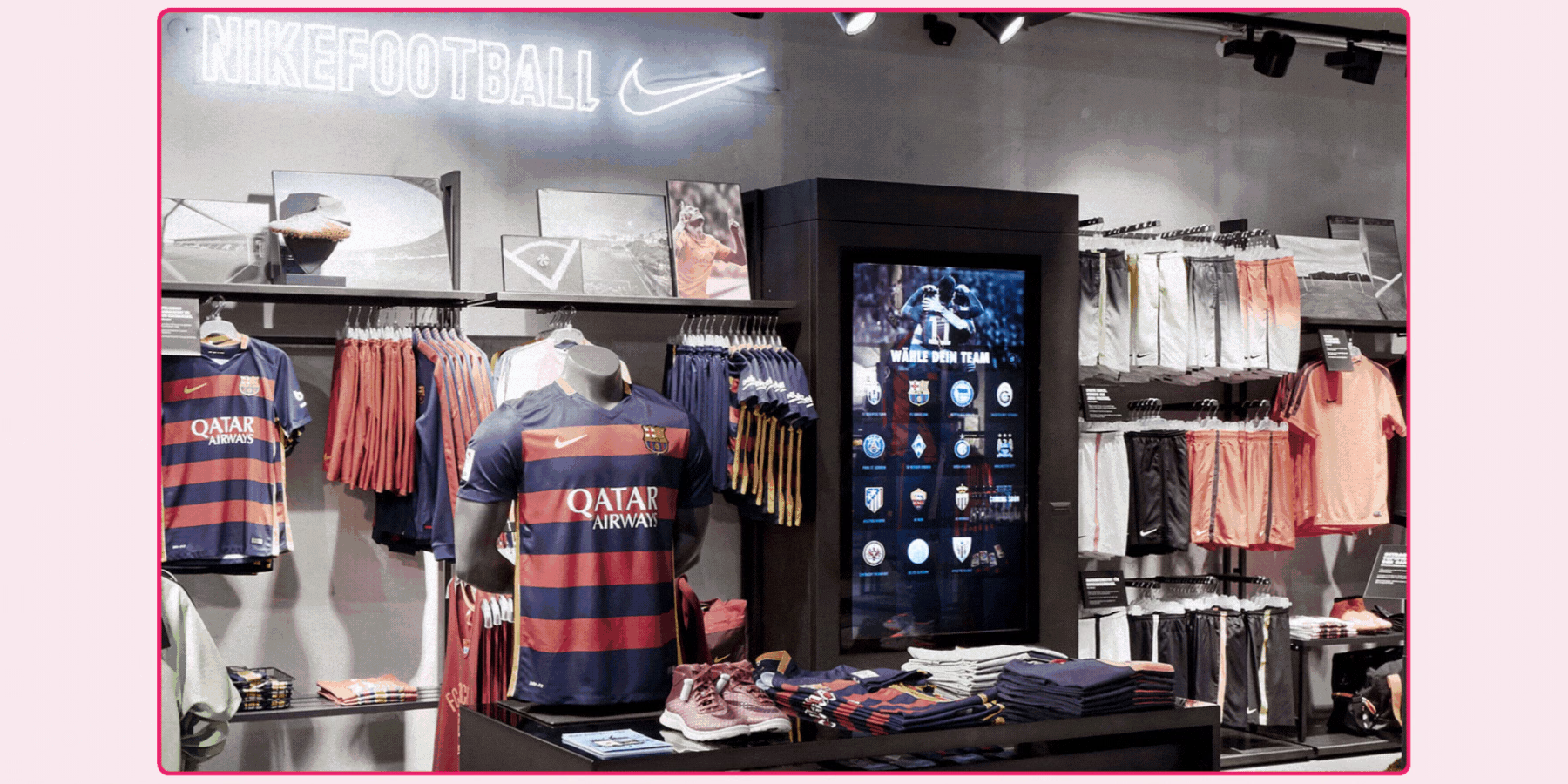
Nike’s take on virtual shopping goes far beyond the basics. One of their most immersive digital rollouts allowed people to explore curated spaces online sections styled around sport, innovation, or new releases.
Within minutes, you could zoom into a sneaker, view its design in 3D, and even personalize it before checkout. What made it stand out wasn’t just the tech it was how naturally it all flowed. The brand didn’t just showcase products; it gave people a reason to spend time with them.
4. IKEA
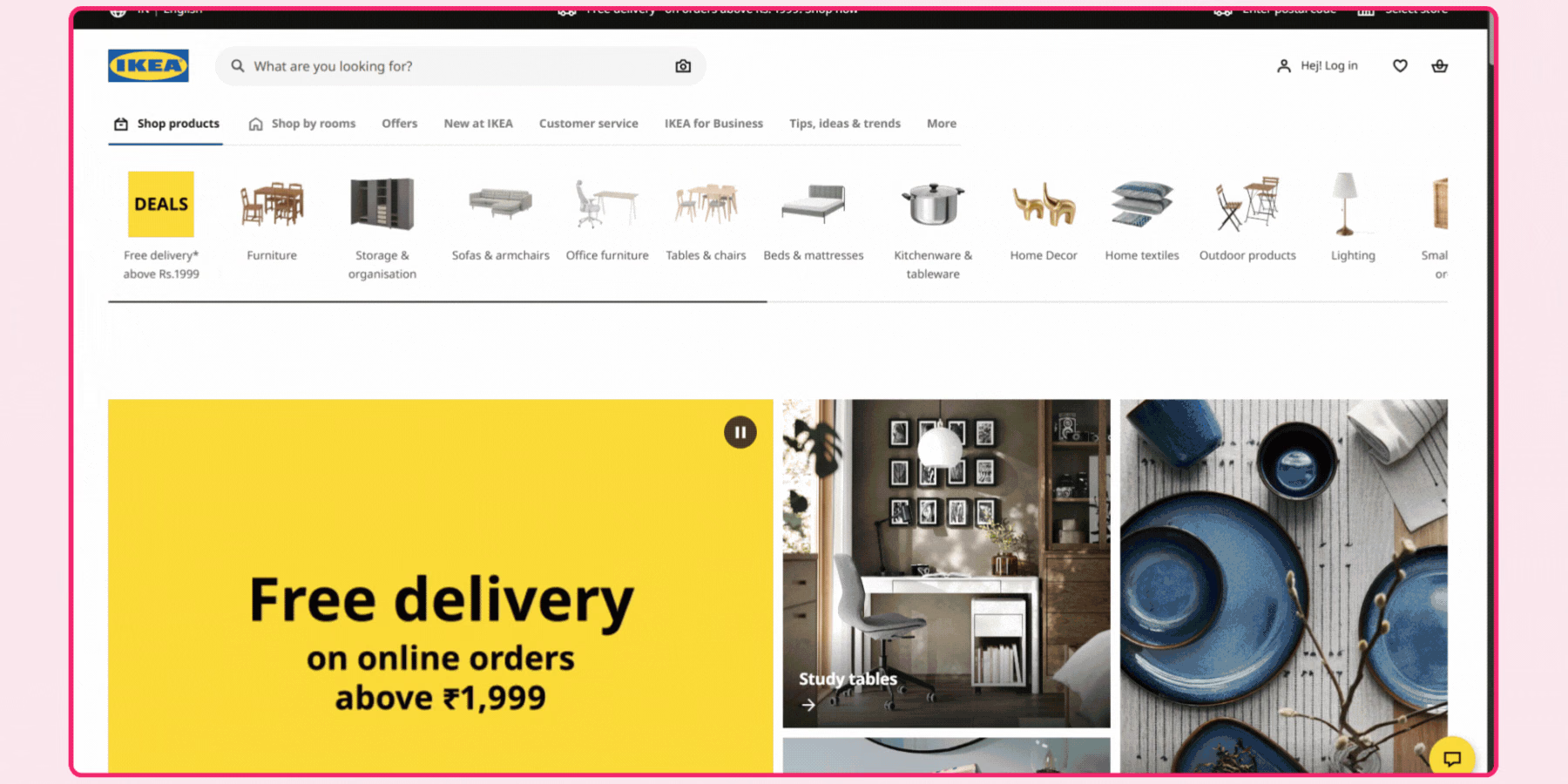
If there’s one brand that already feels like a real-life simulation, it’s IKEA. But now, they’ve taken that experience fully online. Their virtual showrooms are set up like familiar homes, open kitchens, family living rooms, cozy bedrooms, and you can explore them just like you would in-store.
What makes it different is the interactivity: click on a table, see how it fits in your own room; swap colors, sizes, or layouts without ever leaving the experience. It feels less like online shopping and more like pre-living in your future space.
5. Tommy Hilfiger
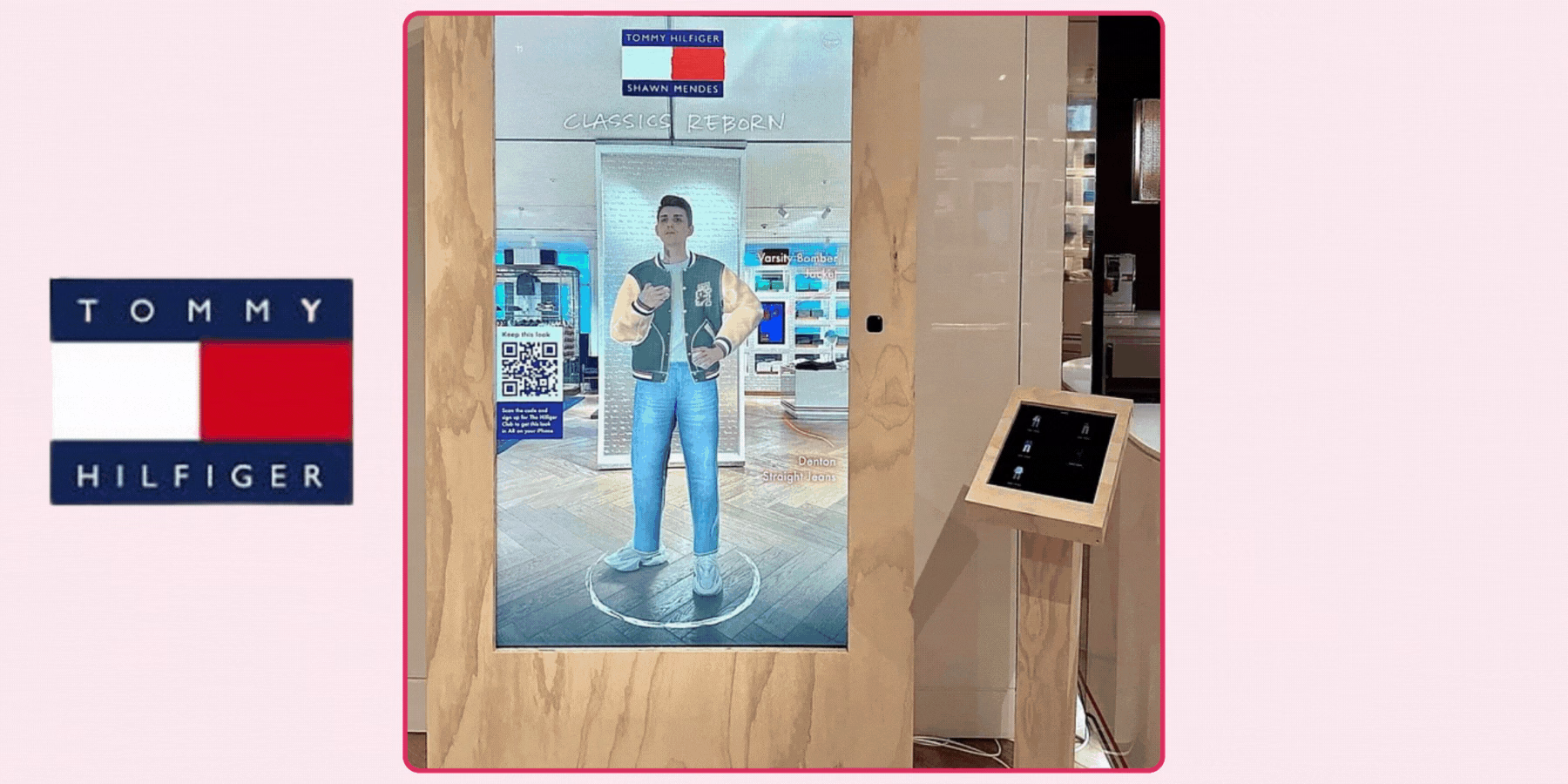
Back when most brands hadn’t even heard of digital showrooms, Tommy Hilfiger quietly built one. It wasn’t flashy, but it changed the way wholesale buyers interacted with new collections. Instead of sending out endless physical samples, Tommy invited buyers into a clean, well-designed digital space.
They could spin products, zoom in on stitching, view colorways, and make choices without ever needing a meeting room. It saved costs, yes—but more than that, it made the entire process feel efficient and elevated.
6. Diesel
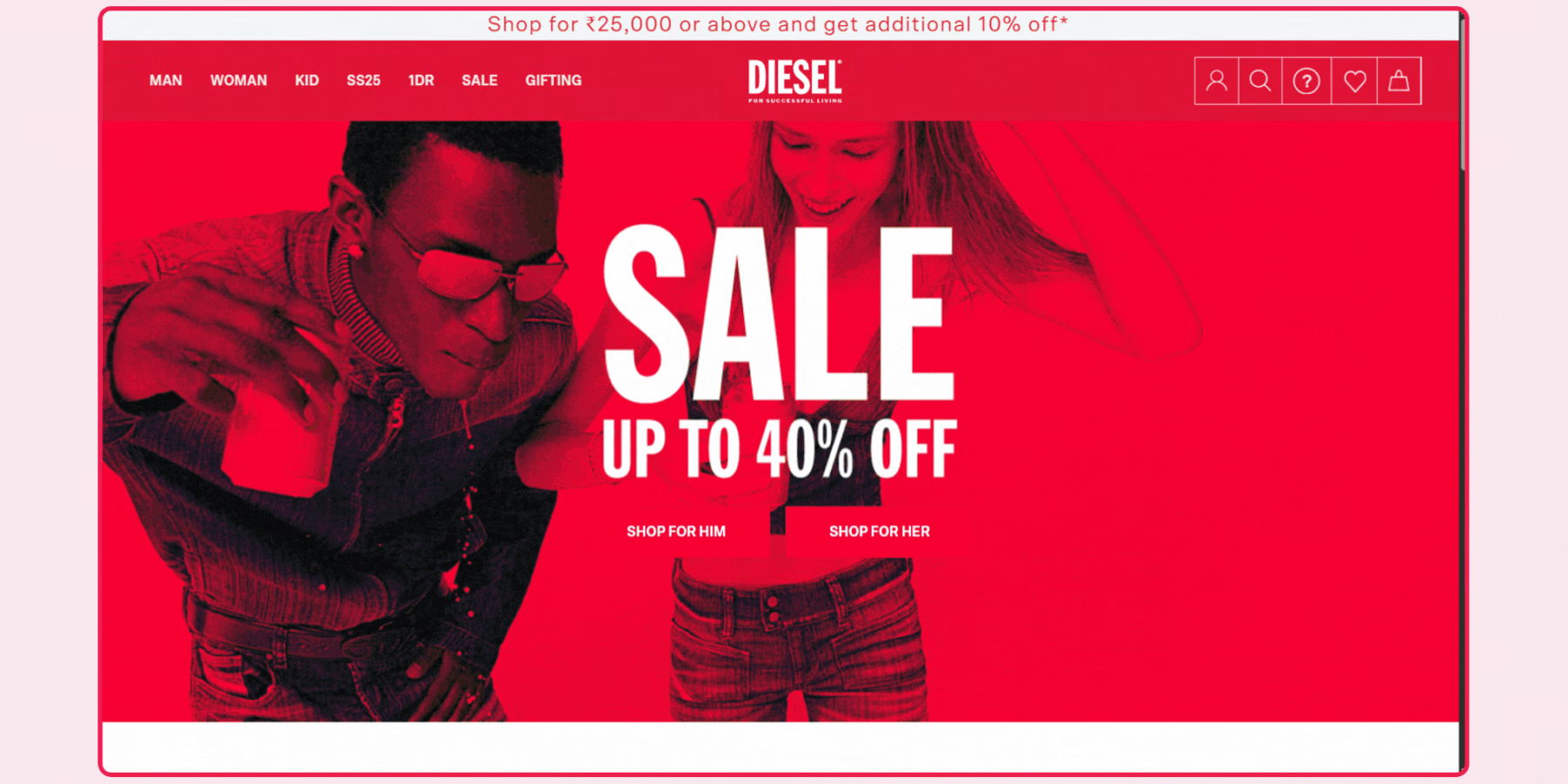
When the fashion industry hit pause on travel and live events, Diesel kept things moving by launching Hyperoom. It’s exactly what it sounds like: a hyper-realistic showroom built in digital.
Buyers could walk through new season collections, click into product views, and even attend private virtual appointments all inside a branded 3D environment. It gave the feeling of being in Milan or Paris, minus the jet lag. Diesel proved that even high-end, tactile fashion can feel immersive through a screen if it’s done right.
How to Scope a Virtual Store Project for Your Brand
Start by defining the actual goal of the virtual store before evaluating any vendor, since a campaign-driven, time-limited experience and a permanent, ongoing storefront call for genuinely different platform choices and budgets. A seasonal launch tied to a specific collection drop is a reasonable fit for a faster, more templated platform, while a brand wanting a permanent, deeply branded virtual storefront should budget for a longer, more custom build.
This goal-setting step also determines how you should measure success once the store is live. A campaign-driven launch is reasonably measured by engagement and reach during its limited window, while a permanent storefront needs an ongoing measurement framework tracking actual conversion and return on the investment over time, not just an initial engagement spike that naturally fades after launch novelty wears off.
Scope your initial catalog narrowly rather than attempting to populate the entire store with your full product range on day one. A focused set of hero products, twenty to fifty items for most brands, lets you validate both the shopping experience and real engagement data before committing to a larger buildout, and it gives you a realistic benchmark for what full catalog ingestion will actually cost.
Confirm a realistic timeline directly with any vendor rather than assuming uniform speed across this category. A templated, browser-based platform can often launch in a matter of weeks, while a fully custom environment, particularly one combining a walkable space with embedded try-on, realistically takes longer, commonly in the range of two to three months depending on catalog size and customization depth. Build in a buffer beyond whatever a vendor's own initial estimate states, since a first-time virtual store project for your specific brand frequently surfaces scope questions neither side anticipated at the outset.
Ask every vendor directly about ongoing maintenance cost and process before signing anything. Confirm how new products get added after launch, who's responsible for updating the 3D environment as your catalog changes, and what the actual turnaround time looks like for a routine catalog update versus the initial build, since this ongoing relationship matters as much as the first launch. A vendor who can only speak confidently about the initial build, without a clear answer for what happens six months later, is a meaningful gap worth probing further before committing.
How GlamAR Supports Virtual Store Creation
GlamAR's virtual store platform is built to combine a navigable, browsable retail environment with real product try-on in the same session, connecting directly to your existing catalog rather than requiring a separately maintained, standalone experience. This matters specifically for a beauty, fashion, or accessories brand wanting a shopper to move from browsing a styled environment into trying on a specific product without leaving the experience or switching to a different tool.
Customization covers layout, lighting, and branding, and the experience runs in-browser across devices with no app download required. This consolidation matters specifically for a brand already evaluating or using GlamAR's try-on technology, since extending into a full virtual environment avoids introducing a second vendor relationship, a separate catalog sync process, and a separate support channel for a capability closely related to what you've already deployed.
Review the virtual store solution directly for current catalog and customization specifics, and explore GlamAR's full solutions range to see how virtual store pairs with try-on, 3D configuration, and other capabilities on the same platform.
Conclusion
The right 3D virtual store builder depends less on which platform has the most polished showcase and more on how well its catalog ingestion, customization depth, and integration method actually fit your brand's specific goals and timeline. Scope your initial launch to a focused product range, confirm ongoing maintenance costs upfront, and weigh a templated, faster platform against a fully custom build based on whether you're running a campaign or building a permanent storefront.
If you want to evaluate a 3D virtual store against your own catalog, talk to the GlamAR team about scoping a project.