


Crea un'esperienza di prova WebAR senza codice su una piattaforma di e-commerce per migliorare l'esperienza utente


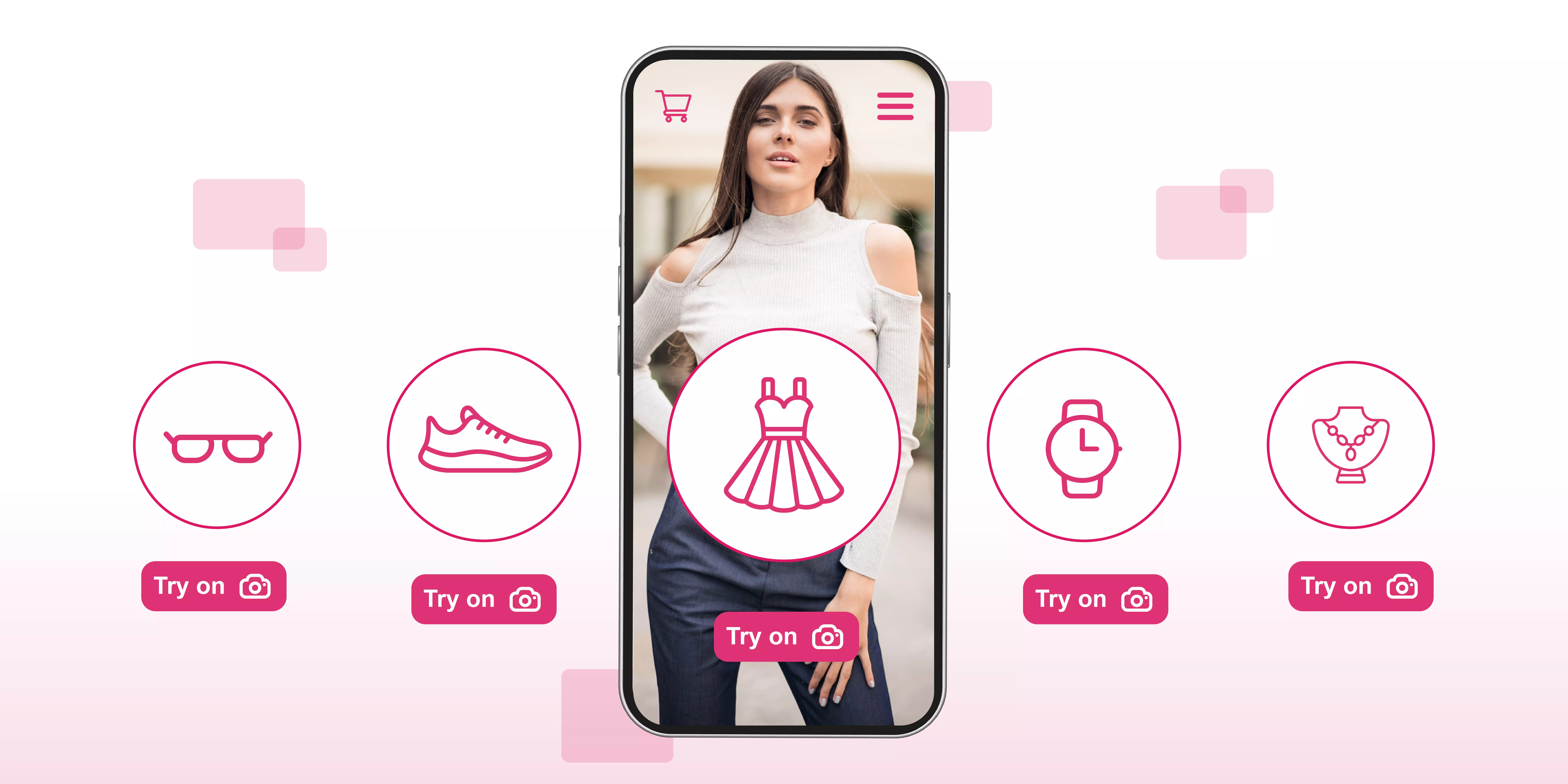
Augmented reality has played a crucial role in the growth of the e-commerce industry during and after the COVID-19 pandemic, as it helped both businesses and consumers with the accessibility to shop anytime and anywhere, irrespective of their geographical location. With the use of advanced technologies, such as AR, AI, and VR, the global e-commerce market has reported multiple advantages, such as higher conversion rates, reduced product returns, enhanced user experience, and increased engagement, helping businesses to build stronger relationships with their customers globally.
The e-commerce businesses and companies started to adopt the WebAR technology on their website and app, resulting in 80% of retailers having deployed AR as a part of their customer experience strategy in 2025, so that they can attract around 71% of consumers by offering them interactive, “try-before-you-buy” experiences. Since WebAR helps businesses in multiple ways, building a web-based AR try-on experience is a cumbersome process because it demands expertise in technical knowledge.
In this blog, I will help you understand how to build a no-code WebAR try-on experience for e-commerce websites or apps that brands can use to provide their customers with an enhanced experience during online shopping.

What is a WebAR try-on experience?
A WebAR try-on experience is an online technology that helps businesses provide their customers with a realistic and in-person-like shopping experience by enabling them to virtually "try on" products like glasses, makeup, selected footwear, or jewelry items. With the help of this technology, users can directly use their phone's web browser to explore a wide range of new products by using their camera to overlay realistic 3D models onto their live image.
By using this technology, users can try products while sitting at home without any need to download a separate app, helping brands to provide them with a seamless and app-less way to preview how items look on them so that they can make better purchase decisions with enhanced confidence.
Key features
- App-less accessibility: It helps users to explore and try on virtual products without downloading any additional application on their device, enabling them to instantly access the application by using a web link or QR code scan, which makes it highly convenient.
- Real-time interaction: It provides users with a realistic visualization and interaction of products by using the advanced head and body tracking technology that helps them to explore products from different angles and perspectives.
- 3D product visualization: It provides users with high-quality 3D models and realistic material rendering that will help them understand the details of products by offering them a real-time visualization of the product on their device’s screen.
- Cross-device compatibility: It helps brands to provide their customers with a similar shopping experience on various devices, such as iOS and Android, because it provides brands with a cross-device compatibility feature.
- Interactive controls: It helps businesses to provide their customers with an interactive experience by enabling them to interact with the product virtually, such as changing colors, sizes, or styles with simple taps or gestures, customizing the experience to their preferences.
- Markerless tracking: It provides users with markerless tracking technology, which means that it does not require any specific physical markers to initiate the AR experience because it can automatically detect and track the relevant part of the user's body or face.
Different ways to build a WebAR try-on experience
Building a WebAR try-on experience can be an overwhelming and cumbersome task for someone who doesn’t know enough about coding or has no prerequisites in the technical domain. Therefore, to help beginners or people with no coding experience build a WebAR try-on experience, there are two different ways that they can use, which are using a no-code platform or opting for custom development SDKs.
These two methods will help developers build a successful WebAR try-on experience for the website or app, enabling them to customize it according to their needs and requirements. In this section, I will help you understand how these no-code methods can help developers build a successful WebAR try-on experience to provide your customers with an interactive shopping experience.
1. No-code or low-code platforms
Several no-code or low-code platforms help e-commerce businesses to create and deploy interactive and engaging WebAR try-on experiences on their e-commerce website or app. It can be done by using no-code platforms because they help developers to build a WebAR experience without any extensive programming knowledge by using the intuitive user interfaces and drag-and-drop features. With the help of this approach, developers will be able to perform quick iterations and integration into pre-existing e-commerce platforms like Shopify.
How does it work? They: Developers can create the WebAR experience by uploading optimized 3D models and assets to a cloud-based platform, which they can edit and customize by using an online editor, including several features, such as buttons, tracking options, or branding. They can perform these tasks and edit 3D models before generating a link or QR code so that their customers can access the AR experience directly in their browser, without downloading an additional application.
Key providers: Companies that offer no-code or low-code experiences are MyWebAR and Zappar.
2. Custom development SDKs
Several brands, such as GlamAR, MobiDev, and mirrAR, help businesses and online sellers with customizable and easily integrable SDKs (software development kits), enabling them to create interactive and engaging WebAR try-on experiences on their e-commerce platforms.
By using the custom SDKs, brands can perform high levels of customization, have full ownership of the experience, or have unique functionalities, enabling them to build WebAR try-on experiences from scratch with development tools, which makes this approach suitable for brands that require advanced customization and technical control.
Key tools and technologies:
- WebXR device API: It provides brands with an open and standards-based API supported on compatible browsers and devices, which will provide them with the foundation for immersive experiences on the web, offering them complete ownership and control over the code.
- AR SDK: It provides developers with customizable software development kits, along with some advanced technologies, such as head and hand tracking, advanced artificial intelligence algorithms, and 360-degree viewers, helping them to create high-fidelity beauty try-ons.
- 3D framework: It helps brands to render and manage 3D content within the browser by using technologies such as Three.js and React Three Fiber, which will offer brands extensive control over the visual presentation and interactions.
{{component="/internal/widgets"}}
Benefits for businesses of using a no-code WebAR try-on on their e-commerce platforms

With the help of a no-code WebAR try-on, e-commerce businesses and brands can boost their overall sales, reduce product returns, and enhance user engagement by helping their customers to try products virtually in their own space or on themselves.
It will help them to make more informed and confident purchase decisions by enabling them to do so directly in their browser, requiring no app downloads, leading to higher confidence, brand loyalty, and actionable analytics, all at a lower implementation cost. In this section, I will help you understand the advantages of using a WebAR try-on that businesses get and how it helps them to increase their conversion rates and reach a wider audience.
1. Increased conversion rates and sales
It helps businesses to increase their conversions and sales by offering their customers a realistic visualization of the products, enabling them to try them in their space or on themselves. It also helps their customers to make more confident decisions about their purchases by providing them with an in-person-like experience during their virtual shopping journey.
2. Reduced product return rates
It helps customers to make more informed decisions by decreasing their uncertainty about the color, size, and fit, which will help them to make more confident decisions and make their online shopping experience more engaging. Apart from that, it helps brands to increase customer satisfaction and trust towards the product, which will also reduce the product return rate for online sellers and businesses.
3. Enhanced user experience and engagement
It helps businesses to increase user engagement and experience on their e-commerce websites or apps by providing their customers with interactive and immersive features, such as 3D models, 360-degree viewers, and virtual try-ons.
By using the WebAR try-on, brands can keep their customers engaged on the platform for a longer session time and provide them with personalized experiences by enabling them to customize products according to their needs and preferences.
4. Universal access without app download
With the help of WebAR try-on experiences, brands can provide their customers with an accessible way to explore and try different products from their e-commerce store on their web browser.
It provides users with broad access to the WebAR try-on by enabling them to explore products on their web browsers, which will help the brand to remove barriers and friction for those customers who don't want to download any kind of mobile or desktop application to try products virtually.
How to create a WebAR try-on experience on the e-commerce platform without coding?
Brands can create a no-code WebAR try-on experience on an e-commerce platform with the help of the augmented reality platform or e-commerce-specific plug-ins. These platforms use AI-driven tracking and support 3D models, which will help brands enable their customers to visualize products in real time through their device's camera.
In this section, I will provide you with detailed information on how an online brand can create a WebAR try-on experience on its e-commerce platform without using extensive technical or coding knowledge.
1. Choose a WebAR provider
Firstly, select a WebAR provider like GlamAR, which helps online sellers and brands to provide their customers with an interactive experience by enabling them to integrate the try-on feature seamlessly via plugins, APIs, or prebuilt integrations managed through a dashboard.
It provides brands with multiple features, such as Shopify extensions, user-friendly interfaces, and drag-and-drop features, which they can use to create an interactive shopping experience for their customers without any coding knowledge.
2. Prepare or create 3D models of products
After that, brands have to create high-quality 3D models of their products, which they can perform by converting the 2D images into 3D models with the help of automated tools or by using manual 3D modeling workflows.
They can also build 3D models of their products by using the 3D model creation tools or hiring an expert in 3D modeling, which will make the online shopping journey more interesting for their customers.
3. Upload and configure the AR experience
Afterwards, upload the 3D model of the products on the dashboard and configure settings according to your preferences, which will help you ensure that the virtual try-on will work correctly for the end-user.
To make WebAR try-on experiences more interactive, you can also involve face or body movement for makeup, glasses, and watches by using the platform's AI to handle face tracking automatically and, in some cases, body or wrist tracking, depending on platform capabilities.
4. Integrate with e-commerce store
- Plugins/Extensions: You can interact with the WebAR experience on various platforms such as GlamAR, Zakeke, MirrAR, and Shopify AR, which offer a one-click integration or a dedicated plugin to help brands integrate the SDK or API with major e-commerce platforms like Shopify, WooCommerce, or Magento.
- QR codes/Links: With the help of the WebAR try-on SDK, businesses can generate a unique URL or QR code, which they can easily add to their product pages or marketing materials to provide their customers with an enhanced experience to explore products by using engaging and interactive features.
5. Test and optimize
Always be sure to test and optimize the experience on various devices or platforms before launching the experience, which will help developers ensure that users will get seamless performance and correct product visualization during the try-on. They can also gather customer feedback, which will help them to understand the changes and make necessary adjustments and improvements to make the WebAR experience more accessible and interactive.
By following these steps, brands can offer their customers an engaging "try-before-you-buy" experience, which will help them to boost purchase confidence, increase conversion rates, and reduce product returns, all without writing code.
GlamAR’s AR try-on SDK for brands and businesses
To provide your customers with an interactive and engaging experience, you can consider GlamAR, which is an AR-based SDK provider that helps online sellers and businesses to enhance their online presence by reaching a wider audience and enhancing customer experience. It offers several solutions, such as virtual try-ons, 3D product configurators, 3D model creators, 360-degree viewers, and an AI-based skin analyzer, which will help brands to experience an end-to-end 3D, AR, and VR lifecycle support.
With the help of its AR try-on feature, online sellers can provide their customers with a personalized yet immersive shopping journey by enabling them to visualize products from their device’s camera on themselves or at their place realistically. It helps businesses to reduce the guesswork and uncertainty among their customers during virtual shopping by helping them to customize products according to their needs and offering them a real-time experience.
It provides brands with an SDK or API, which supports low-code or no-code integration, enabling them to integrate the WebAR try-on into their e-commerce platform so that they can increase their user engagement by redefining how customers engage at every touchpoint. Apart from that, it also provides businesses and developers with detailed documentation, which they can use if they get stuck at any point or talk to their experts for any assistance through chat or email.
Conclusion
Augmented reality has been transforming the e-commerce industry from traditional marketing strategies to using 3D models and offering virtual try-ons for realistic and lifelike visualization of products. By using these techniques, brands can provide their customers with an engaging yet immersive experience, whereas building a WebAR try-on experience from scratch is still not an easy task.
In this blog, I have given you detailed information on how to build a WebAR try-on experience without requiring extensive coding, which you can use on your e-commerce websites and compatible platforms. I have also included brief information about GlamAR, an AR solution provider offering virtual try-on capabilities, which you can consider if you want to explore a tool that offers seamless integration and cross-device compatibility.
{{component="/internal/widgets"}}
La tecnologia di prova WebAR aiuta le aziende a fornire ai propri clienti l'accesso all'esperienza AR concedendo alla telecamera l'autorizzazione per abilitare un feed live. Il sistema utilizza sovrapposizioni AR dei prodotti sui loro volti in tempo reale, consentendo loro di interagire con i prodotti selezionando gli elementi, regolando gli angoli e visualizzando adattamenti realistici senza scaricare app.
Con l'integrazione della tecnologia di prova WebAR, i marchi ottengono molteplici vantaggi, come un aumento delle conversioni, una riduzione dei rendimenti dei prodotti e un maggiore coinvolgimento offrendo ai propri clienti una personalizzazione interattiva. Oltre a ciò, le aziende ottengono anche un vantaggio di marketing grazie a esperienze di marca, maggiore soddisfazione dei clienti e approfondimenti sui dati sulle preferenze degli utenti, il che migliora le vendite di e-commerce senza necessità di inventario fisico.
Aiuta le aziende a fornire ai propri clienti un'esperienza coinvolgente consentendo loro di utilizzare la prova AR per un'ampia gamma di prodotti, come occhiali, gioielli, scarpe, abbigliamento e accessori, in quanto offre loro una tecnologia precisa di tracciamento del viso e delle mani. Può essere utilizzato anche per mobili, decorazioni per la casa e borse aiutando gli utenti a comprendere la posizione dei prodotti in diversi ambienti e dando accesso al feed live della telecamera.
Per l'implementazione dell'esperienza di prova WebAR, i marchi devono soddisfare alcuni requisiti tecnici, come API WebXR, framework AR basati su JavaScript o SDK AR commerciali, modelli 3D e accesso alla fotocamera. Oltre a ciò, gli sviluppatori hanno bisogno anche dell'hosting HTTPS, del face tracking tramite librerie compatibili con il web come MediaPipe o motori AR specifici della piattaforma e dell'ottimizzazione delle prestazioni, che aiuteranno anche i plugin di e-commerce a semplificare l'integrazione su varie piattaforme di e-commerce, come Shopify e WooCommerce.
La tecnologia di prova WebAR è compatibile con i moderni smartphone, tablet e desktop con fotocamere tramite Chrome, Safari, Firefox ed Edge. Inoltre, mostra la compatibilità con Android e iOS, con modelli di fascia media che la supportano, mentre i dispositivi più vecchi potrebbero non avere la tecnologia.
I brand possono misurare o monitorare il successo dell'esperienza di prova osservando alcune metriche come il tempo di sessione, i tassi di completamento della prova, l'aumento delle conversioni, la riduzione dei rendimenti e il coinvolgimento. Oltre a ciò, possono anche utilizzare l'analisi per la distribuzione della piattaforma, il drop-off degli utenti e i test A/B, che possono essere eseguiti con l'aiuto di alcuni strumenti avanzati, come GlaMar, che fornisce KPI sulle interazioni e sull'impatto delle vendite.
Scopri come AR, VR e 3D possono favorire la crescita dei ricavi nel 2026
Pianifica una chiamata con il nostro team

.avif)