Clothing try-on made







Three ways to turn browsers into buyers
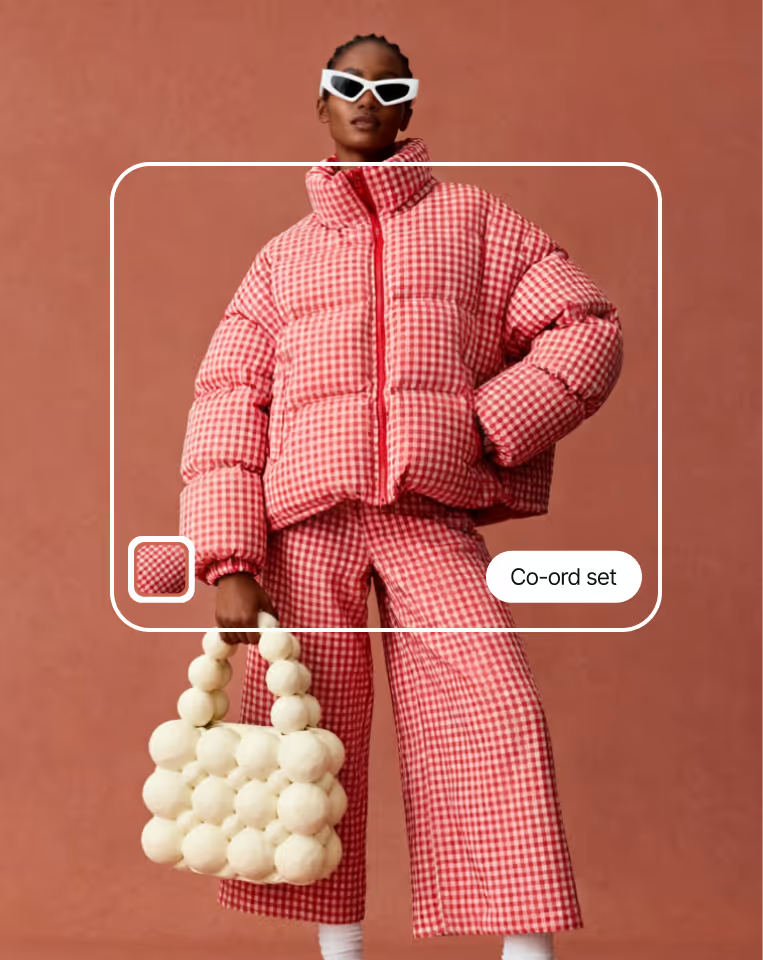
Single-garment try-on
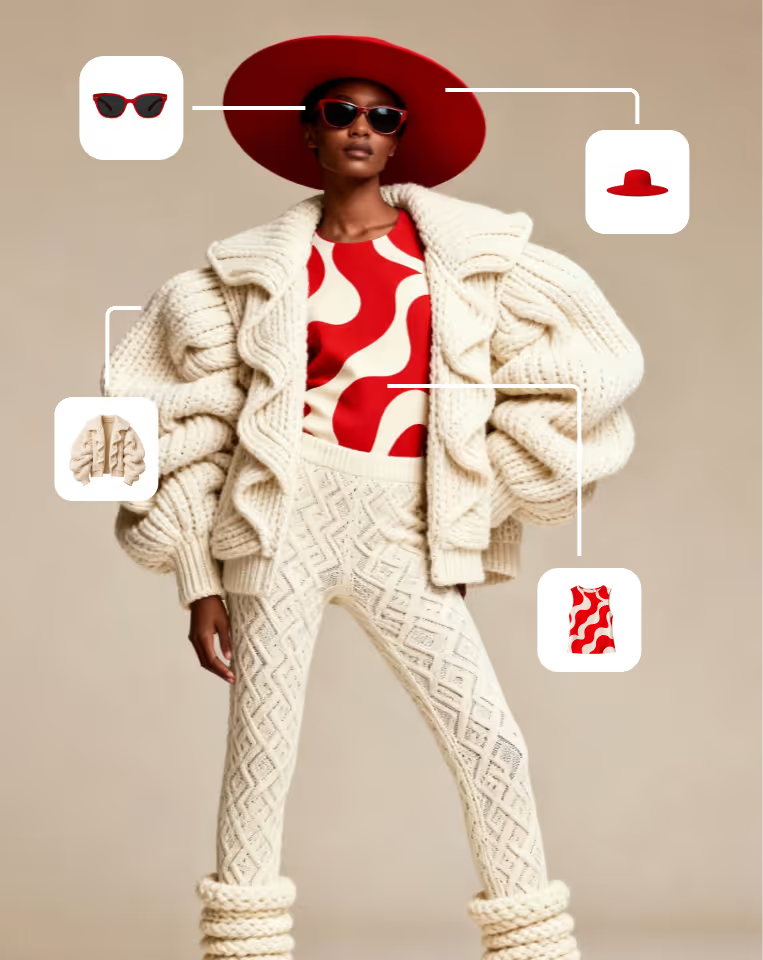
Full-outfit / multi-item try-on
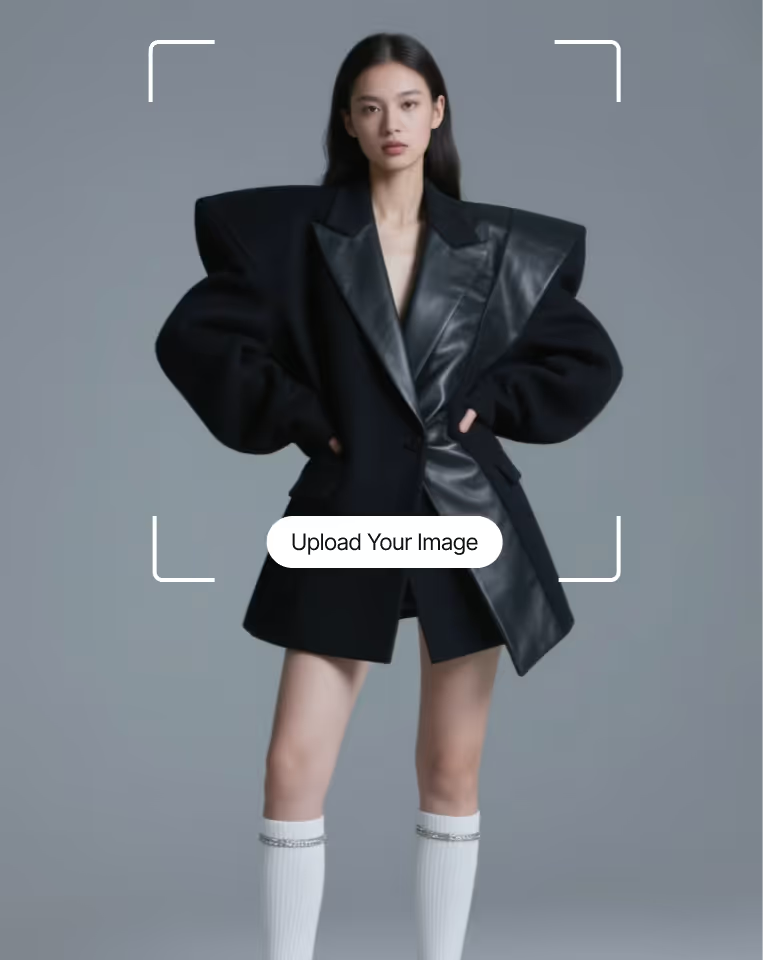
Try on using the shopper's photo
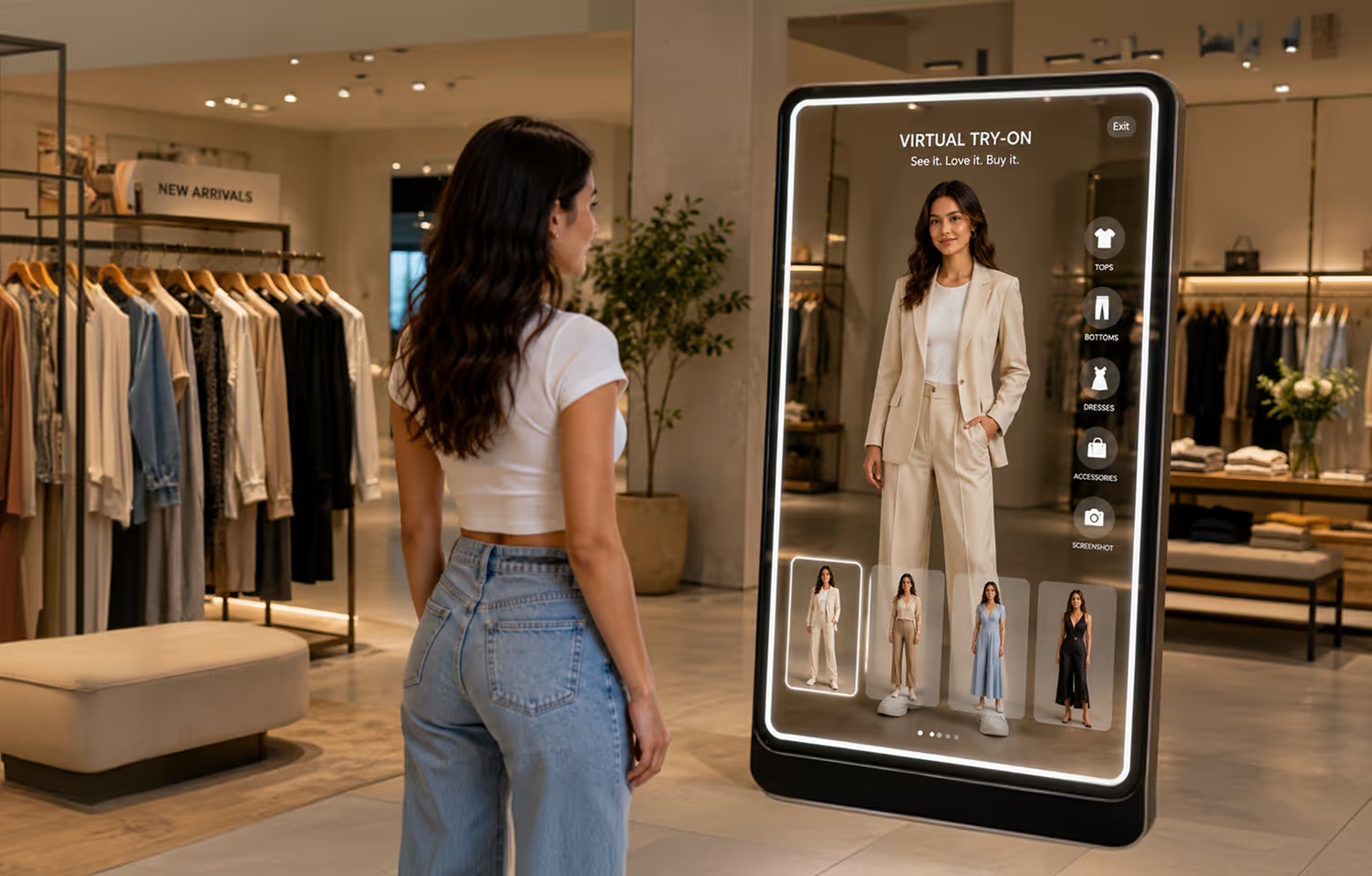
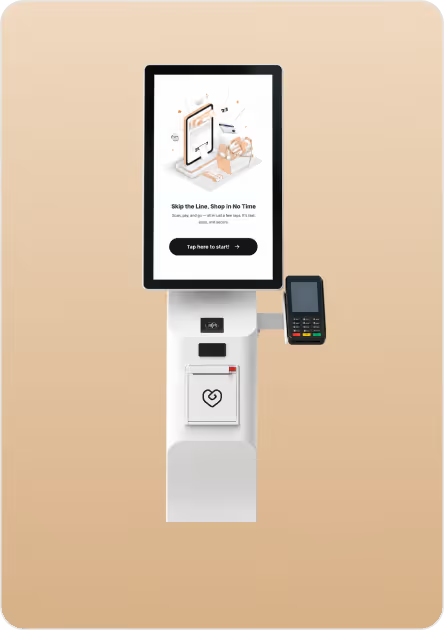
Take it in-store with the Magic Mirror
For your store team, that means shorter fitting-room queues, more outfits tried per visit, and a single connected view of what shoppers love online and in-store

Real impact, real numbers
From catalog to live in 3 days
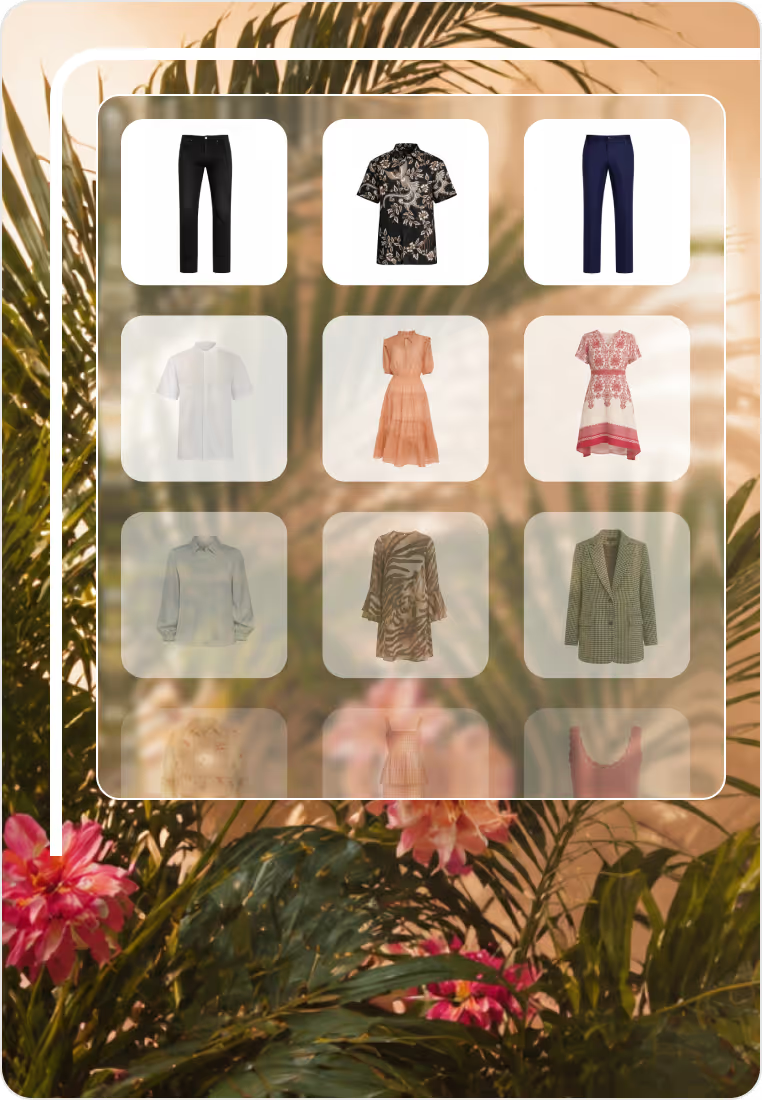
Send your catalog
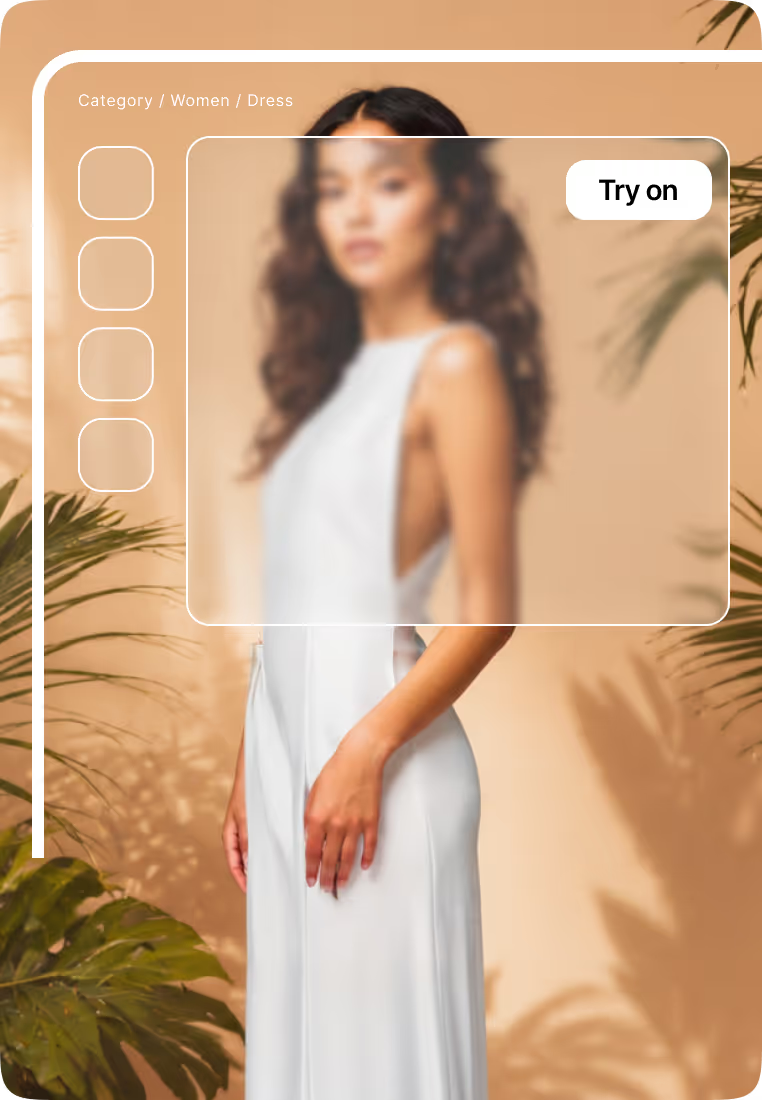
Integrate on your storefront
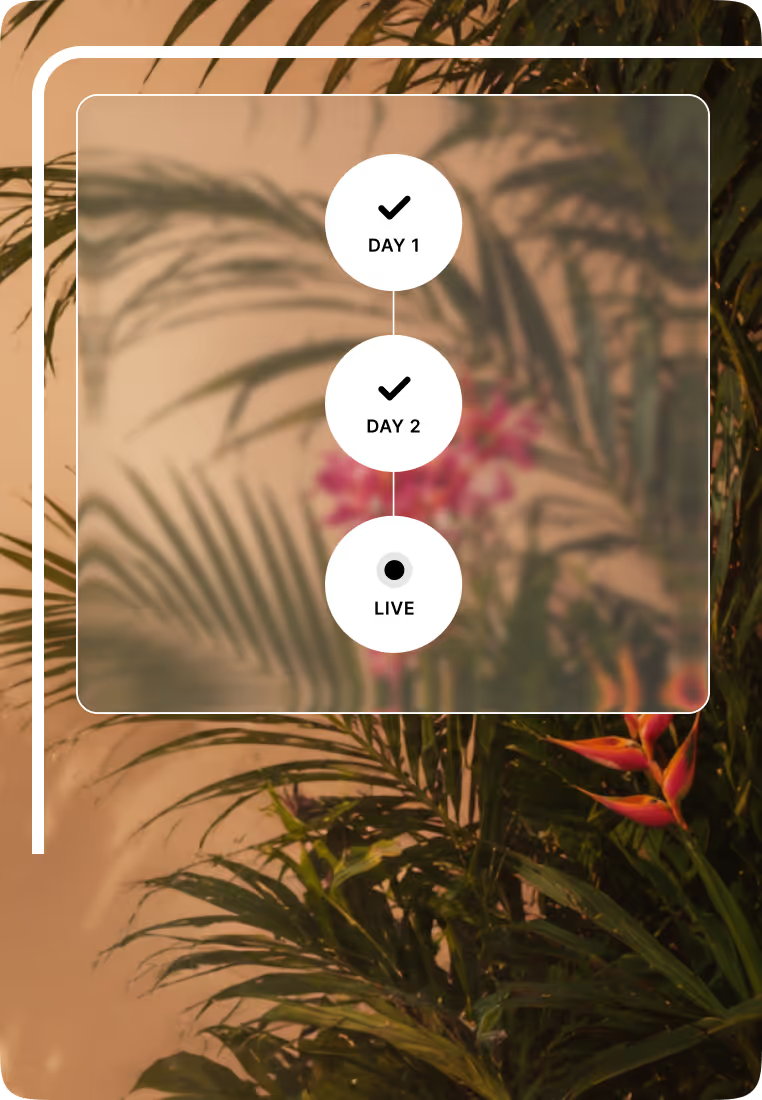
Go live in 3 days
Everything you need to launch clothes virtual try-on
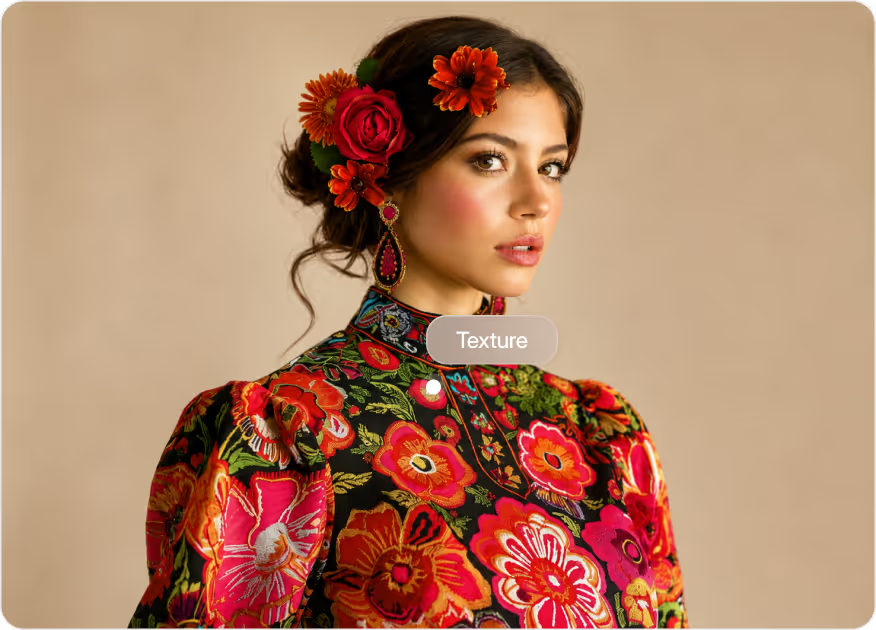
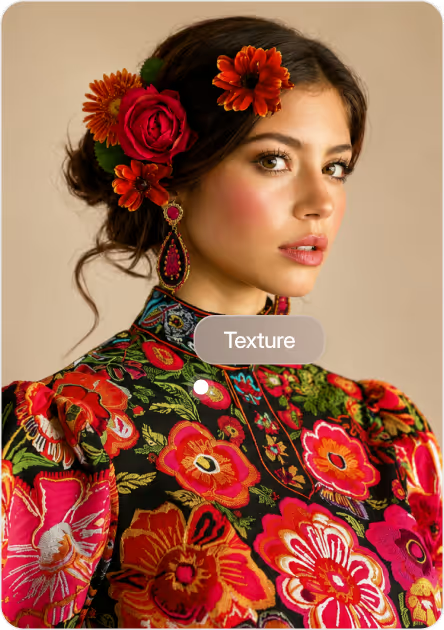
True-to-life rendering

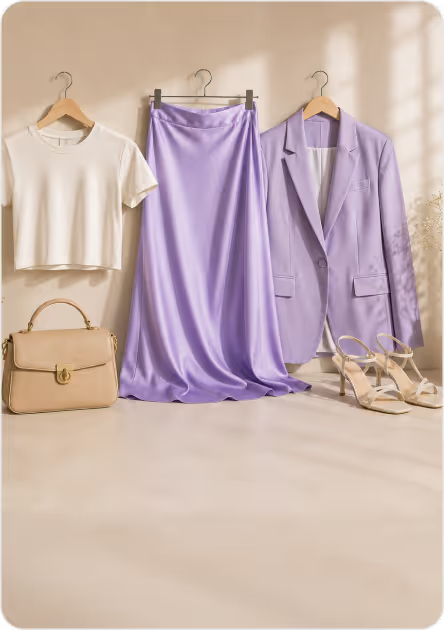
Multi-item styling
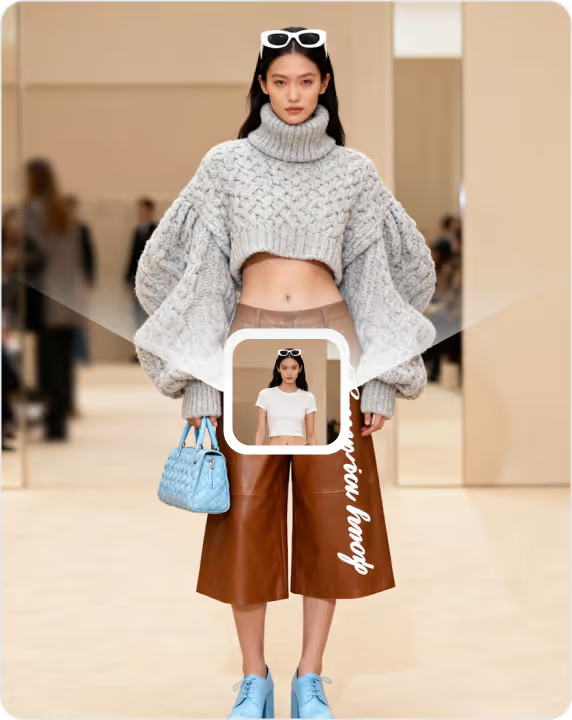
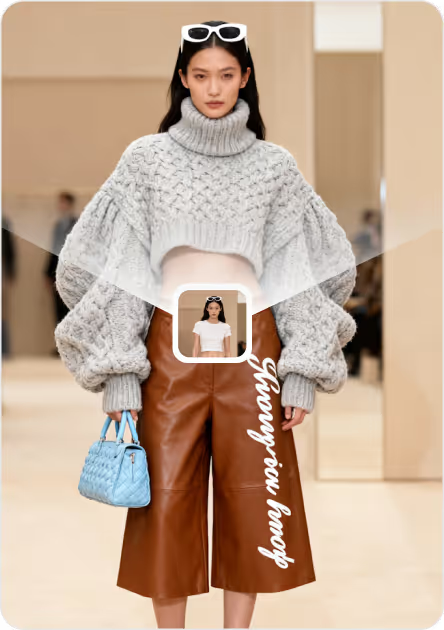
One image in, try-on out
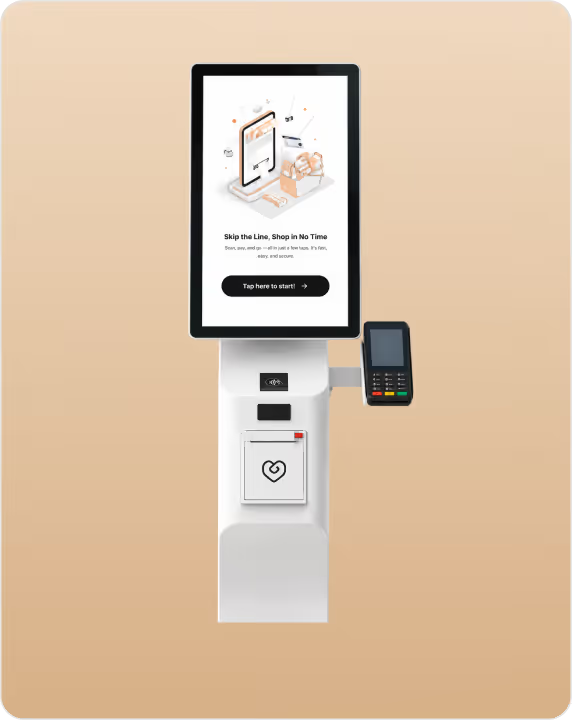
Cross-device
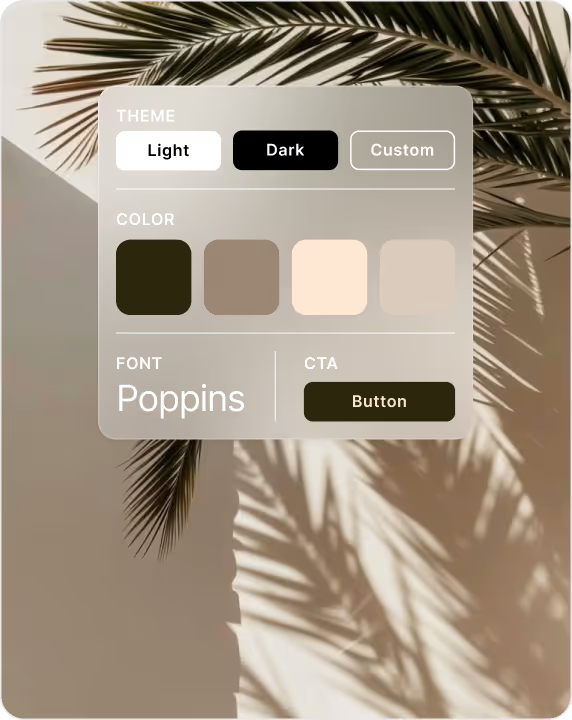
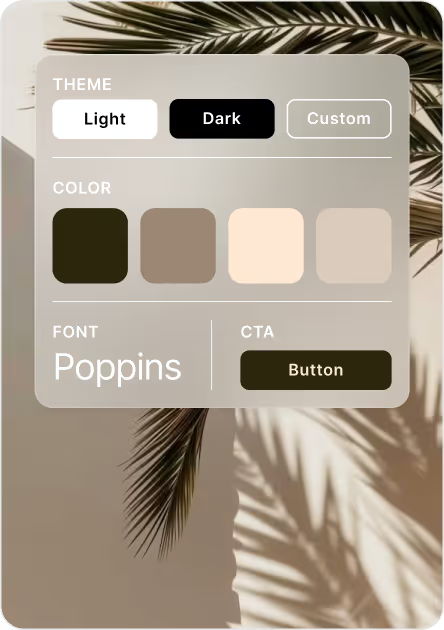
Customizable interface

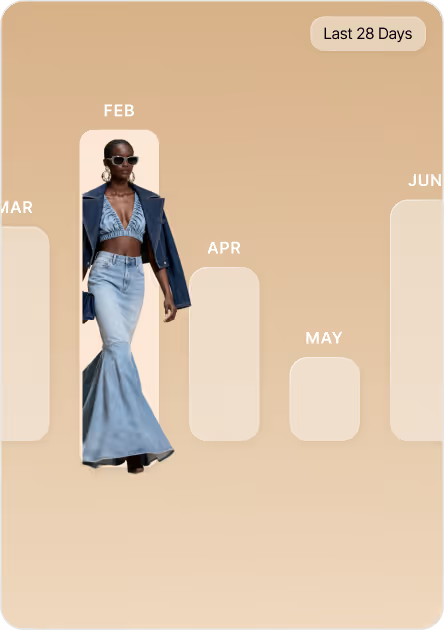
Analytics dashboard

Easy catalog onboarding



See clothes virtual try-on in action
Backed by enterprise grade security and scale


Frequently asked questions
A shopper selects a garment on your product page and chooses how to preview it, on a default model or on their own uploaded photo. GlamAR renders the garment on the body with realistic fit, drape, and fabric texture, in seconds.
Yes. GlamAR uses AI to map the body and render each garment accurately. For your shoppers it stays simple: pick a piece, see it on, decide.
No. GlamAR's clothes try-on runs directly in the mobile or desktop browser. Shoppers tap "Try on" and go, with no install required.
Yes — the solution supports trying multiple makeup products and mixing looks during a single session.
Standard product images. There's no need for photoshoots, models, or 3D assets. GlamAR prepares your catalog for try-on from the imagery you already have.
Yes. Multi-item try-on lets customers layer a complete look, including top, bottom, outerwear, and more, and see it together on themselves.
Most brands go live within 3 days of sharing their catalog. It's a no-code install on Shopify, with an SDK and API for custom storefronts.
Yes. The try-on interface is customizable, so colors, fonts, and buttons can be set to match your storefront.
Yes. GlamAR supports bulk catalog onboarding and keeps the try-on experience consistent across every brand and SKU you list.


Discover how AR, VR and 3D can drive revenue growth in 2026
Schedule a call with our team

.avif)