12 Best 3D Product Configurators for Ecommerce Brands and Platforms in 2026


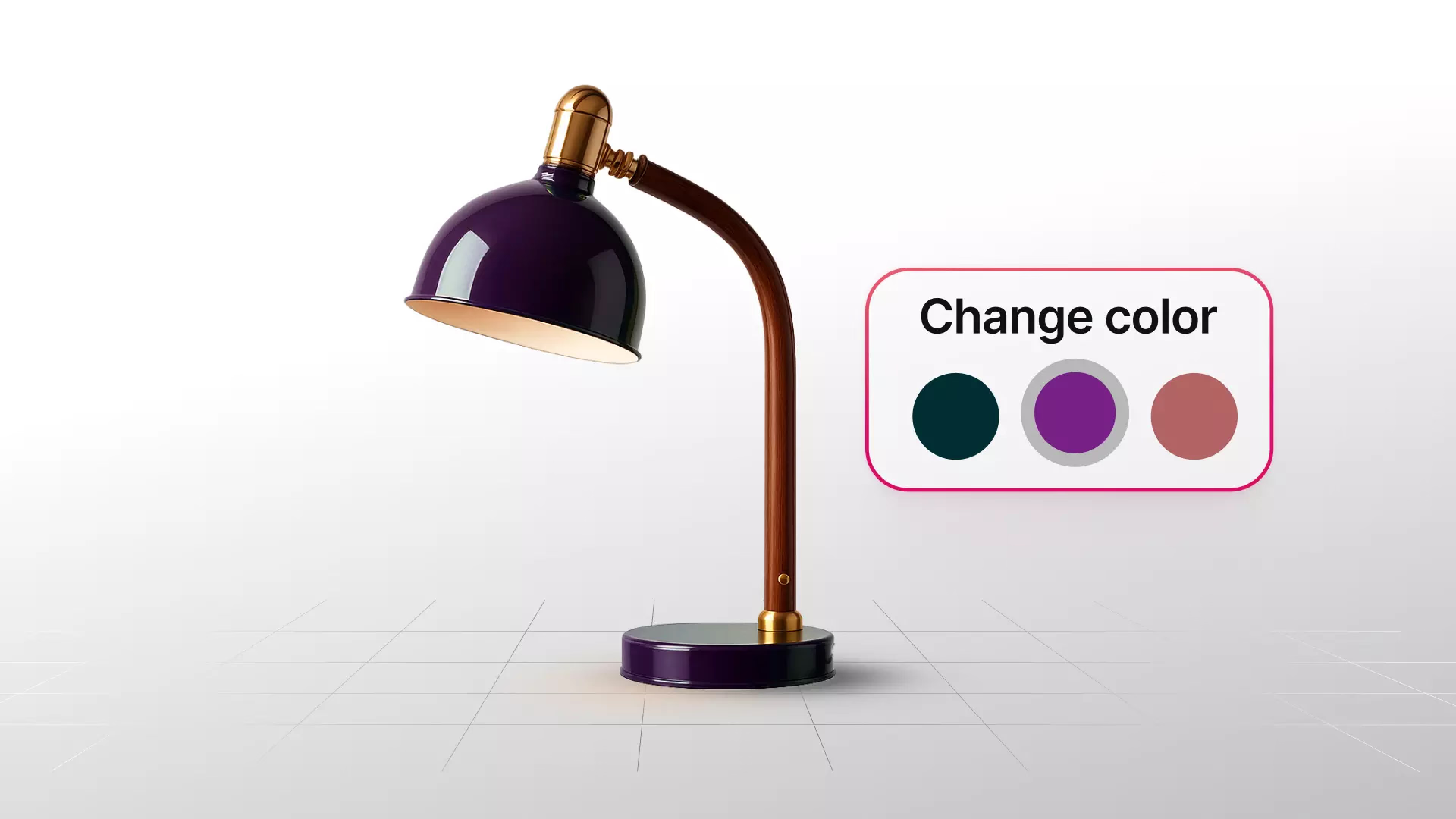
Ecommerce brands have 12 widely used 3D product configurator platforms to evaluate for letting shoppers customize a product, not just view it, before buying. Below is a comparison of each on customization depth, rendering quality, integration method, platform compatibility, and pricing, since those five factors determine whether a configurator actually drives the upsell and conversion behavior it's meant to, not how polished a demo catalog looks.
Industry research on configurator deployments converges on a consistent pattern, even though exact figures vary by source and methodology: conversion increases commonly cited in the 20 to 40 percent range, and average order value increases of 15 to 35 percent specifically tied to customers upgrading to premium materials or finishes once they can see the difference. McKinsey's own research separately found that genuine product customization increases a customer's willingness to pay by roughly 20 percent on average, which is the underlying mechanism a configurator is built to activate, letting a shopper see and choose a more expensive option rather than defaulting to the base model shown in a static photo.
This guide is deliberately focused on the configuration layer specifically, tools built around letting a shopper actively change a product and see that change reflected in price or specification, rather than the broader category of 3D viewing or asset creation tools covered elsewhere. If your evaluation is more about displaying a fixed product from multiple angles without customization, a 3D viewer is a different, related decision worth researching separately. The twelve providers below are specifically about what happens when a shopper wants to configure, not just look at, a product.

What Is a 3D Product Configurator, and How Is It Different From a Viewer?
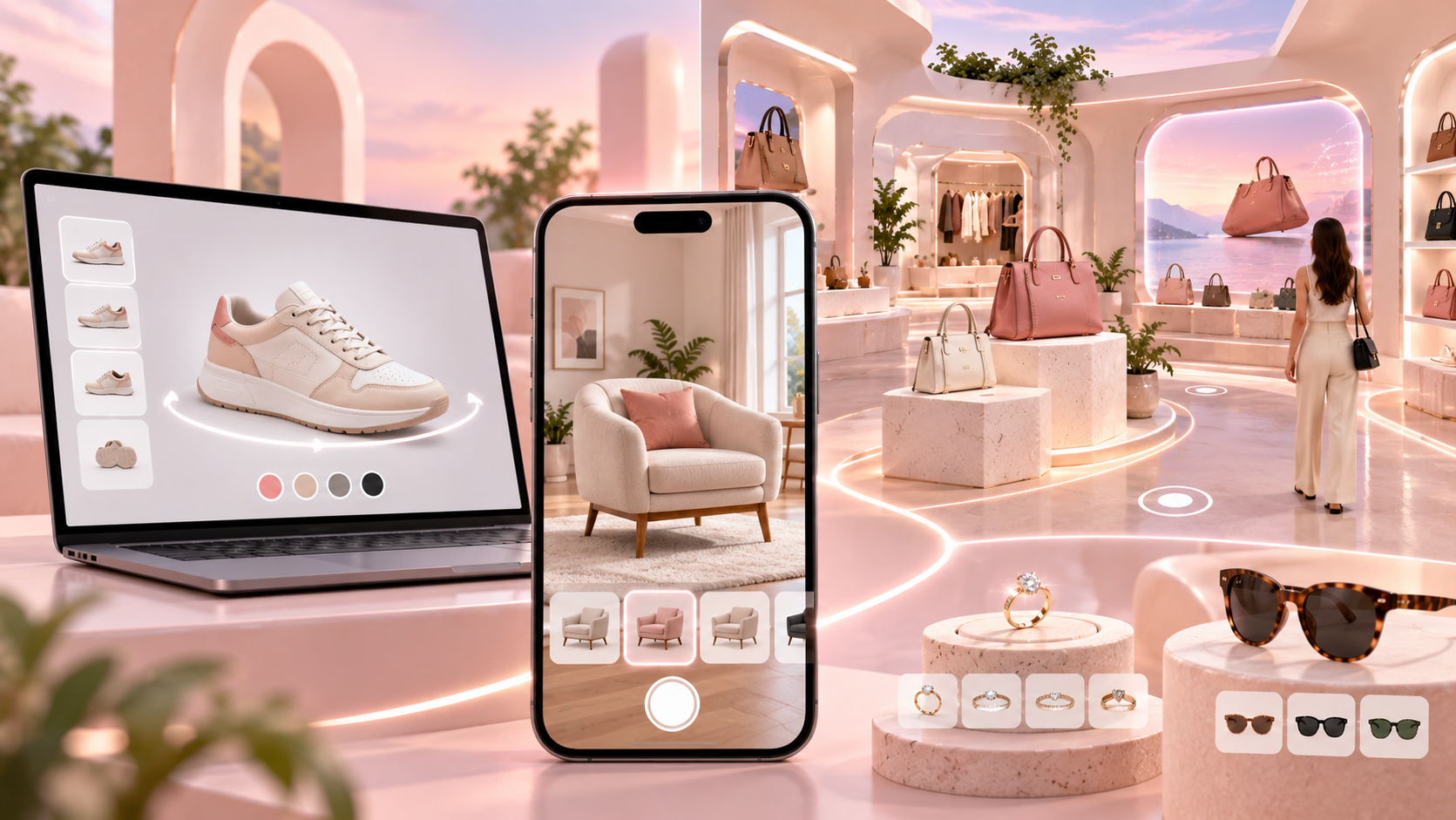
A 3D product configurator lets a shopper actively change a product, swapping a color, material, component, or dimension, and see that specific change rendered in real time, typically with a price or specification that updates alongside the visual change. A 3D viewer, by contrast, lets a shopper look at one fixed product from multiple angles, rotating and zooming, without changing anything about the product itself.
This distinction matters more than it might first appear, since the two serve genuinely different commercial purposes. A viewer builds purchase confidence for a product as it already exists. A configurator actively drives a different purchase decision, often toward a higher-value option, by making an upgrade or variant visible and tangible rather than buried in a dropdown menu or a separate product listing. A brand evaluating this category should be clear about which outcome it actually needs, since several vendors offer both capabilities, but a tool built primarily for viewing will generally have shallower configuration logic than one built around configuration specifically.
A useful test for which category you actually need is to ask what happens when a shopper changes an option on the page. If the answer is simply a different static image or a different angle of the same fixed product, that's a viewer, however good the rendering looks. If the answer is a genuinely new rendered result reflecting a material, color, or component the shopper selected, with a price or specification that updates accordingly, that's a configurator. Several vendors in this category market themselves ambiguously across both terms, which makes this direct test more useful than taking a vendor's own category label at face value.
Which Product Categories Benefit Most From Configurators
Furniture and home goods see some of the strongest documented results, since material, fabric, and finish differences are significant purchase factors that are difficult to convey through static photography covering every combination. A sectional sofa with a dozen fabric options and multiple configurations essentially cannot be photographed exhaustively, making a configurator the only practical way to show every real combination.
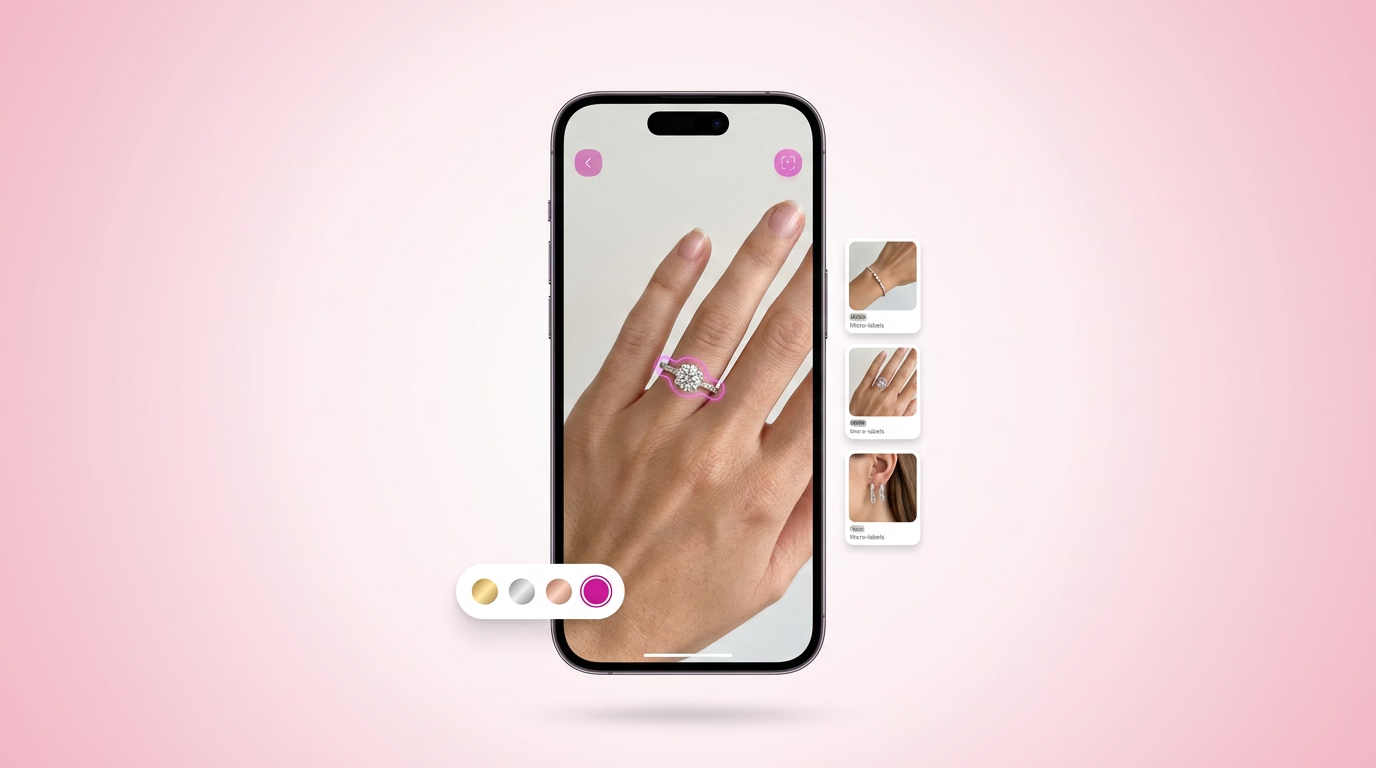
Footwear and apparel with build-your-own programs, following the model popularized by Nike and Adidas, benefit from configurators specifically because the customization itself, not just the visualization, is the product. Jewelry, where metal type, stone choice, and setting combinations create genuine product variety, is another strong fit, particularly for engagement rings and other made-to-order pieces where a customer is already expecting to personalize their purchase.
Luggage and bags, eyewear, and B2B industrial or technical products with CPQ requirements, configure, price, quote, round out the categories where configurators show the clearest return, generally because these categories share a common trait: a meaningful number of real product variations that a customer genuinely wants to compare before committing, not a single product with a color picker bolted on.
A category with genuinely limited variation, a simple product sold in two or three colors with no other meaningful differences, is a weaker fit for a full configurator investment, and a brand in that position should weigh whether a simpler viewer or a basic variant selector delivers most of the practical benefit at a fraction of the cost and complexity. The clearest signal that a product category justifies configurator investment is whether customers are already asking sales or support teams detailed questions about how a specific combination of options would look together, since that's direct evidence of unmet visualization demand a configurator is built to satisfy.
- GlamAR is best used for realistic, high-quality, and easy integration
- Threekit offers dynamic and AI-powered real-time customization
- Expivi provides 3D/AR, CPQ, and omnichannel integration
- Cylindo offers photo-realistic 3D visuals and a scalable platform
- Sketchfab is best used to embed interactive 3D models
- Vectary is a no-code and web-based 3D configurator
- Axonom by Revalize is best used for interactive 3D and guided sales experience
- Maionic provides custom and immersive 3D experiences
- 3D Source gives bespoke 3D configurator solutions
- Zakeke is used for 3D, AR, and e-commerce-ready
- Simplio3D offers customizable and multi-platform 3D configurators
- VividWorks provides visual, modular, and omnichannel configurators
The 12 Best 3D Product Configurators Compared
The table below focuses specifically on configuration depth, since several of these vendors also offer broader viewing or visualization capabilities that fall outside the scope of this comparison.
1. GlamAR
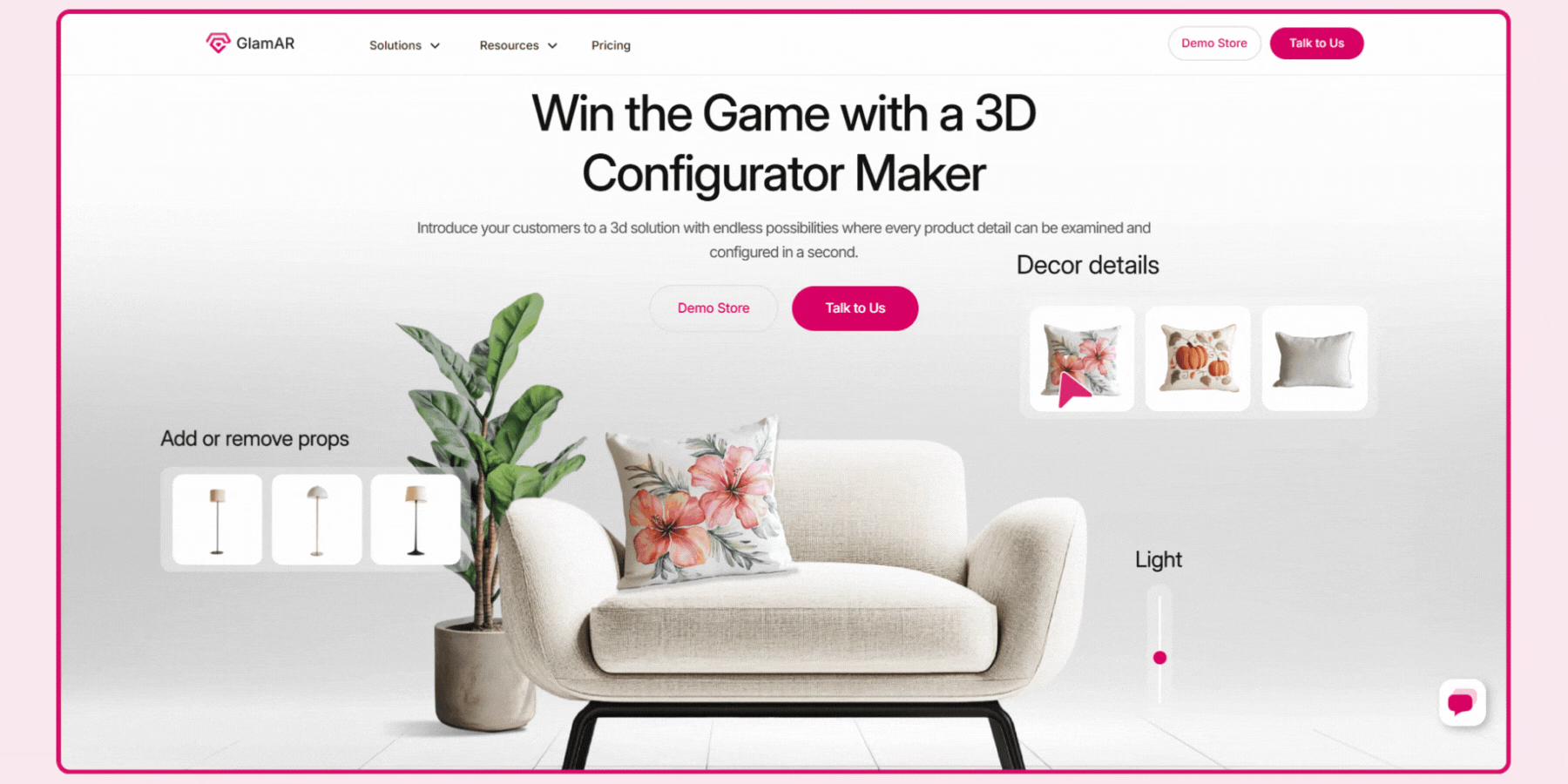
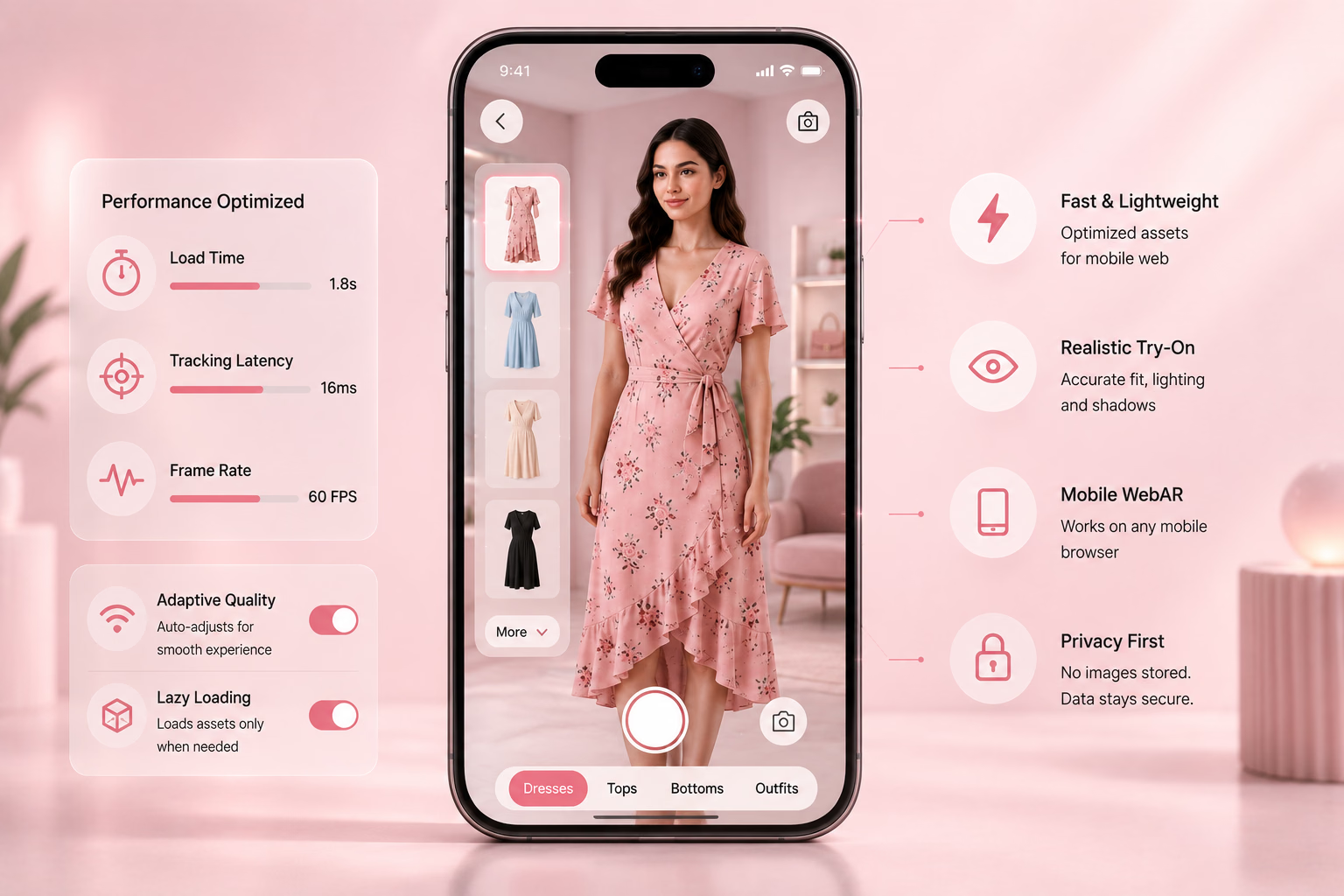
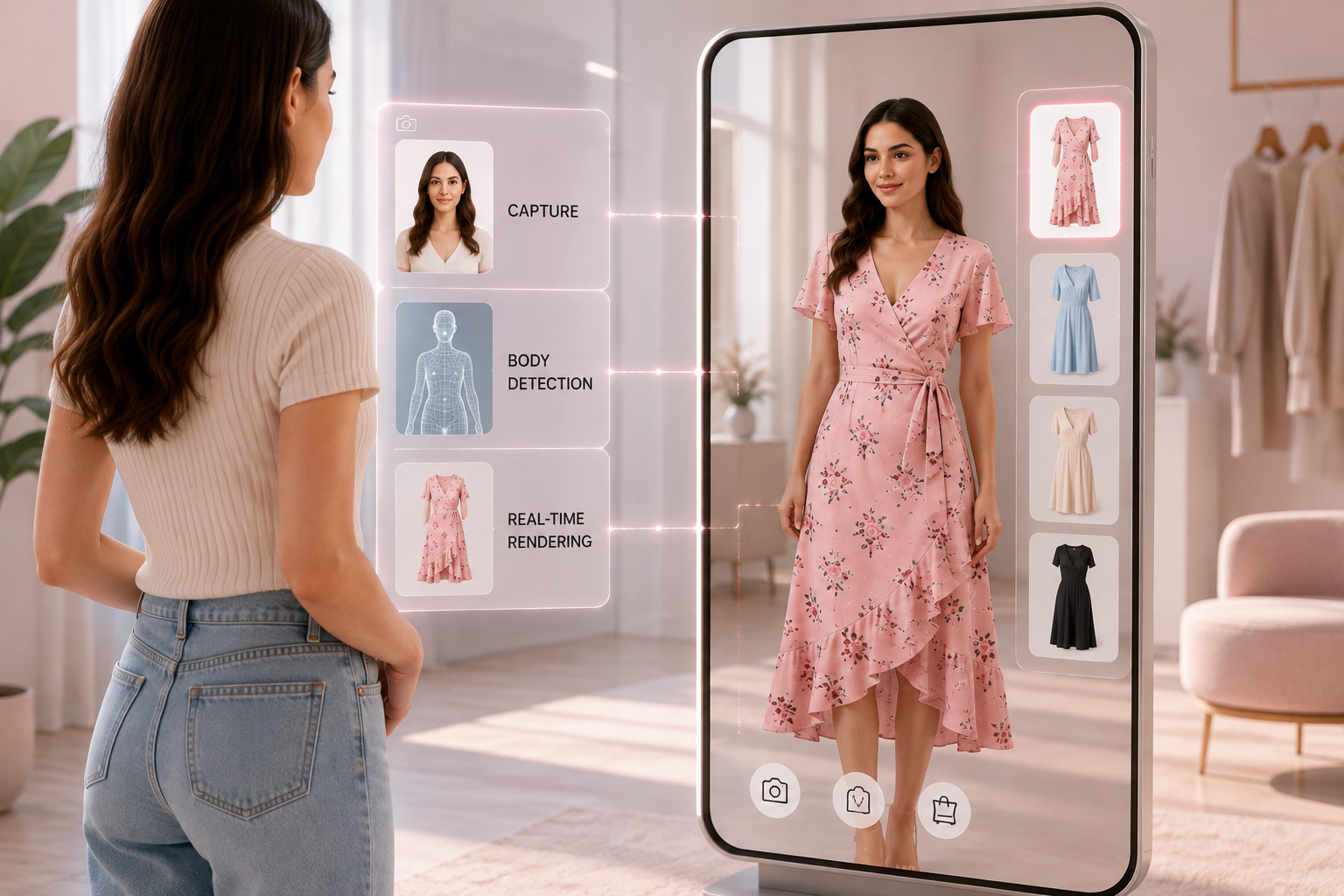
GlamAR's 3D product configurator lets a shopper change a product's color, material, and components with a real-time preview, integrated alongside GlamAR's broader virtual try-on and 360-degree viewer tools. Integration runs through an SDK requiring roughly 2 to 3 lines of code for a standard deployment, with support across Shopify, WooCommerce, and Magento through SDK, API, or embed code paths.
Reported figures show brands using GlamAR's configurator achieving up to 10 times faster production turnaround and a 90 percent reduction in manual asset work, alongside reported revenue growth of 150 percent tied to the broader 3D and AR deployment. Because configuration sits alongside try-on and viewing in one platform, a brand selling across multiple categories, jewelry alongside apparel, for instance, can deploy one vendor relationship rather than separate tools per capability. Review the 3D product configurator solution directly for current customization and integration specifics.
For a brand already evaluating GlamAR for virtual try-on or a 360-degree viewer, extending into configuration specifically reuses the same underlying 3D asset pipeline and catalog connection, which is a genuine efficiency advantage over introducing a second, separate configurator vendor with its own asset requirements and integration process.


2. Threekit
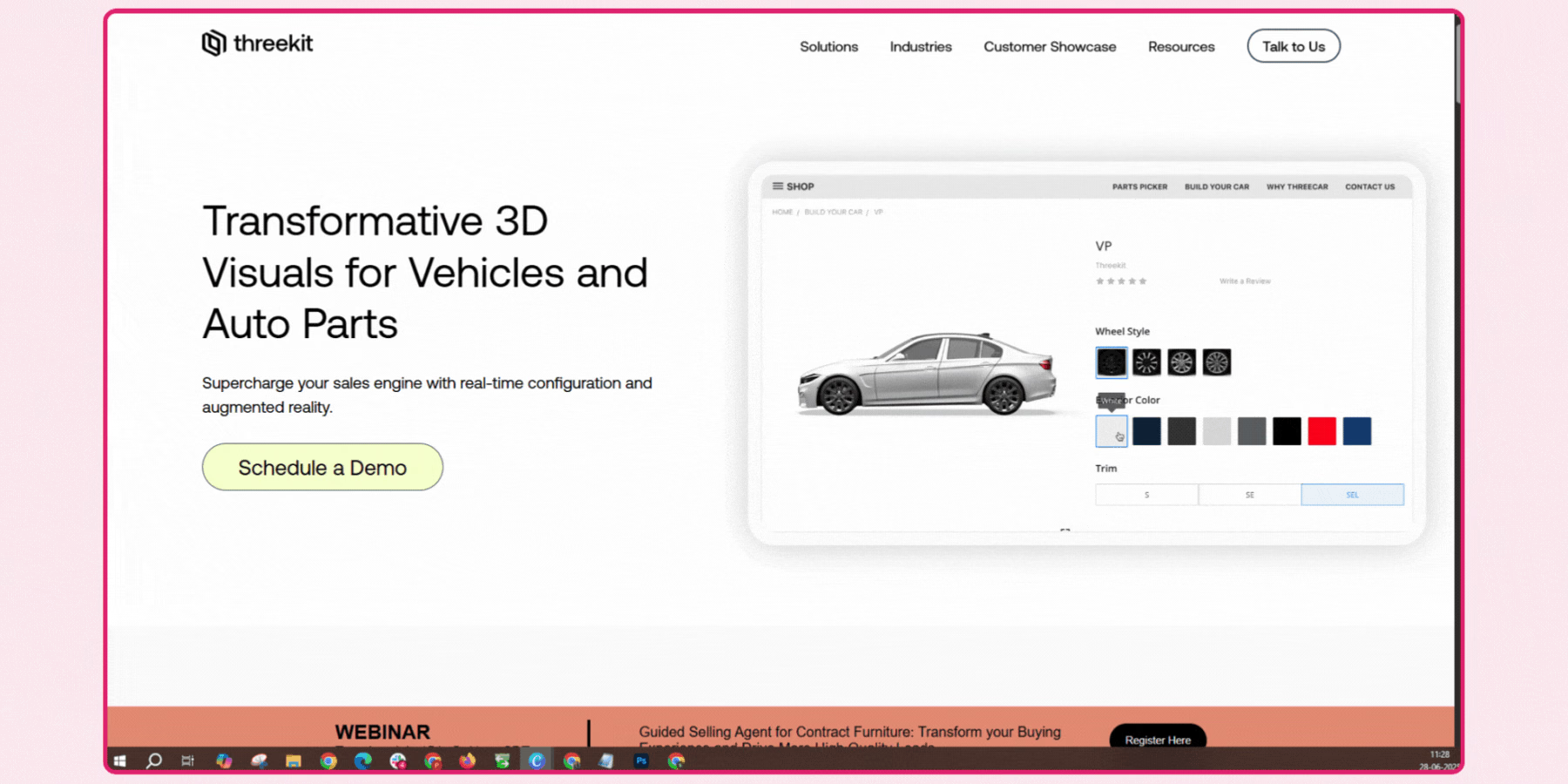
Threekit's configuration logic is built to merge actual product data with 3D design, generating genuine manufacturing-ready output rather than a purely cosmetic preview, which matters for a brand needing the configured result to flow directly into production or fulfillment. Its reported conversion impact, cited at up to 40 percent, is tied specifically to turning a passive shopper into an active participant selecting real configuration options rather than browsing static variants.
Order tracking that preserves full configuration data alongside each order is a genuine operational advantage for a brand with complex, made-to-order products, since it eliminates the manual reconciliation otherwise needed between what a customer configured and what fulfillment actually needs to build. Its composable platform architecture, letting a brand mix and match specific modules rather than adopting an all-or-nothing suite, is worth weighing against a more fixed-scope competitor if your needs are likely to evolve over time.
3. Expivi
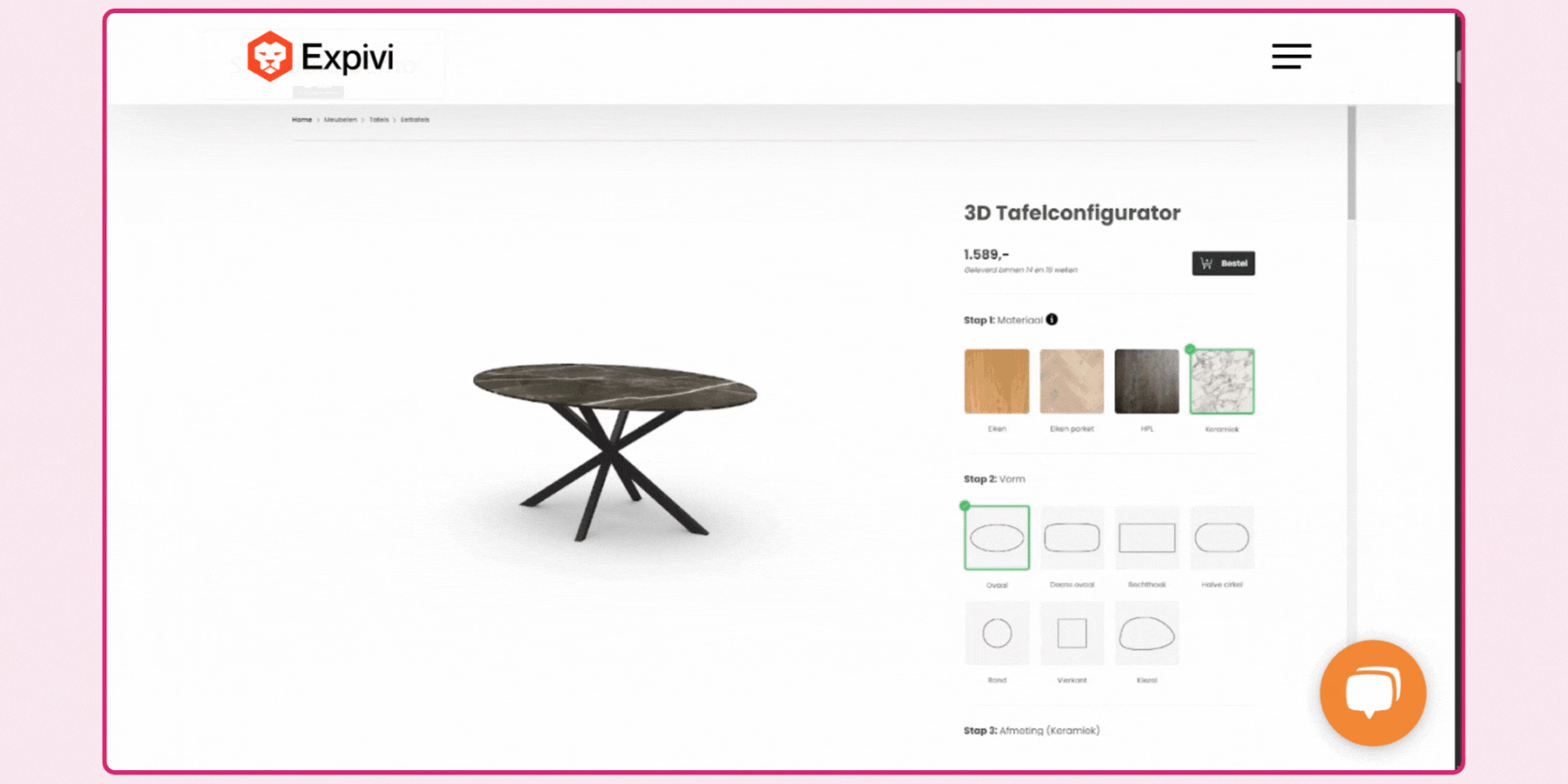
Expivi's configuration logic connects directly to dynamic CPQ pricing, updating cost in real time as a shopper selects different options, which is particularly relevant for a B2B or higher-consideration purchase where transparent, accurate pricing during configuration reduces abandonment. Its zero-code, drag-and-drop setup is a genuine advantage for a brand without dedicated development resources wanting to launch a configurator without a lengthy technical project.
A brand evaluating Expivi specifically for upsell behavior should note its stated design goal, encouraging a customer toward more expensive options or accessories during configuration, and confirm this aligns with how your own merchandising team wants to guide the configuration flow. Its detailed data insights into user behavior and preferences give a brand a genuine feedback loop for refining which configuration options actually get used versus which sit unselected.
4. Cylindo
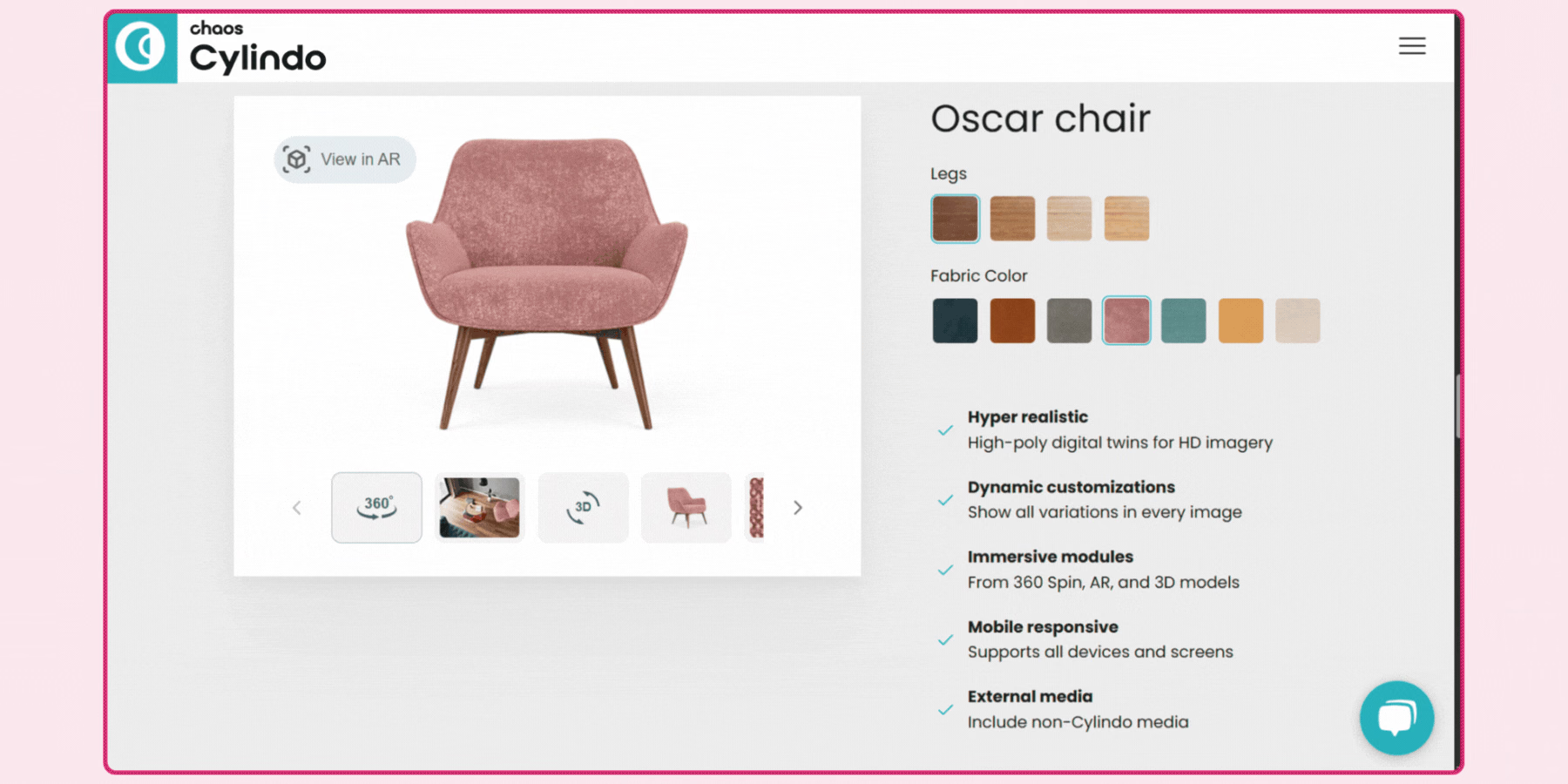
Cylindo's configuration tools are built specifically for furniture and home goods, letting a shopper select materials, colors, and configuration options with instant, photorealistic updates rather than a generic 3D preview. Its behavioral analytics track exactly which configuration choices shoppers make and where they drop off, which is a genuinely useful signal for a merchandising team refining which options to offer or promote.
Integration covers Shopify, Magento, and WooCommerce, and a furniture or home goods brand specifically should weigh Cylindo's category focus as an advantage over a more general-purpose configurator, since its rendering pipeline is tuned for the material and fabric differentiation that matters most in this category. Its AR integration, letting a shopper preview a configured piece in their own space before finalizing the order, pairs particularly well with furniture specifically, where scale and room fit are common sources of purchase hesitation.
5. Sketchfab
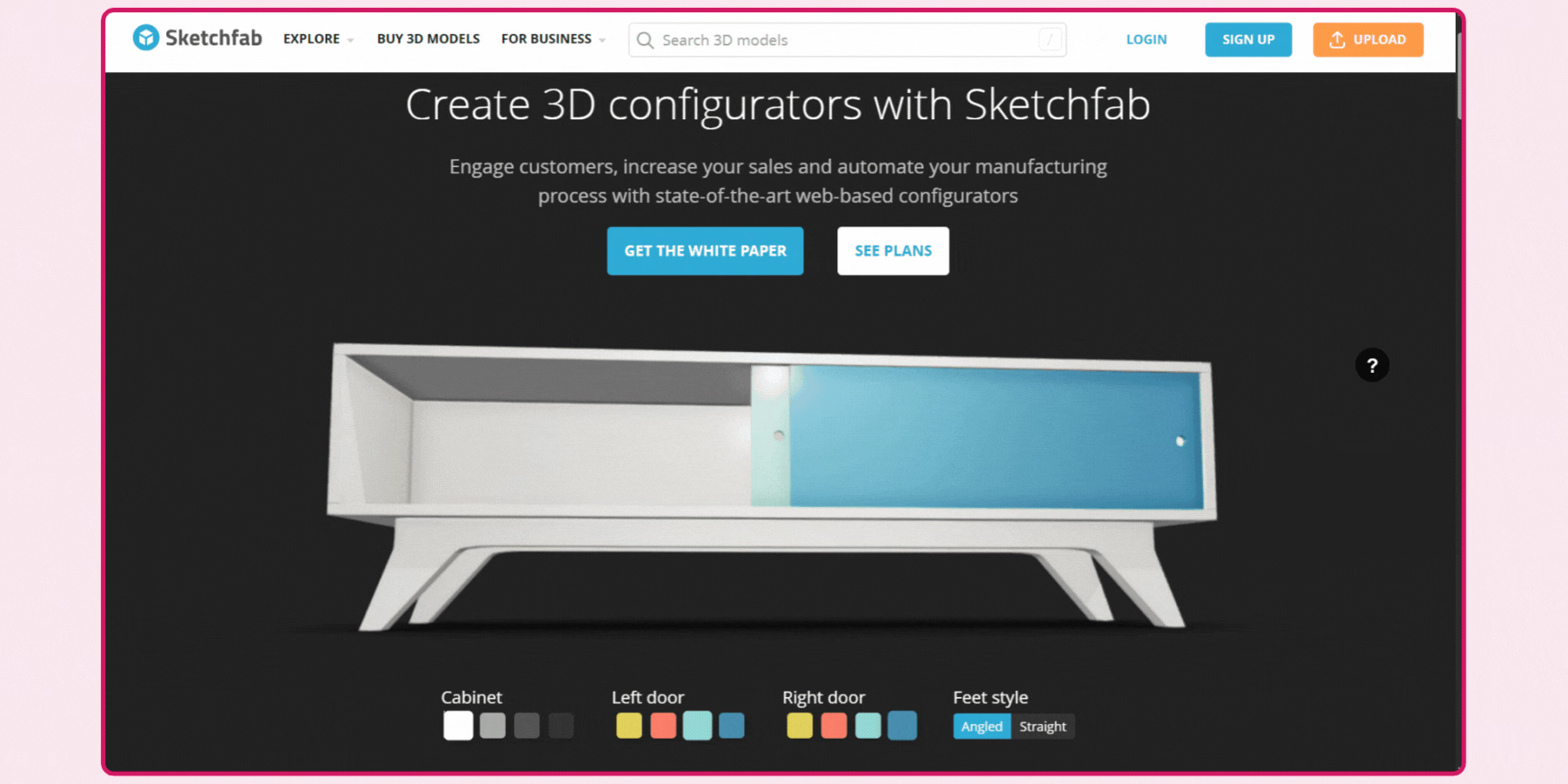
Sketchfab's configuration capability sits on top of its core 3D hosting and viewing platform, letting a brand customize elements like pattern, texture, color, and component selection within an embeddable viewer. This makes it a reasonable fit for a brand already using Sketchfab for 3D hosting that wants to add a lighter layer of configuration, rather than a brand whose primary need is deep, rule-based configuration logic.
A brand should confirm directly how far Sketchfab's configuration tools extend before assuming parity with a dedicated configuration platform, since its core identity remains a 3D hosting and viewing service with configuration as an added capability rather than its primary focus.
6. Vectary
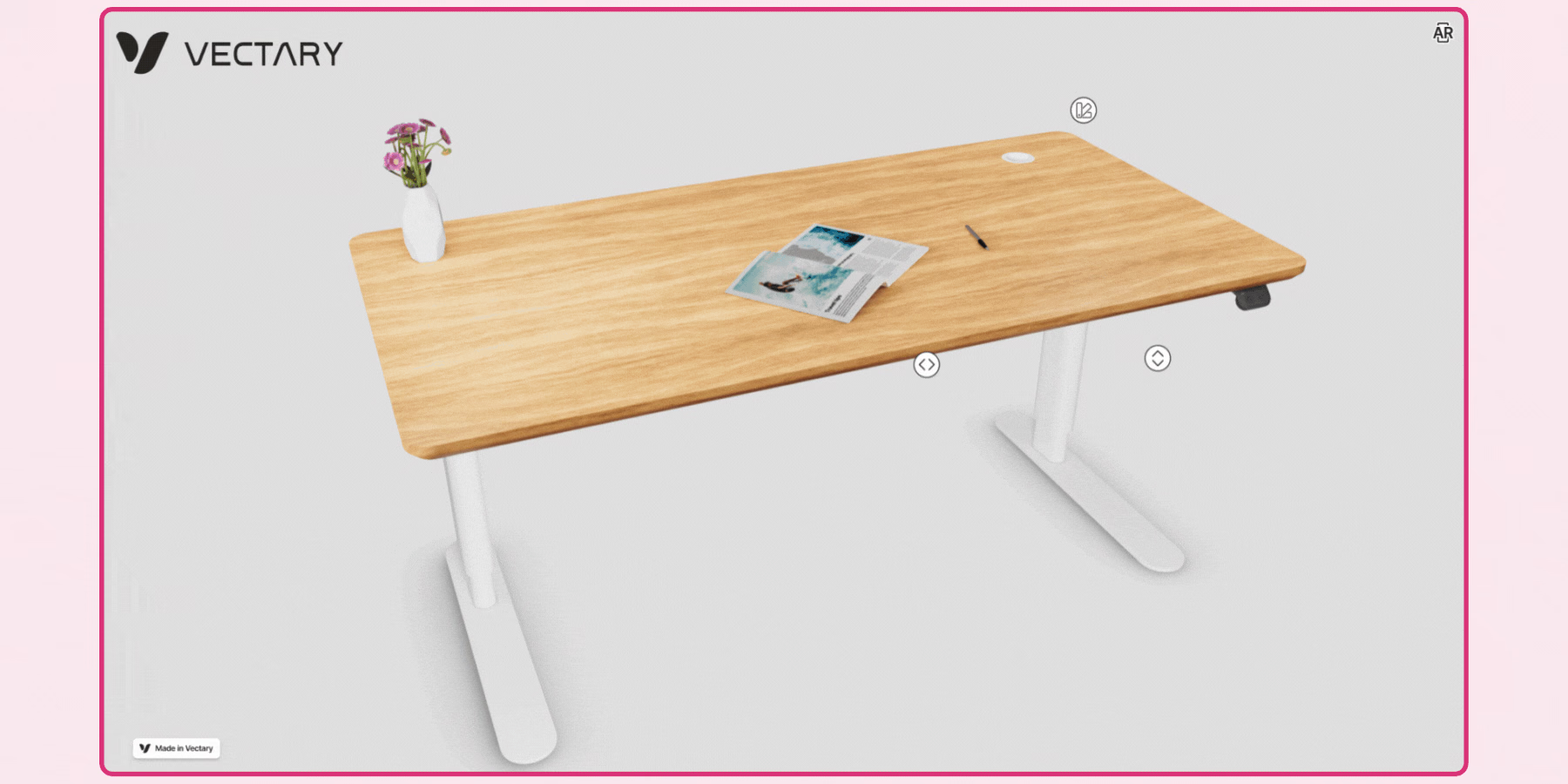
Vectary's no-code configuration builder uses floating UI elements, menus, color and material selectors, and interactive triggers, that a brand can set up without development resources, aimed at general ecommerce categories like fashion accessories and electronics. Its API access lets a more technical team extend this further, adding an external pricing calculator or data source into the configuration flow.
Material and variation testing with an AR preview built in is a useful validation step for a brand wanting to confirm how a specific material or color choice actually looks before finalizing a configuration option in the live catalog.
7. Axonom by Revalize
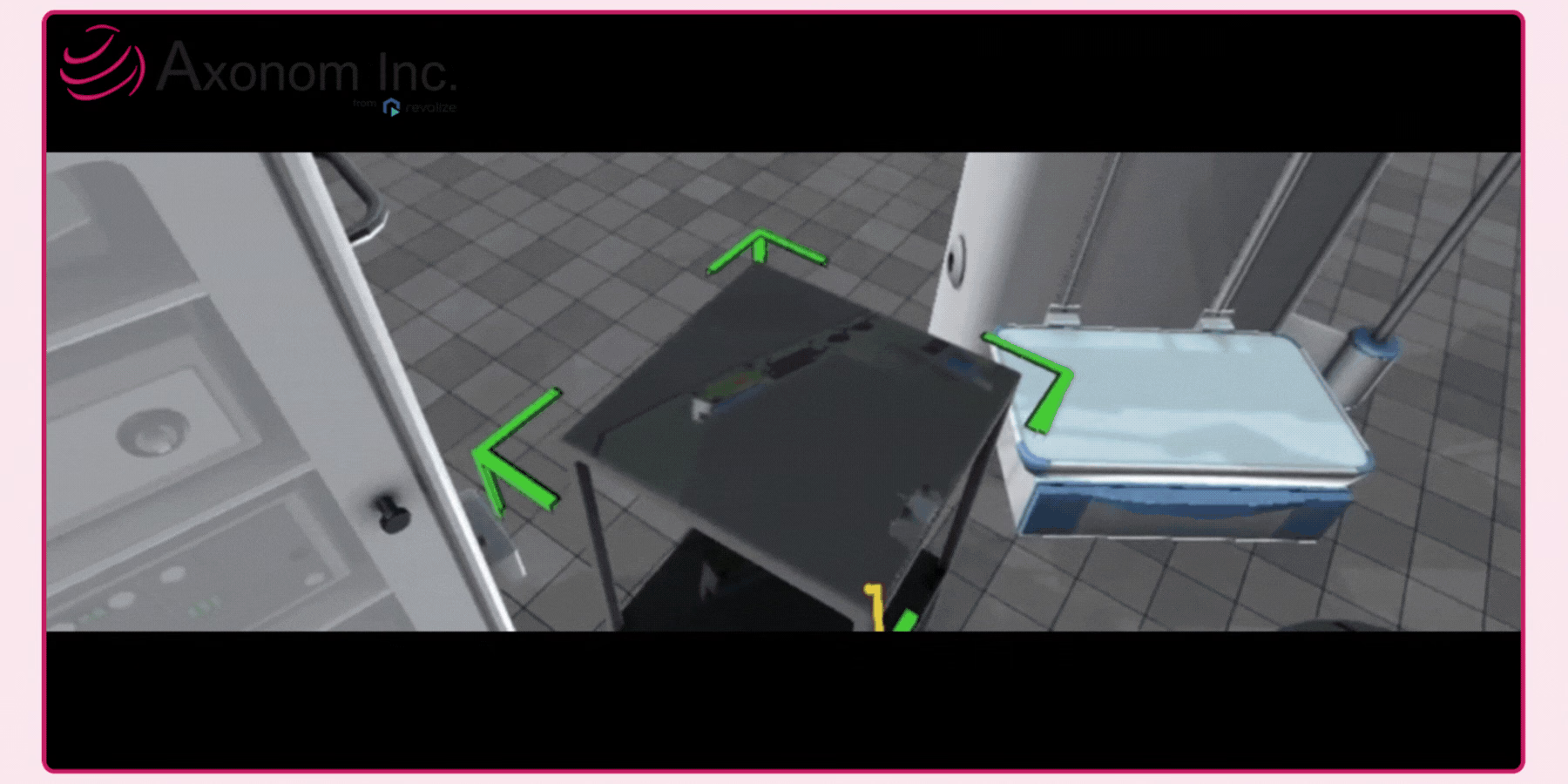
Axonom is built specifically for complex, modular B2B products, manufacturing, electronics, and medical equipment are named use cases, with rule-based configuration logic that prevents a customer from selecting an incompatible combination of options. This rule enforcement is a meaningful technical capability beyond a simple visual configurator, since it reduces order errors that a purely cosmetic configuration tool wouldn't catch.
Its direct CPQ integration generates real-time pricing and quotes from within the 3D interface itself, which positions it specifically toward a B2B sales process involving a quote step rather than a direct ecommerce add-to-cart flow. A brand selling through a guided sales process, with a sales team walking a customer through configuration options rather than a purely self-service checkout, is the clearest fit for Axonom's specific positioning.
8. Maionic
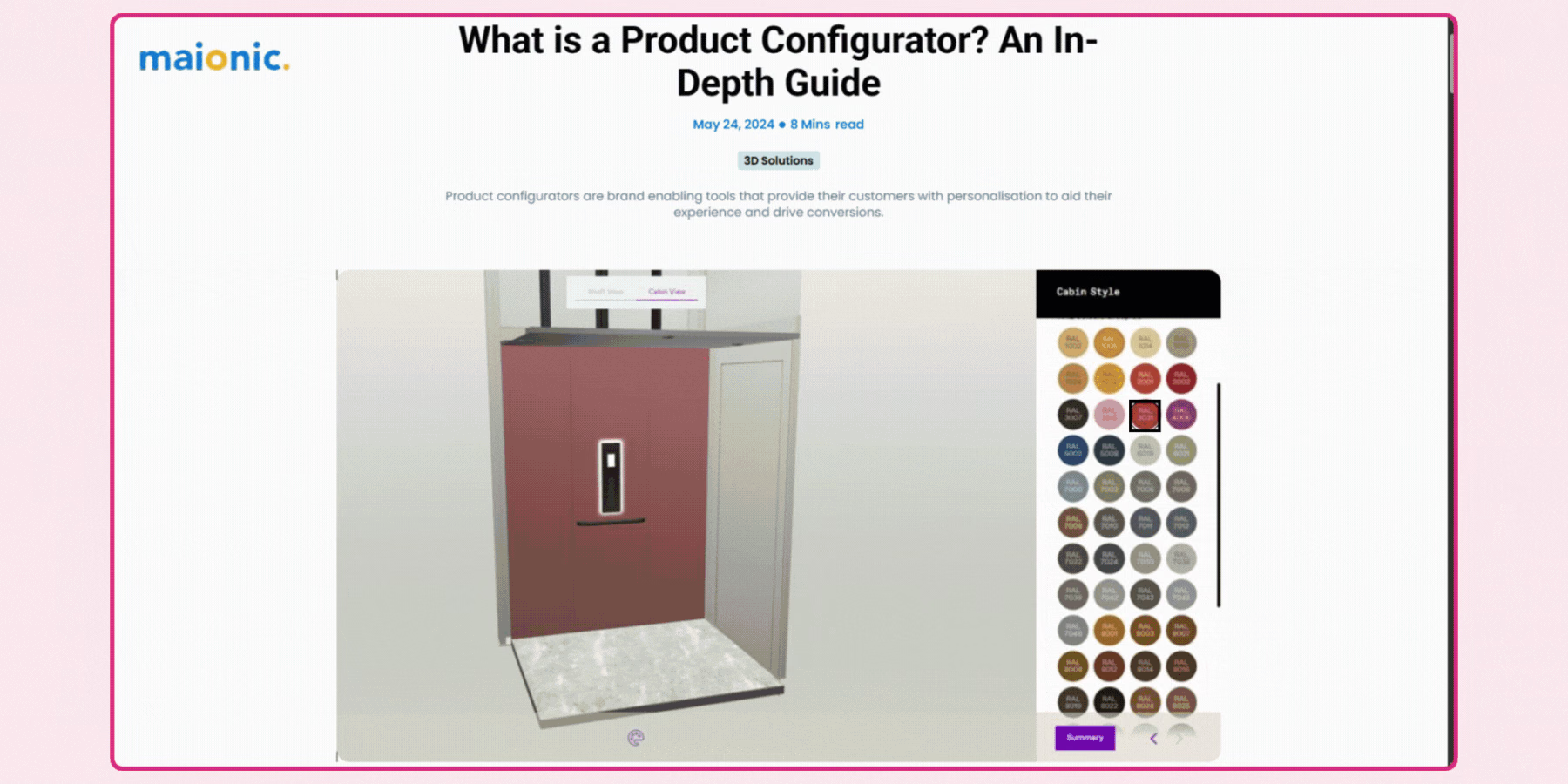
Maionic builds fully custom configuration experiences rather than a templated, one-size-fits-all configurator, which it positions specifically for a brand wanting the tool to reflect its own product complexity and brand identity rather than looking like an obviously third-party widget. This custom-build approach generally means a longer initial development timeline than a turnkey platform, in exchange for configuration logic built precisely around your actual catalog structure.
Its data-driven insights, heat maps and session recordings specifically, give a brand visibility into exactly how shoppers interact with the configuration interface, useful for refining a custom build after initial launch. A brand in a specialized category like medtech or automotive, where an off-the-shelf configurator's standard options rarely map cleanly onto the actual product complexity, is a reasonable candidate for this kind of fully bespoke approach.
9. 3Dsource
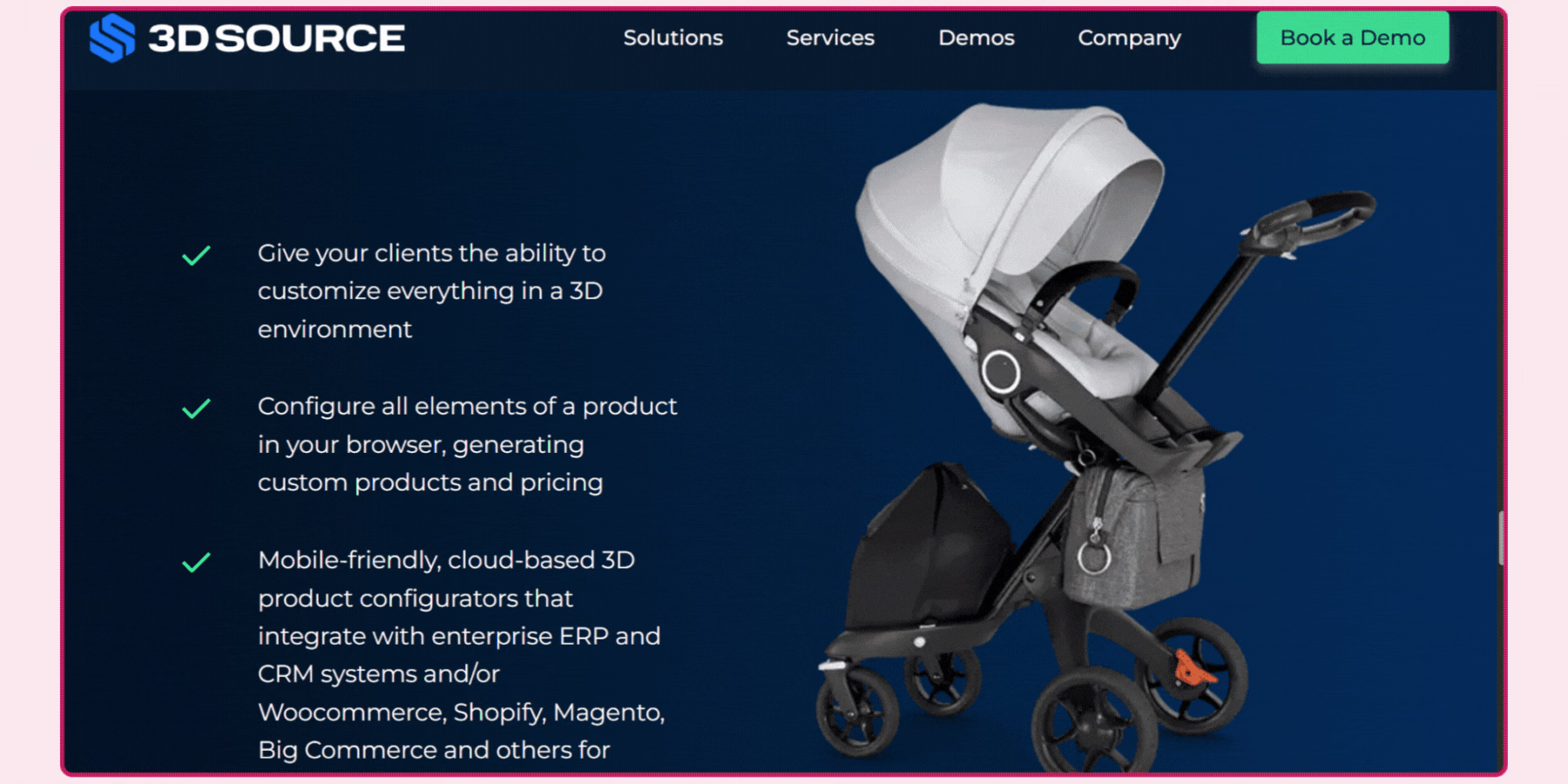
3D Source offers bespoke configurator builds covering material selection, color changes, component swapping, and dimensional variation, delivered as browser-based software requiring no plugins. Its positioning toward manufacturers and retailers handling genuinely complex products makes it a reasonable fit for a brand whose configuration needs don't map cleanly onto a more templated competitor's standard options.
As with any bespoke build, a brand should scope timeline and cost expectations carefully upfront, since a custom configurator generally takes longer to launch than a pre-built platform in exchange for a closer fit to your specific catalog.
10. Zakeke
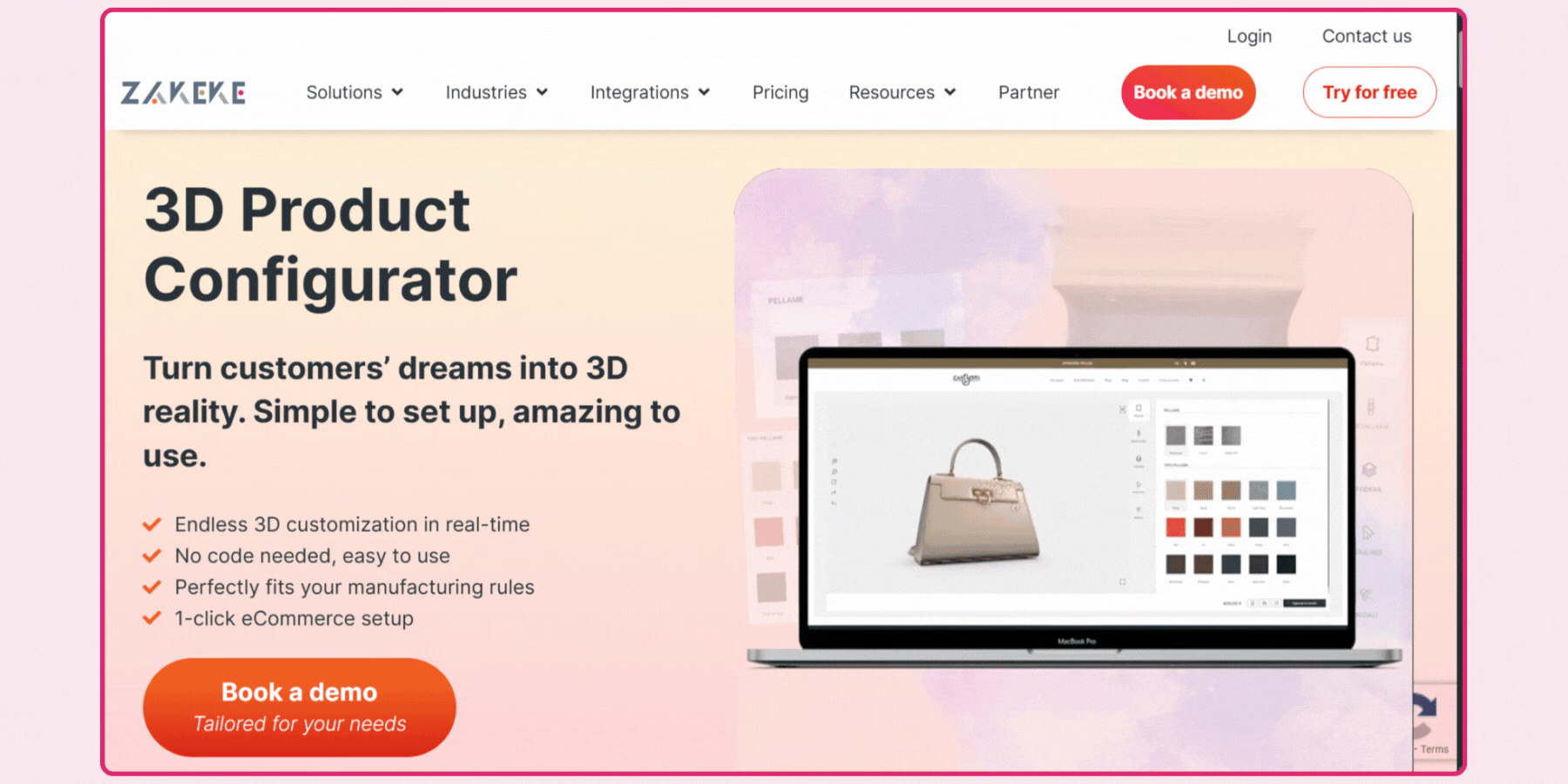
Zakeke's configuration tools support material changes, color variants, component swapping, and live pricing updates, with integration across Shopify, WooCommerce, and BigCommerce aimed at a fast, largely no-code setup. Its production-ready file output is a genuine advantage for a brand selling made-to-order products, since a completed configuration can flow directly into manufacturing rather than requiring manual translation into a production spec.
Zakeke's advanced CPQ capability is worth evaluating specifically if your catalog includes complex, multi-variable products, since this is positioned as handling more complicated configuration logic than its simpler, single-click integration path might initially suggest.
11. Simplio3D
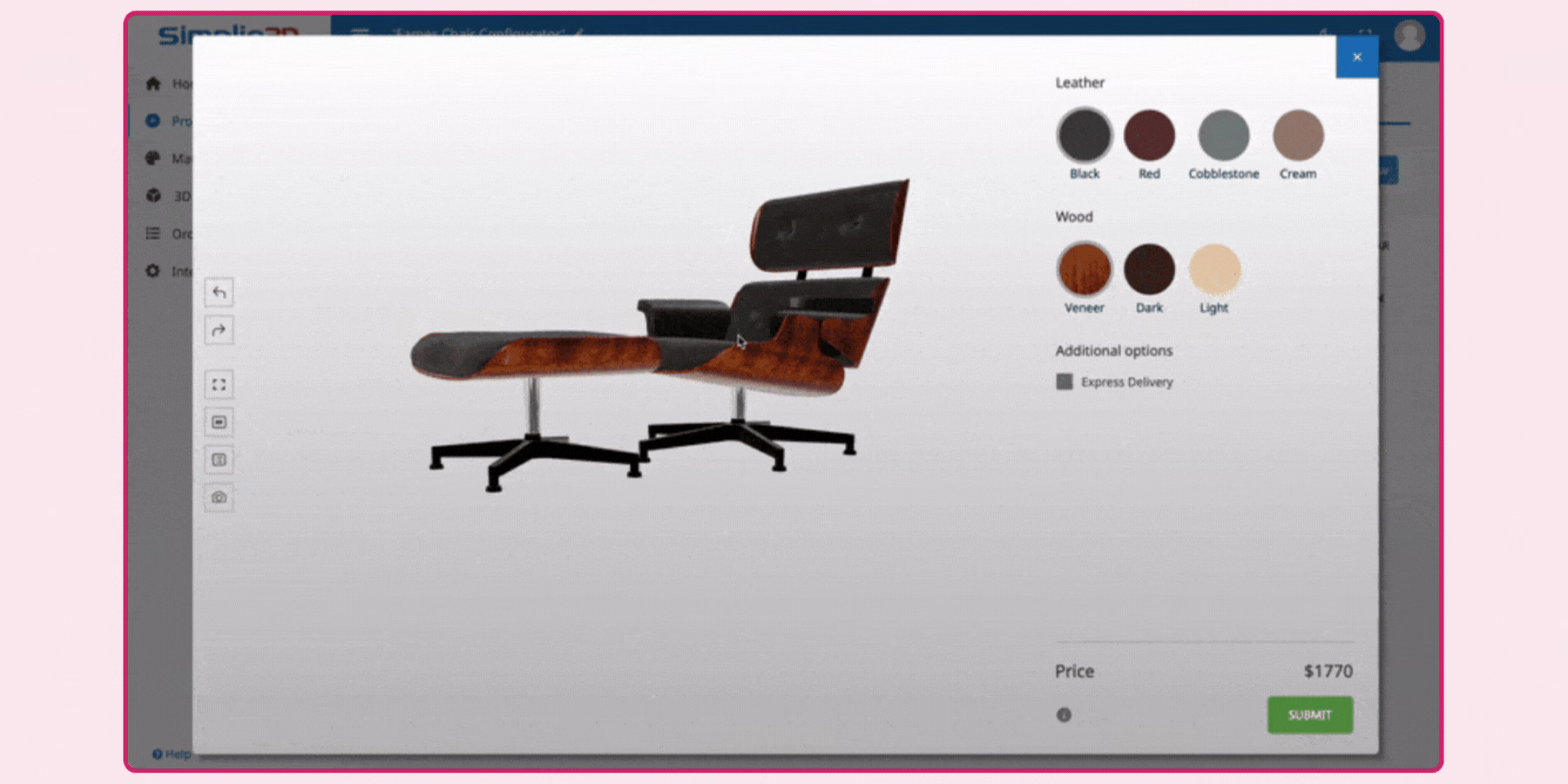
Simplio3D supports configuration of color, components, dimensions, materials, and pricing within a browser-based tool, with integration across WooCommerce, Shopify, Magento, and BigCommerce, plus ERP and CRM connections for automating quoting and order workflows. Its positioning toward furniture, manufacturing, fashion, automotive, and industrial equipment spans a genuinely wide range of complexity levels.
A brand with a more modest budget and a moderately complex catalog is a reasonable fit here, since Simplio3D's positioning emphasizes being cost-effective and straightforward to integrate rather than competing purely on configuration depth with enterprise-focused competitors, making it a sensible starting point for a brand testing whether configuration genuinely moves the needle before committing to a larger platform investment.
12. VividWorks
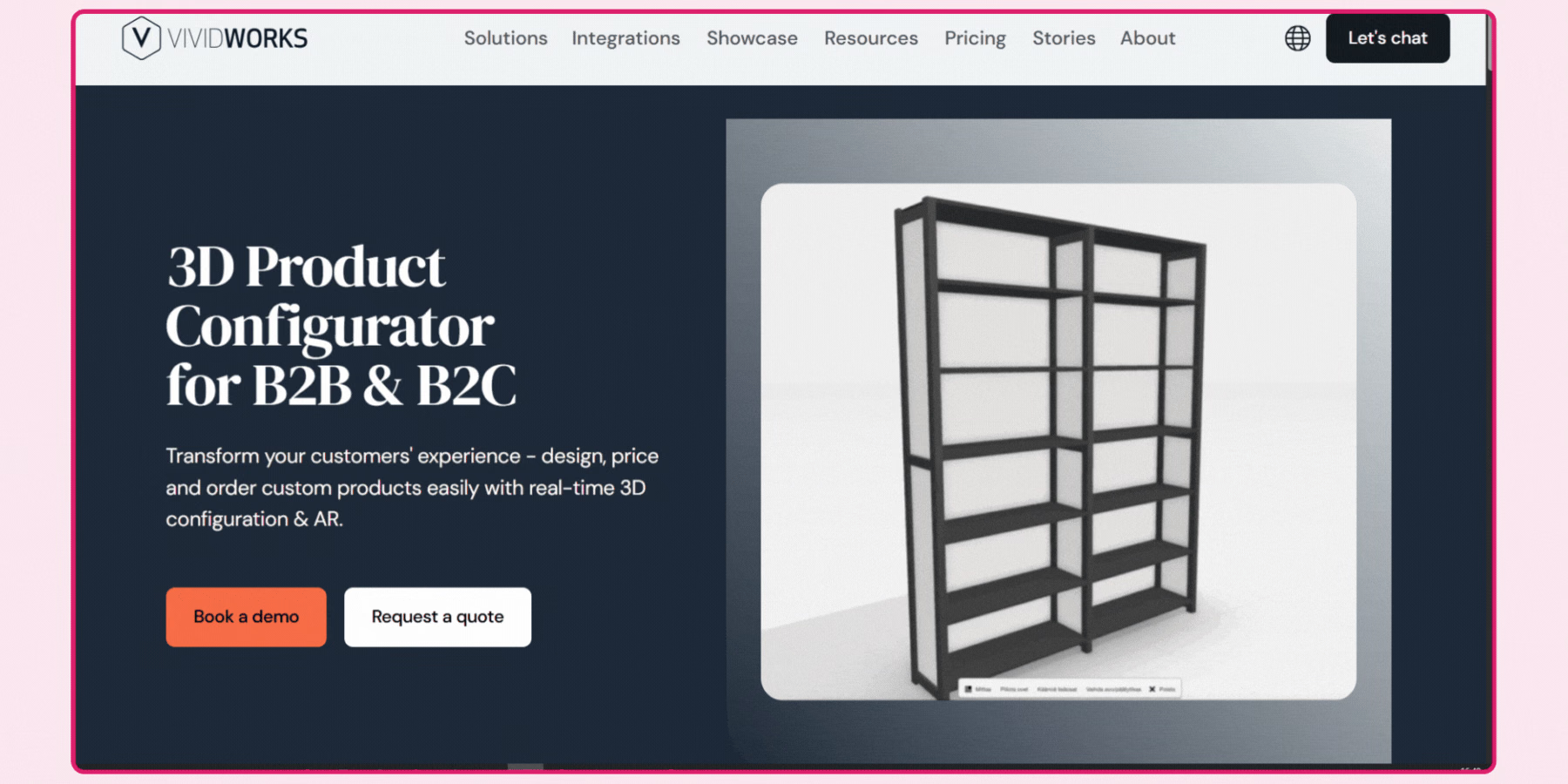
VividWorks is built specifically for modular and configurable product systems, letting a shopper drag and drop components, create layouts, and visualize larger structures, which suits furniture, interior design, and modular systems specifically better than a single-product configurator would. Deployment spans ecommerce sites, in-store kiosks, and dealer portals, giving a brand consistent configuration logic across both direct-to-consumer and trade channels.
Its quote and order generation, including BOM creation, positions it specifically toward B2B and custom manufacturing use cases alongside direct ecommerce, which is worth weighing if your brand sells through both a direct storefront and a dealer or trade network.
Benefits of using a 3D product configurator for e-commerce businesses
A 3D product configurator helps the e-commerce platform build a stronger customer relationship by providing them with an engaging and interactive way to visualize products using a 3D model. It helps businesses to increase user engagement and boost conversion rates by offering an engaging and immersive online shopping experience to customers.
Using this 3D tool helps businesses to improve their market value by providing their customers with the opportunity to explore new products and select the products according to their preferences. In this section, I have listed some benefits of using a 3D product configurator for a business and how it will help them to build a stronger and trusted customer relationship.
1. Enhanced product visualization
It helps brands to provide an engaging and interactive way to perform product visualization for the customers. It allows users to zoom, rotate, and preview items from different angles and perspectives to understand what they are buying. It reduces uncertainty and improves their understanding of the product's features and appearance, which helps the brands to build better relationships.
2. Higher conversion rate
It allows users to preview the product with the help of a 3D model before making any purchase decision, which will help them to visualize the item. It also offers them the advantage of customizing the product according to their preferences to provide them with a personalized shopping experience. It will help the brand to increase its conversion rates by providing customers with a better experience.
3. Reduced operational costs
With the help of a 3D product configurator, users can customize the item according to their needs and place the correct order. It helps the brands to reduce their operational costs because it helps them to decrease the need for excess inventory, along with a reduction in the after-sales services, while helping them to boost their overall profits.
4. Decreased product returns
It helps the customers to preview the products from different angles and perspectives with the help of zooming and rotating, which reduces their uncertainty about the product visualization and realistic appearance. It helps businesses to provide a satisfactory service to their customers and reduces the product mismatch situation, which decreases the product return rates and post-purchase complaints from customers.
5. Shorter sales cycle
It helps the brand to streamline the sales process by reducing the need for back-and-forth communication between customers and sales staff. It enables the business to provide instant pricing and order generation of the products, which will help the brand to generate faster sales with fewer errors and lower operational costs.
6. Creates brand differentiation
It helps the business to create a unique image from competitors by assisting the brand to work as an innovative and customer-focused company. It enables them to provide a memorable and interactive user experience, which can increase online retention and reinforce the company's presence in the market.
Brands that are using a 3D product configurator
Several e-commerce platforms have been using 3D models on their websites to provide a better customer experience and increase conversion rates. Using a 3D model helps e-commerce platforms to mimic the in-store shopping experience for customers and provide them with the advantage of personalization and customization.
Some leading brands like Nike and Adidas give users the advantage to modify the color, textures, dimensions, and material of the products during online shopping while increasing their engagement. In this section, I have listed five leading brands that are using a 3D product configurator on their website or app to provide a better experience and increase engagement.
1. Globe Trotter
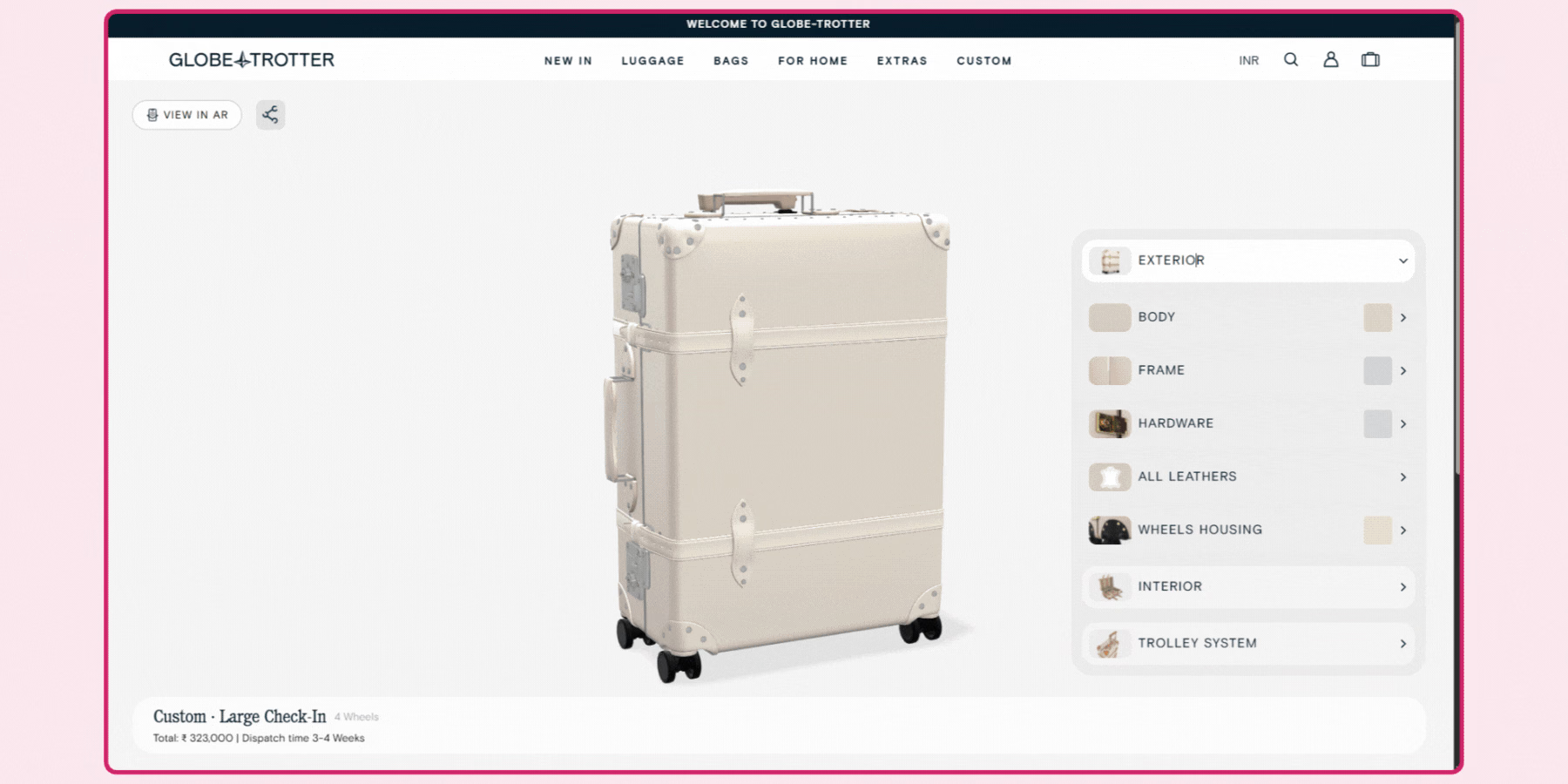
Global Trotter is a luxury luggage and bag company that uses an online 3D configurator to provide their customers with an enhanced and personalized shopping experience. It enables the user to have a 360-degree look at the bag while customizing its colors, materials, and more. With the help of this feature, customers can have an in-store experience while sitting at home.
It allows them to create a one-of-a-kind suitcase, specially customized for them according to their choice and preferences. With the help of this 3D product configurator, Global Trotter provides a personalized shopping experience to their customers, which is accessible to them all around the world through their device screen.
2. Rimowa
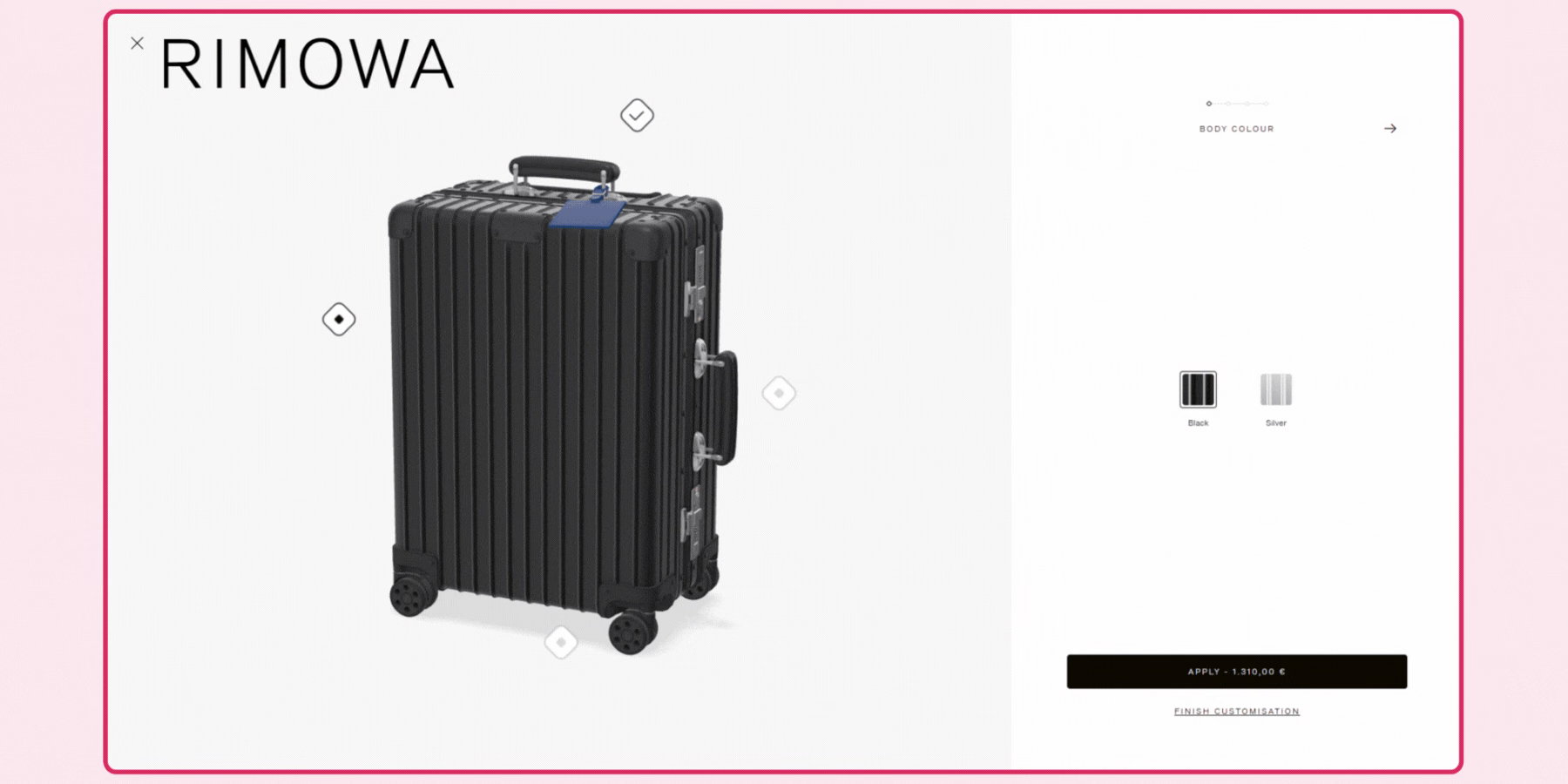
Rimowa offers a "build your own” suitcase feature for its customers, which provides them with the facility to customize their luggage according to their preferences and choices. Users can customize the classic cabin, check-in or trunk bags from their wide range of collection and preview them instantly with the help of the 3D models.
They can modify the color of the body, tag, handles, and wheels, along with a real-time 360-degree visualization of the luggage. It makes the bag customization accessible and more reliable for the customers by providing them with an in-store experience, making online shopping more engaging and interactive for them. Apart from that, it also allows them to build a stronger and healthier relationship with their customers.
3. Nike by You
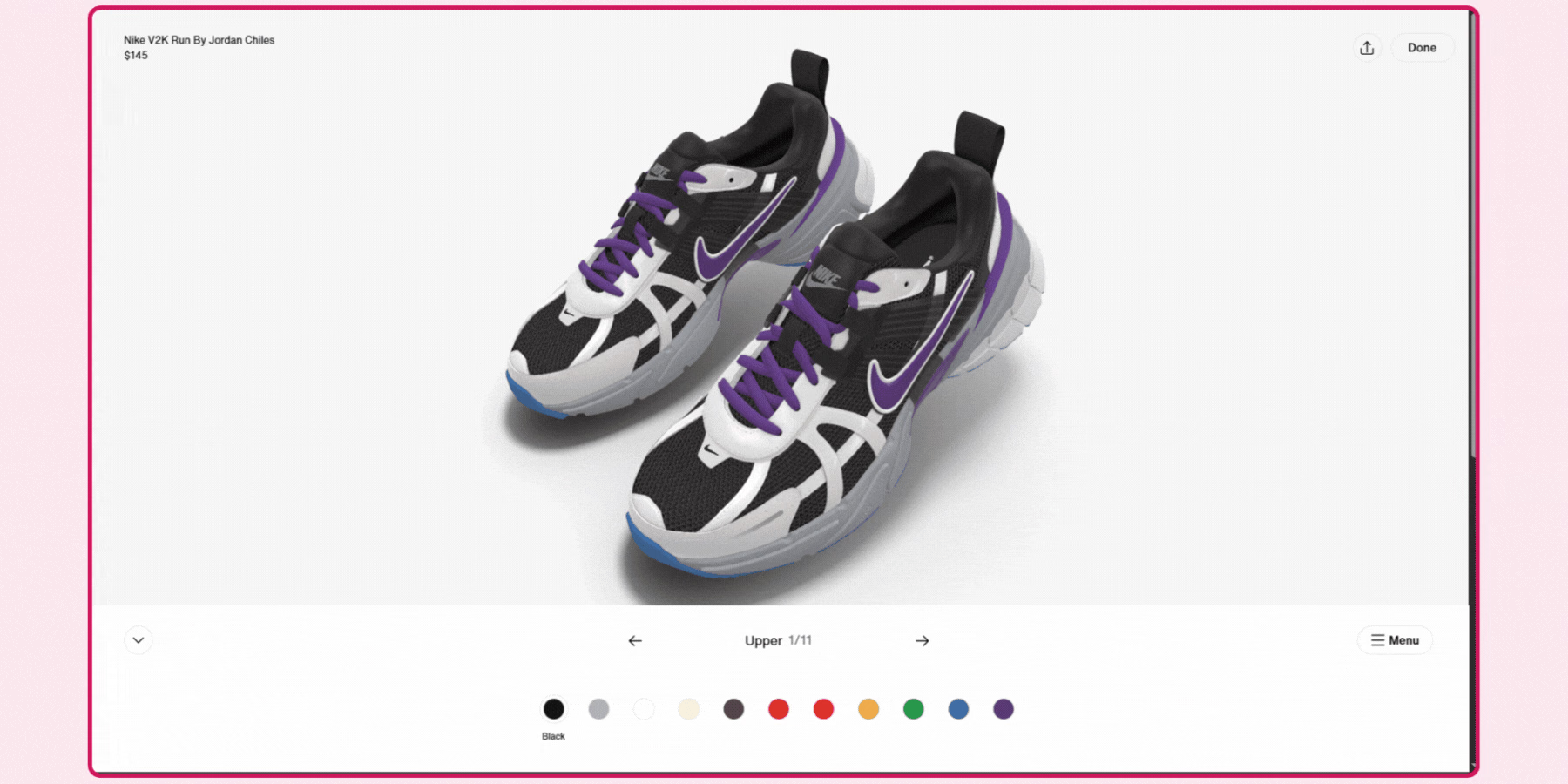
Nike by You is an advanced feature by Nike that enables its customers to modify the shoes according to their needs with a real-time preview with the help of a 3D model. It allows users to modify the color, material, and texture of the shoes while providing them with an enhanced and interactive online shopping experience.
It helps the brand to offer an in-store experience to the customers and helps them to select the desired pair of shoes while sitting at home. Apart from that, it also enables customers to share the final design with their friends and families for a second opinion. Therefore, with the help of 3D models and customization, Nike provides a personalized and trustworthy experience to their users.
4. Rolex
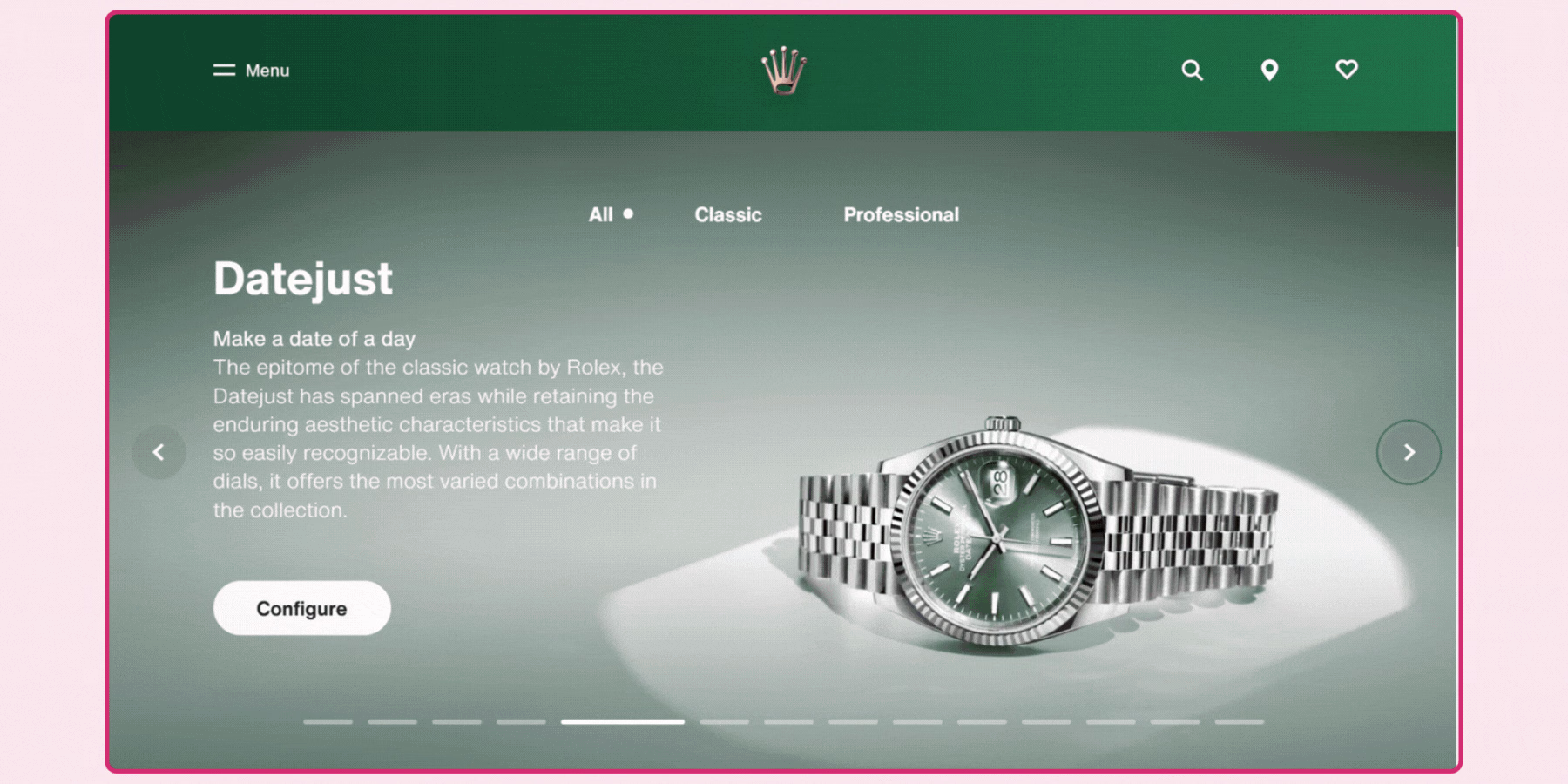
Rolex is one of the luxury watch brands that makes online shopping engaging with the help of 3D models and customization. It uses a 3D product configurator to provide its customer with a personalized watch shopping experience by allowing them to modify the watch according to their style. Users can configure the watch size, material, and bezel as per their style, along with a detailed description.
It allows them to preview the watch with a 360-degree view and a 3D model to have a detailed and fine look from different angles. It also provides the option to view the watch in day and nighttime so that customers can have a realistic visualization of the watch through their device screen.
5. Adidas
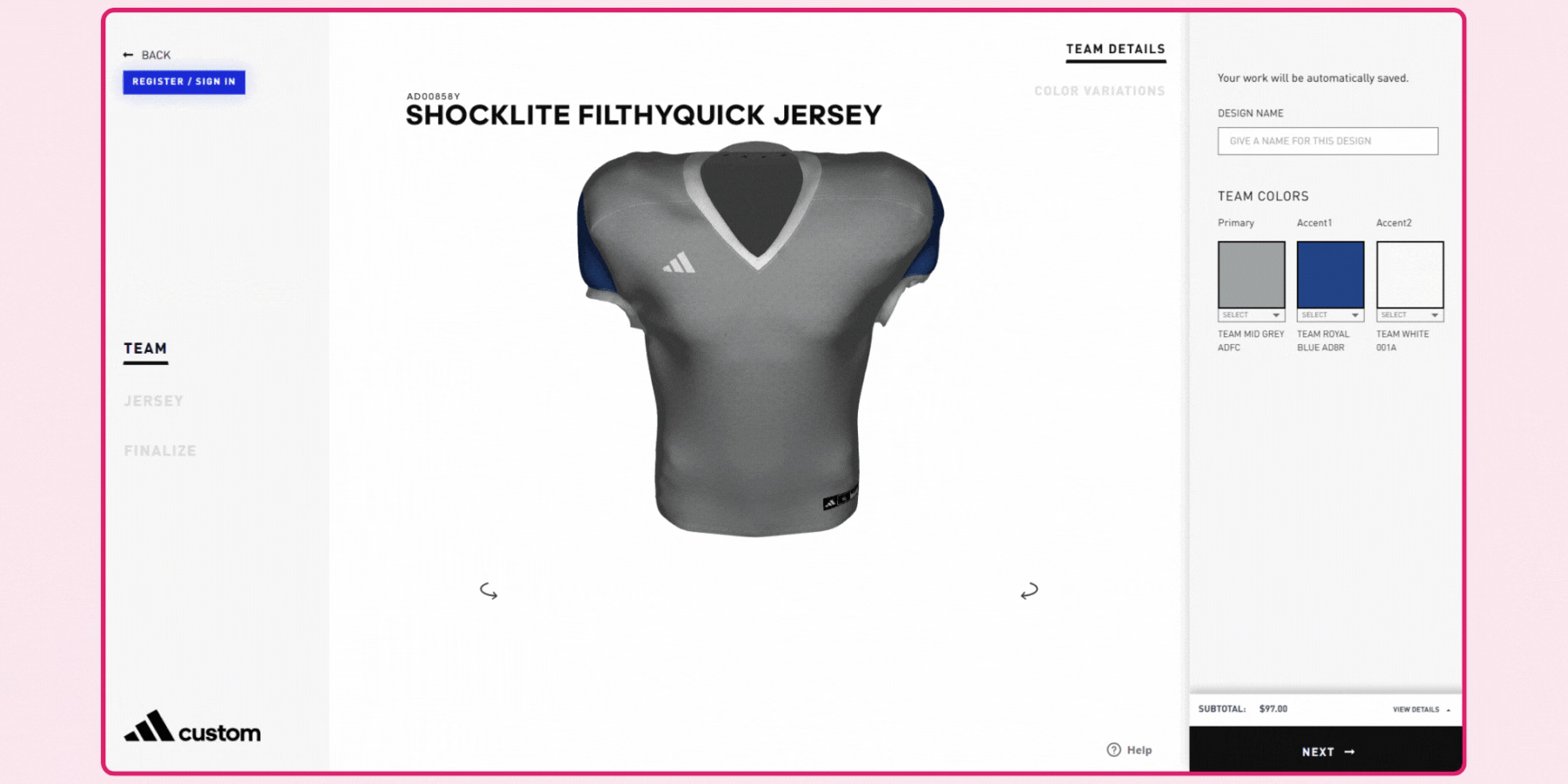
Adidas is a leading sportswear brand that offers custom-made sports apparel for men, women, and youth customers. It enables their customers to modify the color combination, size, initials, designs, and pattern of the clothes. It offers a 3D model of the product during customization to help the users visualize the modification in a realistic way.
It offers an interactive and accessible way for customers to tailor-made the clothes, while mimicking the in-store experience. It also provides them with a locker facility, where users can save their designs and come back later for completion. With the help of this 3D model, its customers can place an order for customized and comfortable sportswear for the entire team without any physical store visit.
How to Scope a Configurator Project for Your Catalog
Start by identifying which specific products in your catalog have genuine configuration value, meaningful variation in material, color, or component that actually changes the product's appearance or function, rather than defaulting to the assumption that every product deserves a configurator. A product with two color options delivers far less configurator value than one with fifteen material and finish combinations, and scoping your initial rollout to the latter produces a stronger result faster.
Next, map your actual pricing and inventory logic before committing to a vendor, since a configurator that can't reflect real-time stock availability or accurate pricing for every combination creates a credibility problem the moment a shopper configures something that turns out to be unavailable or mispriced at checkout. Confirm directly how a given vendor's configurator synchronizes with your existing inventory and pricing systems, not just how the visual configuration itself works.
Ask any vendor directly what happens when a shopper selects an invalid or out-of-stock combination, since a configurator that lets a customer configure a product combination that doesn't actually exist or can't be fulfilled creates a worse problem than the static catalog it replaced. Rule-based configuration logic, preventing incompatible selections, is a meaningful technical differentiator worth confirming rather than assuming every configurator handles this gracefully.
Confirm asset creation requirements upfront, since a configurator's visual quality depends entirely on having 3D-ready assets for every material, color, and component combination you want to offer, not just the base product. This asset creation work is frequently the larger cost and timeline driver compared to the configurator software itself, and it's worth getting a direct, scoped quote for this specific work before assuming a vendor's software pricing covers it.
Finally, pilot your configurator on a focused product range before a full catalog rollout, tracking which configuration options shoppers actually choose and where they abandon the flow. This gives you real data to decide which additional products justify configurator investment, rather than assuming uniform value across your entire catalog, and it gives your team a concrete, bounded project to learn from before committing to a larger, more expensive rollout.
How GlamAR Supports 3D Product Configuration
GlamAR's configurator is built to let a shopper modify color, material, and component choices with a real-time, photorealistic preview, integrated directly alongside GlamAR's virtual try-on and 360-degree viewer tools rather than as an isolated feature. This matters for a brand wanting configuration to connect to the rest of a realistic product visualization experience, not function as a separate, disconnected tool with its own integration and support relationship.
Integration typically requires only a few lines of code for a standard deployment, with support across Shopify, WooCommerce, and Magento through SDK, API, or embed code, depending on your platform and development resources. Review the 3D product configurator solution directly for current specifics, and for a broader comparison of how configuration compares to pure product viewing, see our guide on the best 3D product viewer SDKs and software.
Conclusion
The right 3D product configurator depends less on which platform has the longest feature list and more on how well its configuration logic matches your actual catalog complexity, whether that's a simple color swap or a fully modular, rule-constrained product system. Scope your initial rollout to the products with genuine configuration value, confirm asset creation costs upfront, and pilot before a full catalog commitment, since that approach gets you real data on which products actually justify the investment.
If you want to evaluate 3D product configuration against your own catalog, talk to the GlamAR team about scoping an integration.