Previewing the App
Once you finish configuring your Skin Analysis app, GlamAR provides two quick ways to preview the full user experience before going live: a shareable link and an automatically generated QR code. These tools allow you to test the interface, scanning flow, and camera permissions exactly as an end user would.
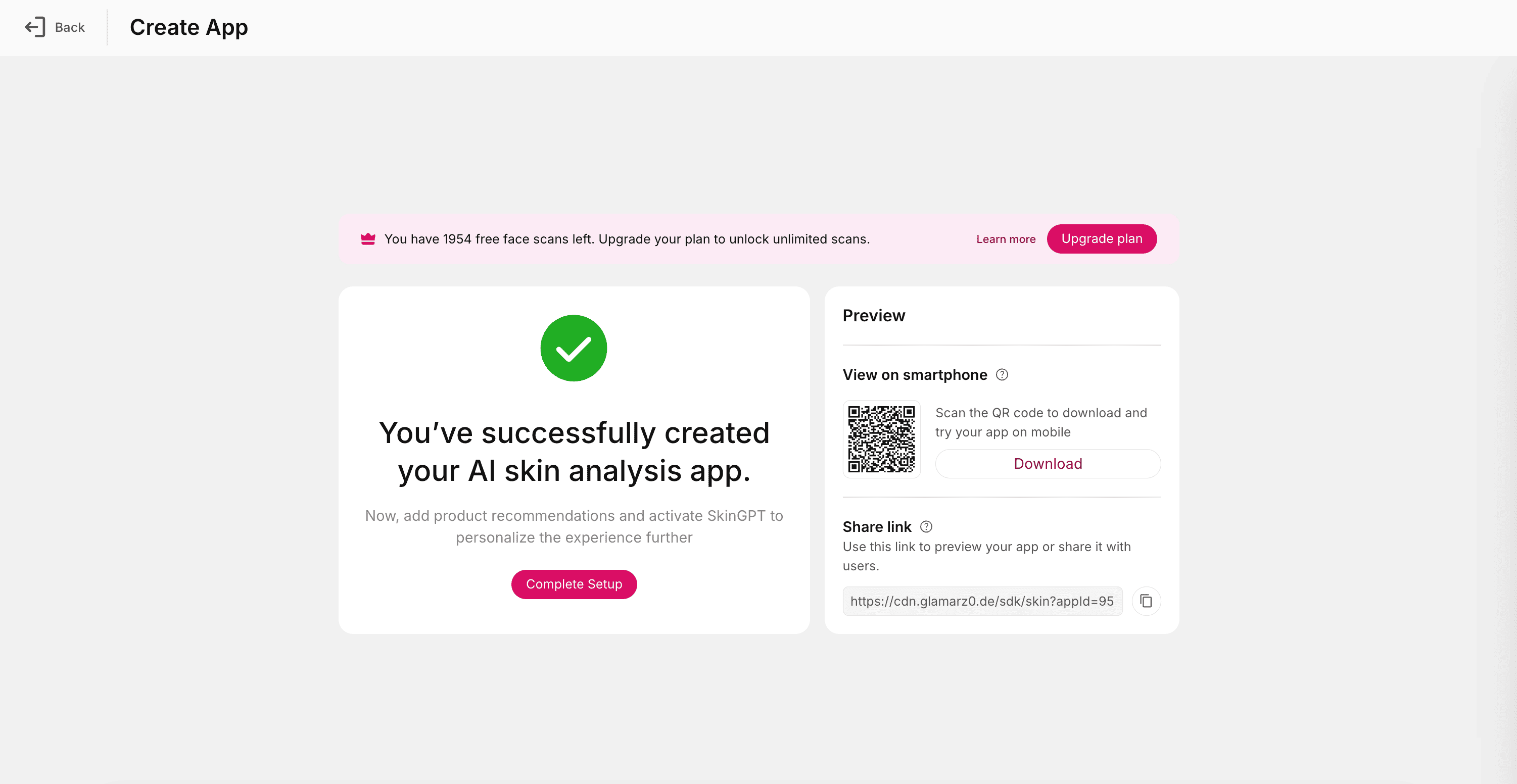
Previewing your app at this stage is essential to verify how your appearance settings, scan instructions, report setup, and advanced configurations come together in a real device environment.
View on Smartphone
The QR code provides the fastest way to test the app on a mobile device.
Simply scan it using the camera on any smartphone, and it instantly opens the Skin Analysis app in the phone’s browser.
QR testing helps verify:
- Camera access permissions
- Lighting conditions and scan responsiveness
- Face detection and alignment UX
- Mobile layout scaling
- Real-time performance of analysis
- How the app feels to an actual user holding the device
This is especially useful if your target audience primarily uses mobile devices such as customers scanning from product pages, in-store posters, or mobile landing pages.
Share Link
The Share Link opens the skin analysis experience directly in any browser.
Use this when testing on desktop or sending the app preview to teammates, QA members, designers, or stakeholders.
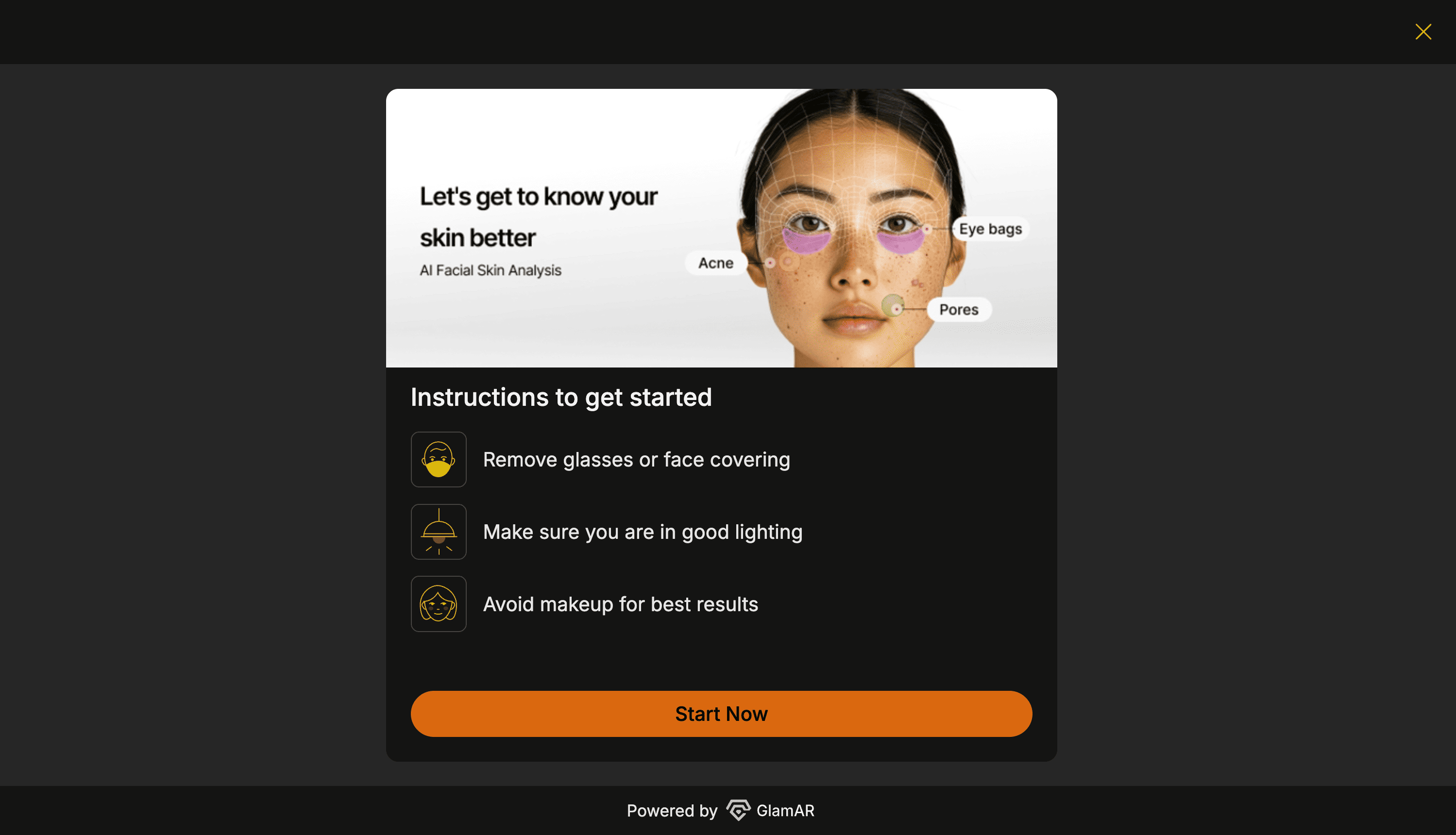
You can use the link to check:
- UI layout and color consistency
- Typography and branding
- Report formatting
- Flow between scan, analysis, and results
- Whether the app loads correctly on different browsers
Open the link in both desktop and mobile browsers to ensure responsive behavior is consistent.
Best practices:
- Test on multiple devices (Android, iPhone, tablet).
- Verify camera access in both natural and indoor light.
- Use the preview to confirm you’re meeting your brand’s visual guidelines.
- Share the QR with your team for feedback.
- Make adjustments in SDK Configuration → republish → retest.
See It in Action
Watch a step-by-step walkthrough showing how to preview a Skin Analysis app in GlamAR. This demo covers the full flow discussed above and helps you visualize each step before going live.