How 3D Visualization Improves Online Shopping Experience


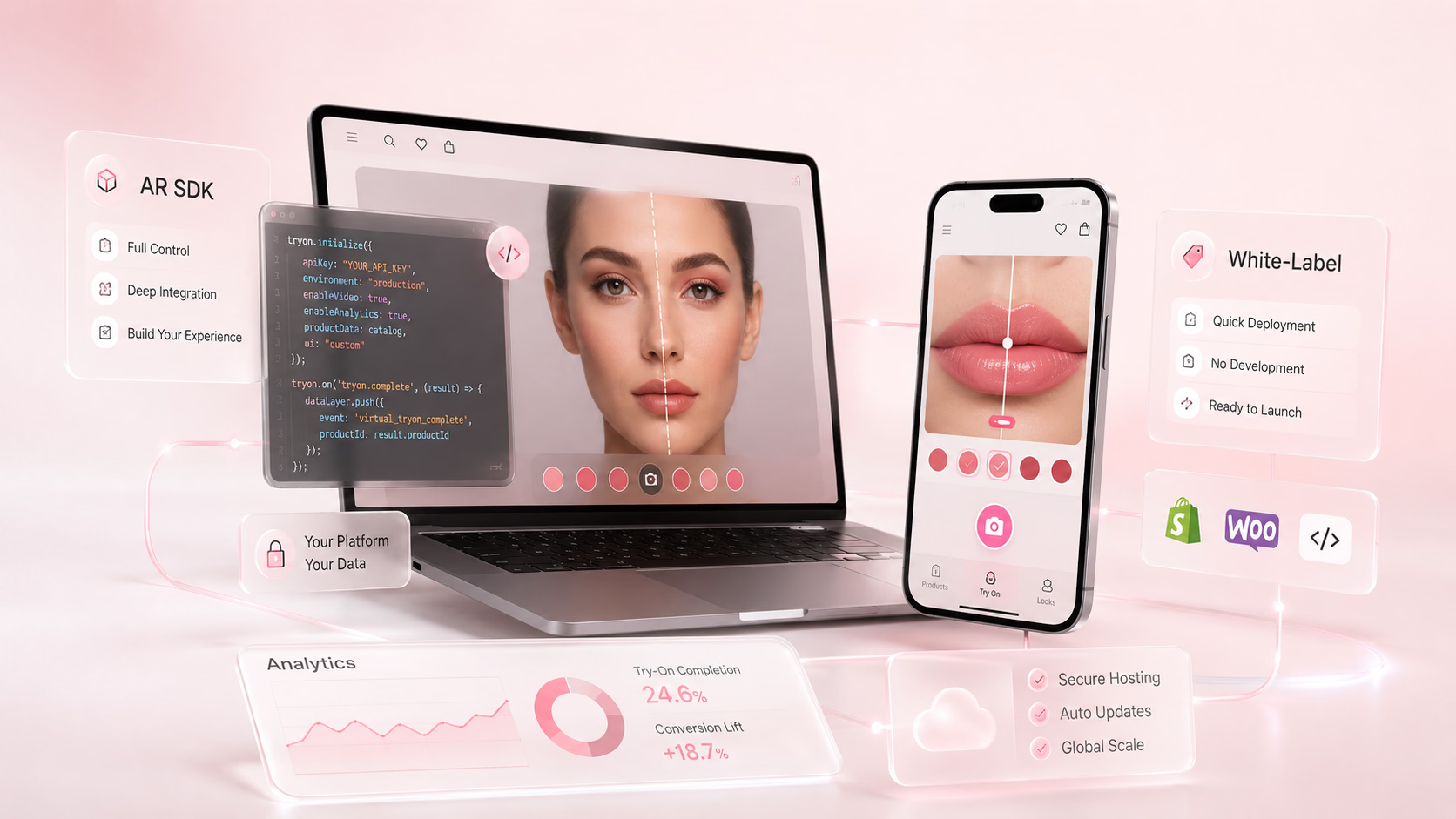
When a brand decides to add virtual try-on to their e-commerce experience, they quickly hit a decision that shapes everything that follows: do we integrate an AR SDK, or do we use a white-label try-on solution?
These two approaches get used interchangeably in vendor conversations - and they shouldn't. They are meaningfully different in how they work, how long they take to deploy, how much control they give you, and what they cost. Choosing the wrong one creates problems that don't become visible until you're already mid-implementation.
This guide explains what each approach actually is, where each fits, and how to decide which one is right for your brand before you start talking to vendors.
What Is an AR SDK?
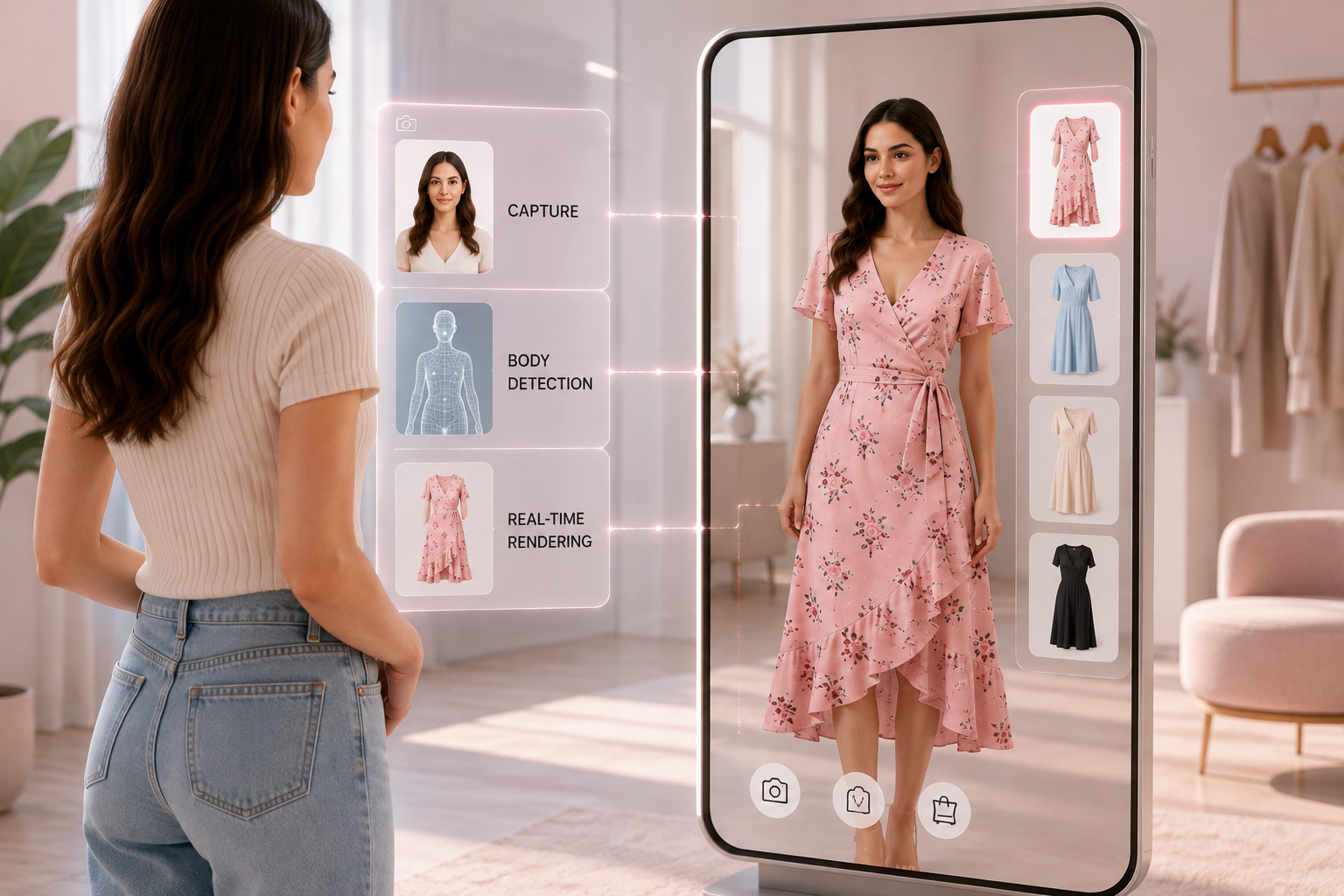
An SDK - Software Development Kit - is a package of pre-built code, tools, and libraries that a developer integrates into an existing website or mobile app. An AR SDK specifically provides the augmented reality engine: the computer vision, face/body tracking, 3D rendering, and product overlay technology.
When you integrate an AR SDK, your developers take that package and build it into your own platform. You control how it looks, where it appears, what it does, and how it connects to your product catalogue. The AR engine is GlamAR's (or whichever provider you use). The experience that surrounds it is yours.
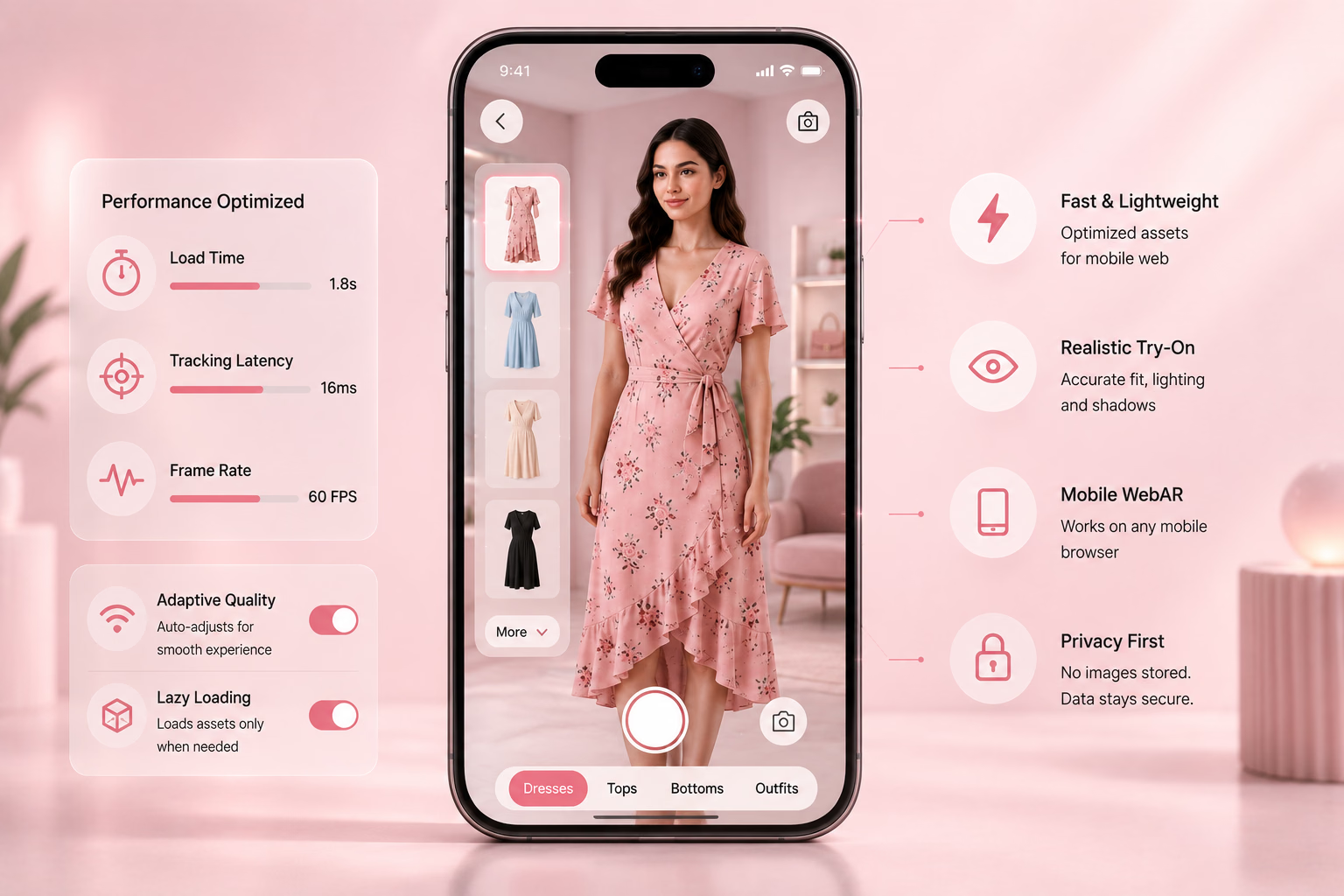
GlamAR, for example, delivers its virtual try-on as an SDK - available for web (JavaScript embed), iOS (Swift), and Android. Developers integrate the SDK into an existing storefront or app and connect it to the brand's own product catalogue and 3D models. The resulting experience lives entirely within the brand's own platform, with the brand's own design, branding, and user flow.
What Is White-Label Virtual Try-On?
A white-label try-on solution is a pre-built, ready-to-deploy try-on experience that a brand takes, applies their own branding to, and publishes. The underlying technology, interface structure, and user flow are built and hosted by the provider. The brand customises the visual skin - colours, fonts, logo - but does not build or control the underlying system.White-label solutions are typically deployed as:
- A hosted webpage the brand links to from their own product pages
- An embeddable widget that drops into a product page with a single line of code
- A Shopify or WooCommerce plugin that installs without any custom development
The try-on experience itself - how the camera works, how products are overlaid, how results are displayed - is determined by the provider, not the brand.
The Core Difference: Control vs. Speed
Everything else in this comparison flows from one fundamental difference:
SDK = you build it, you own it, you control itWhite-label = you deploy it, you use it, you're dependent on it
Neither is inherently better. The right choice depends on what your brand actually needs.
Side-by-Side Comparison
When an AR SDK Is the Right Choice
You have developer resource available
An SDK integration requires a developer. If your team has engineering capacity - even one front-end developer for web - an SDK is accessible. GlamAR's web SDK is a 2–3 line JavaScript embed for basic deployment; the more complex the customisation, the more engineering time is involved, but the baseline is low.
You need the experience to feel like yours
If the try-on experience needs to be indistinguishable from the rest of your platform - same font, same interaction patterns, same loading behaviour, same analytics events - a white-label drop-in will always look slightly foreign. An SDK integration means you control every design decision.
You're building for the long term
If virtual try-on is going to be a core part of your customer experience for the next several years - not a test - an SDK gives you an asset that grows with your platform. You're not locked into a vendor's interface decisions. When you want to add a new feature, change the flow, or connect try-on to a new personalisation tool, you can.
You want full analytics ownership
An SDK that runs inside your platform fires events into your own data layer. You can see exactly what customers do before and after try-on, connect try-on engagement to revenue in your own attribution model, and feed try-on data into your CRM or personalisation engine. With white-label, you get the data the provider chooses to share with you.
You're at scale or expect to reach it
At high traffic volumes, per-unit or revenue-share pricing structures common in white-label solutions become expensive. An SDK with a flat or volume-tiered licence is typically more cost-efficient at scale.
When White-Label Is the Right Choice
You need to move fast
If the goal is to have virtual try-on live on your product pages within the week - for a campaign, a product launch, or to test whether your customers actually use it - white-label is the right format. There is no meaningful development work. You install a plugin or embed a widget and you're live.
You don't have developer resource right now
Not every brand has an in-house developer or the budget for a development agency. White-label solutions are specifically designed so that a non-technical team member can deploy them. For brands in that situation, white-label is not a compromise - it is the correct practical choice.
You want to validate before investing
Running a white-label try-on pilot for 90 days tells you whether virtual try-on actually moves the needle for your specific products and customers. If the data says yes - conversion rate up, returns down, engagement strong - you now have the evidence to justify an SDK investment. If the data is inconclusive, you haven't committed to a full technical integration.
Your product category is well-served by a standard experience
White-label solutions are built for the most common use cases. If your product is lipstick, eyewear, or jewellery - and you want customers to be able to try it on without a highly customised flow - a white-label solution will likely cover 80–90% of what you need without any SDK work.
You're on Shopify or Fynd Commerce
Both Shopify and Fynd Commerce have GlamAR extensions that deploy as white-label-equivalent experiences with minimal configuration - you connect your catalogue, map your products, and the try-on button appears on your product pages. For brands on these platforms, this path offers the speed of white-label with GlamAR's underlying AR quality and ongoing platform improvements included.
The Third Option: Hybrid Deployment
Many brands that start with a white-label deployment move to an SDK integration later - and that is a reasonable progression, not a mistake.White-label → validate → SDK is a sensible path:
- Deploy white-label (or Shopify app) to validate that try-on works for your category and customers
- Use that data to build the business case for SDK investment
- Build the SDK integration with a clearly defined scope based on what the white-label data showed was most used and most impactful
GlamAR supports both deployment models. A brand can start on the Shopify app or web embed and migrate to a full SDK integration as their platform needs grow. The 3D models and product catalogue data built during the white-label phase carry forward - they don't need to be rebuilt for the SDK integration.
What to Ask Any Provider Before You Decide
Whether you're evaluating an SDK or white-label solution, these questions will surface the things vendors don't lead with:
1. If I start with white-label, can I migrate to SDK later without rebuilding from scratch? Some providers lock you into one deployment model. Others - like GlamAR - support both and allow migration. Know this before you start.
2. Who owns the analytics data? With white-label, ask specifically: can I receive raw event data (try-on clicks, session duration, product engagement)? Or do I only see a dashboard the provider controls? Raw data matters if you want to connect try-on engagement to your own attribution model.
3. How does pricing change as my volume grows? White-label pricing that seems affordable at 10,000 sessions per month may become expensive at 500,000. Ask for pricing at 10x your expected current volume and understand whether it's flat, tiered, or revenue-share.
4. What customisation is actually available on the white-label? "Fully customisable" is a common claim. Ask specifically: can I change the interface layout? Can I add custom interaction steps? Can I remove the provider's branding? The answers will tell you how much of the experience is actually yours.
5. How are 3D models created and who owns them? If the provider creates 3D models for your products as part of onboarding, confirm that you own those models. If you switch providers, you should be able to take your 3D assets with you. Models that are locked to one provider's platform are a switching cost disguised as a service.
How GlamAR Supports Both Approaches
GlamAR is designed to serve brands at different stages of AR maturity through the same underlying platform:
For brands that want to move fast: The GlamAR Shopify app and Fynd Commerce extension deploy virtual try-on as a white-label-equivalent experience with minimal configuration. Products are mapped through the GlamAR Console. The try-on button appears on product pages automatically. No custom development required.
For brands that want full control: The GlamAR Web SDK (JavaScript), iOS SDK (Swift), and Android SDK integrate directly into existing storefronts and native apps. Full control over UI, UX, analytics events, and product flow. GlamAR's documentation at glamar.io/docs provides the integration reference.
3D models carry across both: The 3D models GlamAR creates for your products are yours. They work across web SDK, mobile SDK, Shopify app, 360° viewer, 3D configurator, and AR ads - from a single set of assets. Whether you start on white-label or SDK, the models don't need to be rebuilt.
What this means in practice: A brand can start on the Shopify app this week and migrate to a full SDK integration later - with the same 3D assets, the same GlamAR account, and no need to re-onboard.
Conclusion
SDK and white-label virtual try-on are not competing choices where one is obviously better. They serve different situations:If you have developer resource, want full control over the experience, and are building for the long term - the SDK is the right investment.
If you need to move quickly, don't have developer resource, or want to validate before committing - white-label or a platform extension (Shopify, Fynd) is the right starting point.
And if you're not sure: start with white-label, measure what happens to your conversion rate and return rate, and use that data to decide whether an SDK integration is the right next step. The 3D models you build now will work in both.
To explore which approach fits your brand's current situation, contact the GlamAR team, review the technical documentation at glamar.io/docs, or explore the pricing page for plan options across both deployment models.
Related reading:
- How to Add GlamAR Virtual Try-On to Your E-commerce Store: A Complete Integration Guide
- Top 12 AR SDK providers for developers and online sellers
- 10 Best virtual try-on API providers for beauty and fashion brands
- Best virtual try-on tools for e-commerce
Not sure which integration fits your brand? Talk to the GlamAR team - they'll assess your platform, catalogue, and timeline and recommend the right starting point.