10 Best Video Face Beautification SDKs for Platforms and Brands in 2026


Platforms building real-time video beautification into a video call, live stream, or virtual event product have 10 genuinely relevant SDK options to evaluate. Below is a comparison of each on real-time performance and latency, device support, customization and brand control, integration method, and pricing, since those five factors determine whether an SDK actually works for your product, not how polished a demo looks.
All three major video conferencing platforms have now shipped native beauty or appearance features directly into their products. Zoom offers Touch Up My Appearance, Microsoft Teams added a Maybelline Beauty app built on ModiFace technology mapping more than 70 facial points across roughly 12 looks, and Google Meet rolled out its own AI-powered makeup filters in October 2026. That convergence across every major platform confirms this is no longer an experimental feature. It's a baseline expectation, which is exactly why the underlying SDK choice matters more than ever for a platform building this capability itself rather than relying on a built-in option.
This guide is written for the person evaluating that build decision, a product lead, engineering manager, or platform owner comparing real technical and commercial tradeoffs, not a general overview of why beautification matters on camera. Most comparisons in this space describe the experience from the end user's point of view, how natural or flattering a given filter looks, which tells a platform almost nothing about whether a specific vendor's SDK can actually be integrated, scaled, and relied upon in production.
That evaluation gap is exactly what this guide is built to close, assessing each of the ten vendors the same way a technical review would, starting with what actually happens under real device and network conditions rather than what a polished marketing demo implies.


What Is Real-Time Video Face Beautification, and How Does It Work?
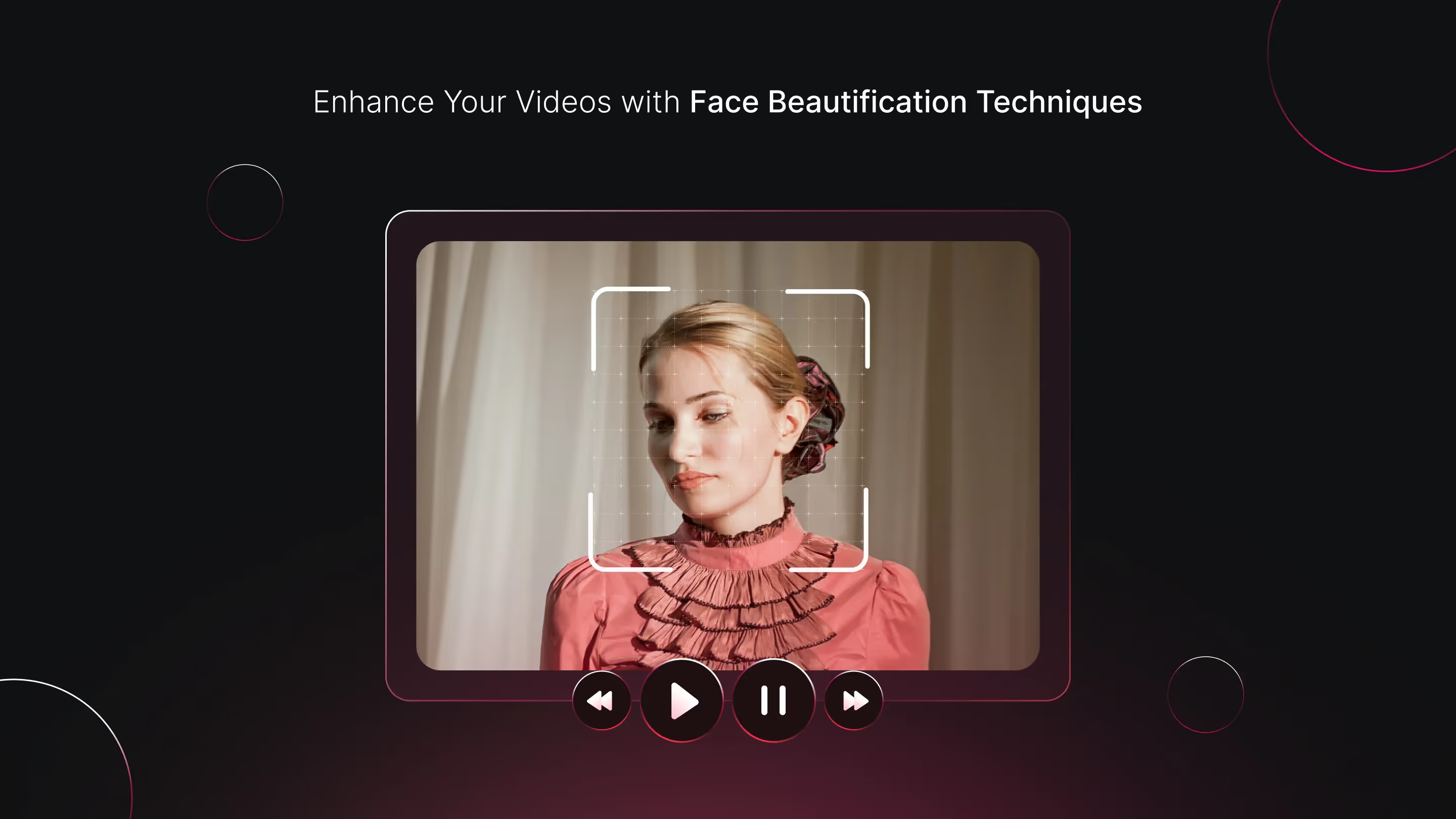
Real-time video face beautification uses computer vision to detect and track facial landmarks across every frame of a live video feed, then applies skin smoothing, color correction, or simulated makeup that follows the face convincingly as a person moves, talks, or turns. This is a meaningfully harder technical problem than editing a static photo, since the effect needs to hold up under continuous motion without visible lag or drift, frame after frame, for the entire duration of a call or stream.
Two distinct processing models exist across this category. Real-time SDKs apply the effect live, during a video call or stream, which is the harder engineering problem and the focus of most of the vendors compared below. Post-processing tools apply the effect after recording, which is a lighter technical lift but isn't useful for a live video call or stream product specifically.
This distinction matters more than it might first appear, since a vendor's marketing language sometimes blurs the line between the two. A platform building a live video calling or streaming product specifically needs to confirm a given SDK genuinely operates in real time under the conditions that matter, rather than assuming a capable post-processing tool will perform equivalently once adapted to a live use case.
Where Platforms Use This: Live Streaming, Video Calls, and Virtual Events
Video conferencing platforms embed beautification directly into the call experience, as Zoom, Teams, and Meet now all do natively, to reduce the self-consciousness that drives video-call fatigue and keeps some users avoiding camera-on meetings altogether. Live streaming and social platforms use the same underlying technology to let creators and hosts present a polished appearance without manual makeup or lighting setup, directly supporting watch time and engagement.
Virtual event and webinar platforms are a growing third use case, where a consistent, professional on-camera appearance matters for a brand's own hosts and for paying attendees presenting to an audience. A platform serving any of these three use cases needs to evaluate the same core technical criteria, but the specific priority shifts: a consumer live-streaming app may prioritize creative, higher-intensity effects, while a professional video conferencing or virtual event platform generally needs a more conservative, natural-looking default.
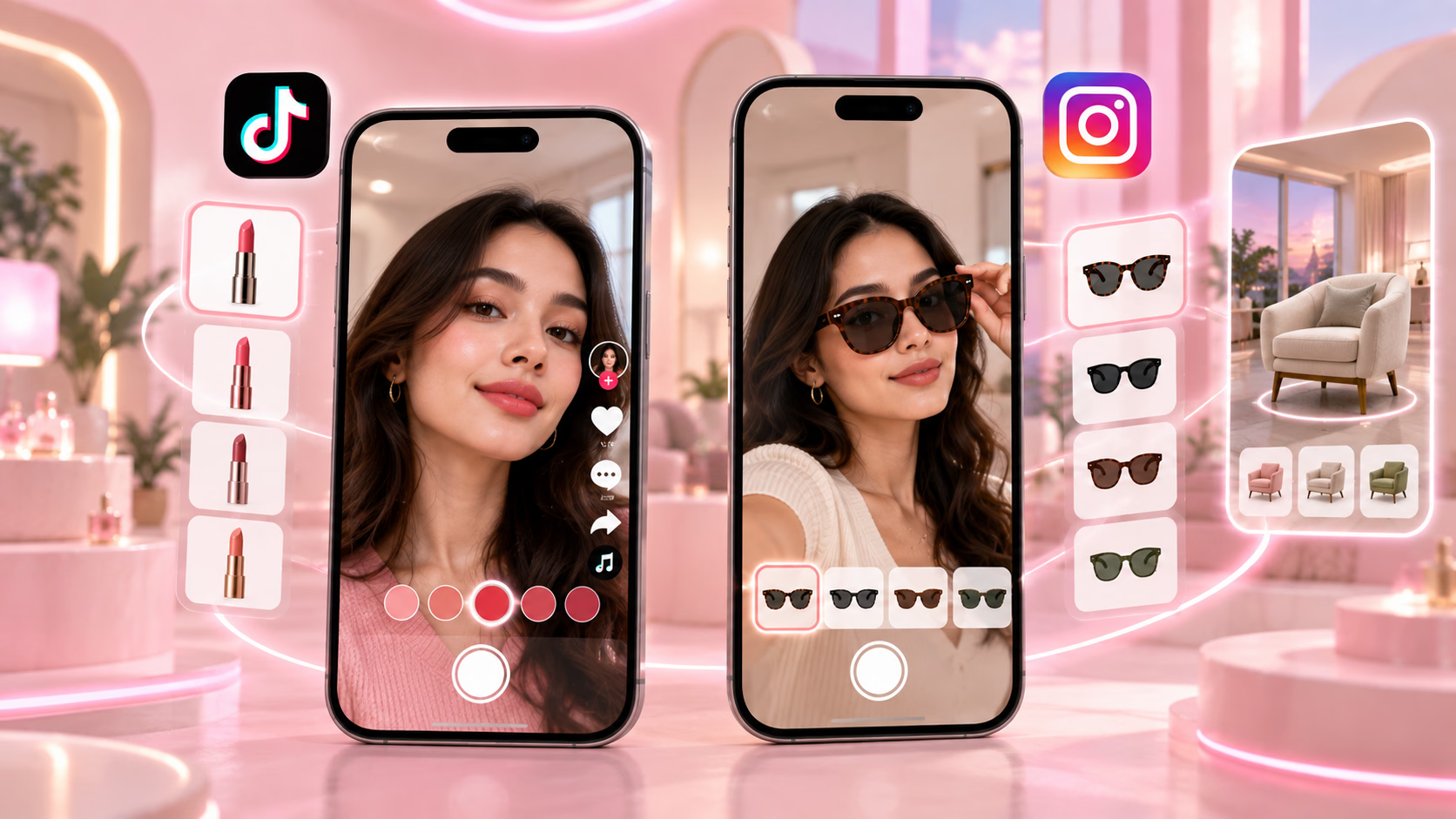
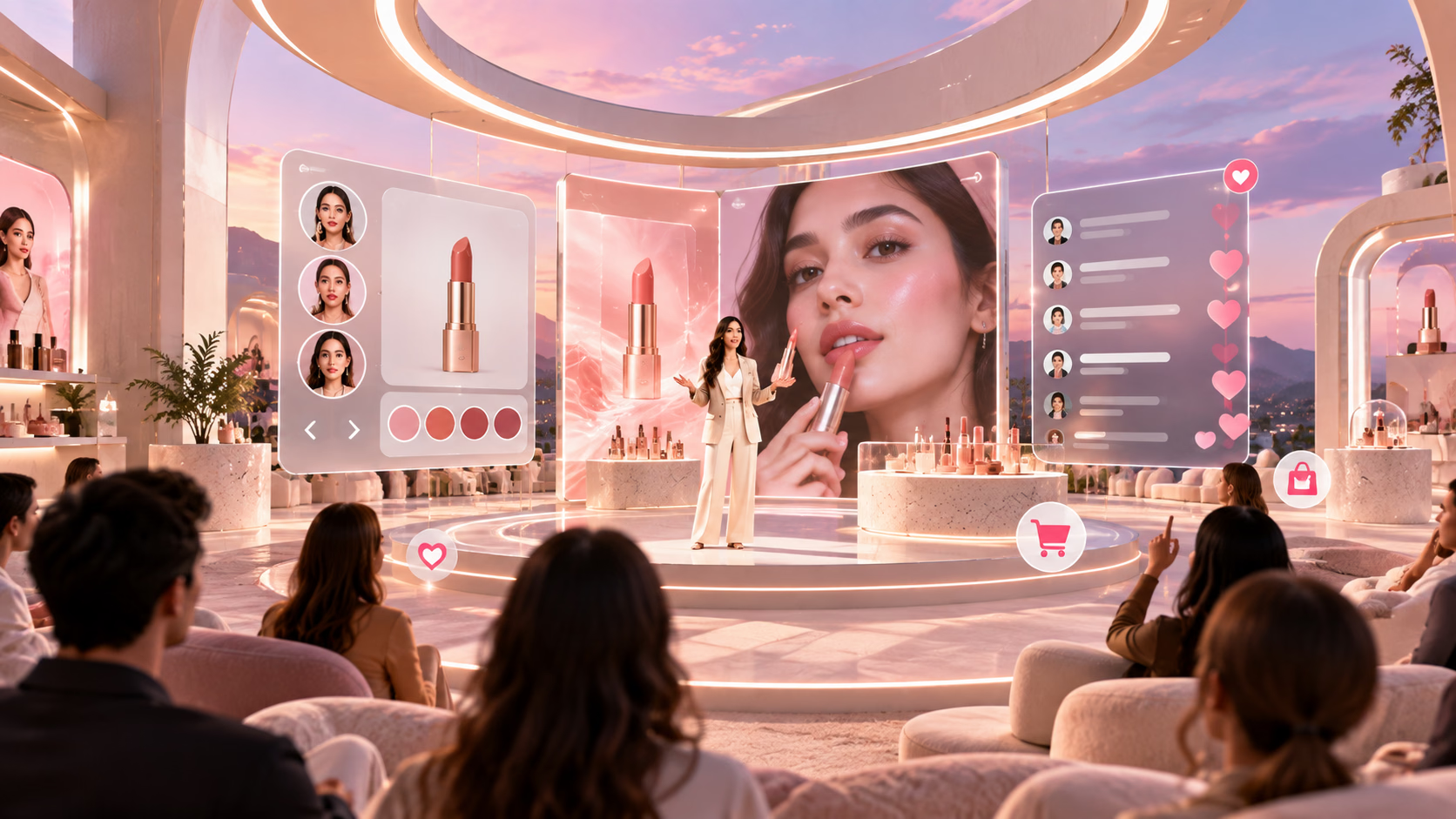
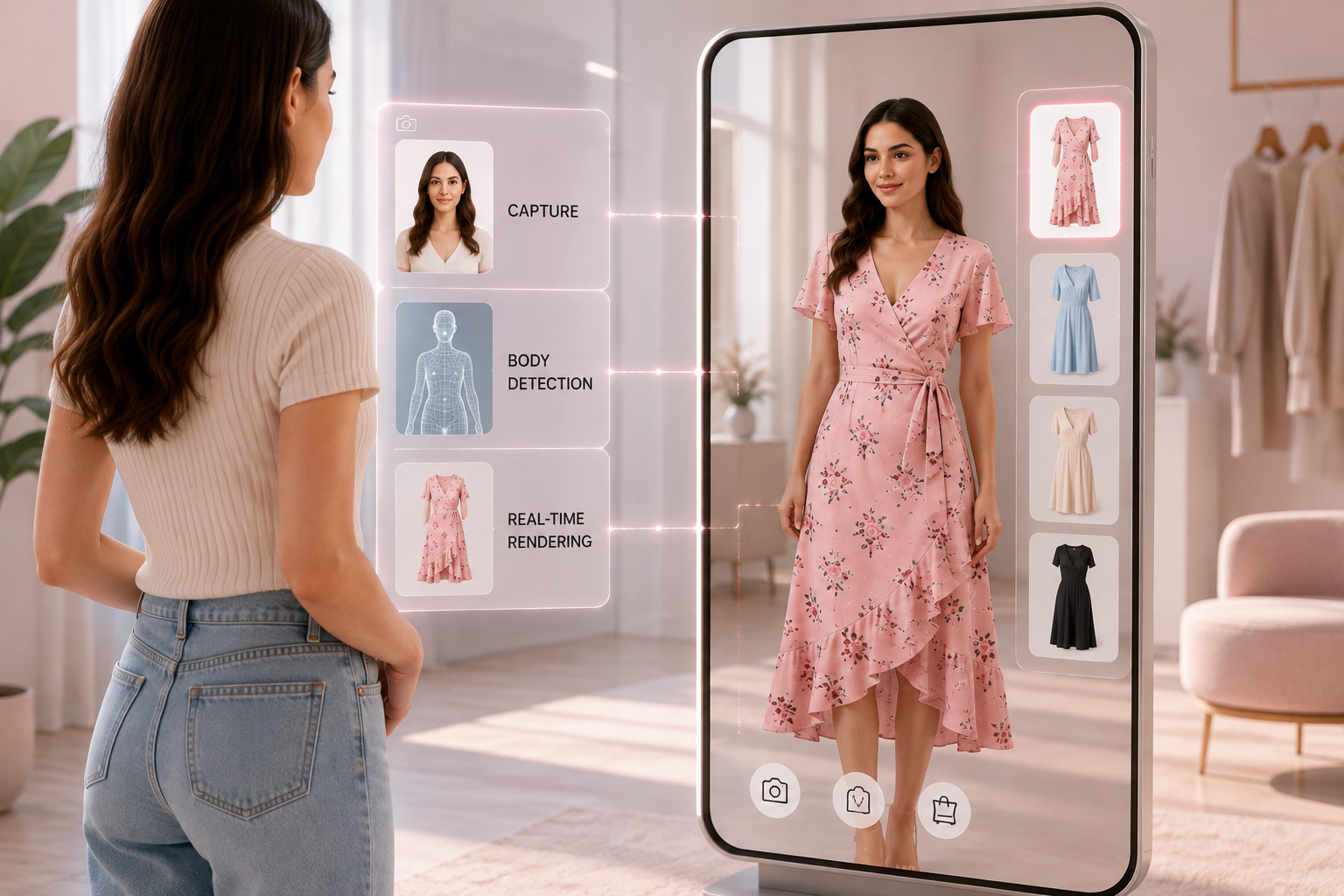
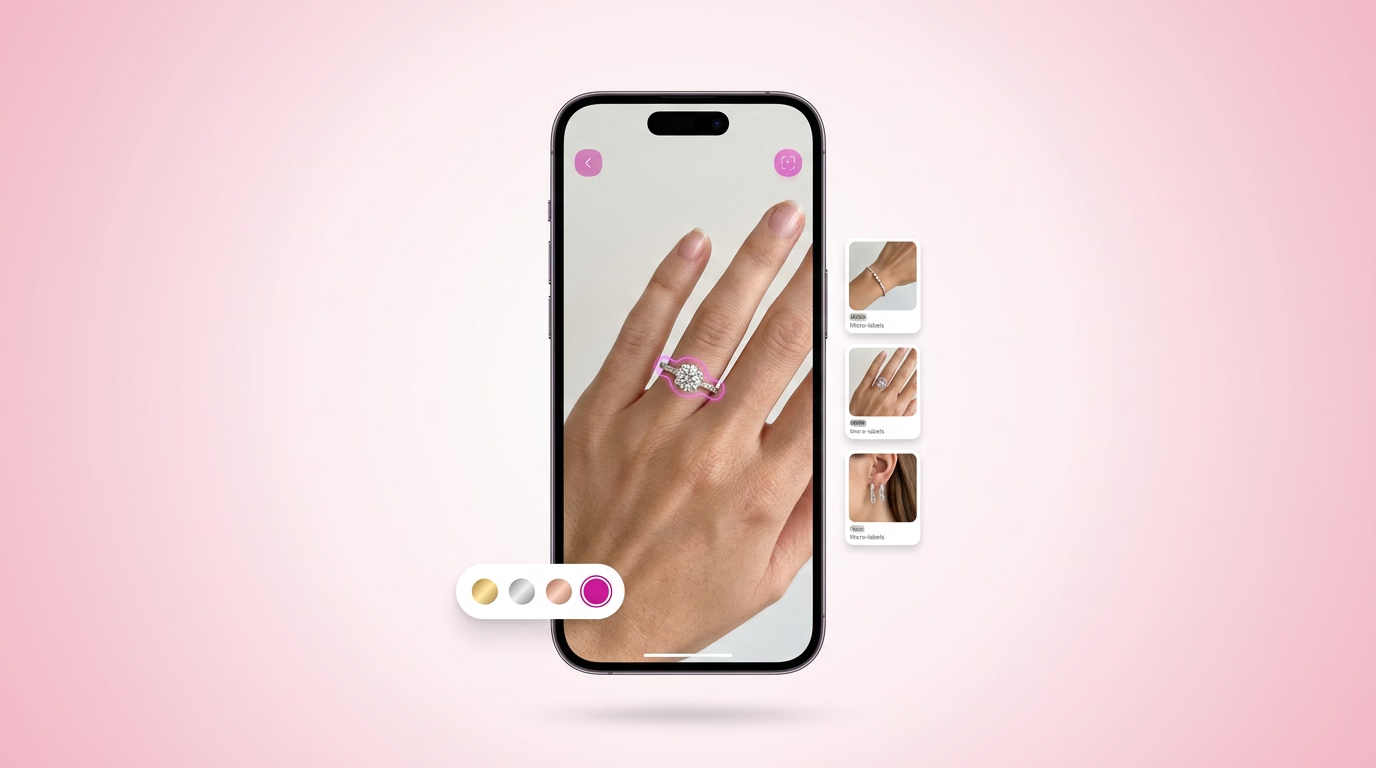
A fourth, increasingly common use case sits specifically at the intersection of beautification and commerce. Live shopping and social commerce platforms use the same underlying facial tracking technology to layer actual product try-on, a specific lipstick shade or eyeshadow look, directly into a live stream, turning a cosmetic enhancement feature into a direct driver of purchase intent. This use case carries a different evaluation priority again, since accurate, realistic product rendering matters as much as the beautification effect itself.
Top 10 Video Beautification Apps
| App | Best For |
|---|---|
| YouCam Video | Real-time makeup plus post-edit touch-ups |
| B612 | Real-time filters with stable face tracking |
| FacePlay | AI-powered face transformation and template edits |
| Snow | Subtle, natural-looking glow with reliable tracking |
| Ulike | Minimal, understated real-time retouching |
| AirBrush | Post-recording retouching with manual control |
| Sweet Selfie | Quick, trend-driven beautify mode |
| Soda | Soft, everyday filters with auto-adjusting exposure |
| Perfect365 Video | Full makeup layering with segment editing |
| FaceTune Video | Precise, segment-based manual correction |
1. YouCam Video
YouCam Video covers both live and post-edit beautification from one app, applying real-time skin retouch and makeup during recording while also offering a more detailed editing pass afterward. Its adjustable intensity controls, rather than a single fixed preset, let a user dial effects up or down, which is the kind of configurability worth noting when evaluating any beautification tool's underlying flexibility. It runs on iOS and Android with no desktop version, and free use comes with watermark and export limits typical of this category, with a paid tier unlocking full-resolution export. Its background blur feature, applied alongside facial retouching, is also worth noting as a bundled capability some platforms might otherwise need a separate tool for.
2. B612
B612 has evolved well beyond its original selfie-camera positioning into a capable real-time video tool, with face tracking that holds up through head movement without the overlay slipping or glitching. Its library runs into the hundreds of filters, and HD export without dropped frames or audio desync is a genuine technical strength worth noting, since that's a common failure point for apps in this category. It's available on iOS and Android, with its more extensive filter and makeup customization gated behind a subscription. Its gesture-based, hands-free recording controls are a smaller but genuinely useful detail for anyone filming solo without a second person to operate the camera.
3. FacePlay
FacePlay is built around AI face transformation and template-based video edits rather than standard beautification alone, automatically applying skin smoothing and light contouring as part of inserting a user's face into a pre-designed scene. The smoothing here isn't user-adjustable, since it's baked into each template rather than offered as a standalone control, which is a meaningfully different design choice from the more tunable apps elsewhere on this list. It's available on iOS and Android and monetizes primarily through premium templates rather than a tiered subscription. Its auto face detection, keeping the inserted face aligned naturally through a template's scene movement and angle changes, is the more technically demanding part of the experience.
4. Snow
Snow's real-time filters stay notably stable through head movement and work consistently across different lighting conditions and skin tones without looking patchy, which is a harder technical bar to clear than it sounds. Its face tracking specifically holds its position reliably during motion, a detail worth benchmarking any competing app or SDK against. Snow is available on iOS and Android, refreshes its filter library on a regular seasonal cadence, and offers its core real-time features for free with premium filter packs as the primary paid add-on. Its consistency across varying indoor lighting conditions specifically stood out as a stronger result than several competitors manage.
5. Ulike
Ulike's positioning is distinct from most of this list: its real-time retouching is deliberately understated, smoothing texture and adjusting tone without the obviously filtered look some competitors default to. Facial reshaping, like a slight jawline adjustment, is applied subtly enough that the result still looks like the user's own face. It runs on iOS and Android, and its most consistent results came through for straightforward front-facing video, with a freemium model gating advanced reshaping controls. Its restrained default intensity is worth noting specifically as a design philosophy, since it's a meaningfully different product decision than apps defaulting to a heavier, more obvious effect.
6. AirBrush
AirBrush applies its retouching after recording rather than live, giving it more processing room to deliver detailed skin smoothing, shadow correction, and color grading without a real-time performance constraint. Its manual sliders for smoothing, tone, and sharpness give a user more granular control than a fixed preset-only app, which is worth noting as a design pattern. It's available on iOS and Android, with one-tap presets free and manual fine-tuning tools split across free and paid tiers. Its consistent results across different lighting conditions in post-processing specifically benefit from not needing to maintain real-time performance.
7. Sweet Selfie
Sweet Selfie's video beautification feature is a newer addition to a longer-running photo app, and its filters lean more playful and trend-driven than the more neutral options elsewhere on this list. Its one-tap beautify mode is built for speed over fine control, which suits quick, casual content over a more deliberate edit. It runs on iOS and Android and is free to use, with most of its monetization built around optional in-app purchases for specific filter packs. Its color presets, shifting overall tone toward a specific trending aesthetic, extend beyond pure facial retouching into broader video styling.
8. Soda
Soda, from the same company behind Snow, takes a lighter-touch approach with a simpler interface and a narrower but more consistently natural filter set. Its auto-adjusting exposure, responding to lighting changes during recording rather than requiring a manual correction, is a practical real-time feature worth noting. It's available on iOS and Android, free to use, with its core beauty modes not gated behind a paywall the way several competitors structure theirs. Its named presets, like Natural, Clear, and Bright, map to specific lighting and skin outcomes rather than leaving a user to guess what an unlabeled slider actually changes.
9. Perfect365 Video
Perfect365 Video extends its photo app's detailed, layerable makeup system into motion, letting a user adjust individual elements, lip color, blush, shadow, separately rather than applying one blended beauty preset. The makeup layer tracks reasonably well through head turns and angle changes, which is a meaningful technical requirement for anything positioned as full makeup simulation rather than simple smoothing. It's available on iOS, Android, and web, with its full makeup customization library sitting behind a subscription after a trial period. Its light-correction tool, brightening or evening out shadows from poor shooting conditions, functions as a secondary feature alongside the core makeup layering.
10. FaceTune Video
FaceTune Video is built for granular, segment-based editing, letting a user apply different correction to different parts of a clip rather than one uniform setting across the whole video. Its manual controls for smoothing, reshaping, and spot correction are aimed at a user willing to spend more time per clip for a more deliberate result, closer to a lightweight editing suite than a one-tap filter. It runs on iOS and Android, with its segment-editing and full-quality export reserved for paid subscribers. Its ability to apply a specific edit to just one section of a clip, an intro or a single line, without affecting the rest, is its clearest differentiator from the one-tap apps elsewhere on this list.
The SDKs Powering This Category
Most of the apps above, and the native features now built into Zoom, Teams, and Google Meet, run on a smaller set of underlying SDKs that a platform or brand can actually license directly. This is the layer that matters if you're building an equivalent capability into your own product rather than comparing finished consumer apps, and it's worth evaluating these on genuinely different criteria than the consumer apps above, since a platform is choosing infrastructure to build on rather than a finished experience to recommend. None of the ten apps compared above offer a public licensing program of their own, which is exactly why this separate SDK layer is the actual starting point for any integration decision.
Banuba
Banuba's SDK handles real-time skin smoothing, facial contouring, and makeup filters, with tracking built to stay stable through fast head movement across a wide device range, including phones well below flagship specifications. It supports custom filter creation for a platform wanting its own visual identity rather than a fixed preset library, and licensing is tiered by usage and customization scope. Its track record powering multiple consumer apps in this category, not just a single flagship product, is a reasonable signal of broad production maturity across varied use cases.
ModiFace
ModiFace, backed by L'Oréal, focuses specifically on virtual makeup and skin analysis, and its real-world deployment at platform scale is directly confirmed: Microsoft Teams' Maybelline Beauty app runs on ModiFace technology. Its strength is realistic cosmetic rendering, simulated lipstick or eyeshadow that reflects light and blends convincingly, rather than looking like a flat overlay, making it a strong fit for a brand wanting beautification tied to actual product matching. This is the clearest example on this list of an SDK already proven inside one of the largest video products in the world, which is a meaningful validation point during vendor evaluation.
Visage Technologies
Visage covers the fundamentals, skin smoothing, lighting correction, and face tracking, in a lightweight package that doesn't strain device resources, which is a genuine advantage for a platform targeting markets with a higher share of lower-powered devices. It's used across smaller beauty-focused apps wanting a clean, natural enhancement without unnecessary processing overhead, trading a narrower effects library for consistent reliability.
DeepAR
DeepAR is built for high-performance AR generally, and its beautification holds up well even layered with more complex filters or 3D overlays, a genuine differentiator from vendors built narrowly around flat skin smoothing. Its custom filter support lets a platform build effects matching its own brand, though that flexibility assumes real development investment and a tiered package structure scoped to a business's size and needs.
GlamAR
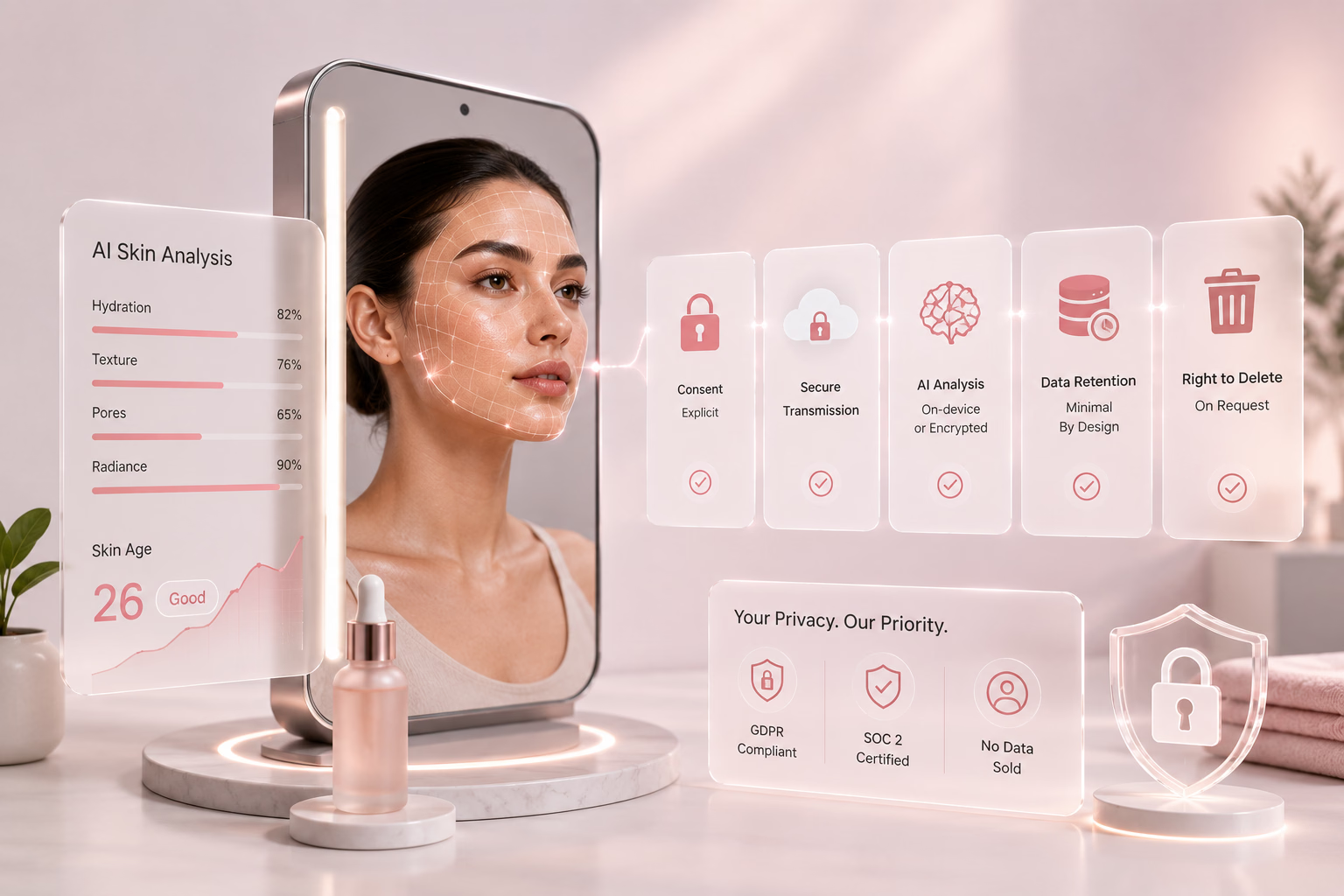
GlamAR's beauty and makeup technology runs directly in a browser with no download required, letting a platform embed real-time facial beautification without routing users through a separate app. Because the same platform also powers AI skin analysis and virtual makeup try-on, a brand wanting beautification tied directly to an actual product, letting a viewer see a specific lipstick shade rendered in real time during a live shopping stream, gains that from one vendor relationship. Review the makeup virtual try-on solution directly for current platform specifics.
What to Test Before Integrating: Latency and Device Consistency
Test any SDK's real-time performance under actual network and device conditions, not a vendor's demo environment. Latency that's imperceptible on a strong connection with a flagship device can become visibly distracting on a weaker connection or an older phone, and this gap rarely shows up until real users are already relying on the feature.
Measure latency specifically under load, with multiple participants on a call or a crowded stream, rather than a single-user test session, since beautification competing for processing resources alongside video encoding and network transmission behaves differently under genuine multi-party load than in an isolated test.
Test across a deliberately wide device range, spanning flagship, mid-range, and older hardware, and across the specific browsers and operating systems your actual users run. Pull your own analytics on device and browser mix before assuming a vendor's stated minimum specifications match your real traffic, since a meaningful share of real usage likely comes from hardware well below the newest available phone.
Confirm how gracefully an SDK degrades under poor conditions, a weak connection or an older device, rather than failing outright. A feature that reduces effect quality cleanly is far better for a platform's reputation than one that freezes or crashes the video feed entirely, and this is exactly the kind of detail a vendor's own demo, recorded under ideal conditions, won't reveal unless you ask directly and test it yourself.
How GlamAR Supports Real-Time Beautification
GlamAR ties real-time facial beautification directly to a commercial or engagement outcome where relevant, rather than treating it as a cosmetic layer disconnected from a platform's broader product. For a live shopping or social commerce platform specifically, the same technology powering a flattering on-camera appearance can also support product-linked virtual try-on within the same session, letting a host or viewer try an actual product in real time rather than treating beautification and commerce as entirely separate features.
The platform runs in-browser with no download required, which matters for adoption on any product where asking a user to install a separate app before accessing a feature would lose a meaningful share of potential usage. For a platform weighing GlamAR against a pure beautification vendor elsewhere on this list, the practical case is this reuse across use cases, since the same investment that improves how a host looks on camera can extend directly into a product-linked experience later without a second vendor relationship.
For a wider comparison of live-streaming-specific beauty tools, see our guide to beauty filters for live streaming, and for a deeper comparison of makeup-specific SDK options, see our comparison of virtual makeup filter SDKs.
Conclusion
The consumer apps compared here set the bar for what users now expect from on-camera beautification, and the native features shipping inside Zoom, Teams, and Google Meet confirm that bar has become a baseline rather than a novelty. For a platform building its own version of this capability, the real decision sits one layer down, at the SDK powering any of these experiences, evaluated on real-time performance under real device conditions, customization depth, and integration fit.
If you want to evaluate real-time beautification against your own platform's use case, talk to the GlamAR team about scoping an integration.