How Top Eyewear Retailers Use Virtual Try-On: Examples and Lessons for Brands in 2026


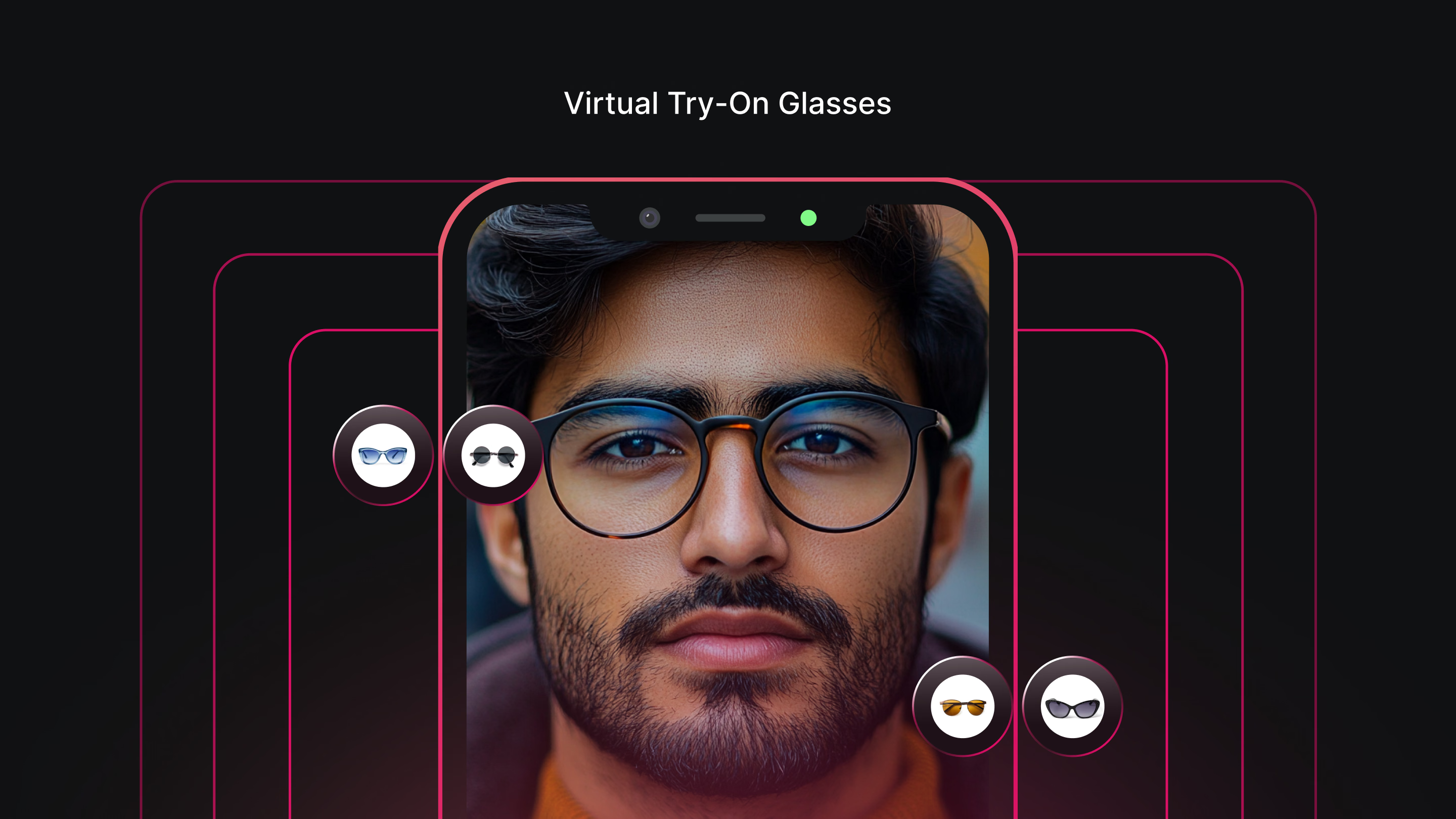
Several eyewear retailers, including Lenskart, Silhouette, SmartBuyGlasses, Glasses.com, Specsavers, and MOSCOT, have notably effective virtual try-on implementations worth studying closely. This article breaks down specifically what each gets right, the common mistakes that undermine weaker implementations, and what a brand should prioritize when planning its own rollout, not which SDK vendor to buy.
MOSCOT reported a 135 percent increase in conversion rate among shoppers who used its 3D virtual try-on feature, and Eyewa improved its conversion rate from 5.4 to 8.5 percent after upgrading its AR try-on implementation specifically. Both figures point to the same underlying lesson: the technology itself matters less than how well it's actually implemented, which is exactly what this guide examines.
This is deliberately a different kind of guide than most virtual try-on content a brand will find elsewhere. Most comparisons in this category list vendors by feature set and pricing, which is useful once you already know what good implementation looks like. This guide instead works backward from real, observable examples already live in the market, breaking down specifically what separates an implementation that drives measurable commercial results from one that sits mostly unused, so you can apply those same principles regardless of which specific vendor you eventually choose.
Why Virtual Try-On Implementation Quality Varies So Much
Nearly every major eyewear retailer now offers some form of virtual try-on, which makes the feature itself table stakes rather than a differentiator. What actually separates a retailer seeing meaningful conversion lift from one where the feature sits mostly unused is implementation quality, specifically face mapping accuracy, how prominently and conveniently the feature is placed in the shopping flow, and how broad a catalog it actually covers.
A retailer bolting a generic try-on widget onto a product page as an afterthought gets a fundamentally different result than one that's designed the entire shopping experience around letting a customer try before they commit. The gap between these two approaches is where most of the real commercial value in this category actually lives, and it's worth understanding in detail before planning your own implementation.
This gap also explains why two retailers can license technically similar underlying technology and see meaningfully different results. The feature itself is necessary but not sufficient. How a retailer guides a customer into the experience, how transparently it handles the camera access the feature requires, and how consistently it's available across the actual catalog all shape whether a customer engages with it at all, let alone whether that engagement translates into a purchase decision, which is exactly why the examples below are worth studying in detail rather than treating virtual try-on as a single, uniform feature.
Retailers Doing Virtual Try-On Well, and What They Get Right
Lenskart's implementation walks a customer through a specific alignment process, positioning their face against a light source and removing existing glasses before the try-on begins. This extra step matters because it directly improves face mapping accuracy, a customer's face is harder to track accurately through their own glasses or in inconsistent lighting, and Lenskart's upfront guidance reduces the chance of a poor-quality result that would otherwise undermine trust in the feature. The lesson for a brand evaluating its own rollout is that a short, well-designed onboarding step before the actual try-on begins can meaningfully improve result quality, even though it adds a small amount of friction to the overall flow.
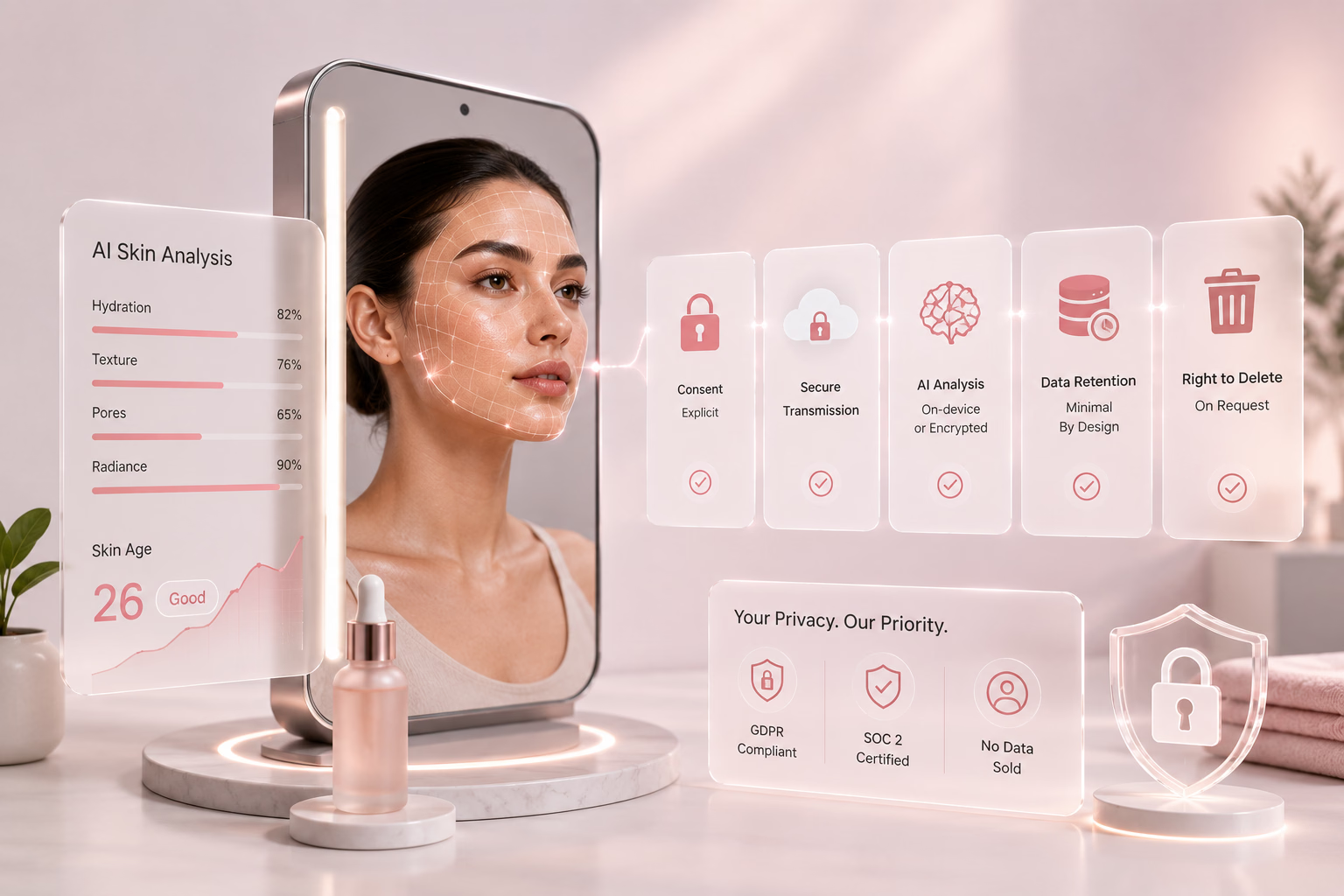
Silhouette takes data privacy seriously enough to make it a visible part of the experience itself, storing captured images only for the current session and giving customers an explicit way to delete their data at any time. For a feature that requires camera access, this transparency is a genuine trust-building choice, not just a compliance checkbox, and it's a detail smaller brands often skip entirely. A customer hesitant to grant camera access in the first place is far more likely to proceed when the retailer states plainly what happens to that image, rather than leaving the question unaddressed and hoping it doesn't come up.
SmartBuyGlasses pairs face mapping technology, identifying a customer's face shape specifically, with a genuinely large catalog, tens of thousands of frames filterable specifically by virtual try-on availability. This combination matters because a face-shape recommendation is only useful if there's enough catalog breadth behind it to actually offer a meaningfully different option once a shape is identified, rather than funneling every customer toward the same handful of pre-selected frames. The filterable catalog detail is also worth noting specifically, since it sets an honest expectation upfront rather than letting a customer discover partway through browsing that their preferred style isn't try-on enabled at all.
Specsavers reduces friction to the absolute minimum: a single camera icon click activates the feature directly from a product listing, with simple, visible guidance on lighting and hair positioning for a better result. This low-friction entry point matters more than it might seem, since every additional step between a customer browsing and actually trying a product is a point where they can lose interest and abandon the feature entirely. The specific guidance on hair positioning is a small but telling detail, since it reflects genuine attention to what actually affects result quality in practice, not just a generic camera activation prompt copied from a template.
Glasses.com frames its feature explicitly as a "Virtual Mirror" rather than a generic try-on button, a small branding choice that reframes the experience around a familiar, trusted mental model, looking in a mirror, rather than an unfamiliar piece of technology. This kind of framing detail is easy to overlook but genuinely affects how willing a first-time user is to grant camera access and engage with the feature at all. A brand naming its own feature generically as simply "try on" is missing an easy opportunity to borrow a more comfortable, familiar frame of reference that reduces hesitation before a customer even clicks the button.
MOSCOT's implementation is built as a fully immersive part of the shopping experience rather than a bolt-on feature, which is consistent with the 135 percent conversion lift the brand has reported. The lesson here isn't the specific number, it's that MOSCOT treats try-on as central to how a customer actually chooses a pair of glasses, not a secondary feature competing for attention against the rest of the product page. This distinction between a core feature and a secondary add-on shows up in small design choices throughout the shopping experience, not just in the try-on button itself, and it's worth studying MOSCOT's product pages directly to see how thoroughly the feature is woven into the overall browsing flow rather than isolated to a single interaction point.


Common Mistakes in Eyewear Virtual Try-On Implementation
Treating the feature as a checkbox rather than a core part of the shopping flow is the most common and most damaging mistake. A try-on button buried below the fold, or one requiring several extra clicks to reach, gets a fraction of the engagement a prominent, well-placed feature does, regardless of how accurate the underlying technology actually is. This mistake is often the result of adding try-on as an afterthought late in a product page redesign, rather than designing the shopping experience around it from the start.
Skipping clear guidance on lighting and face positioning is a close second. Face mapping accuracy depends heavily on image quality, and a retailer that doesn't guide a customer toward decent lighting and a clear, forward-facing position gets inconsistent results that undermine trust in the feature precisely when it should be building confidence instead. A single poor result early in a customer's experience with the feature can color their perception of its accuracy for every subsequent frame they try, even if later results are genuinely better.
Offering try-on for only a narrow slice of the catalog is another frequent gap. A customer who tries five frames and finds only two are try-on enabled gets a worse experience than one who never knew the feature existed for the other three, since the inconsistency itself reads as a limitation rather than simply an absence. This is a particularly common mistake for a brand that rolls out try-on gradually without clearly communicating which products are currently covered.
Being vague about data handling is a mistake that costs trust specifically among customers hesitant to grant camera access in the first place. A retailer that doesn't clearly state what happens to a captured image, and for how long, gives a cautious customer a real reason to skip the feature entirely rather than engage with it, and this hesitation disproportionately affects exactly the customers a brand would most want to reassure.
Finally, requiring an app download for a feature a customer wants to use in a single browsing session is a friction point that measurably reduces engagement. The strongest implementations covered above all run directly in a browser, removing the install step that gives a customer one more reason to abandon the experience before ever trying it. An app download might make sense for a brand building a broader, ongoing relationship with a customer, but for a single try-on session during product research, it's rarely worth the drop-off it introduces.
What Brands Should Prioritize When Planning Their Own Implementation
Prioritize face mapping accuracy and guided capture over catalog breadth in your first phase. A smaller, highly accurate try-on experience across your best-selling frames builds more trust than a broad but inconsistent rollout, and you can expand catalog coverage once the core experience is proven to work well for your specific customer base. This mirrors Lenskart's approach to upfront guidance, since a brief, well-designed capture step consistently produces better results than skipping straight to the try-on itself.
Place the feature prominently and reduce friction to the absolute minimum, following Specsavers' example specifically. A single, visible entry point directly from the product listing, with no app download and minimal setup steps, consistently outperforms a feature requiring several clicks to discover and activate.
Be explicit and visible about data handling from the start, not buried in a general privacy policy a customer never reads. State plainly what happens to a captured image and for how long, and give customers a clear way to understand or control that, following Silhouette's example of building this into the actual user experience.
Communicate catalog coverage honestly, following SmartBuyGlasses' approach of letting customers filter specifically by try-on availability. This sets an accurate expectation upfront rather than letting a customer discover a gap in coverage partway through browsing, which reads as a limitation precisely when you want them feeling confident in the experience.
Measure success specifically, not just generally. Track try-on engagement rate separately from overall conversion, compare conversion and return rates between customers who used the feature and those who didn't, and give the data at least 60 to 90 days to settle before drawing conclusions, since the purchase to return cycle has a real lag that an early read can miss entirely.
Once you've internalized these lessons, the next step is evaluating which specific technology vendor can actually deliver them for your brand. No vendor comparison is useful until you know what to actually test for, face mapping accuracy under real conditions, how gracefully a tool handles poor lighting, whether its catalog ingestion process supports the breadth you need, which is exactly the set of criteria the examples in this guide should leave you equipped to apply.
Our comparisons of virtual eyeglasses try-on apps, 3D virtual try-on glasses platforms, and AR eyewear try-on SDKs for online optical stores go deeper into vendor-specific evaluation criteria, integration method, and pricing.

How GlamAR Supports Eyewear Virtual Try-On
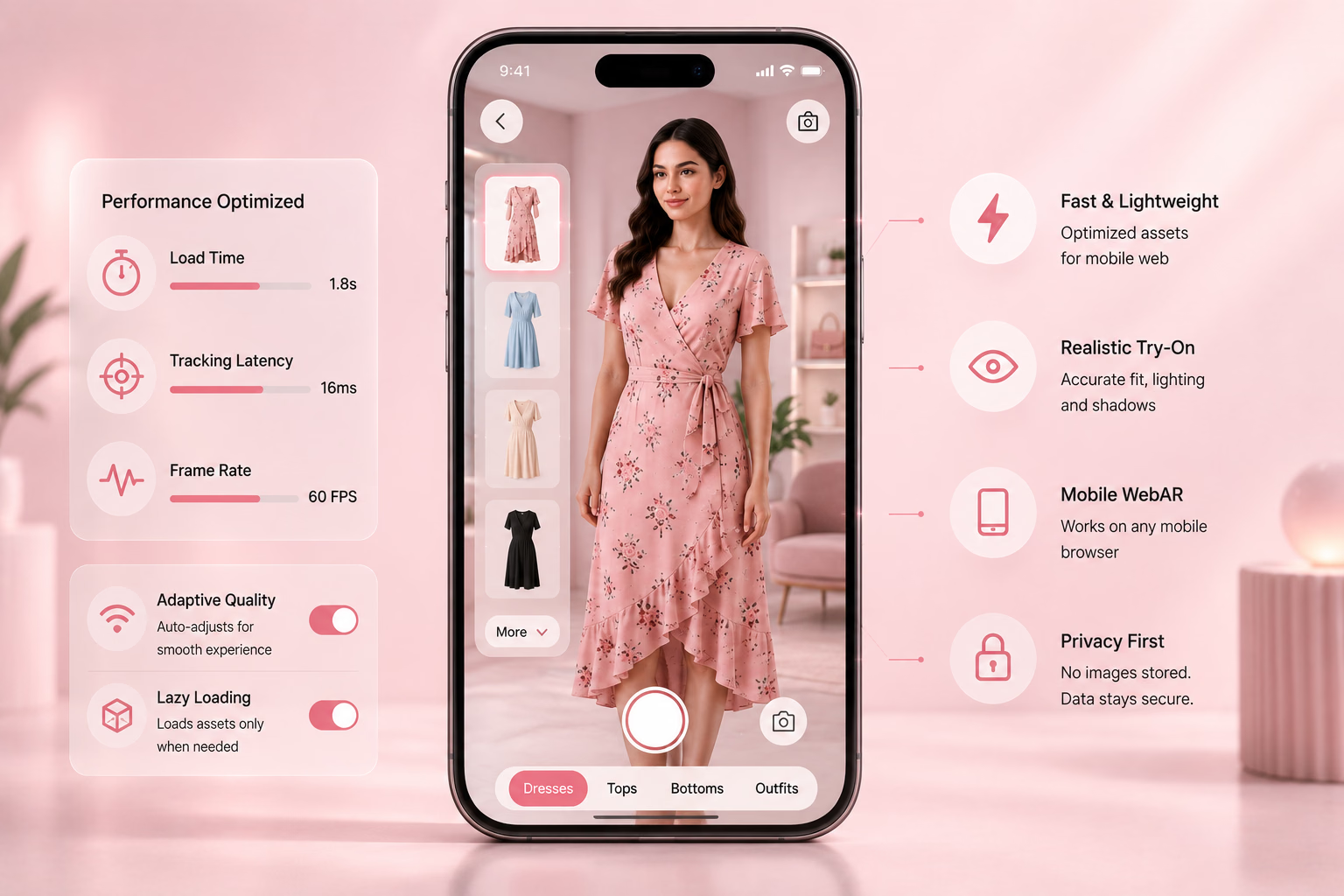
GlamAR's eyewear virtual try-on is built around the same principles the strongest implementations in this guide share: accurate face tracking, broad catalog support, and a browser-based experience requiring no app download. The platform runs across iOS, Android, Web, Unity, and React, giving a brand consistent performance regardless of how a customer reaches the experience.
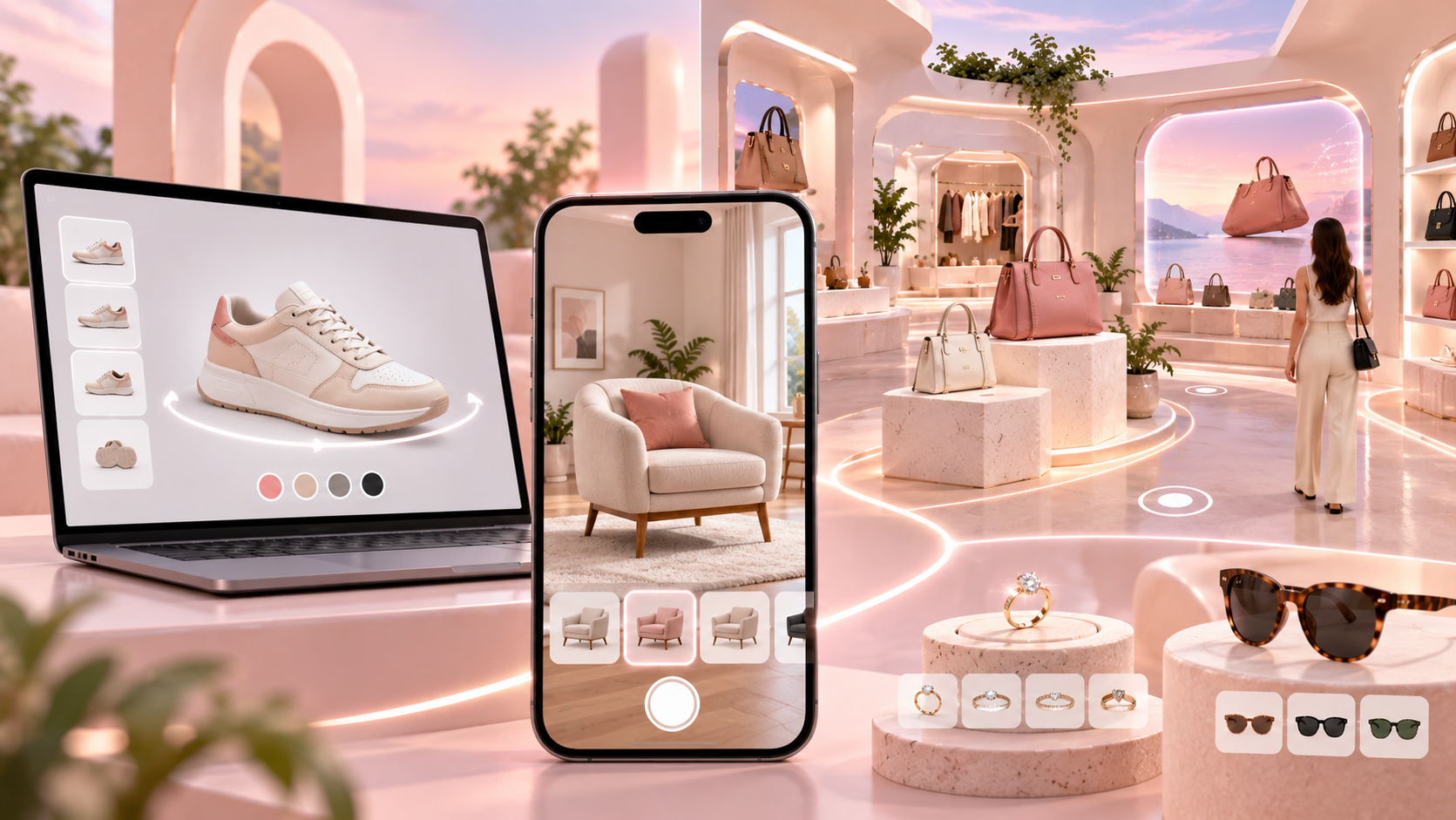
Because the underlying technology also covers makeup, jewelry, and other accessory categories, a brand already running or considering try-on in another category can extend into eyewear using the same catalog connection and vendor relationship. This consolidation matters for a brand wanting the same consistency across product categories that the strongest examples in this guide demonstrate within eyewear specifically, rather than stitching together separate tools with inconsistent quality and user experience across different parts of the catalog.
Review the eyewear virtual try-on solution directly for current catalog and integration specifics, and see our comparison of virtual try-on apps and platforms by product category for how eyewear try-on compares to other categories a brand might also be considering.
Conclusion
The eyewear retailers getting real value from virtual try-on share a consistent pattern: accurate face mapping, low-friction placement, broad catalog coverage, and clear data handling, not necessarily the most advanced underlying technology. A brand planning its own implementation should study these specific choices before evaluating any vendor, since getting the experience design right is what actually determines whether the feature drives the conversion and return-rate improvements it's capable of.
If you want to evaluate eyewear virtual try-on for your own catalog, talk to the GlamAR team about scoping an integration, or explore GlamAR's full solutions range to see what else might fit your brand.