How to Convert 2D Images into 3D Models: A Beginner's Guide


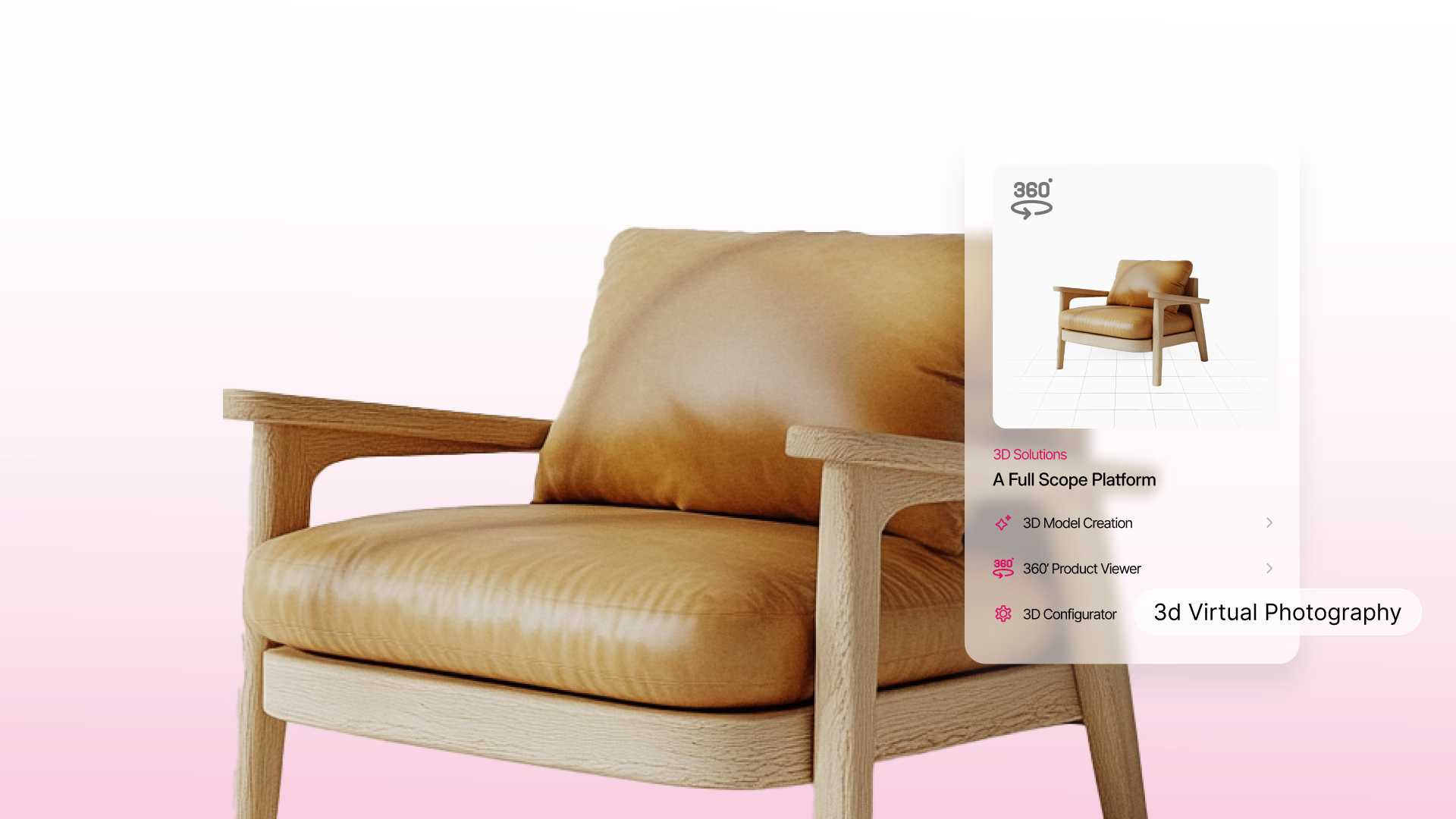
In today’s fast-paced, competitive landscape, 3D modeling has become an essential tool across industries such as e-commerce, real estate, healthcare, and manufacturing. By converting images into 3D models, businesses can create precise, detailed representations of objects—streamlining workflows and significantly reducing both time and costs compared to traditional modeling techniques.
In this guide, we will dive into GlamAR's innovative approach to generating 3D models directly from images. We’ll break down the process, discuss the current limitations, and explore the future potential of this cutting-edge technology. GlamAR is revolutionizing the way businesses transform 2D concepts into fully interactive, lifelike 3D experiences.
Looking to elevate your 3D rendering? Discover how GlamAR can help you unlock the full potential of image-based 3D modeling and bring your ideas to life faster and more efficiently than ever before.
What Are 3D Models, and Why Are They Important?
3D models are digital representations of physical objects, environments, or concepts, rendered in three dimensions. For businesses, they have proven to be powerful tools for improving product visualization, streamlining workflows, and enhancing customer experiences. For instance:
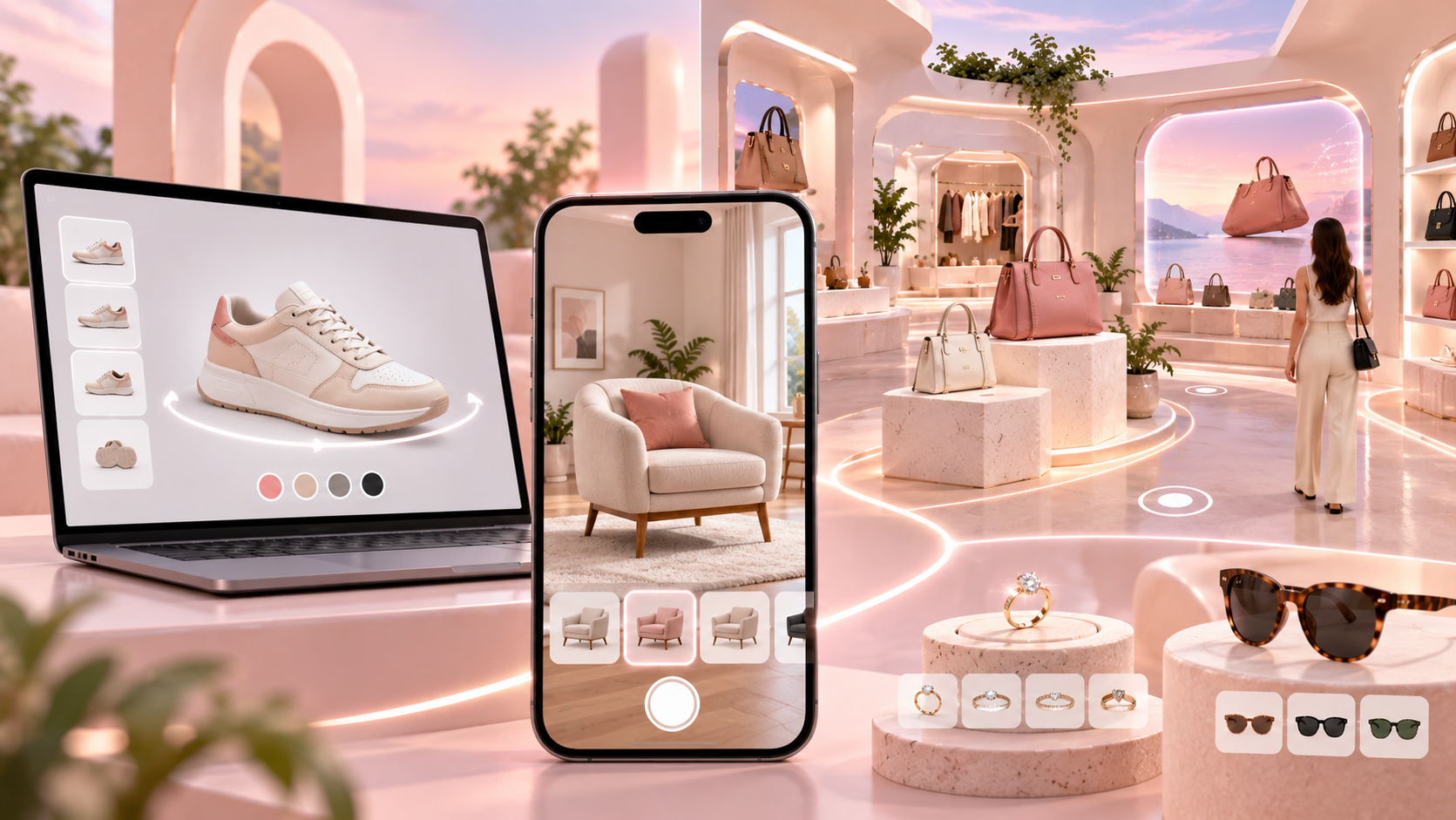
- E-commerce businesses use 3D models to showcase products with interactive views.
- Real estate firms leverage 3D renders for virtual property tours.
- Healthcare companies utilize 3D representations for anatomical training and simulations.
Creating 3D models from images simplifies the modeling process by utilizing widely available data—photographs—eliminating the need for complex manual design work.
How to Create a 3D Model from an Image: A Step-by-Step Guide
Creating a 3D model from images traditionally involves a complex and time-consuming process, often requiring specialized skills and high-end software. However, with GlamAR, businesses can generate 3D models from their 2D assets in just minutes, revolutionizing the way companies handle 3D content creation.
Here's an in-depth look at how the GlamAR process works to make 3D modeling simple, fast, and accessible to all businesses.
Step 1: Upload Images
The process starts with the business sharing their 2D assets with GlamAR. These assets typically consist of high-quality images of the products, services, or scenes that need to be converted into 3D models. Businesses can provide these images in standard formats such as JPEG, PNG, or TIFF.
At this stage, the GlamAR team ensures that the images are well-suited for conversion. The better the quality of the 2D assets, the more accurate and detailed the resulting 3D model will be. Whether it’s an e-commerce product, real estate property, or healthcare device, GlamAR works with various types of assets to generate lifelike 3D models.
Step 2: Transform 2D Assets into 3D Models
Once GlamAR receives the 2D assets, the real magic begins. Using advanced machine learning algorithms and photogrammetry techniques, GlamAR automatically processes the images and converts them into 3D models.
This step takes just minutes, eliminating the traditional need for manual modeling and saving businesses a significant amount of time and resources. GlamAR leverages cutting-edge technology to analyze the provided images, extracting key details and dimensions to create an accurate, realistic 3D representation of the object or scene.
Step 3: Review and Approval
Once the 3D model has been generated and prepared, the business receives a preview of the model for review. GlamAR provides businesses with an intuitive interface to assess the model and ensure it aligns with their expectations.
This is where businesses can request adjustments or modifications, such as refining details or changing textures. Once the business is satisfied with the final result, they can approve the 3D model for use in their operations. The process is designed to be seamless, offering businesses full control while simplifying the approval workflow.
Step 4: Deployment and Use
Once the 3D model is approved, businesses can deploy it across various platforms and applications. Whether it’s used in e-commerce sites for interactive product visualization, integrated into virtual real estate tours, or used for medical simulations, GlamAR ensures that the 3D model is optimized for each specific use case.
The model can be easily exported in various formats, ensuring compatibility with different platforms, AR/VR experiences, gaming engines, or other business needs. GlamAR makes it easy to embed and utilize these models in ways that align with the business’s goals and enhance user engagement.
Key Considerations for Businesses
- High-Quality Input Images: The quality of the final model heavily depends on the clarity and resolution of the images used.
- Choosing the Right Software: Evaluate tools based on your industry needs, such as Agisoft Metashape, RealityCapture, or Autodesk ReCap.
- Processing Power: Photogrammetry can be resource-intensive; ensure your system meets the software’s hardware requirements.
By following these steps, businesses can efficiently create 3D models from images, opening new possibilities for innovation and enhanced workflows. Whether used for product development, marketing, or training, these models offer a versatile solution for various professional needs.
Experience Seamless 3D Image Conversion with GlamAR
GlamAR’s streamlined process makes creating 3D models from images not only quick and efficient but also cost-effective. The ability to turn 2D assets into fully functional 3D models in just minutes drastically reduces the time and effort involved, allowing businesses to focus on what truly matters—engaging customers, improving operations, and driving growth.
By simplifying 3D modeling, GlamAR empowers businesses to enhance their digital presence, improve customer experiences, and embrace innovative technologies without the typical barriers associated with traditional 3D modeling.
Ready to bring your ideas to life in 3D? Get started with GlamAR today and experience the future of image-to-3D conversion. Sign up now to unlock your 3D modeling potential!