Virtual Try-On for Watch Brands: How to Increase Online Sales and Reduce Returns


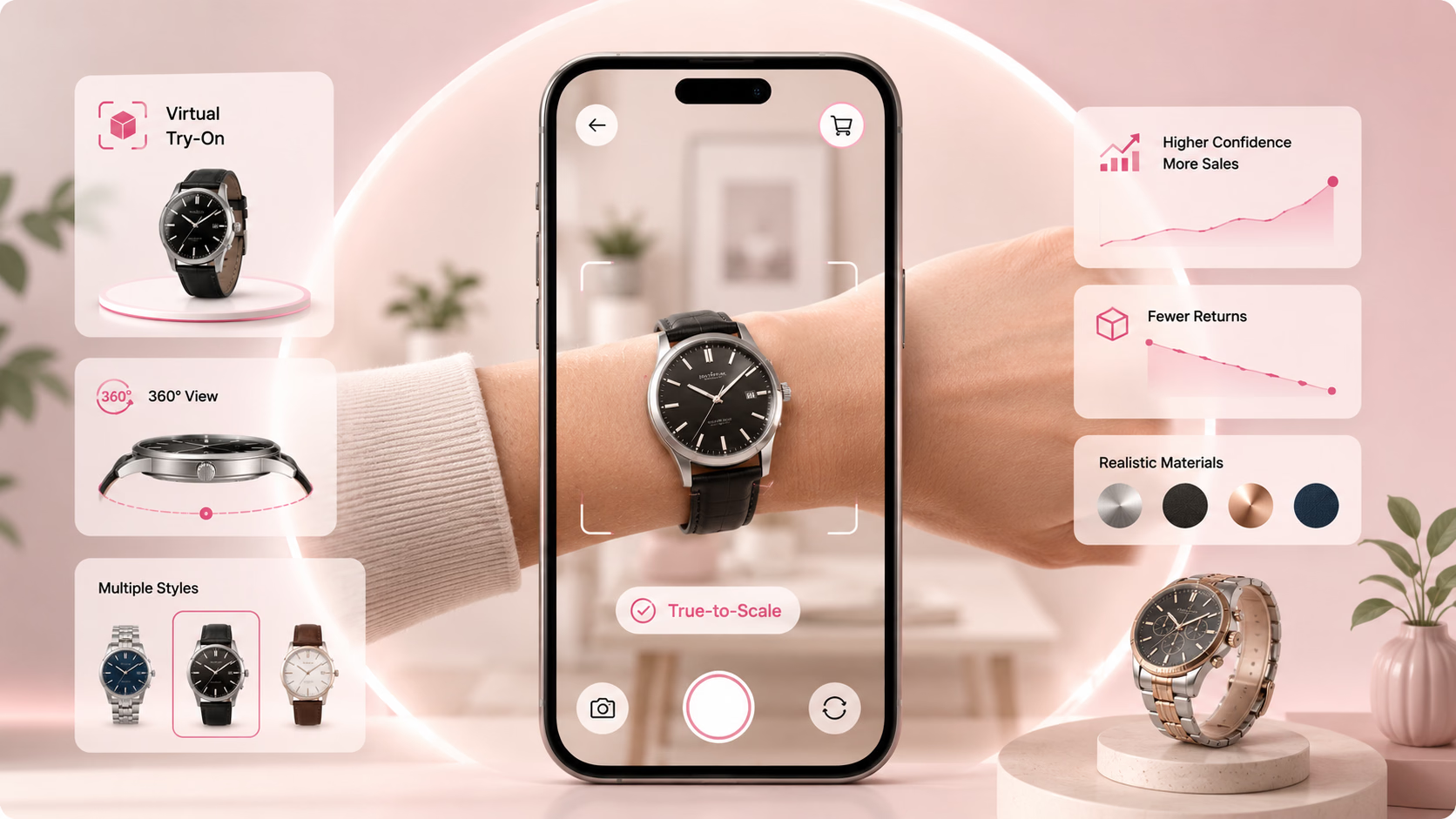
Virtual try-on for watch brands lets customers preview exactly how a watch looks on their wrist in real time, using just their phone camera, before making a purchase. For watch brands selling online, it directly reduces the two biggest causes of poor conversion and high returns: uncertainty about fit and uncertainty about appearance.
This guide is for watch brand owners and e-commerce managers. It covers why virtual try-on matters specifically for watches, what measurable impact it delivers, and how to implement it step by step.
Why Online Watch Sales Underperform Without Try-On
Watches are one of the most personal purchases a customer can make. Size, proportion, dial-to-wrist ratio, strap width, case thickness, these details determine whether a watch looks right or wrong on an individual's wrist. And none of them can be accurately judged from flat product photography, no matter how good the images are.
The result is a predictable pattern for watch brands selling online:
- Customers spend time on product pages but leave without buying, they like the watch but cannot commit without knowing how it looks on them
- Customers who do buy return items at high rates because the watch looks different in reality than in photographs, too large, too small, the wrong proportion for their wrist
- Customer service teams field repeat queries about sizing, wrist compatibility, and how different models compare in person
The watch market is growing rapidly online, the global AR shopping market for fashion and accessories is projected to reach USD 11.6 billion by 2028 from USD 3.4 billion in 2023, growing at a 28% CAGR. Watch brands that don't give customers a way to visualize products on their wrist are competing at a structural disadvantage against those that do.
Virtual try-on solves all three problems directly. Customers place a photorealistic 3D model of the watch on their actual wrist through their phone camera, adjust position and scale, rotate to see every angle, and make a purchase decision with the same confidence they'd have in a physical store.
What Watch-Specific Virtual Try-On Actually Does
Not all virtual try-on works the same way for watches. Here's what a purpose-built watch try-on solution delivers:
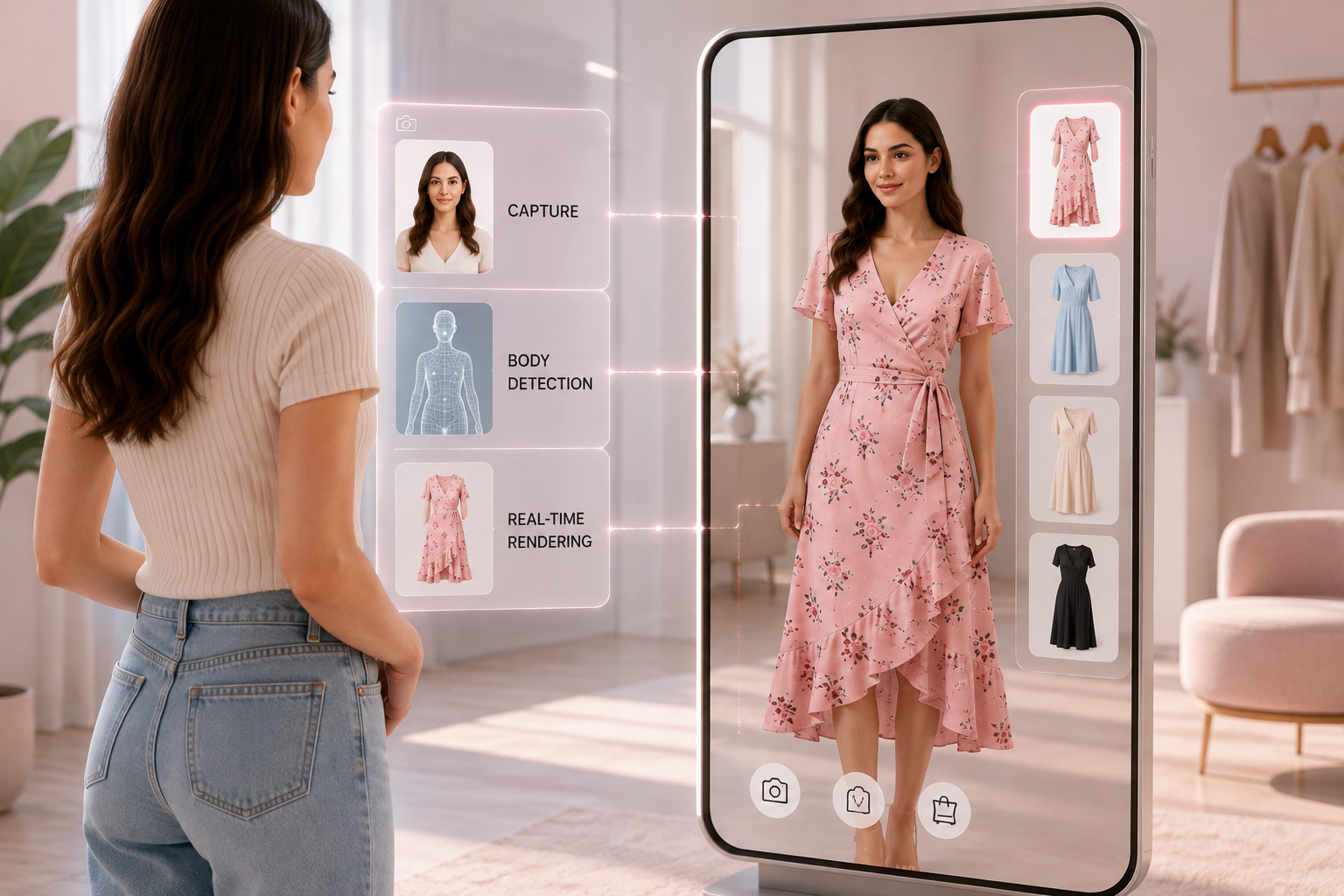
Wrist detection and mapping The AR system detects the customer's wrist in real time using their camera and maps the watch model to their actual wrist dimensions. The watch scales accurately to the wrist, a 44mm case looks like a 44mm case, not a generic AR overlay.
Real-time position and scale adjustment Customers can adjust watch placement to match exactly how they'd wear it, higher or lower on the wrist, tighter or looser, at different angles. This replicates the physical act of trying on and repositioning a watch in a store.
360-degree viewing Customers can rotate their wrist and see the watch from all angles, dial face, crown, strap, clasp, side profile. The 3D model maintains accurate proportion and material rendering from every angle.
Photorealistic material rendering Watch details, metal case finish (brushed vs. polished), dial texture, strap material (leather grain, rubber texture, metal link), lume plots on hands and indices, render with sufficient fidelity that customers can evaluate them accurately before buying.
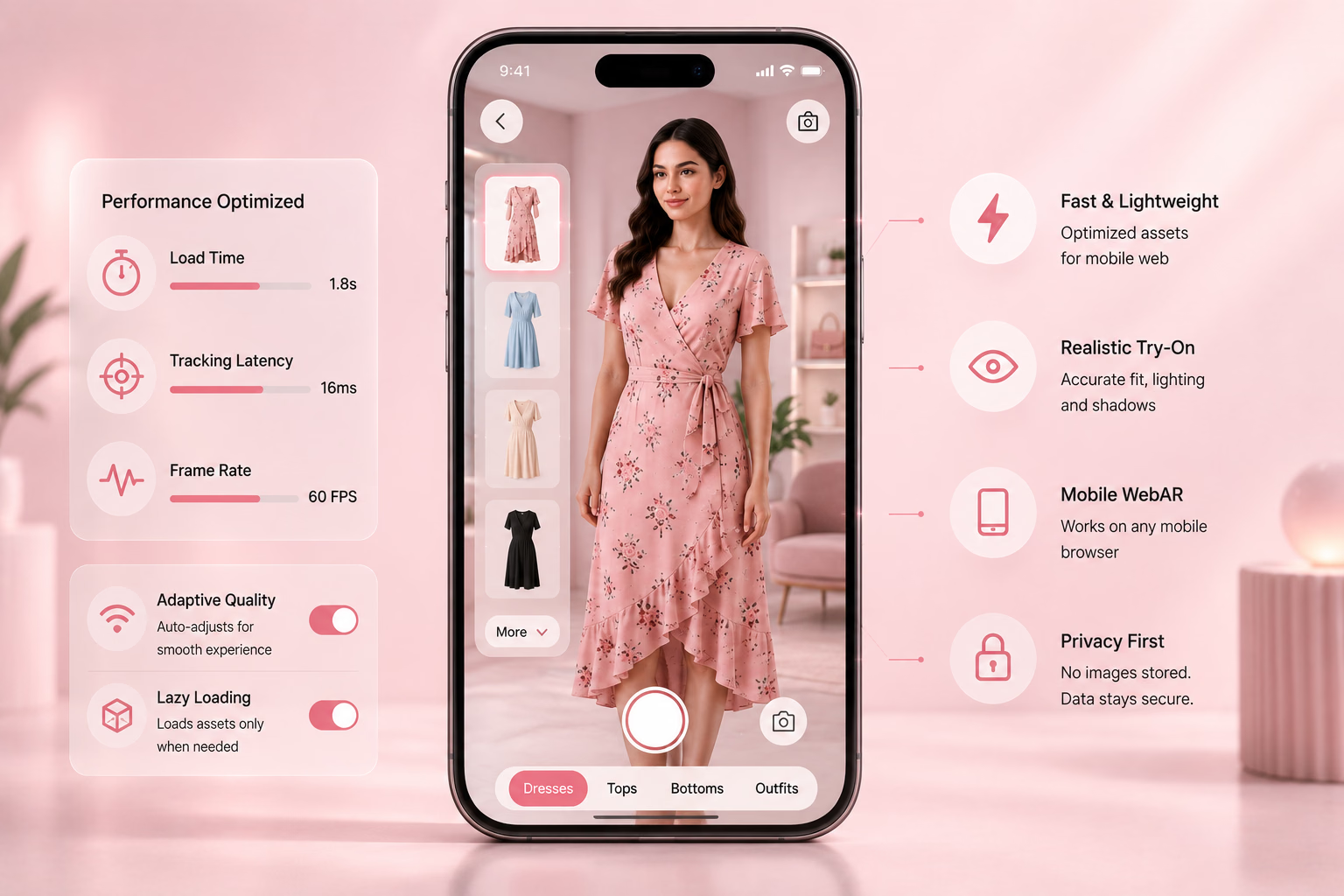
No app required Web-based AR works directly in a mobile browser. Customers don't download anything. They tap "Try On" on a product page and the experience launches instantly.
The Business Impact: What Watch Brands Actually See
The impact of virtual try-on on watch brand metrics follows a consistent pattern across implementations:
Higher conversion rates on product pages where try-on is active Customers who use the virtual try-on feature convert at significantly higher rates than those who browse product images only. The act of trying on a watch, even virtually, creates purchase intent. Customers who see themselves wearing the watch are more likely to buy it.
Lower return rates Returns caused by "looked different than expected" and "didn't fit right on my wrist" drop sharply when customers have already visualized the watch on their actual wrist before buying. They've already accounted for size, proportion, and appearance, the surprises that drive returns are eliminated before purchase.
Longer time on product page Virtual try-on is interactive. Customers spend more time on pages where it's available, trying different models, rotating the watch, comparing options. Longer engagement time correlates directly with higher purchase intent.
Reduced pre-sale customer service volume Questions about "how does this look on a smaller/larger wrist?", "is the case too big for everyday wear?", and "how does the strap look in person?" drop significantly when customers can answer those questions themselves through the try-on experience.
Luxury watch brands including Bvlgari and Cartier have already integrated virtual try-on into their online retail experience, and mass-market brands like Fossil use it through platforms like Tangiblee. The pattern is consistent: virtual try-on is no longer a premium feature — it's becoming a baseline expectation for online watch retail.
How to Implement Virtual Try-On for Your Watch Brand: Step by Step
Step 1: Audit your current online conversion and return data
Before implementing anything, establish your baseline. You need to know:
- What is your current conversion rate on watch product pages?
- What percentage of orders are returned, and what reasons are cited?
- Which specific watch models or categories have the highest abandonment or return rates?
This data gives you the before numbers to measure against after implementation, and it tells you which products to prioritize for try-on first.
Step 2: Choose a virtual try-on platform suited for watches
Watch try-on has specific requirements that not all AR platforms handle equally well:
- Wrist tracking accuracy - the platform must track wrist position and movement accurately, not just place a static overlay
- Scale accuracy - case size must render to true dimensions on the customer's wrist
- Material detail - metal finishes, dial textures, and strap materials need to render realistically, not as flat textures
- Web-based delivery - requiring an app download kills adoption. Look for web AR that works in mobile browsers
GlamAR's watch virtual try-on solution covers all of these: real-time wrist mapping, accurate case scaling, 360-degree view with zoom, and full web-based delivery with no app required.
Try it directly at the watches demo store. For a broader comparison of watch try-on platforms, see the 7 best AR watch try-on software and apps in 2026.
Step 3: Prepare your 3D watch models
Virtual try-on requires 3D models of your watches - not standard product photography. If you don't have existing 3D assets:
- Check whether your try-on platform offers a 3D model creation service. GlamAR does - models are built from product images or technical specifications
- Prioritize your top 20 SKUs by sales volume or return rate for the first batch of models
- Ensure models are built to accurate specifications: case diameter, thickness, lug width, strap dimensions - these directly affect how the try-on represents fit
If you already have 3D assets (GLB, GLTF, or OBJ format), confirm compatibility with your chosen platform before signing.
Step 4: Integrate the try-on experience into your product pages
Virtual try-on should appear directly on the product page, not behind a separate link or in a standalone app. The placement that converts best:
- A prominent "Try On" button near the main product image or the add-to-cart button
- The try-on launches inline or as a modal - customers don't leave the product page
- After trying on, customers return directly to the product page to complete the purchase
If you're on Shopify, GlamAR integrates via the Shopify app. For custom-built storefronts, integration typically uses a lightweight JavaScript snippet - 2–3 lines of code to embed the experience on any product page.
Step 5: Track the right metrics after launch
Once try-on is live, measure these three numbers weekly:
- Try-on engagement rate - what percentage of product page visitors use the try-on feature? If below 10%, the button placement or awareness is the issue
- Conversion rate: try-on users vs. non-try-on users - this is your primary ROI metric
- Return rate: try-on purchasers vs. non-try-on purchasers - this measures the quality of purchase decisions made with try-on assistance
Track these in GA4 using event tracking (GlamAR supports this). Jay mentioned setting up contact form submissions as the conversion event - the same logic applies here: click, try-on, add-to-cart, purchase as a funnel.
Watch Brands Already Using Virtual Try-On
Bvlgari Bvlgari offers virtual watch try-on via QR code on their website, letting customers try on luxury pieces on their bare wrist with a 3D model and zoom functionality. The experience targets the pre-purchase confidence gap that luxury price points create, customers considering a high-value purchase need more certainty, not less.
Cartier Cartier's virtual try-on uses wrist AR to let customers see timepieces on their wrist in real time, supplemented by multi-angle product images. The focus is on showing the watch's proportions and presence on the wrist, the single biggest concern for luxury watch buyers.
Fossil Fossil uses Tangiblee's virtual try-on to offer customers three viewing modes, model view, try-on, and comparison, alongside the ability to stack the watch with other wrist accessories. This approach addresses the "how does this work with my existing pieces?" question that watch buyers commonly have.
The commonality across all three: virtual try-on is deployed on their highest-value and highest-consideration products, where the confidence gap between browsing and buying is widest.
Common Mistakes Watch Brands Make When Adding Virtual Try-On
Only adding try-on to a few SKUs Starting with 2–3 watches is fine for a pilot, but leaving most of your catalogue without try-on means most customers never encounter it. Plan to scale to your full catalogue within 90 days of launch.
Burying the try-on button If customers can't immediately see the "Try On" option on the product page, adoption will be low. It needs to be as prominent as the product images, not hidden in a tab or below the fold.
Not promoting it Customers need to know virtual try-on exists. Add it to product emails, collection page banners, and social posts. "Try this watch on your wrist right now" is a strong hook for both organic and paid social.
Treating poor 3D models as acceptable A low-quality 3D model that doesn't accurately represent your watch's case size, finish, or strap detail will damage trust rather than build it. Customers who try on a watch and receive something that looks different from the model will return it at higher rates than if there were no try-on at all. Quality of the 3D model is non-negotiable.
Conclusion
Watch brands that sell online face a structural problem: customers cannot feel the weight of a watch, put it on their wrist, or see how the dial looks proportionally against their skin in photographs. Virtual try-on is the most direct solution to that problem available today.
The implementation path is straightforward: establish your baseline, choose a platform with accurate wrist tracking and web-based delivery, prepare quality 3D models, integrate on product pages, and track the right metrics from day one. Brands that follow these steps consistently see higher conversion on try-on enabled pages and lower returns on purchases made through the try-on experience.
To see watch virtual try-on in action on GlamAR's platform, visit the watches demo store or schedule a call with the team.
Related reading:
- 7 best AR watch try-on software and apps in 2026
- Virtual try-on for accessories: How it helps Shopify-based brands improve conversions
- ROI of AR try-on
- Top brands using AR in retail: 10 case studies that work