8 Best Virtual Nail Try-On SDKs for Beauty Brands in 2026


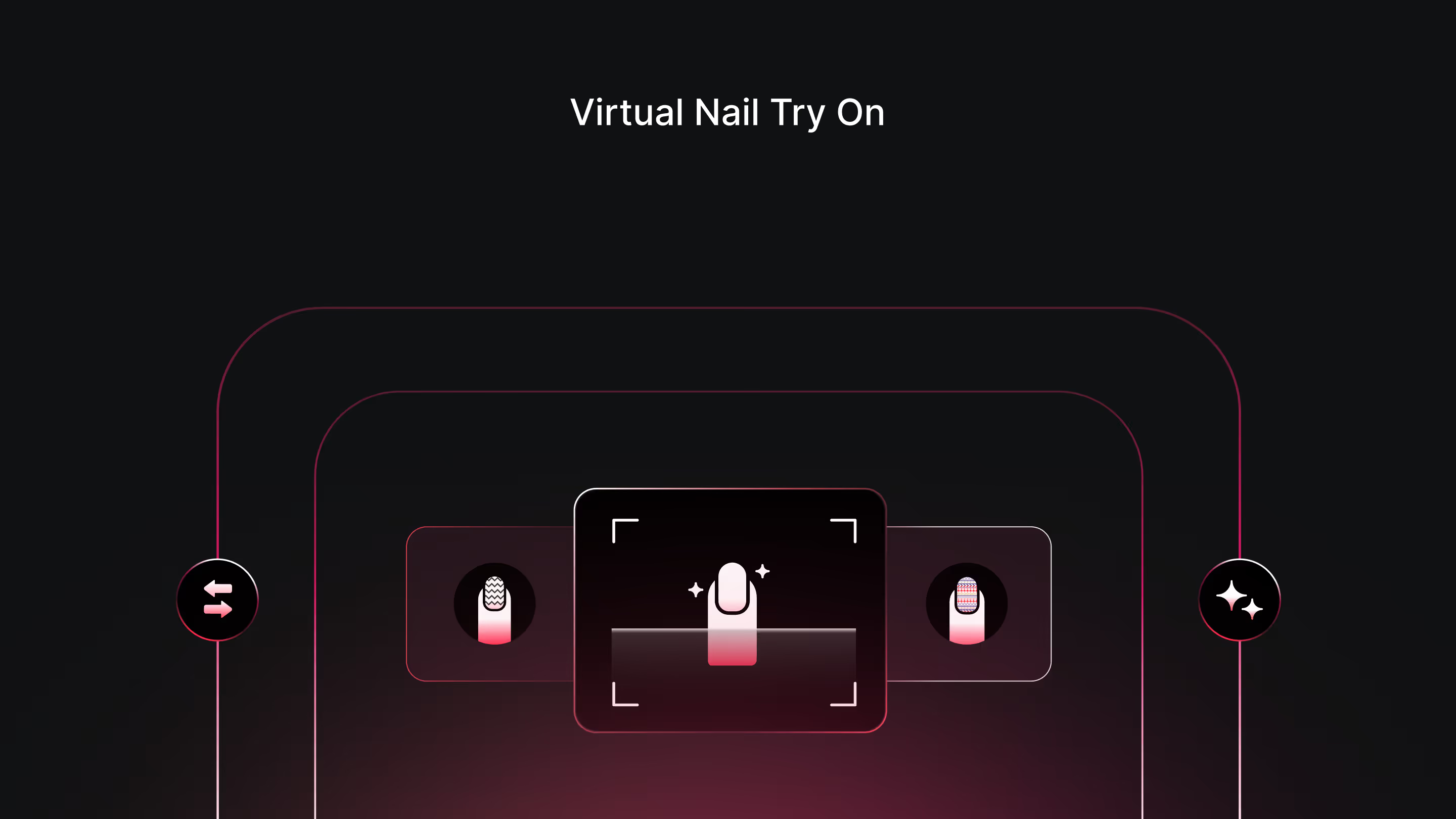
Beauty brands have 8 widely referenced virtual nail try-on tools to evaluate, though only one of them is a consumer photo app rather than a genuinely licensable SDK. Below is a comparison of each on rendering realism across nail shapes and skin tones, integration method, shade library size, and pricing, since those four factors determine whether a tool performs reliably on your own catalog rather than how convincing a vendor's demo looks.
Perfect Corp, one of the vendors compared below, published a case study with Sally Hansen showing a 100 percent increase in sales conversion and a 110 percent increase in add-to-basket conversion rate after launching a virtual nail color try-on experience, with average product page time roughly doubling from 3 minutes to 7 minutes. That figure reflects one specific brand's own rollout using Perfect Corp's technology, not a universal outcome, but it's a useful benchmark for the kind of result this category is built to produce when implemented well.
This guide is written for the person actually deciding which SDK to license for a nail or beauty brand's own storefront, not for a shopper comparing polish shades for their own manicure. The seven genuine SDKs compared below each take a somewhat different technical approach to the same underlying problem, rendering a convincing color change on a moving, individually shaped hand, and the right choice depends more on your catalog size and existing tech stack than on any single feature claim.
What Is Virtual Nail Try-On, and How Does It Work?
Virtual nail try-on uses hand and finger detection to segment the nail area from the rest of the hand in an image or live camera feed, then renders a new polish color, finish, or design onto that segmented region in real time. The harder technical problem is segmentation accuracy, correctly identifying where each nail starts and ends across different nail shapes, lengths, and hand positions, since an imprecise segmentation produces a result that looks obviously artificial regardless of how good the color rendering itself is.
Beyond segmentation, rendering quality depends on how well a tool simulates actual polish characteristics, gloss, shimmer, matte finish, and how light reflects off a curved nail surface, rather than applying a flat color layer. This is also a category where inclusivity matters more than it might first appear. A tool trained primarily on a narrow range of hand shapes, nail lengths, or skin tones will render less convincingly for shoppers outside that range, which is a real risk for a brand serving a broad customer base.
Nails present a specific tracking challenge that differs from face or hand-based jewelry try-on in one important way: ten small, individually shaped surfaces need to be tracked simultaneously, each potentially at a slightly different angle as a hand naturally rests or moves. A system that tracks one or two fingers reliably but loses accuracy across a full spread hand is a meaningfully weaker product than one built to handle all ten nails consistently, and this is worth understanding as a baseline technical bar before comparing any vendor's specific feature claims.
Why Beauty Brands Are Adding This to Product Pages
Nail polish is a product category where color accuracy genuinely dictates the purchase decision, and a shopper's biggest source of hesitation is not knowing how a shade will actually look against their own skin tone until the product arrives. Static swatch photography, often shot on a single model's hand, leaves that gap open for a large share of a brand's actual customer base.
Virtual nail try-on closes that gap directly, letting a shopper preview a shade on their own hand before adding it to cart. For a brand with a large shade range specifically, this also supports genuine product discovery, since a shopper comparing a dozen similar reds or nudes side by side is far more likely to find and buy a shade they'd have skipped on a static product grid. The data generated by these sessions, which shades get tried most, which convert, where shoppers drop off, is also a genuine merchandising asset for planning future color launches.
This discovery effect is worth weighing specifically for a brand with a wide, similar-looking shade range, since Sally Hansen's own data showed customers trying an average of 12 shades per session, far more exploration than a static product grid typically produces. A shopper willing to compare that many options in one session is demonstrating genuine purchase intent, and a brand's merchandising team gains real signal about which specific shades within a crowded color family actually win out once a shopper can compare them side by side on their own hand.
The 8 Best Virtual Nail Try-On SDKs Compared
The table below reflects each provider's primary stated strength, since the vendors on this list differ meaningfully in whether they're built for pure online try-on, in-store deployment, or a broader beauty platform that happens to include nails.
What is a virtual nail try-on SDK?
Virtual nail try-on SDKs transform the way people experiment with nail colors and designs in real time. After scanning the hand of your customer with a camera, it captures the shape, size, and movement of the nails and fingers. Then, the technology overlays the virtual nail polish or nail art onto their nails so that it can align perfectly with the virtual nails’ edges.
A nail try-on SDK lets customers see how different nail colors and styles would look on their hands, right from their devices. They can try out things like base coats, top coats, gel, and matte finishes in real time.
This makes it easier for them to choose their favorite products without going to a physical store. Beauty brands and retailers can give their customers an engaging and fun shopping experience, using nail try-on software.
8 Best virtual nail try-on SDKs
I spent a few days researching virtual nail try-on SDKs and tested dozens of options. For the most part, I only considered the SDKs that were primarily focused on nail try-ons. To review, I evaluated their user interface for businesses and AR try-on features.
I experimented with their try-on tools and compared them with each other. If I faced any issue during the trials, I read the help docs, watched tutorials, and contacted their customer care team. With that, here are my picks of the eight best virtual nail try-on SDKs:
1. GlamAR
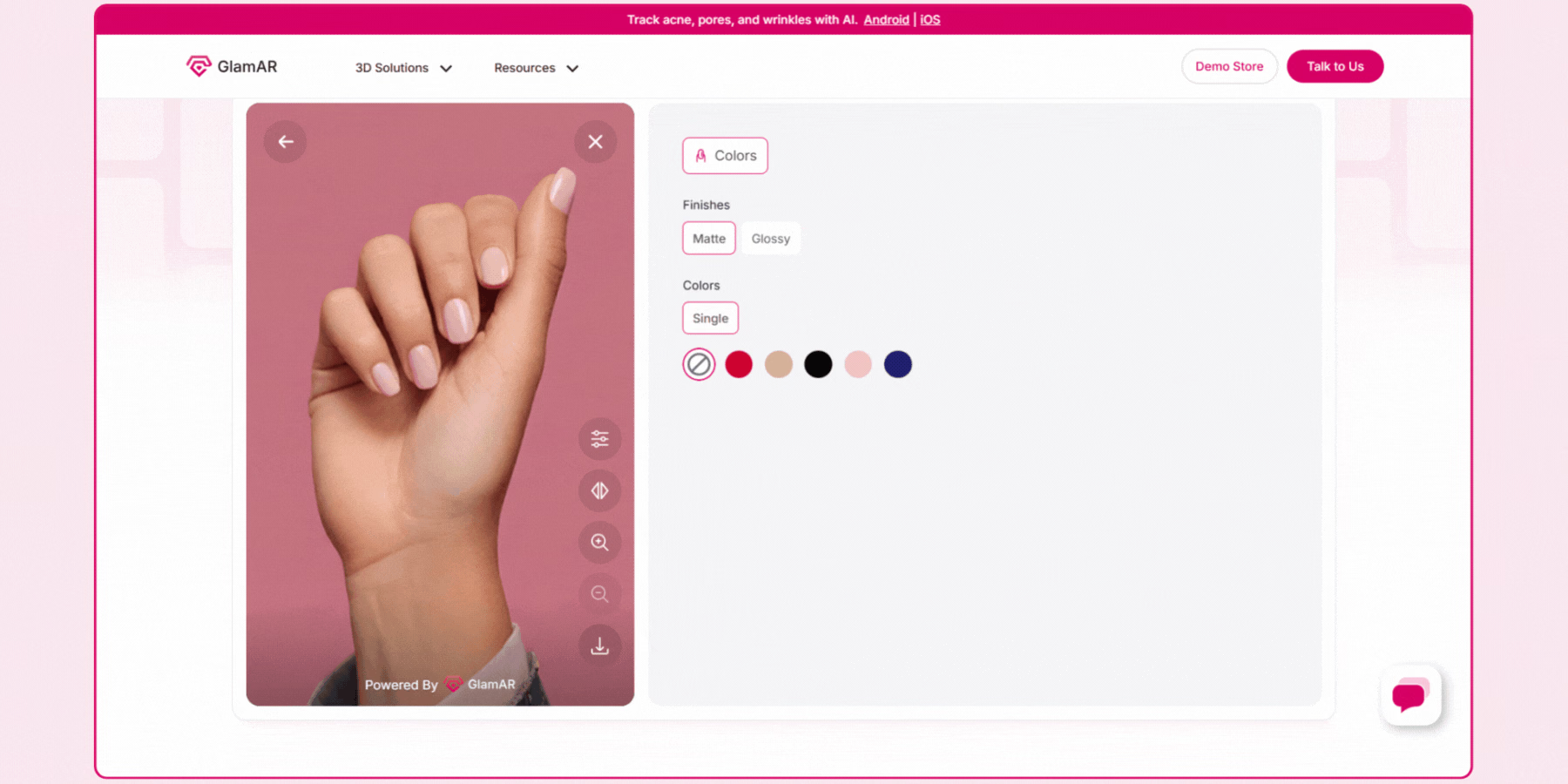
GlamAR's nail try-on SDK supports three input modes, live camera, uploaded photo, and a model view, with matte and glossy finish options and the ability to adjust color intensity in real time. It's built for inclusivity specifically, rendering convincingly across different skin tones, hand shapes, and nail sizes, and it works on nails that are already painted, not just bare ones, which matters for a shopper comparing a new shade against their current manicure.
Integration runs through an SDK across web, Android, and iOS, typically live within a few days once product assets and shade data are ready. Because the same platform extends to makeup, hair color, and other beauty categories, a brand selling nail products alongside a broader color cosmetics line can consolidate under one vendor relationship. Review the nail virtual try-on solution directly, and explore the broader makeup virtual try-on solution if your brand sells across multiple beauty categories.
For a brand specifically prioritizing inclusive rendering across a genuinely diverse customer base, GlamAR's explicit design focus on hand shape and skin tone variation is worth testing directly against your own representative customer photos rather than accepting the claim at face value, the same scrutiny worth applying to any vendor's inclusivity statement in this category.
Features:
- Nail try-on: Add GlamAR's virtual nail try-on SDK to your online nail store, and your shoppers can experience real-time nail colors with customized options. They can try using one of the three modes: live camera, photo, or a model. Plus, they can change nail colors and increase or decrease the color intensity with the help of the manual adjustment tool.
- Versatile solution: Customers will get three types of nail categories for trying on: nail-polish shades, press-on nails, and nail art looks. Follow three easy steps to integrate the SDK into your business website or app. Thus, you can give your shoppers an interactive shopping experience.
- Hand tracking technology: It ensures accurate simulations with the hand-tracking technology. As a result, consumers can view real-time textures and finishes through virtual nail try-on solutions.


2. MakeupAR by Perfect Corp
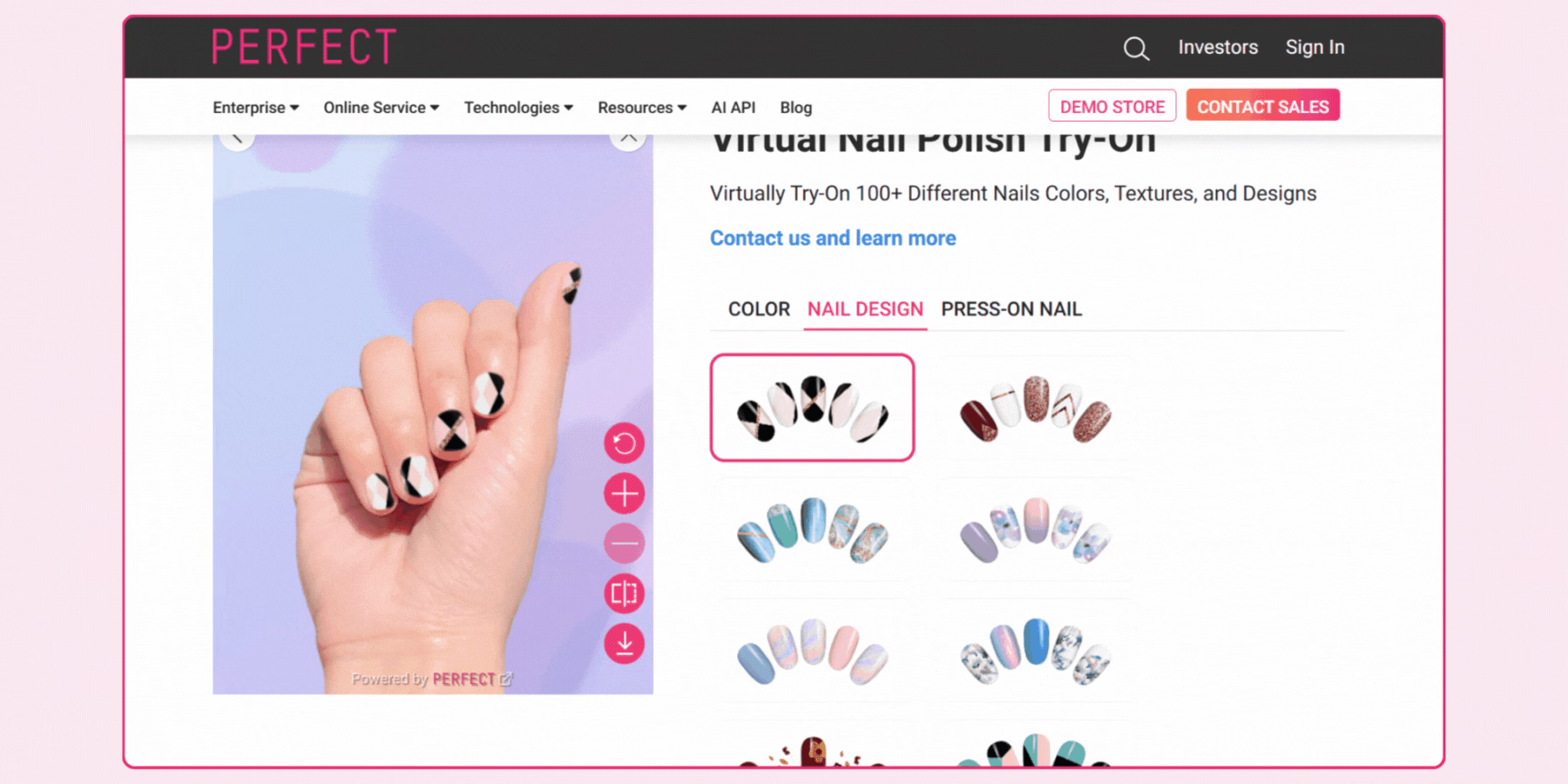
Perfect Corp's nail color try-on, built on its AgileHand technology, is designed specifically for large shade libraries, supporting hand movement tracking and multi-angle viewing so a shopper can judge a color realistically rather than from one fixed pose. Sally Hansen's deployment, cited earlier in this guide, let customers try more than 200 shades from the brand's own catalog, with customers trying an average of 12 shades per session.
A brand evaluating Perfect Corp specifically should confirm pricing and integration scope directly, since its enterprise-oriented sales process and broader footprint across beauty and fashion brands typically comes with a corresponding onboarding timeline for a smaller business. Its AgileHand technology, specifically built to track natural hand movement rather than a fixed pose, is worth asking about directly if your own catalog includes textured or metallic finishes, since movement-responsive rendering tends to show these finishes more convincingly than a static capture would.
Features:
- Nail try-on solution: MakeupAR provides a highly customizable live camera engine. It can showcase different nail arts and nail polish products on the nails of your shoppers accurately. They can try out multiple shades, colors, textures, and designs of nail polish on their real or acrylic nails.
- Realistic AR nails: The PBR technology can enhance AR nails. It offers real-time textures, reflections, finishes, and lighting simulations, using PBR technology. As a result, your shoppers will get a top-notch AR effect for virtual nail try-on.
- Personalized experience: Consumers can choose between styles and view nails in split-screen mode. Thus, they can compare their before and after looks and achieve a completely customized nail try-on experience.
Drawbacks:
- Live nail try-on mode has limited accuracy, compared to using a model’s hand. The technology can not capture the nail edges and curvature properly, due to inappropriate hand positions, varied lighting conditions, and camera quality.
- Photo mode is unavailable for the try-on experience.
3. TINT by Banuba
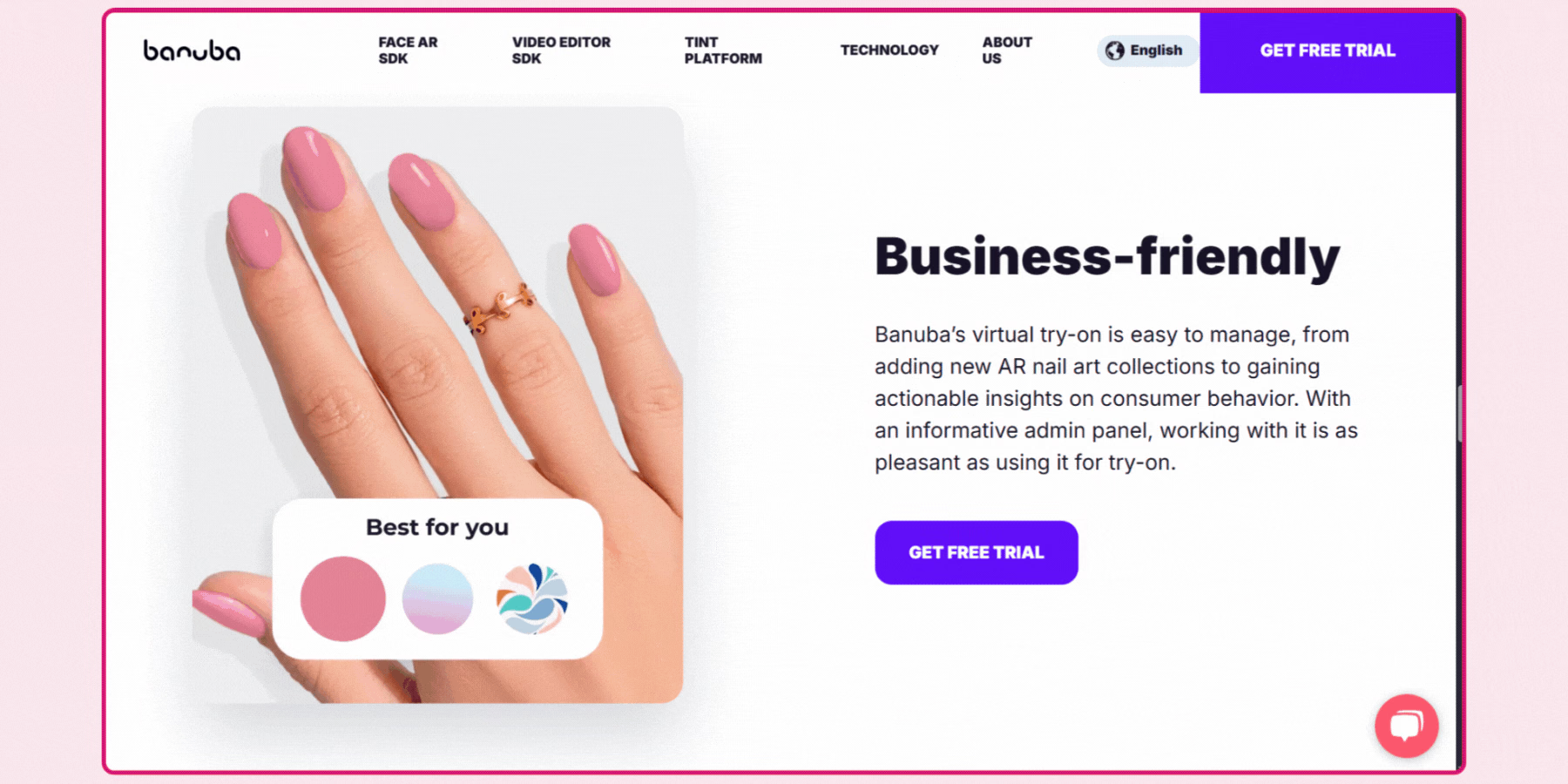
TINT is Banuba's dedicated nail polish try-on product, combining hand recognition with a rendering engine built for precise fit and realistic texture across different colors, finishes, and even fake nail overlays. It's delivered both as an off-the-shelf solution for ecommerce and as an SDK for building a custom mobile, web, or desktop experience, integrating via API.
Platform availability is worth confirming directly during evaluation, since Banuba's nail try-on has historically launched first on iOS with Android and web support following afterward. A brand needing full cross-platform parity from day one should verify current coverage before assuming all three platforms are equally mature. Its support for fake nail overlays specifically is a distinctive capability worth noting for a brand selling press-on or artificial nail products alongside traditional polish, a product category most competitors on this list don't address directly.
Features:
- Virtual nail salon: It offers accurate fit and real-time textures for nail polishes, with the help of hand recognition technology and a rendering engine. Also, it supports any nail colors, drawings, and stickers. Consumers can try different shades, matte and glossy textures, and various designs with fun, using this virtual nail color tester.
- Inclusive solution: Banuba nail polish try-on can provide a realistic preview for people of all skin tones and varying nail shapes. Using it, beauty brands can reach global consumers.
- Easy to integrate: Brand owners can easily integrate it into their e-commerce platform without any technical assistance. If your platform already has an AR virtual try-on plugin, it would be easier for them. Babuba’s developers will help you with software integration.
Drawbacks:
- You need to submit your business email and requirements to get a free trial.
4. Modiface
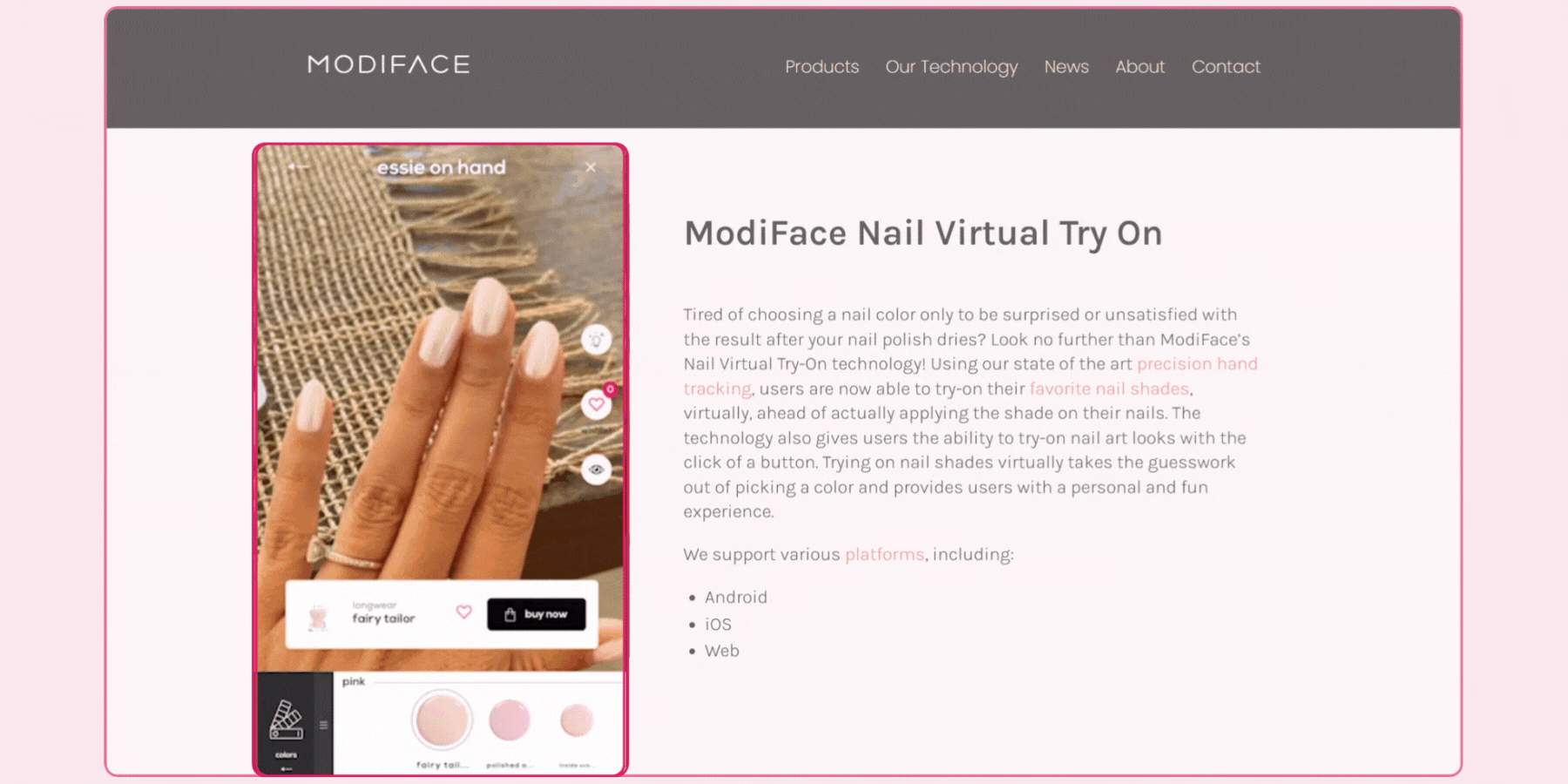
Modiface's nail tracking is built on the same underlying facial and hand-tracking technology that powers its broader makeup try-on suite, backed by L'Oreal. Its core strength is tracking stability specifically, keeping a rendered polish color accurately placed as a hand moves, which is the single biggest technical risk in this category regardless of how good the color rendering itself looks.
A brand already using or considering Modiface for makeup try-on can evaluate nail support as a natural extension of that same vendor relationship rather than a separate integration project. Its backing by a major beauty conglomerate is a reasonable signal of long-term platform stability, worth weighing for a brand prioritizing a vendor relationship likely to persist and keep improving over several years rather than a newer, less established entrant.
Features:
- Nail Tracker: Modiface has an advanced nail tracking solution. It can track each nail individually. Now, consumers can try on different nail art for every nail. Most importantly, the technology follows hand orientation and pose while delivering real-time results.
- Multi-platform compatibility: The SDK is compatible with Android, web, and iOS versions. Your customers can experience the nail try-ons from the comfort of their home, using any of their devices.
- Nail try-on: Your shoppers can try on multiple nail polishes and nail arts, using a live camera or photo mode. The hand-tracking technology provides accurate and realistic textures and finishes. After trying on, consumers can save the final nail looks and share them with their friends and family.
Drawbacks:
- No free demo try-on is available on Modiface’s platform. You need to pay an annual license fee for AR try-on features. You can use their free CMS to see your products’ try-on experiences.
5. PulpoAR
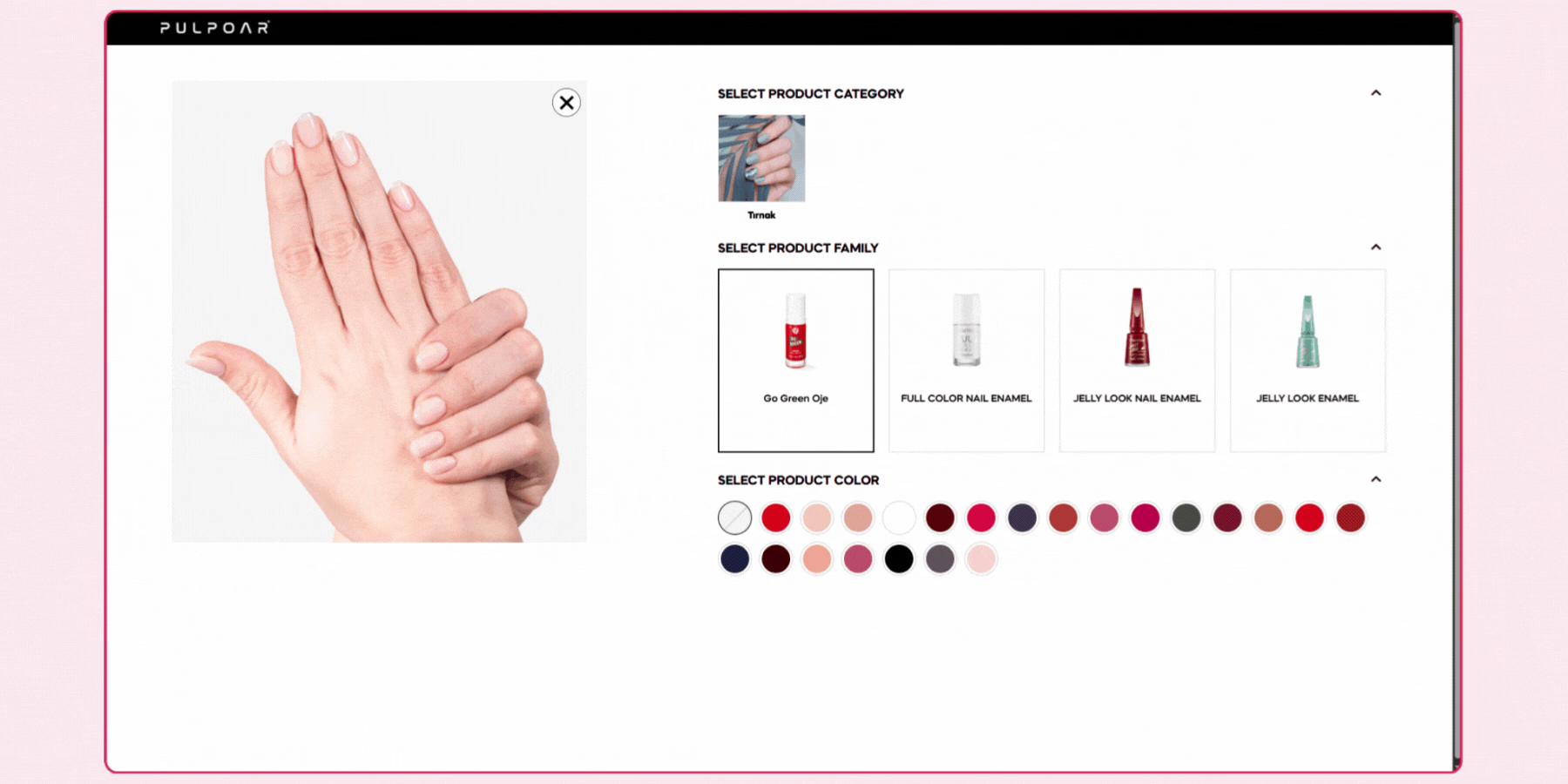
PulpoAR combines nail segmentation and AR color-changing technology with a customizable merchandising dashboard, tracking user behavior, traffic analytics, and the specific metrics a brand wants to prioritize. This analytics depth is a genuine differentiator for a brand wanting the feature to inform catalog and marketing decisions, not just function as a customer-facing add-on.
A brand evaluating PulpoAR should confirm how granular its reporting actually is, basic session counts versus detailed per-shade engagement and conversion data, since that depth varies meaningfully across vendors in this category. For a brand needing to build an internal business case for the investment, this analytics layer can matter as much as the rendering quality itself, since it's what lets a merchandising team demonstrate the feature's actual commercial impact rather than treating it as a purely cosmetic addition to the product page.
Features:
- Nail Segmentation: With nail segmentation and AR color-changing technology, it can transform nail colors from the real world into the digital world. It delivers accurate results in a real-time try-on experience.
- User-friendly dashboard: It allows brands to get actionable insights and monitor statistics for future business activities. You can track user behavior, traffic analytics, and customize the dashboard according to the most impactful metrics.
- Social media try-on: You can make your products available for trying on to a wide range of people on social media. It will increase your brand awareness among the audience. Before launching new products, you can get an idea if potential customers will like them.
Drawbacks:
- Live camera mode is unavailable for PulpoAR’s nail try-on.
- PulpoAR's model hand selection may have limited skin tone diversity for nail try-on.
- PulpoAR offers basic nail color and texture options for try-on, in comparison with other platforms.
6. Facetune
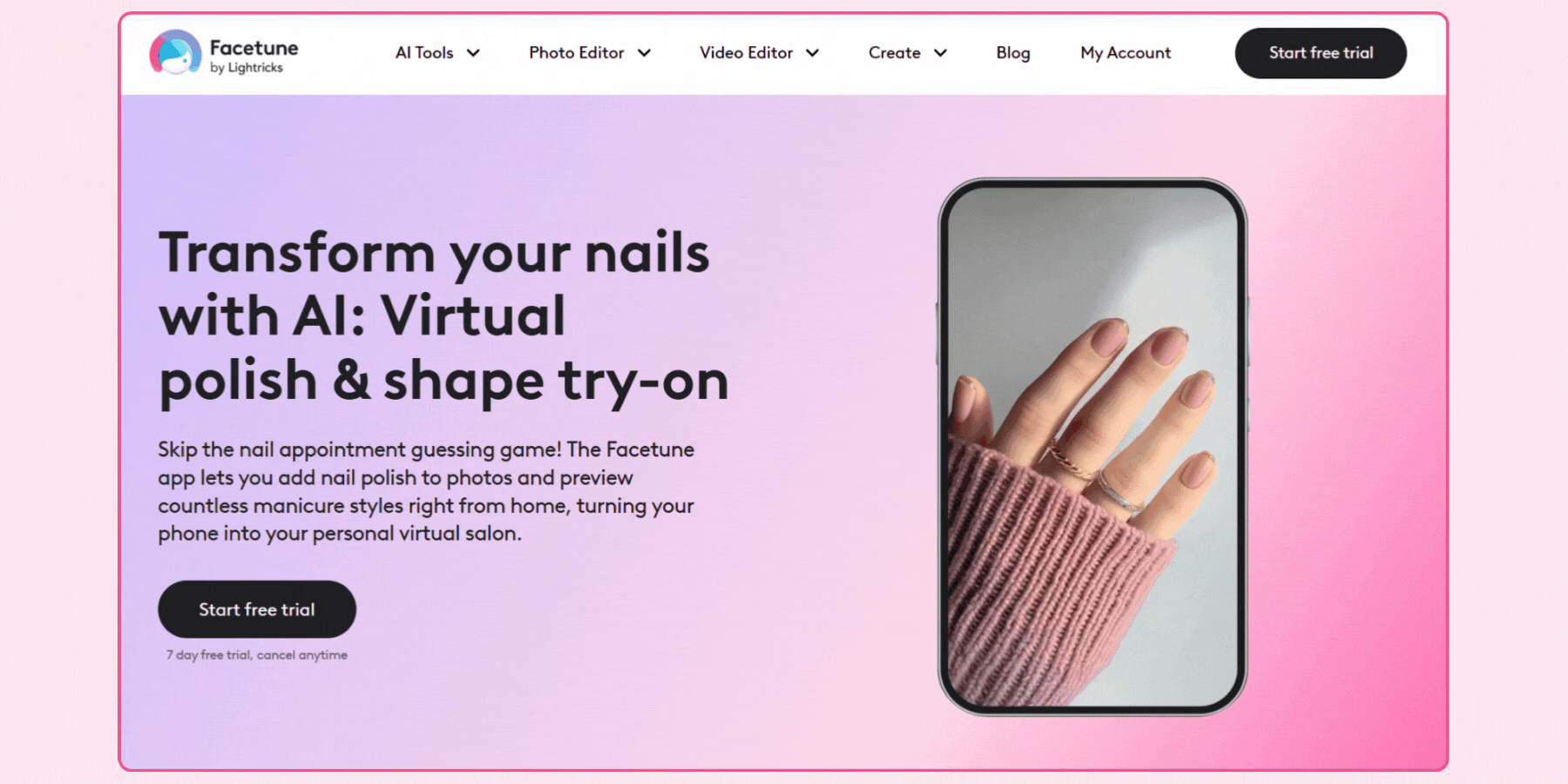
Facetune's nail editing feature works on static photos rather than live try-on, and it's a consumer photo app with no confirmed licensing path for a beauty brand to embed. It's included here only as a reference point for how a polished consumer tool presents color editing, not as an actual vendor option, and a brand comparing this list should not treat it as equivalent to the genuine SDKs elsewhere on it, since there is no licensing path to integrate Facetune into a separate business's own storefront.
Features:
- Nail try-on: Consumers can edit nails and change nail colors on photos with Facetune’s AI nail simulator. From Christmas nails to summer hot pink designs, they can try different nail polishes and nail shapes without visiting a nail salon. Thus, they will find the perfect nail style for special occasions.
- Nail detection: The AI-driven nail detection technology will detect the nails in photos automatically. Then, the nail photo editor will do its work and let consumers experiment with various nail colors and shapes. They can save the photo of the best nail look and show their nail artists how to apply the same.
- Nail simulator: If you have a nail salon or you are a nail artist, you can take help from Facetune’s AI nail simulator. It allows you to show your customers different nail designs and trendy styles with a seasonal touch, before touching their nails. Your clients can choose their favorite manicure.
Drawbacks:
- No direct nail try-on option straight from Facetune's website. You need to log in for a 7-day free trial and can advance with subscription plans.
7. GlamScan
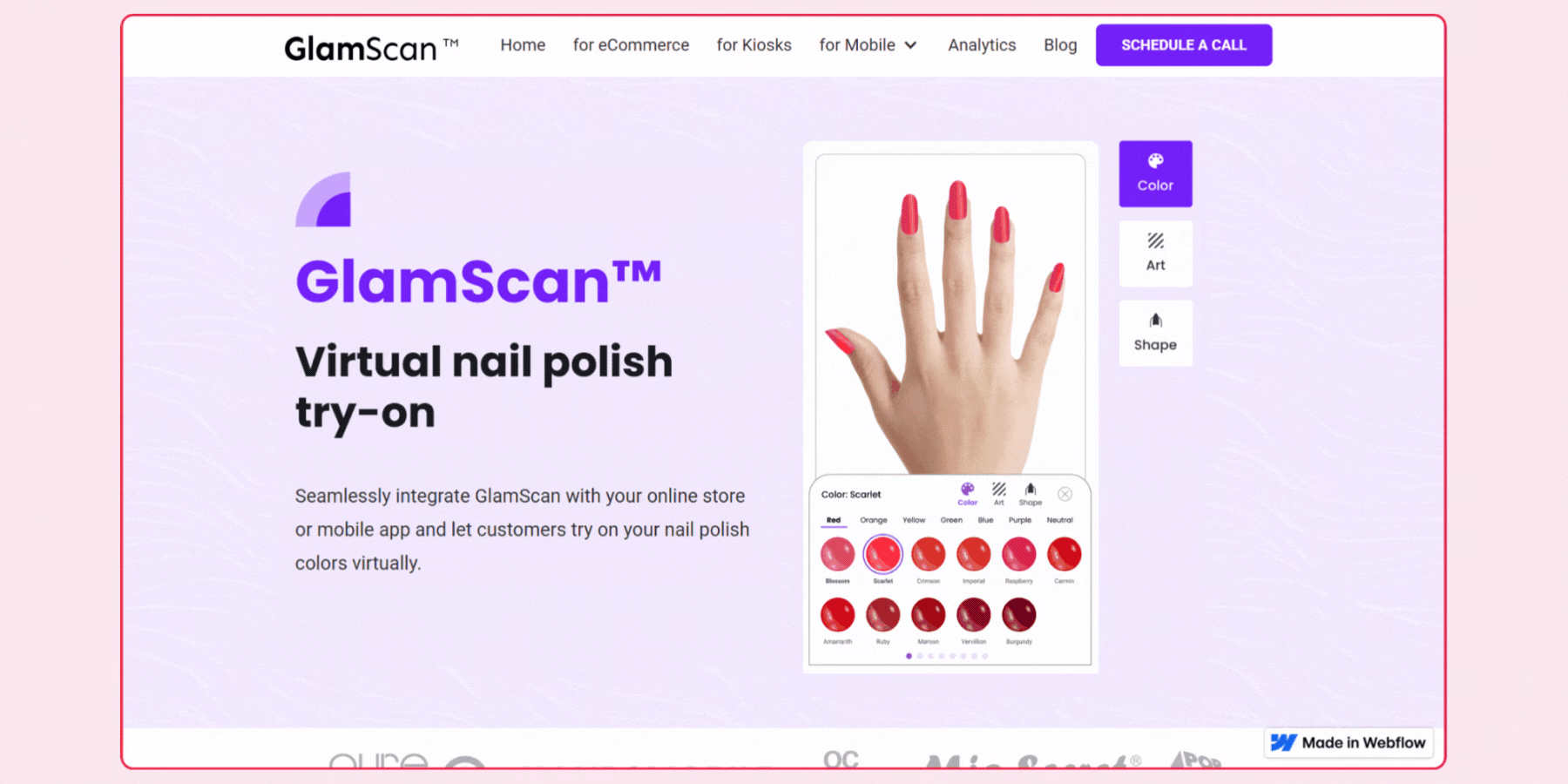
GlamScan is positioned specifically around in-store kiosk deployment, using trained AR models to represent a range of nail polish colors, lengths, and shapes, paired with web analytics for tracking brand engagement. For a beauty retailer with a physical footprint wanting a consistent try-on experience on the shop floor, this in-store focus is worth evaluating directly against a vendor built primarily for online deployment.
A brand should confirm how GlamScan's in-store and any online offering share catalog data, since separate systems requiring duplicate shade management reduce the operational benefit an omnichannel setup is meant to provide. Its stated ongoing app development and upgrade support is also worth confirming in terms of actual response time and update cadence, since in-store hardware deployments generally carry a higher cost of an extended outage than a purely online feature would.
Features:
- Web try-on: Consumers can try on every nail color of your catalog, no matter the nail length and current nail colors on their hands. Unlike other apps, GlamScan’s AR model does not require bare nails for trying on. Your shoppers can use different nail shapes, such as square, almond, or round, to represent a complete look to the nail colors.
- In-store try-on: Let your shoppers try on your nail polish colors in a fast, hygienic, and intuitive way with GlamScan’s in-store solution for kiosks. It will reduce return rates and enhance customer engagement.
- Gallery creation: Consumers can save their nail designs in different albums following specific themes or organize them as they select. They can use it for future purchases or share it with their friends online. Thus, you can build a brand community.
Drawbacks:
- The GlamScan app is not available for Android 6.0 and earlier versions.
- It doesn’t offer manual adjustment tools for virtual nail try-on.
- It lacks photo modes and the capability of the model’s hands for nail try-ons.
8. Artifutech
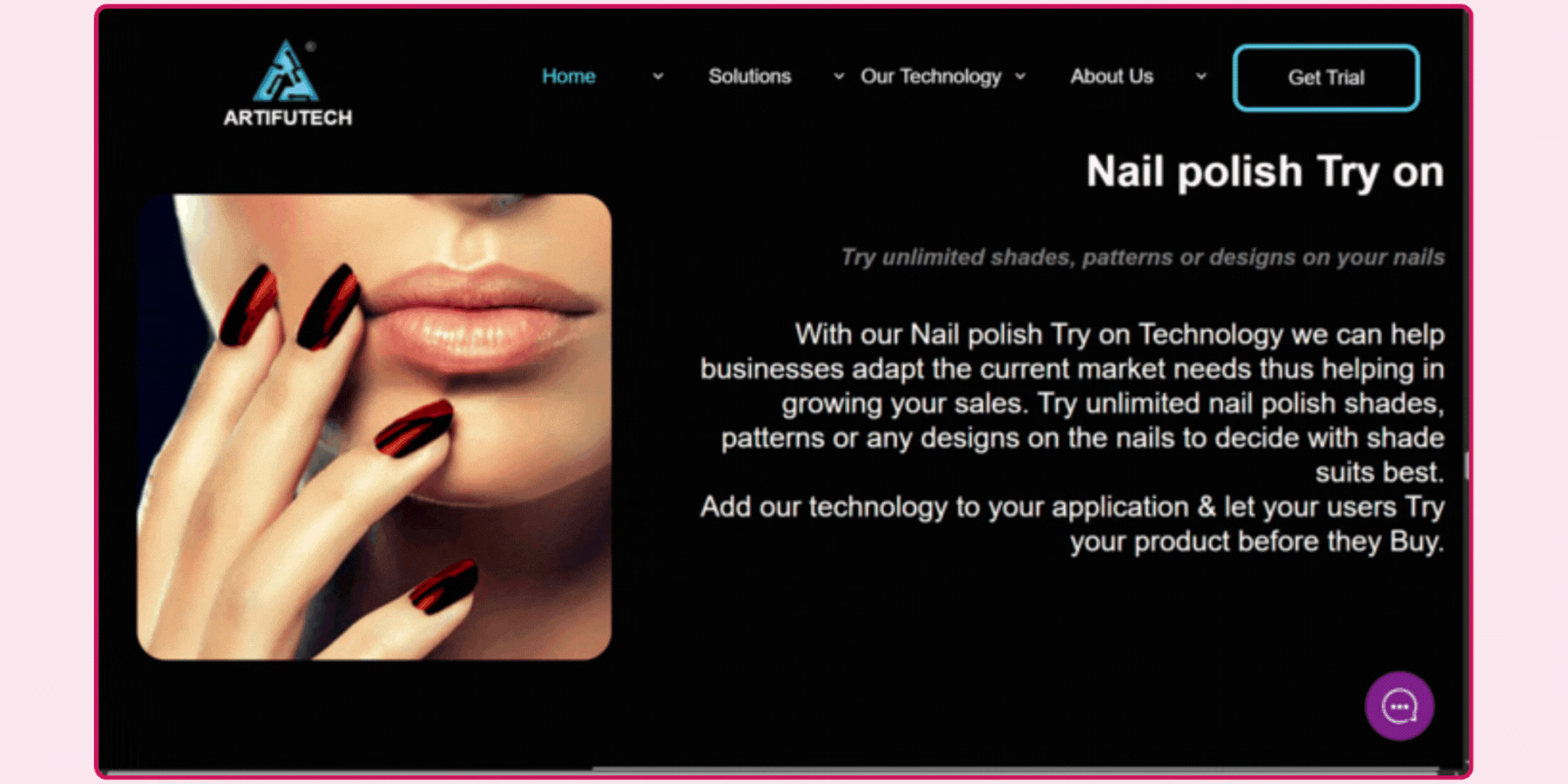
Artifutech's nail try-on is built around hand gesture recognition and multi-hand tracking specifically, a technical capability relevant for a brand wanting to support more natural, two-handed interaction rather than a single static hand pose. This is a more specialized technical focus than most other vendors on this list, and a brand evaluating Artifutech should request a demo against its own typical shopper interaction pattern rather than assuming general nail tracking quality transfers directly from this gesture-focused capability. A brand whose shoppers typically present both hands together, rather than one hand at a time, is a reasonable candidate to weigh this specific capability more heavily than a competitor's single-hand focus.
Features:
- Tracking technology: You can apply the live finger and hand tracking technology to any of your products, such as nail polishes. It can track every finger, finger joints, and multiple hands in real-time.
- Hand-gesture recognition: Artifutech’s AI technology can detect and recognise easy and complex hand gestures. You can add the technology to your nail products and let your customers communicate with the products via hand gestures. Any of your sales platforms can support it with ease.
- All-in-one SDK: It is easy to integrate. Plus, you can import all customized features with just a line of code and save your integration time. You will get maintenance support around the clock. Also, auto software updates are available.
Drawbacks:
- You need to submit your queries to get a trial.
- No direct nail try-on experience is available straight from the website.

Other platforms for the best virtual nail try-on
Apart from these 8 virtual nail try-ons, you might have noticed a few big players in the AR try-on field, missing from my list. Here are some of them that didn’t cut:
- Wanna Nail: It is a virtual nail manicure app, available only for iOS versions. With AR, you can let the consumers try on different nail polish colors through their phone’s camera. They can find their best nail color according to their skin tones, mood, and occasion, and share their experiments with others. In my experience, it is a fast and straightforward app from which consumers can directly shop for nail polishes.
- Nailstry: It offers accurate fingernail measurements in a snap. Now, shoppers can order their press-on nails with Nailstry’s virtual measurement tool. With it, they can quickly size their nails and buy directly the ideal ones. Consumers can explore the wide collections of nail art from global designers and select their custom-fit press-on nails. The AI-driven measurement tool will scan their nails and get the size for a perfect fit. I found it to be one of the best customizable software programs for nail try-on.
Popular brands that are using virtual nail try-on
Beauty tech industries are now evolving with AR try-ons and transforming the outdated shopping standard for customers. Using virtual try-on solutions, beauty and cosmetic brands can increase customer engagement, minimise return rates, and improve sales.
Embracing the trend, reputed brands are presenting a new benchmark in the personalized shopping sector. Let’s discuss some of them who have adopted virtual nail try-ons:
1. Essie
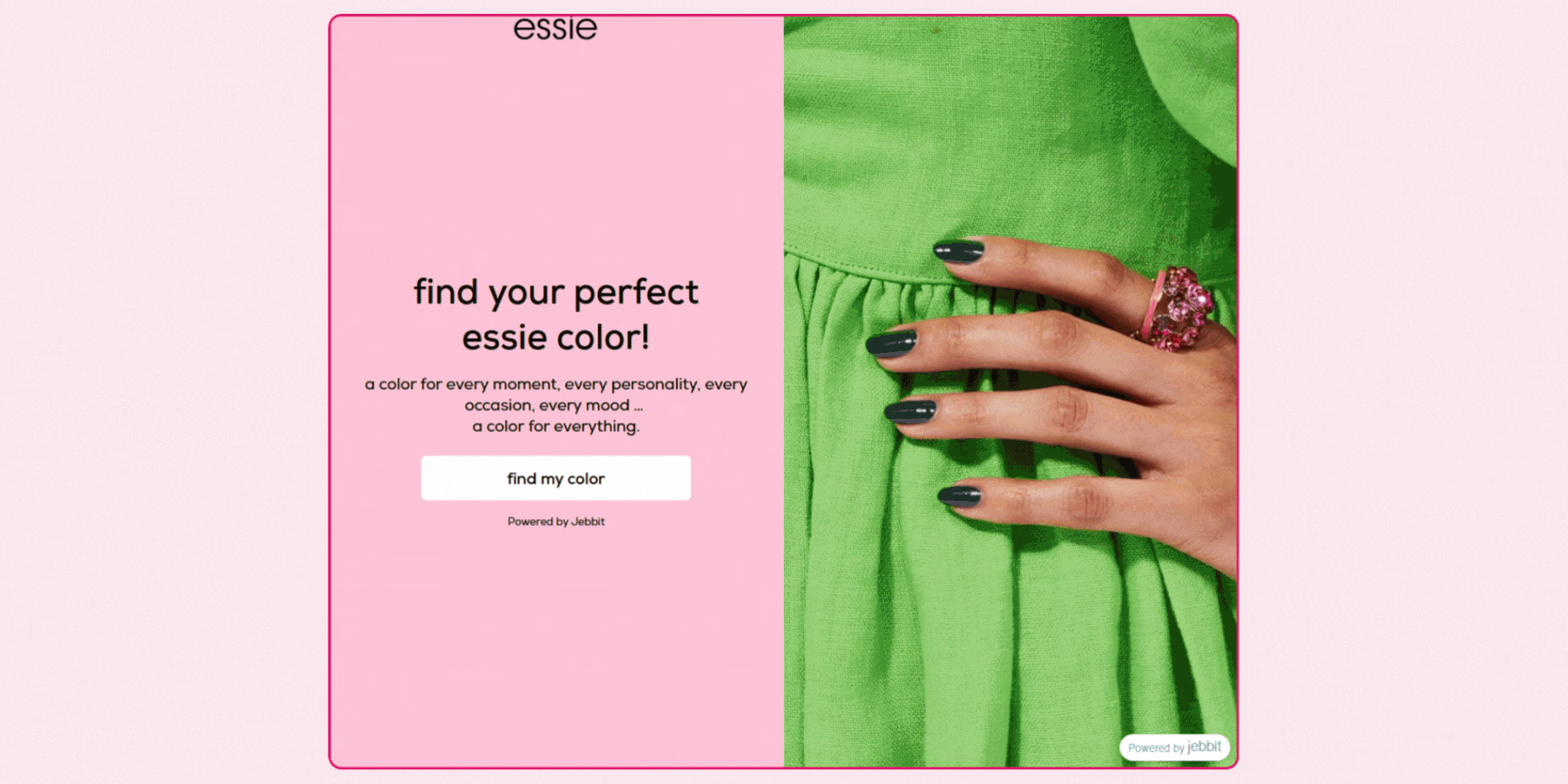
L’Oréal launched a virtual try-on tool for its Essie brand, partnering with Modiface, in 2021. As a leading nail salon expert, Essie offers a virtual try-on tool, ‘Essie on hand’, to apply nail colors on real hands.
Using mobile devices, customers can experience nail color try-on with custom benefits, straight from the brand’s website. It shows them shade depth, color intensity, opaque vs sheer, shimmer factor, and so on. The tool features the gel polishes of the brand.
Carolyn Holba, GM, Essie Worldwide, said, “Essie designs and creates all of our products with impeccable, nuanced color and precise and easy application. Our new Essie On Hand virtual try-on salon is no different! It’s the highest standard in nail try-on services to make discovering Essie colors fun, easy, and accessible.”
2. Sally Hansen
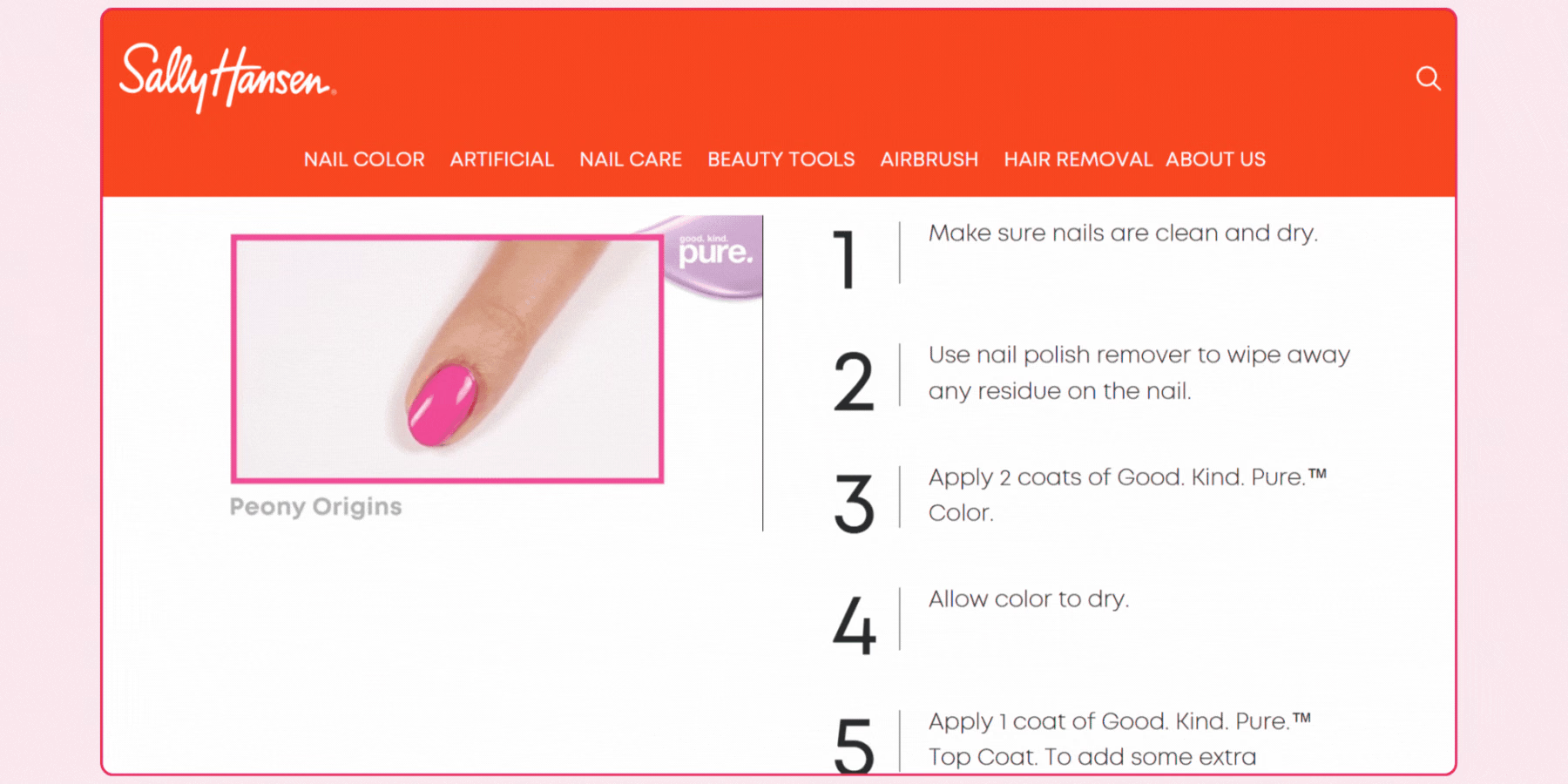
Sally Hansen has used Perfect Corp’s technology to offer virtual nail try-ons. It allows consumers to try on multiple nail colors before making a final purchase. They can view nail colors in real-time on their moving hand image.
The use of AR try-on has enhanced their customer engagement and conversion rates. Customers can now play around with above 200 nail colors and find their best ones. Interestingly, the brand has implemented the technology online and in-store to improve the shopping experience.
3. OPI
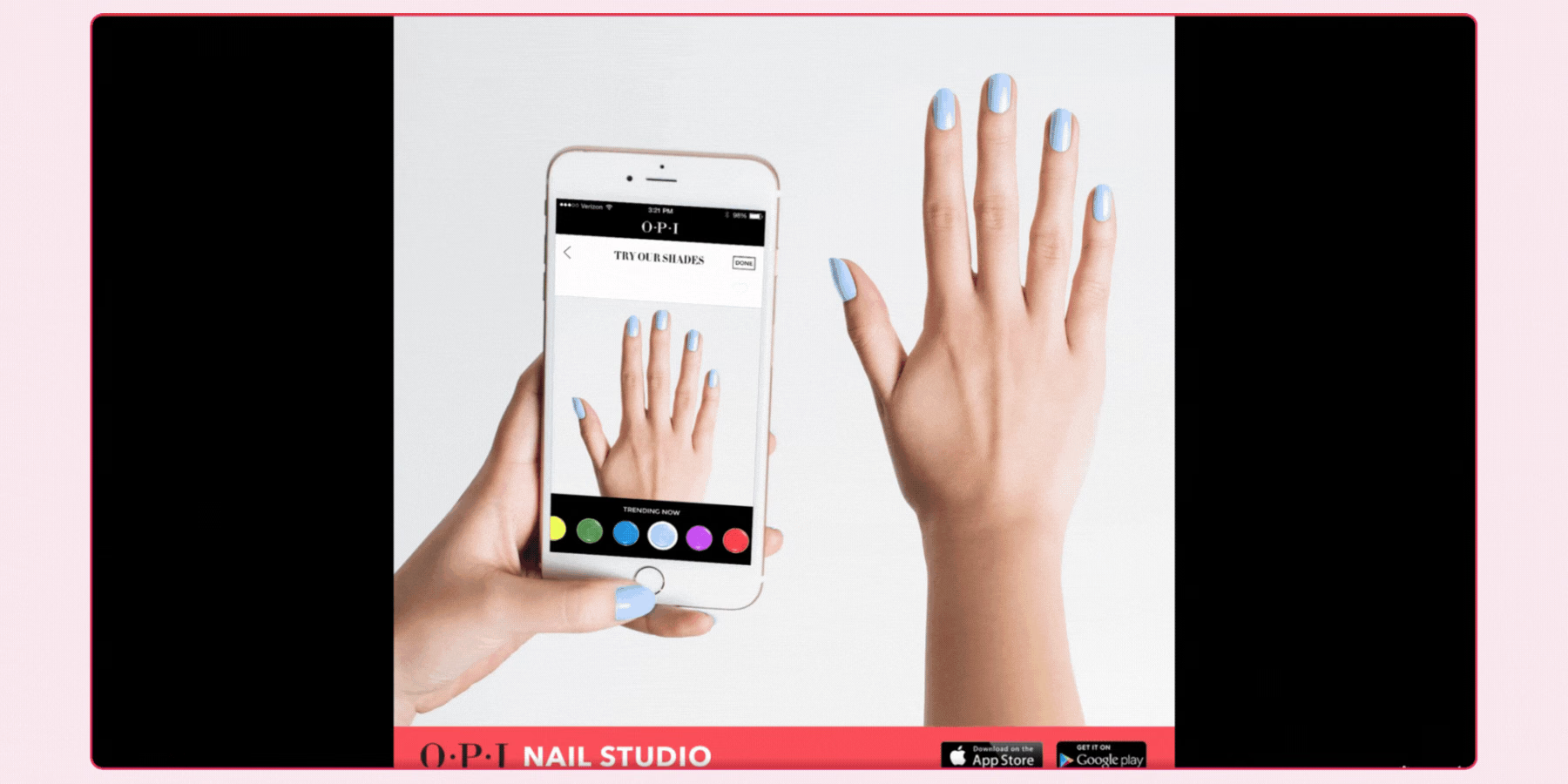
OPI is rolling on with the ‘Try It On Color Studio’. It lets customers try on different nail polish colors on virtual hands with accuracy. They can adjust skin tone and nail length to match their own. Also, they can search by colors or collections, then try on and save for future purchases. Now, customers can play with trendy and bold colors in real-time.
How to Validate Rendering Accuracy Before Integrating
Test any SDK against a genuinely varied set of real hands, spanning different nail shapes, lengths, skin tones, and hand positions, not a vendor's own curated demo. Segmentation accuracy specifically tends to degrade on short or rounded nails, nails with existing polish or nail art, and hands photographed at an angle rather than straight on, and these are exactly the conditions a polished demo video is unlikely to include. A vendor's own showcase reel, typically recorded under ideal lighting with a cooperative model, tells you very little about how the same technology performs for your actual customer base.
Test your brand's actual shade range, not a generic demo palette, since color accuracy claims only mean something against the specific colors you sell. Pay particular attention to how a tool renders finishes beyond a flat cream color, shimmer, metallic, chrome, and jelly finishes are all harder rendering problems than a single matte shade, and a tool that performs well on basic colors may render these more complex finishes less convincingly. If your catalog leans heavily toward trend-driven finishes, chrome and metallic tones in particular have shown strong consumer interest in recent nail color trend data, this specific rendering capability deserves more weight in your evaluation than it might for a brand selling primarily classic cream shades.
Confirm how the tool handles a customer's existing manicure, since a shopper comparing a new shade is often doing so with polish already on. A tool that only works convincingly on bare nails is a meaningfully narrower product than one built to render over existing polish, and this detail is worth testing directly rather than assuming from a feature list.
Test under a range of lighting conditions and with natural hand movement, not a static pose, since tracking stability during motion is one of the clearest indicators of whether a tool will perform reliably once real customers, not a controlled test subject, start using it on their own devices.
Pilot any SDK on a limited shade range before a full catalog rollout, and track engagement and conversion specifically for the shades included in that pilot. A controlled comparison between try-on-enabled and non-enabled shades, measured against your own baseline, is a more reliable way to confirm a vendor's accuracy and impact claims than taking a published case study from a different brand's catalog as a guarantee.
How GlamAR Supports Virtual Nail Try-On
GlamAR's nail try-on SDK is built around the same inclusivity principle covered throughout this guide, rendering convincingly across different hand shapes, nail sizes, and skin tones rather than performing well only for a narrow demographic. Shoppers can try a shade through live camera, an uploaded photo, or a model view, and the ability to adjust color intensity in real time helps a customer judge both the exact shade and how opaque a single coat versus a full application would look.
Because nail try-on is one of several categories supported on the same underlying platform, alongside makeup, hair color, and other accessories, a brand selling across multiple color cosmetics categories can extend one vendor relationship rather than managing separate integrations per product line. This matters operationally as much as technically, since a single vendor relationship means one data processing agreement, one support channel, and one analytics dashboard spanning every try-on-enabled category rather than a patchwork of separate vendor relationships each with their own terms and reporting formats.
GlamAR's own published data on hair and nail try-on specifically reports a 45 percent increase in conversion and a 40 percent decrease in returns for brands using it, alongside benefits like cross-device compatibility and straightforward catalog onboarding. Review the nail virtual try-on solution directly for current shade library and platform specifics, and see our guide on reducing beauty returns on Shopify using virtual try-on for hair and nails for a deeper look at this specific category. For a broader comparison of AR beauty try-on software spanning makeup and other categories, see our guide to the best AR beauty try-on software.